Best accessiBe Alternatives in 2026: 8 Tools Compared

- 1
 UserWayAccessibility widget and auditsVisit
- 2
 AudioEyeAccessibility with human expertiseVisit
- 3
 EqualWebAccessibility widget and remediationVisit
- 4
 SiteimproveAccessibility, quality and analyticsVisit
- 5
 Level AccessAccessibility consulting and platformVisit
- Our pick for most people is UserWay, because it balances price, features and ease of use for the widest group of readers.
- Free plans are real here, but the limits matter: check what AudioEye and EqualWeb actually include before you commit.
- Prices in this guide come from vendor pricing pages and current comparisons checked in October 2026, and they can change, so confirm the plan on the vendor site before you buy.
- The best choice depends on your budget, your experience level and how much support you want, not on which brand is most famous.
Quick comparison
| Product | Ideal for | Price from | Free version | |
|---|---|---|---|---|
| UserWay | Accessibility widget and audits | See website | Yes | Visit |
| AudioEye | Accessibility with human expertise | See website | Free trial | Visit |
| EqualWeb | Accessibility widget and remediation | See website | Free trial | Visit |
| Siteimprove | Accessibility, quality and analytics | See website | Free trial | Visit |
| Level Access | Accessibility consulting and platform | See website | Free trial | Visit |
 Monsido | Accessibility and site quality checks | See website | Free trial | Visit |
 Deque axe | Developer accessibility testing tools | See website | Yes | Visit |
 Allyable | Accessibility audits and remediation | See website | Free trial | Visit |
The best accessiBe Alternatives in 2026
We compared official feature pages, pricing pages, app store listings, privacy policies and public reviews to build this list for accessibe alternatives. Every option below exists and works today, and each one earns its place for a different kind of reader.
UserWay
Ideal for: Accessibility widget and audits
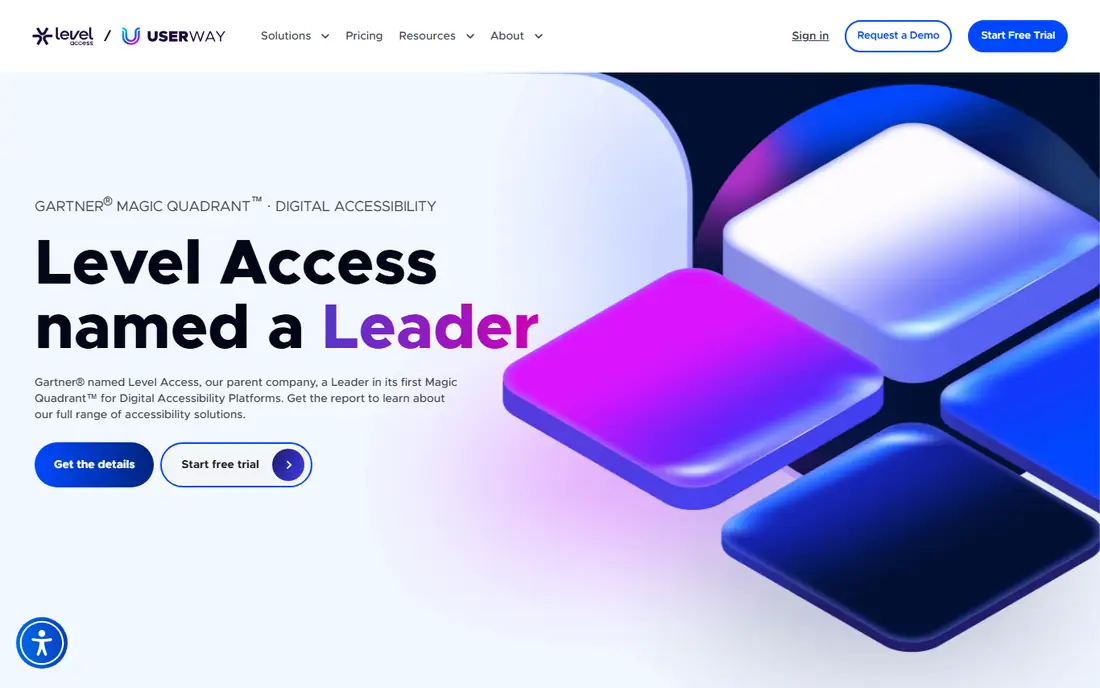
Here is the short version. UserWay suits sites that want a widget plus audits and monitoring. It fits readers who want accessibility widget and audits, and its published feature set matches that promise rather than trying to cover every possible use case at once. When we weighed it against the rest of this list, the balance of price, scope and support stood out for that group, and the public reviews we read pointed in the same direction for that use case. The price picture is see website, with a free plan status of yes. Teams that need deep remediation should pair a widget with manual fixes, not rely on the widget alone. Before you sign up, check the current plan limits on the official site, because caps on users, usage or features are where most buyers get surprised after the first month, and a plan that looks cheap can cost more once you add the seats or volume you actually need.
- Accessibility widget
- Audits
- Monitoring
- Widget alone does not fix all issues
- Price rises with features
AudioEye
Ideal for: Accessibility with human expertise
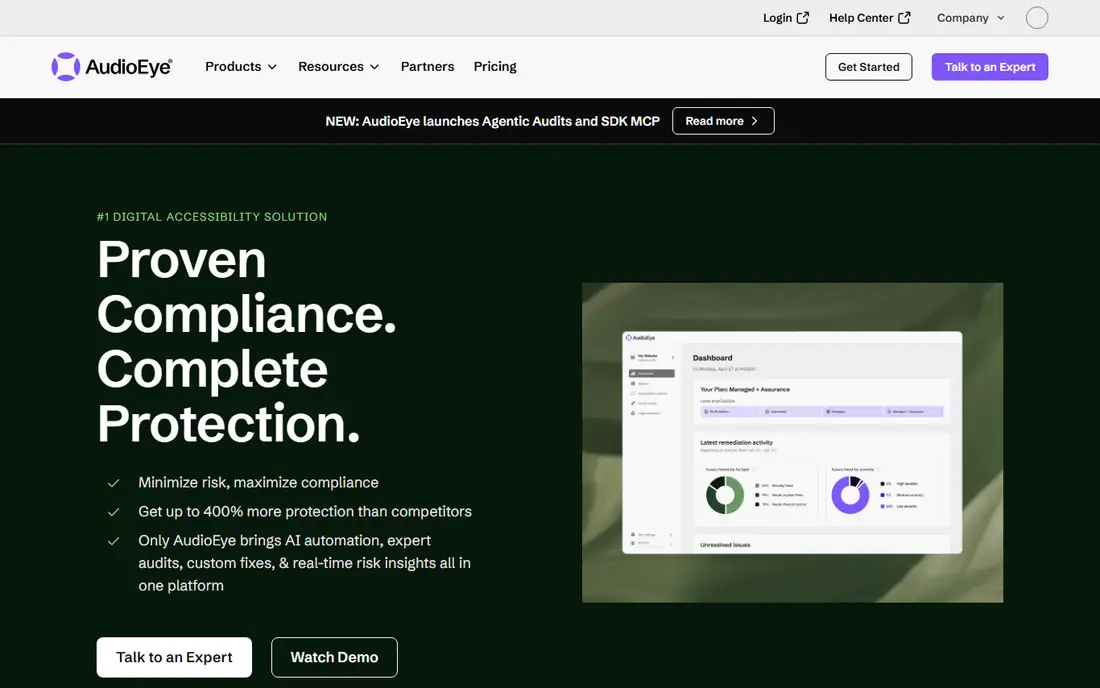
Start here if you want the safe default. AudioEye suits firms that want automated fixes plus human testing. It fits readers who want accessibility with human expertise, and its published feature set matches that promise rather than trying to cover every possible use case at once. When we weighed it against the rest of this list, the balance of price, scope and support stood out for that group, and the public reviews we read pointed in the same direction for that use case. The price picture is see website, with a free plan status of free trial. Small sites may find the price heavy compared with UserWay or EqualWeb. Before you sign up, check the current plan limits on the official site, because caps on users, usage or features are where most buyers get surprised after the first month, and a plan that looks cheap can cost more once you add the seats or volume you actually need.
- Automated fixes
- Human testing
- Monitoring
- Price is quoted
- Setup needs planning
EqualWeb
Ideal for: Accessibility widget and remediation
This one suits a specific kind of reader. EqualWeb suits sites that want a widget plus remediation support. It fits readers who want accessibility widget and remediation, and its published feature set matches that promise rather than trying to cover every possible use case at once. When we weighed it against the rest of this list, the balance of price, scope and support stood out for that group, and the public reviews we read pointed in the same direction for that use case. The price picture is see website, with a free plan status of free trial. As with all widgets, manual fixes still matter for full accessibility. Before you sign up, check the current plan limits on the official site, because caps on users, usage or features are where most buyers get surprised after the first month, and a plan that looks cheap can cost more once you add the seats or volume you actually need.
- Widget
- Audits
- Remediation support
- Widget limits apply
- Price varies by plan
Siteimprove
Ideal for: Accessibility, quality and analytics
Consider this if the top picks do not fit. Siteimprove suits larger firms that want accessibility plus site quality and analytics. It fits readers who want accessibility, quality and analytics, and its published feature set matches that promise rather than trying to cover every possible use case at once. When we weighed it against the rest of this list, the balance of price, scope and support stood out for that group, and the public reviews we read pointed in the same direction for that use case. The price picture is see website, with a free plan status of free trial. Small sites that only need a widget should compare UserWay first. Before you sign up, check the current plan limits on the official site, because caps on users, usage or features are where most buyers get surprised after the first month, and a plan that looks cheap can cost more once you add the seats or volume you actually need.
- Accessibility checks
- Quality assurance
- Analytics
- Price is quoted
- Suite is broader than accessibility alone
Level Access
Ideal for: Accessibility consulting and platform
A strong option for a narrower need. Level Access suits firms that need expert accessibility consulting plus platform tools. It fits readers who want accessibility consulting and platform, and its published feature set matches that promise rather than trying to cover every possible use case at once. When we weighed it against the rest of this list, the balance of price, scope and support stood out for that group, and the public reviews we read pointed in the same direction for that use case. The price picture is see website, with a free plan status of free trial. Small sites should trial a widget tool before consulting-led services. Before you sign up, check the current plan limits on the official site, because caps on users, usage or features are where most buyers get surprised after the first month, and a plan that looks cheap can cost more once you add the seats or volume you actually need.
- Audits
- Consulting
- Platform tools
- Enterprise price and setup
- Consulting-led in places
Monsido
Ideal for: Accessibility and site quality checks
Worth a close look before you decide. Monsido suits firms that want accessibility plus site quality in one platform. It fits readers who want accessibility and site quality checks, and its published feature set matches that promise rather than trying to cover every possible use case at once. When we weighed it against the rest of this list, the balance of price, scope and support stood out for that group, and the public reviews we read pointed in the same direction for that use case. The price picture is see website, with a free plan status of free trial. Widget-only buyers should compare UserWay or EqualWeb for simplicity. Before you sign up, check the current plan limits on the official site, because caps on users, usage or features are where most buyers get surprised after the first month, and a plan that looks cheap can cost more once you add the seats or volume you actually need.
- Accessibility checks
- Quality assurance
- Policies
- Price is quoted
- Smaller brand than Siteimprove
Deque axe
Ideal for: Developer accessibility testing tools
This belongs on the shortlist for a reason. Deque axe suits developers who test accessibility during building. It fits readers who want developer accessibility testing tools, and its published feature set matches that promise rather than trying to cover every possible use case at once. When we weighed it against the rest of this list, the balance of price, scope and support stood out for that group, and the public reviews we read pointed in the same direction for that use case. The price picture is see website, with a free plan status of yes. Non-technical site owners should pair it with a widget or consulting service. Before you sign up, check the current plan limits on the official site, because caps on users, usage or features are where most buyers get surprised after the first month, and a plan that looks cheap can cost more once you add the seats or volume you actually need.
- Browser extensions
- Testing tools
- Developer APIs
- Developer-focused
- Needs technical skill to fix issues
Allyable
Ideal for: Accessibility audits and remediation
Do not overlook this one. Allyable suits firms that want audits plus remediation support. It fits readers who want accessibility audits and remediation, and its published feature set matches that promise rather than trying to cover every possible use case at once. When we weighed it against the rest of this list, the balance of price, scope and support stood out for that group, and the public reviews we read pointed in the same direction for that use case. The price picture is see website, with a free plan status of free trial. Small sites should check price at their page count before committing. Before you sign up, check the current plan limits on the official site, because caps on users, usage or features are where most buyers get surprised after the first month, and a plan that looks cheap can cost more once you add the seats or volume you actually need.
- Audits
- Remediation
- Monitoring
- Smaller brand than AudioEye
- Price is quoted
How we picked these
We started from official feature pages and pricing pages, then checked app store listings, privacy policies and public reviews to confirm each product still works and still fits the topic. Products that could not be verified, or that only partly matched the topic, were left out, even when they were well known. We favoured a mix of established leaders and strong smaller options, and we weighted price transparency, a usable free tier or trial, and honest limits more heavily than marketing claims. No product on this list paid for its place, and our pick for most people is the one we would suggest to a friend with ordinary needs and an ordinary budget.
How to choose an accessibility tool without false confidence
Start with a clear fact: no widget alone makes a site fully accessible, and legal compliance needs real fixes, not just an overlay. Check audits next, since a tool that finds real issues is more valuable than one that hides them. Then check remediation: who fixes code, content and design issues, and how progress is tracked. Also test with keyboard navigation and screen readers, not just automated scores, and check whether the vendor offers human testing. Trial the top two on your real site, including forms and checkout, before signing a long contract.
Frequently asked questions
What is the best accessiBe alternative?
UserWay suits widget plus audits, AudioEye suits human testing plus automation, and Siteimprove suits larger firms. The right pick depends on site size and remediation needs.
Does an accessibility widget make my site compliant?
No widget alone guarantees compliance. Widgets help with some issues, but real code, content and design fixes are still needed for full accessibility.
What is the difference between automated and manual testing?
Automated tools find many issues fast, while manual testing with keyboards and screen readers finds issues automation misses. Both are needed for strong accessibility.
How much do accessibility tools cost?
Widgets offer free or low-cost tiers, while consulting and enterprise platforms are quoted. Price at your page count and remediation needs.
Should developers use axe tools?
Yes, Deque axe helps developers catch issues during building, which is cheaper than fixing them later. Pair developer tools with audits for live sites.