Moho leads the list, best for efficient 2D animation for hobbyists and pros. Listed starting prices: Rive from $9 per seat a month. OpenToonz is the stronger choice for open-source animation production, while Rive suits interactive UI and game motion. The remaining 2 options are covered below with prices and limits.
Ainotely compared 5 tools for Adobe Animate. The goal is a practical shortlist: published prices, free plan facts, best-fit use cases and honest limits for every entry.
Key takeaways
Moho sits first on this list: efficient 2D animation for hobbyists and pros.
Only Rive offers a free plan among these 5 tools.
The lowest published monthly entry price here is $9 per seat per month, from Rive.
A fair warning about Moho: interface differs from Adobe habits.
Best for: Efficient 2D animation for hobbyists and pros
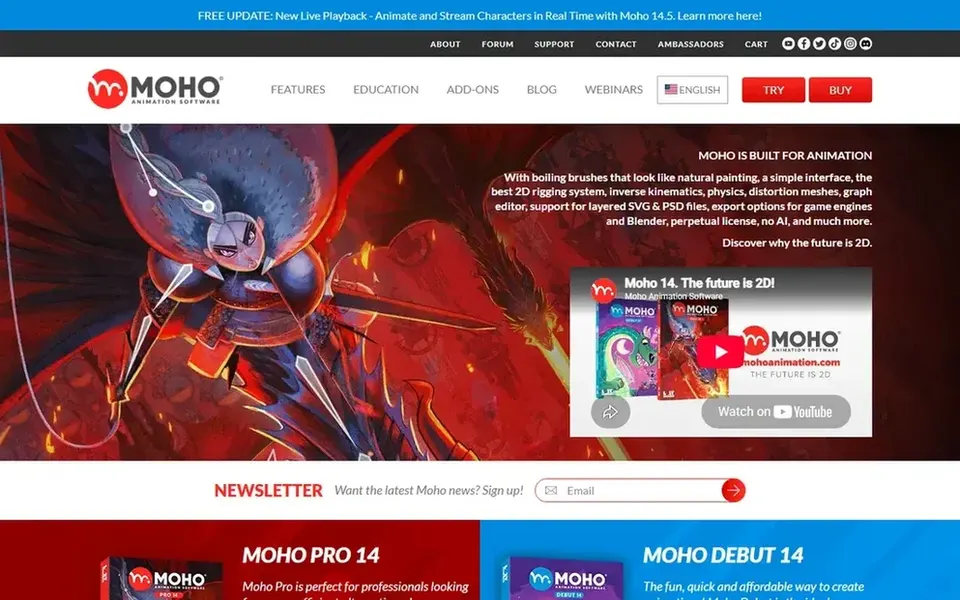
Moho is built with efficient 2D animation for hobbyists and pros in mind. Moho is a 2D animation program from Lost Marble that the vendor presents as a more efficient alternative for creating quality animations.
Drawbacks to consider: Interface differs from Adobe habits.
Beyond that, since Moho uses its own approach to rigging and timelines, animators coming from Adobe Animate should expect a relearning period, and complicated character setups take practice. If your work is primarily interactive or game-engine driven, Spine or Rive may suit those needs more straight. Moho does not show a starting price in this comparison, so check the vendor site for current pricing. Free access: Not stated.
OpenToonz is a good fit for open-source animation production. OpenToonz is an open-source animation production tool maintained as a community project.
Trade-offs to know: Interface can feel dated.
For everyday use, OpenToonz can feel less polished than commercial suites, and its interface and documentation may need extra patience for newcomers. OpenToonz does not show a starting price in this comparison, so check the vendor site for current pricing. Trial and free access: Not stated.
Rive makes the most sense for interactive UI and game motion. Rive describes itself as an engine for games, apps and interactive UI, with professional design and animation tools alongside coding-agent support.
In daily use, if you need character animation for broadcast or shorts, a dedicated tool like Harmony or Moho is the more natural choice. Rive cost at the entry level: $9 per seat per month. You can start on Rive without paying.
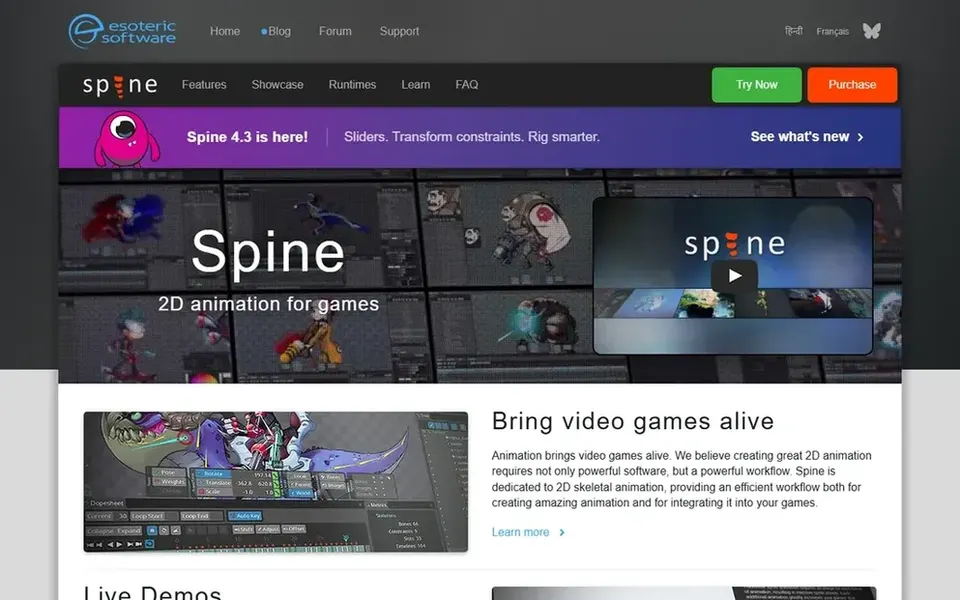
Where Spine fits: 2D skeletal animation for games. Spine from Esoteric Software is 2D skeletal animation software designed for video games. Beyond that, choose Spine when your deliverable is a game or app with animated sprites and rigs that must run in an engine.
Limits to weigh: Concentrated on game workflows.
Worth adding: the vendor lists support for bringing games alive across Unity, C#, cocos2d-x, iOS, Android, C++, HTML5, JS and other products. Its skeletal approach is widely used in interactive titles. It is not designed as an all-purpose drawing and film animation suite, so illustrators concentrated on shorts or series may prefer Harmony or Moho. Spine does not show a starting price in this comparison, so check the vendor site for current pricing. Free options: Not stated.
Toon Boom Harmony was built for Studio-grade 2D animation pipelines. Its vendor describes it as a complete 2D animation software for building animated worlds. It tends to fit studios and serious animators who require a full production pipeline instead of a fast drawing tool.
It is a typical reference point for feature and series work. Beyond that, Harmony carries more setup and a steeper learning curve than light tools, so casual users may find it heavy for short projects. Beyond that, if you chiefly need game-ready skeletal animation or interactive UI motion, a specialized choice like Spine or Rive may be a better match. This comparison lists no price for Toon Boom Harmony; ask the vendor. As for free access: Not stated.
Get a written quote from Moho, OpenToonz, Spine and Toon Boom Harmony; the list shows no starting price for them.
Test the free plan from Rive against your real workload before relying on it.
Before choosing Moho, weigh its main limit: interface differs from Adobe habits.
Total up the real monthly cost of OpenToonz, including add-ons, extra users and usage-based fees.
Test how quickly Rive answers a pre-sales question; it hints at how support will feel later.
How we picked
For each of the 5 tools we noted price, free plan or trial, fit for Adobe Animate and the main limit, using vendor pages and documentation. Treat prices as a snapshot: vendors change plans often, so check the vendor site for the figure that applies today. The order reflects how well each tool fits the most common buying scenario for Adobe Animate, then price clarity, then free plan access. It is a starting point, not a verdict.
Every price and plan detail on this page comes from the vendors’ own websites. We did not run hands-on tests unless the text says so, and we do not publish star ratings or review scores. See how we score and our disclosure.
Keep your shortlist in one place
Paste prices, trial dates and notes from this guide into Ainotely, our AI note app. It files them into a topic and pulls out tasks like “cancel trial by Friday”. Free 7-day trial, no card needed.
What is the best Adobe Animate alternative for professional 2D animation?
Start with Moho if you need efficient 2D animation for hobbyists and pros. OpenToonz is the better match for open-source animation production, and Rive for interactive UI and game motion. The best choice depends on budget, team size and workflow.
What is the cheapest option for Adobe Animate in this list?
On published monthly entry prices, Rive is the lowest here at $9 per seat per month. Entry price is only part of the cost, because seats, add-ons and billing terms can change the total.
Do these tools publish their prices?
Not all of them. Moho, OpenToonz, Spine and Toon Boom Harmony publish no starting price, so expect a quote request for those. The rest, Rive included, show a starting price, though seats and billing terms still change the final cost.
Is Moho the right pick for everyone comparing Adobe Animate?
No single tool suits every team. Moho comes first because it fits efficient 2D animation for hobbyists and pros, while OpenToonz suits open-source animation production and Rive suits interactive UI and game motion. Match the tool to your own size, budget and workflow before deciding.
Can I try these tools before paying?
Often, yes. Rive has a free plan. Use your own data and a real task during the test, and check what the free tier or trial limits before you rely on it.