Best Adobe Creative Cloud Alternatives in 2026: 7 Options Compared

- Affinity is our pick for most creators because its photo, design, and publishing apps are strong and affordable.
- GIMP and Inkscape suit users who want free, open-source image and vector editing.
- Figma suits teams that design interfaces collaboratively in a browser.
- No single tool replaces every Adobe app, so most switchers combine two or three tools.
Quick comparison
| Product | Ideal for | Price from | Free version | |
|---|---|---|---|---|
 Affinity | affordable creative suite | See website | Free trial | Visit |
 GIMP | free photo editing | Free | Yes | Visit |
 Figma | collaborative interface design | Free | Yes | Visit |
 DaVinci Resolve | video editing and colour | Free | Yes | Visit |
 Photopea | free browser photo editing | Free | Yes | Visit |
 Canva | easy design for non-designers | Free | Yes | Visit |
 Inkscape | free vector design | Free | Yes | Visit |
The best adobe creative cloud alternatives
We compared official feature pages, pricing pages, and public reviews for creative tools that work in October 2026. Our pick for most creators is Affinity, because its suite covers photo, design, and publishing at a one-time or low cost, but free and specialist options below suit other workflows.
Affinity
Ideal for: affordable creative suite
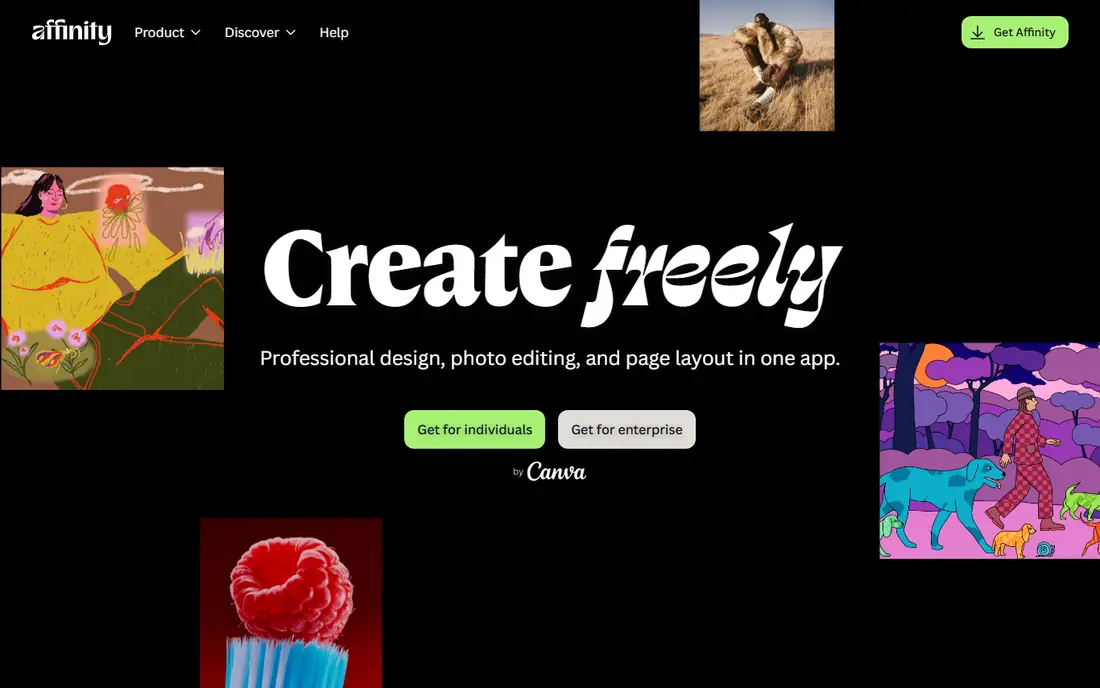
Affinity offers photo editing, vector design, and publishing apps as a suite. Its strength is value, since one purchase covers the core creative apps. Support quality matters when something breaks, so read the help pages and the refund or cancellation terms before paying. Note which features sit behind higher tiers, because the headline plan rarely includes everything shown on the marketing page.
The catch is ecosystem: plugins and video tools are thinner than Adobe. Read the privacy policy for any product that holds personal or business data, and confirm who can see that data and how long it is kept.
Our view: if affordable creative suite is your main need, this option deserves a trial, with the trade-offs above kept in mind. Set a reminder to review the plan after the first month, when real usage shows whether the tier you picked still fits. A clean export path matters, so confirm you can take your data out in a usable format if you later switch.
- Photo, Designer, and Publisher apps
- One-time purchase
- Strong file support
- No single video editor
- Smaller plugin ecosystem than Adobe
GIMP
Ideal for: free photo editing
GIMP is a free, open-source image editor with deep retouching and compositing tools. Its strength is cost and power, since it is free yet handles serious photo work. Watch for limits that only appear at scale, such as seats, projects, scans, or exports, since those decide the real monthly cost. If your team will use it daily, get one or two colleagues to try the same task in it and compare notes before you choose.
The catch is polish, as its interface feels older than Photoshop. A clean export path matters, so confirm you can take your data out in a usable format if you later switch.
Our view: this option is a strong candidate when free photo editing matters most, provided the limits above fit your budget. If you rely on it for work, confirm uptime, backup, and account recovery options before moving anything important into it. Check the pricing page before you commit, since plans and limits change and the page you see at signup is the one that counts.
- Free and open-source
- Deep photo tools
- Plugins
- Interface feels less polished
- No native CMYK workflow depth
Figma
Ideal for: collaborative interface design
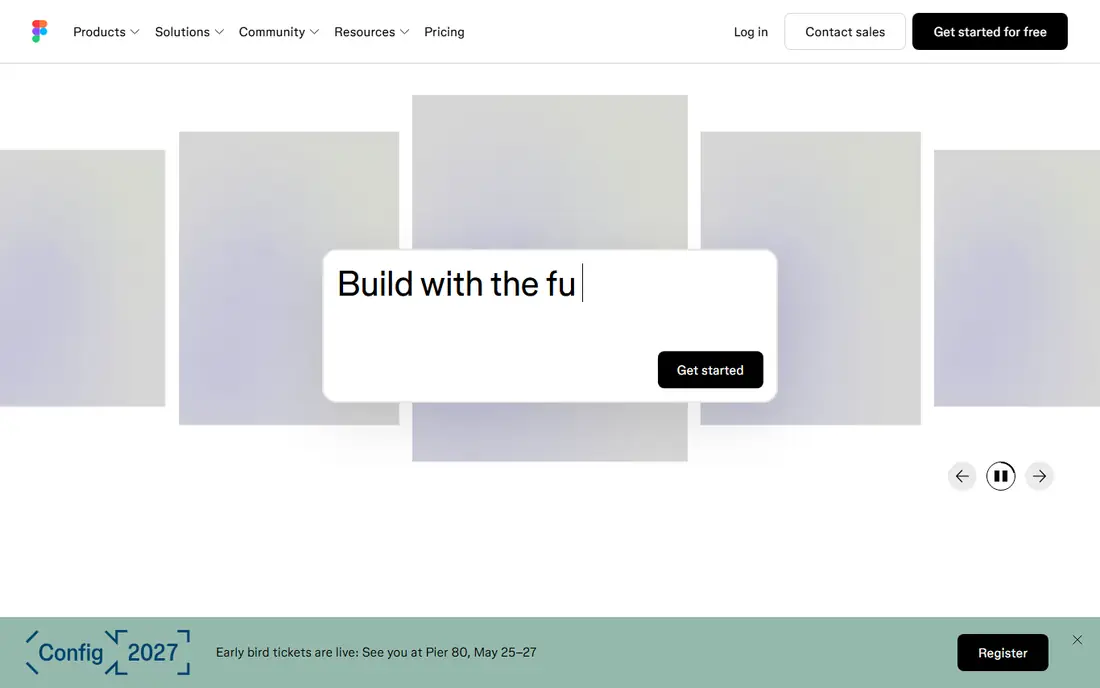
Figma designs interfaces collaboratively in a browser with prototyping built in. Its strength is collaboration, since teams edit and comment on designs live. Compare at least two options on the same task, using the same sample project or data, so the comparison stays honest. Check the pricing page before you commit, since plans and limits change and the page you see at signup is the one that counts.
The catch is scope: it does not replace photo or video editing. Note which features sit behind higher tiers, because the headline plan rarely includes everything shown on the marketing page.
Our view: shortlist this option if collaborative interface design is what you are buying for, and compare it head to head with one other option here. Look at how it handles your existing tools, because a product that fits your current setup saves more time than one with a longer feature list. If your team will use it daily, get one or two colleagues to try the same task in it and compare notes before you choose.
- Browser-based design
- Real-time collaboration
- Prototyping
- Print and photo editing are not its focus
- Free tier limits apply
DaVinci Resolve
Ideal for: video editing and colour
DaVinci Resolve is a professional video editor with strong colour and audio tools. Its strength is free depth, since the free version covers most editing needs. Check the pricing page before you commit, since plans and limits change and the page you see at signup is the one that counts. A clean export path matters, so confirm you can take your data out in a usable format if you later switch.
The catch is learning curve and hardware, which suit serious editors best. A short trial or a free tier, where one exists, tells you more in a week than any feature list can.
Our view: this option earns its place here for buyers who put video editing and colour first, and it is worth a close look before you decide. If your team will use it daily, get one or two colleagues to try the same task in it and compare notes before you choose. Note which features sit behind higher tiers, because the headline plan rarely includes everything shown on the marketing page.
- Strong free video editor
- Colour grading
- Audio tools
- Learning curve is steep
- Hardware needs are higher
Photopea
Ideal for: free browser photo editing
Photopea edits photos and PSD files in a browser without installing software. Its strength is access, since it works on any computer with a browser. Support quality matters when something breaks, so read the help pages and the refund or cancellation terms before paying. Look at how it handles your existing tools, because a product that fits your current setup saves more time than one with a longer feature list.
The catch is ads and performance, which vary with file size and browser. Read the privacy policy for any product that holds personal or business data, and confirm who can see that data and how long it is kept.
Our view: if free browser photo editing is your main need, this option deserves a trial, with the trade-offs above kept in mind. Set a reminder to review the plan after the first month, when real usage shows whether the tier you picked still fits. Support quality matters when something breaks, so read the help pages and the refund or cancellation terms before paying.
- Browser-based
- PSD support
- No install needed
- Ads on free tier
- Performance depends on browser
Canva
Ideal for: easy design for non-designers
Canva offers templates and easy editing for social, print, and presentations. Its strength is ease, since non-designers can produce clean work fast. Watch for limits that only appear at scale, such as seats, projects, scans, or exports, since those decide the real monthly cost. Compare at least two options on the same task, using the same sample project or data, so the comparison stays honest.
The catch is depth: professional editors will hit its limits quickly. A clean export path matters, so confirm you can take your data out in a usable format if you later switch.
Our view: this option is a strong candidate when easy design for non-designers matters most, provided the limits above fit your budget. If you rely on it for work, confirm uptime, backup, and account recovery options before moving anything important into it. Set a reminder to review the plan after the first month, when real usage shows whether the tier you picked still fits.
- Huge templates
- Easy editing
- Team sharing
- Depth is limited for professional print and photo work
Inkscape
Ideal for: free vector design
Inkscape is a free vector editor focused on SVG graphics and illustration. Its strength is free vector power, which suits logos and illustrations. Compare at least two options on the same task, using the same sample project or data, so the comparison stays honest. Read the privacy policy for any product that holds personal or business data, and confirm who can see that data and how long it is kept.
The catch is learning curve, since its tools take time to master. Note which features sit behind higher tiers, because the headline plan rarely includes everything shown on the marketing page.
Our view: shortlist this option if free vector design is what you are buying for, and compare it head to head with one other option here. Look at how it handles your existing tools, because a product that fits your current setup saves more time than one with a longer feature list. A short trial or a free tier, where one exists, tells you more in a week than any feature list can.
- Free vector editing
- SVG focus
- Extensions
- Interface learning curve
- Print workflow needs care
How we picked these
We compared official feature pages, pricing pages, and public reviews for each tool. We looked for photo editing, vector design, layout, video, collaboration, file compatibility, and pricing. We did not run hands-on tests.
How to replace Creative Cloud without losing work
List the Adobe apps you actually use weekly. Most people need only two or three, which makes replacement far easier than it first looks.
Test file compatibility with real projects. Open PSD, AI, and INDD-style files in the new tool and check layers, fonts, and effects.
Keep Adobe for a transition month if you can. Running both tools avoids deadline risk while you learn the new workflow.
Frequently asked questions
What is the best Adobe Creative Cloud alternative?
Affinity is best for most creators as a suite, while GIMP suits free photo editing and Figma suits interface design. Video editors should look at DaVinci Resolve.
Are there free Adobe alternatives?
Yes, GIMP, Inkscape, Krita, and Photopea offer free editing, while Canva offers a strong free tier for simpler design work.
Can alternatives open Photoshop and Illustrator files?
Many open PSD and AI files, but complex effects, smart objects, and fonts may shift. Test your own files before switching fully.
Is Affinity really cheaper than Adobe?
Affinity uses a one-time purchase model rather than a monthly subscription, which usually costs less over time. Check current pricing on its site, since bundles change.