Adobe premiere pro alternatives in 2026: 8 Tools Compared

- 1
 DaVinci ResolveProfessional editing and colourVisit
- 2
 Final Cut ProMac editors wanting speedVisit
- 3
 FilmoraBeginners and YouTubersVisit
- 4
 CapCutShort-form and social videoVisit
- 5
 HitFilmEffects-led editing on a budgetVisit
- DaVinci Resolve is our pick for most people, thanks to its broad feature set and its professional editing and colour.
- If you want to start free, DaVinci Resolve is worth trying first, since it offers a free plan without an upfront payment.
- Kdenlive is the option to look at if the mainstream choices do not fit, since it covers a narrower need in more depth.
- Compare the total cost for your actual usage, not just the headline price, and check limits, support and contract terms before you decide.
Quick comparison
| Product | Ideal for | Price from | Free version | |
|---|---|---|---|---|
| DaVinci Resolve | Professional editing and colour | Free | Yes | Visit |
| Final Cut Pro | Mac editors wanting speed | See website | Free trial | Visit |
| Filmora | Beginners and YouTubers | See website | Free trial | Visit |
| CapCut | Short-form and social video | Free | Yes | Visit |
| HitFilm | Effects-led editing on a budget | Free | Yes | Visit |
 Lightworks | Professional editing heritage | Free | Yes | Visit |
 Shotcut | Free open-source editing | Free | Yes | Visit |
 Kdenlive | Free open-source editing on Linux | Free | Yes | Visit |
The best adobe premiere pro alternatives
These 8 options cover the range from well-known leaders to smaller specialists. We compared official feature pages, pricing pages, app-store listings, privacy policies and public reviews to sort out where each one earns its place.
DaVinci Resolve
Ideal for: Professional editing and colour
DaVinci Resolve from Blackmagic Design is the strongest free professional editor, with editing, colour, effects and audio in one app. Its free version covers most editing needs, while Studio adds advanced features.
The trade-off is hardware, since 4K work needs a capable machine. If that trade-off sounds acceptable, it is a strong fit for professional editing and colour. If not, one of the other options on this list is likely a better match.
Pricing details sit on the vendor site, so confirm the current plan, any limits on the free tier, and what support is included before you sign up.
In practice, the people who get the most from DaVinci Resolve are those who need professional editing and colour and are comfortable with its limits. It works best when it matches a task you repeat often, rather than a feature you might use once, so weigh the everyday job more heavily than the extras.
- Professional editing and colour tools
- Generous free version
- Studio option
- Learning curve
- Needs strong hardware for 4K
Final Cut Pro
Ideal for: Mac editors wanting speed
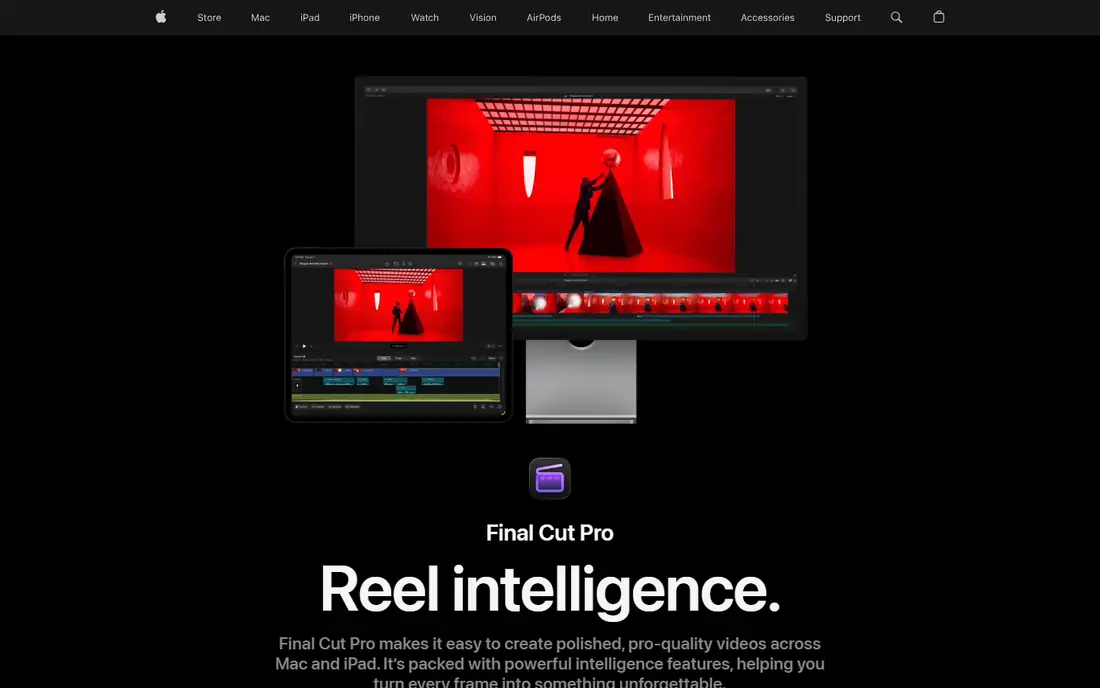
Final Cut Pro is Apple professional editor, optimised for Apple silicon speed. Its magnetic timeline suits fast turnaround editing.
The trade-off is platform, since it runs only on Mac. If that trade-off sounds acceptable, it is a strong fit for mac editors wanting speed. If not, one of the other options on this list is likely a better match.
Before you pay, compare the plan that matches your usage against the next tier up, since add-ons and limits often matter more than the headline price.
In practice, the people who get the most from Final Cut Pro are those who need mac editors wanting speed and are comfortable with its limits. It works best when it matches a task you repeat often, rather than a feature you might use once, so weigh the everyday job more heavily than the extras.
- Fast on Apple silicon
- Magnetic timeline
- One-time purchase
- Mac only
- Project compatibility with other editors is limited
Filmora
Ideal for: Beginners and YouTubers
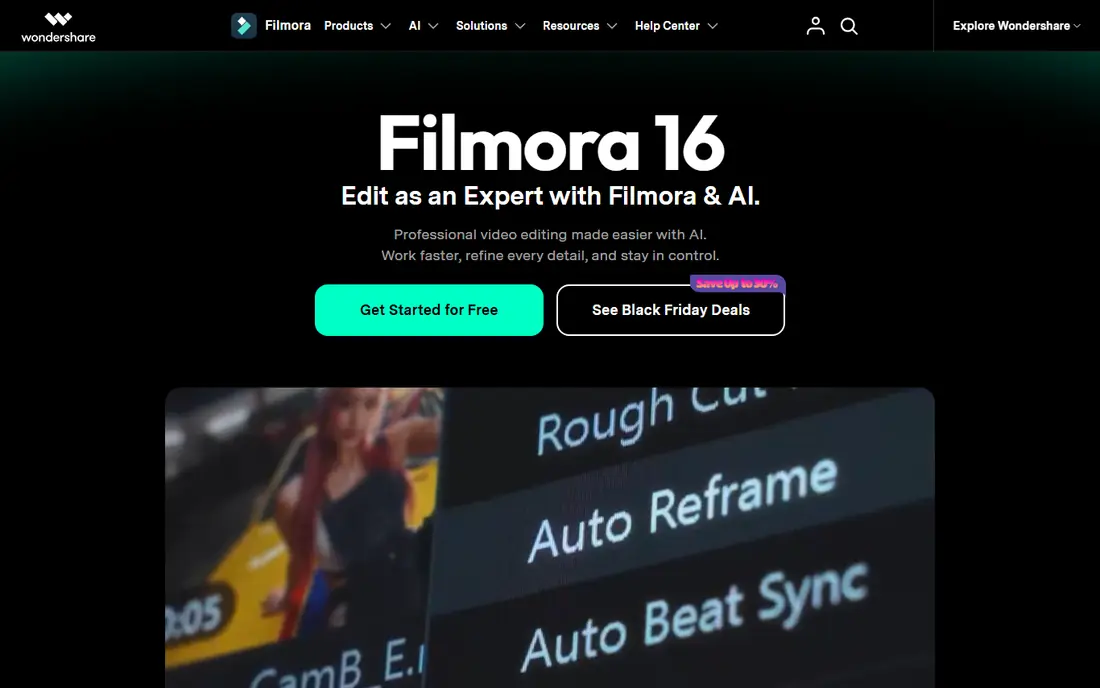
Filmora from Wondershare is an easy editor for beginners and YouTubers. It offers effects, templates and simple workflows at an affordable price.
The trade-off is depth, since high-end work needs stronger tools. If that trade-off sounds acceptable, it is a strong fit for beginners and youtubers. If not, one of the other options on this list is likely a better match.
Check the official pricing page before you commit, since plans and limits change and the option that looks cheapest at first may not include the features you need.
In practice, the people who get the most from Filmora are those who need beginners and youtubers and are comfortable with its limits. It works best when it matches a task you repeat often, rather than a feature you might use once, so weigh the everyday job more heavily than the extras.
- Easy to learn
- Effects and templates
- Affordable plans
- Less depth for high-end work
- Watermark on free exports
CapCut
Ideal for: Short-form and social video
CapCut is the go-to editor for short-form and social video, with templates and effects. It works on mobile and desktop for fast turnaround content.
The trade-off is scope, since long-form projects suit other editors better. If that trade-off sounds acceptable, it is a strong fit for short-form and social video. If not, one of the other options on this list is likely a better match.
Pricing details sit on the vendor site, so confirm the current plan, any limits on the free tier, and what support is included before you sign up.
In practice, the people who get the most from CapCut are those who need short-form and social video and are comfortable with its limits. It works best when it matches a task you repeat often, rather than a feature you might use once, so weigh the everyday job more heavily than the extras.
- Fast short-form editing
- Templates and effects
- Mobile and desktop apps
- Social-focused, less suited to long-form projects
- Some features need Pro
HitFilm
Ideal for: Effects-led editing on a budget
HitFilm combines editing with visual effects at a budget price, with a free version. It suits creators who want effects without a full effects suite.
The trade-off is pace, since development has slowed in recent years. If that trade-off sounds acceptable, it is a strong fit for effects-led editing on a budget. If not, one of the other options on this list is likely a better match.
Before you pay, compare the plan that matches your usage against the next tier up, since add-ons and limits often matter more than the headline price.
In practice, the people who get the most from HitFilm are those who need effects-led editing on a budget and are comfortable with its limits. It works best when it matches a task you repeat often, rather than a feature you might use once, so weigh the everyday job more heavily than the extras.
- Editing with visual effects
- Free version available
- Community tutorials
- Free version limits apply
- Development pace has slowed
Lightworks
Ideal for: Professional editing heritage
Lightworks is a long-standing professional editor with a free version and cross-platform support. It has edited major films, which speaks to its pedigree.
The trade-off is learning time, since its interface differs from modern editors. If that trade-off sounds acceptable, it is a strong fit for professional editing heritage. If not, one of the other options on this list is likely a better match.
Check the official pricing page before you commit, since plans and limits change and the option that looks cheapest at first may not include the features you need.
In practice, the people who get the most from Lightworks are those who need professional editing heritage and are comfortable with its limits. It works best when it matches a task you repeat often, rather than a feature you might use once, so weigh the everyday job more heavily than the extras.
- Professional editing pedigree
- Cross-platform
- Free version
- Interface takes learning
- Free export limits apply
Shotcut
Ideal for: Free open-source editing
Shotcut is a free open-source editor that runs on Windows, Mac and Linux. It handles a broad range of formats without cost.
The trade-off is polish, since its interface is plain next to commercial editors. If that trade-off sounds acceptable, it is a strong fit for free open-source editing. If not, one of the other options on this list is likely a better match.
Pricing details sit on the vendor site, so confirm the current plan, any limits on the free tier, and what support is included before you sign up.
In practice, the people who get the most from Shotcut are those who need free open-source editing and are comfortable with its limits. It works best when it matches a task you repeat often, rather than a feature you might use once, so weigh the everyday job more heavily than the extras.
- Free and open source
- Cross-platform
- Broad format support
- Interface is plain
- Performance varies by project
Kdenlive
Ideal for: Free open-source editing on Linux
Kdenlive is a free open-source editor popular on Linux, with multi-track editing. It suits editors who want a capable free tool outside commercial ecosystems.
The trade-off is stability, which has varied by version. If that trade-off sounds acceptable, it is a strong fit for free open-source editing on linux. If not, one of the other options on this list is likely a better match.
Before you pay, compare the plan that matches your usage against the next tier up, since add-ons and limits often matter more than the headline price.
In practice, the people who get the most from Kdenlive are those who need free open-source editing on linux and are comfortable with its limits. It works best when it matches a task you repeat often, rather than a feature you might use once, so weigh the everyday job more heavily than the extras.
- Free and open source
- Strong on Linux
- Multi-track editing
- Stability varies by version
- Smaller support community
How we picked these
We started from official feature pages, pricing pages, app-store listings, privacy policies and public reviews, and we kept only products that exist, work in October 2026 and truly fit the topic. We left out products with unclear pricing, broken or misleading homepages, or features that do not match what the topic promises.
We did not run hands-on tests for this roundup, and we do not claim otherwise. Our picks reflect what the public documentation and reviews show about features, pricing, limits and support, weighed against who each product is really built for.
What to check before you switch video editors
Start by writing down the one job you need done most often, then check which options handle that job without extra tools or workarounds. A long feature list means little if the core task takes extra steps every time you use it.
Next, check the total cost for your real usage, including seats, limits and add-ons, and read the privacy and support terms. For paid plans, confirm whether you can cancel easily and whether your data can be exported if you leave.
Finally, try the free plan or trial with a real task from your own work, not just the demo. A short trial with your own data tells you more about fit than any feature page, and it shows whether support answers when you need help.
Frequently asked questions
Why look for a Premiere Pro alternative?
Editors switch to avoid subscriptions, gain speed, get better colour tools or match their operating system. Some alternatives offer one-time purchases or free versions. The right switch depends on your workflow, not just price.
Can free editors handle professional work?
Yes, some free editors handle professional projects, including DaVinci Resolve free version, though advanced features sit on paid tiers. Free tools suit many YouTubers and small teams. Large productions may still need paid features and support.
Do alternatives open Premiere projects?
Project compatibility varies, and most alternatives import media and basic timelines rather than full Premiere projects. Plan to finish current projects in Premiere before switching. Test import with a real project during a trial.
What about Mac versus Windows?
Final Cut Pro is Mac-only, while most other alternatives run on Windows and Mac, and some on Linux. Check your operating system before shortlisting. Hardware needs also vary, especially for 4K and effects work.
How hard is it to learn a new editor?
Core editing skills transfer, but shortcuts, effects and colour tools differ, so budget a week or two to relearn. Tutorials and community help shorten the switch. Keep Premiere installed during the transition if you can.