AI App Builders With the Best IDE

- Cursor and GitHub Copilot give you the deepest editor, because both live inside a real IDE with full file control and debugging.
- Replit is the best all-in-one choice, with a full browser IDE, hosting and a database behind one $20 a month Core plan.
- Bolt.new, Lovable and Base44 build fast from a prompt, but their editors are lighter and code export matters more than the editor itself.
- v0 is the pick for polished React interfaces, yet its $20 Premium plan is being sunset, so new buyers start at $30 a month on Plus.
- Windsurf is now sold as Devin Desktop after the Cognition takeover, with Pro at $20 a month and its pricing page moved to devin.ai.
Quick comparison
| Product | Ideal for | Price from | Free version | |
|---|---|---|---|---|
 Replit | Full IDE plus hosting in the browser | $20/month ($18 billed annually) | Yes | Visit |
 Bolt.new | Fast prompt to working web app | $25/month ($18 billed annually) | Yes | Visit |
 Lovable | Polished apps with easy publishing | $25/month ($21 billed annually) | Yes | Visit |
 Cursor | Professional coding with AI agents | $20/month ($16 billed annually) | Yes | Visit |
 v0 | React interfaces from a prompt | $30 per user/month | Yes | Visit |
 Windsurf | Agentic coding in a VS Code fork | $20/month | Yes | Visit |
 Base44 | No-code apps with a database | $16/month (billed annually) | Yes | Visit |
 GitHub Copilot | AI help inside VS Code | $10/month | Yes | Visit |
The AI app builders with the best IDE
Replit
Ideal for: Full IDE plus hosting in the browser
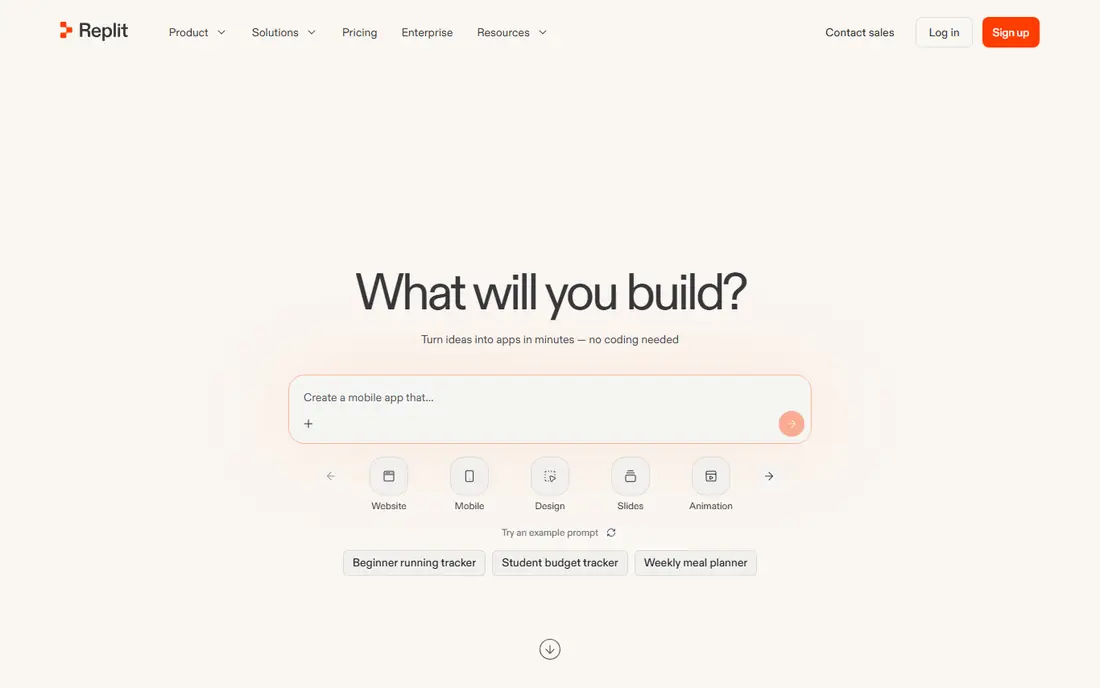
Replit is the closest thing to a complete development environment that runs in a browser tab. You get a file tree, a code editor, a terminal, a debugger and a package manager, plus Agent, an AI that plans and builds from a prompt. Core at $20 a month, or $18 billed annually, includes $20 of monthly credits toward more powerful models, up to 30 hours of chat and 60 projects on Free Mode, and two parallel agents. Pro at $100 a month raises the credit allowance to $100 and the agent count to ten.
The IDE is the reason Replit tops this list for builders who want to edit as well as prompt. You can open any file the agent wrote, fix it by hand, run tests in the terminal and publish without leaving the workspace. The limit is the credit meter: Agent work is billed by effort, and the subscription covers only the included allowance. Note also that the free tier has changed during 2026, so check the current free offer before you count on it.
- Real browser IDE with files, terminal and debugger
- Hosting and database included, so apps go live in the same place
- Agent work draws on a credit allowance, so heavy builds cost more than the subscription
- The free tier has changed several times in 2026
Bolt.new
Ideal for: Fast prompt to working web app
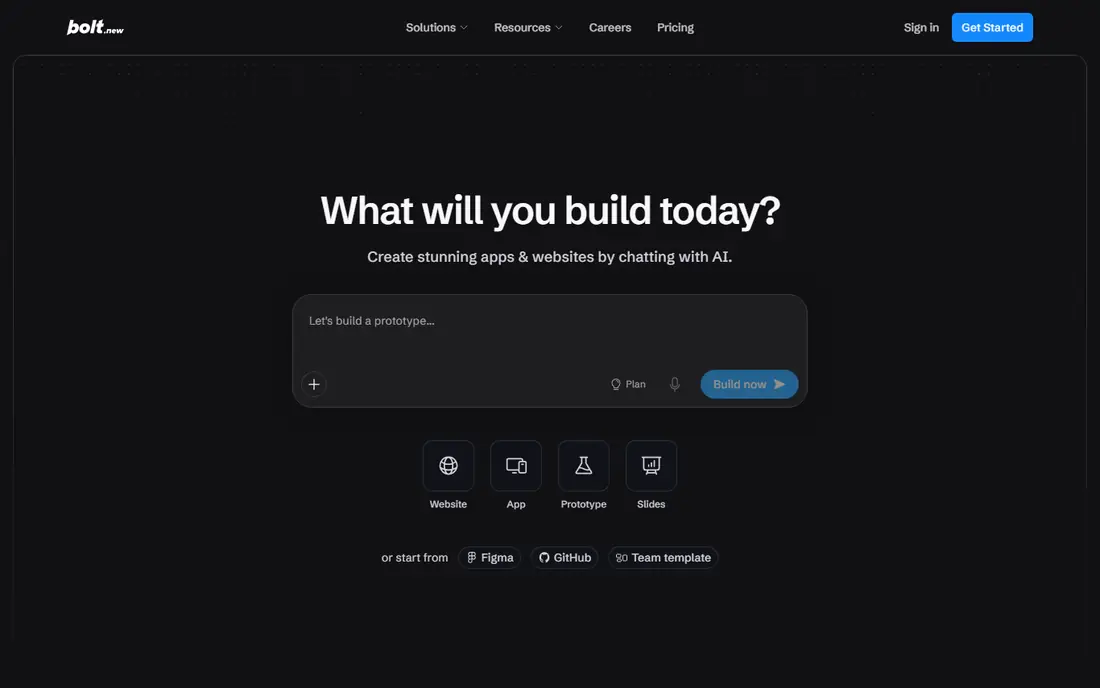
Bolt.new is a browser-based AI app builder from StackBlitz that turns a chat prompt into a working web app with files you can inspect and edit. The free plan gives 1 million tokens a month with a 300,000-token daily cap and leaves Bolt branding on what you publish. Pro starts at $25 a month for 10 million tokens, or $18 a month billed annually, removes the daily cap and the branding, and adds a custom domain, private sharing and Supabase support. Larger Pro tiers run $50 for 26 million tokens and $100 for 55 million.
Bolt.new is fast, and its editor shows the code behind the app so you can fix small issues by hand. The weakness is the editor depth: it is a solid code view with file navigation, not a full IDE with debugging, extensions and a terminal. The other cost to watch is tokens. Because Bolt re-reads your project on every prompt, bigger projects cost more per message, and the $25 entry tier is the bottom rung of a ladder.
- Builds a working app from one prompt in minutes
- Unused tokens roll over for one extra month on subscription plans
- Token cost is hard to predict because the AI re-reads the project on every prompt
- The editor is lighter than a full IDE
Lovable
Ideal for: Polished apps with easy publishing
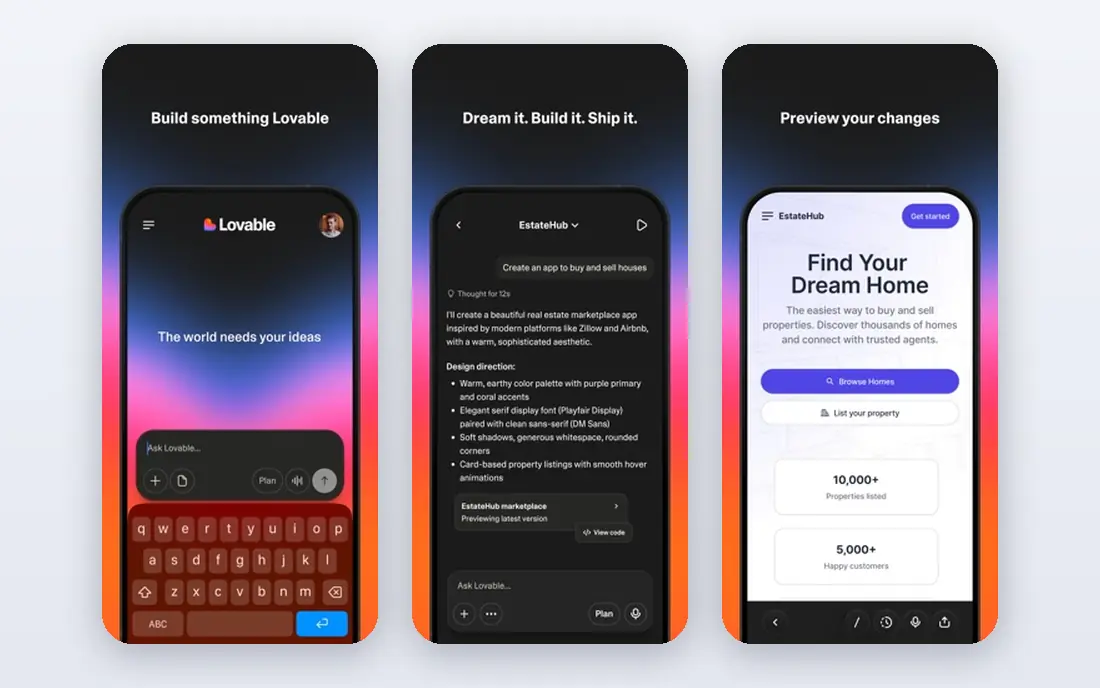
Lovable is an AI app builder that turns a plain-language prompt into a working web app with a database, logins and hosting. The free plan gives five build credits a day. Pro at $25 a month, or $21 billed annually, adds 100 monthly credits, a custom domain, code editing and download, and removal of the Lovable badge. Business at $50 a month adds single sign-on and admin controls with the same 100 credits. Higher credit tiers run up to 10,000 credits at $2,250 a month on Pro.
Lovable wins on polish and on publishing: the apps look good, the domain setup is simple, and the price does not rise when you add team members because plans are per workspace. The editor is the limit. You can view and edit code, but the experience is closer to a file viewer with an edit box than to an IDE with debugging and extensions. Credits are the other catch, since each request burns a different number of credits by complexity.
- Cleanest path from prompt to a published app with a custom domain
- Plans are per workspace, not per seat
- Credits burn at different rates per request, so the monthly bill is hard to forecast
- Code editing is basic next to a real IDE
Cursor
Ideal for: Professional coding with AI agents
Cursor is an AI-native code editor built as a fork of Visual Studio Code, and it is the strongest IDE on this list for professional developers. Hobby is free with limited use. Pro at $20 a month, or $16 billed annually, adds unlimited tab completions, frontier-model access, agent mode, cloud agents and model context protocol support. Pro Plus at $60 a month triples the agent limits, and Ultra at $200 a month raises them twentyfold. Teams Standard is $40 per user a month.
Cursor gives you everything a working developer expects: a file tree, a terminal, a debugger, extensions, and an agent that can read the whole codebase and make multi-file changes. The trade-off is the usage model. Since mid-2025 each plan includes a pool of model usage billed at real API prices, so the $20 subscription buys roughly $20 of frontier-model usage before on-demand billing starts.
- A full AI-native IDE built on VS Code, with agent mode, tab completions and model choice
- Extensions and debugging included
- Usage is metered by model cost, so heavy agent use can push past the included allowance
- The pricing model has changed several times
v0
Ideal for: React interfaces from a prompt
v0 by Vercel is an AI tool that generates React user interfaces from a prompt, using shadcn components and Tailwind CSS. The free plan costs $0 with $5 of included monthly credits and a seven-message daily limit. Premium at $20 a month includes $20 of monthly credits, all models, Figma imports and API access, but Vercel is sunsetting Premium and it is no longer available to new users. New buyers start on Plus at $30 per user a month, which includes $30 of monthly credits per user plus $2 of free daily login credits. Business at $100 per user a month adds pooled credits and controls.
v0 is the pick when the interface is the product. The editor shows the generated code and lets you iterate on it, but it is a UI generator first and an IDE second: there is no backend or database in the same place. The key fact for new buyers is the Premium sunset. Guides that still quote $20 as the entry price are out of date for anyone signing up now.
- Best-looking React and shadcn interfaces from a prompt
- Figma import and an API on subscription plans
- The $20 Premium plan is being sunset and is closed to new users
- V0 builds interfaces, not full backends
Windsurf
Ideal for: Agentic coding in a VS Code fork
Windsurf is an AI-native code editor built as a fork of Visual Studio Code, known for its Cascade agent flow that plans, edits and runs code across files. Cognition, the company behind Devin, acquired Windsurf and renamed the editor Devin Desktop in June 2026. The pricing page at windsurf.com now redirects to devin.ai, and the plans are Free at $0, Pro at $20 a month and Max at $200 a month. Teams has an $80 monthly minimum with $40 full seats. There is no free trial of the subscription plans.
Windsurf gives you a real IDE with a terminal, a debugger and extensions, plus an agent that understands the whole project. Pro adds full model availability from OpenAI, Anthropic and Google, Devin Cloud access and the Devin API. The limits to know are the rename itself, which confuses older guides that still quote $15 Pro and a credit system, and the quota model: Pro has daily and weekly usage quotas, and Devin does not publish the quota sizes as numbers.
- Agentic Cascade flow with full model choice
- Free use of the SWE model family inside the editor
- Renamed to Devin Desktop in June 2026, so the brand and pricing page moved
- Usage quotas are not published as numbers
Base44
Ideal for: No-code apps with a database
Base44 is an AI app builder owned by Wix that turns a plain-English prompt into a working web app with a database, user logins, analytics and hosting. The free plan gives 25 message credits a month and up to five apps. Starter at $16 a month billed annually, or $20 month to month, adds 100 message credits, custom domains, private apps and in-app code edits. Builder at $40 a month billed annually adds 250 message credits, GitHub sync, backend functions and model choice. Pro at $80 a month billed annually adds 500 message credits and early access to beta features.
Base44 suits a non-coder who wants a real app with data and users, not just a landing page. The editor lets you view and edit code, and Builder adds GitHub sync for teams that want version control. The weakness is the credit system: message credits pay for prompting the builder while integration credits pay for what a published app does, and unused credits expire at each reset. That makes the true monthly cost hard to predict from the plan price alone.
- Prompt to full app with database, logins and hosting
- GitHub sync and backend functions on the Builder tier
- Two separate credit meters make costs hard to forecast
- Unused credits do not roll over
GitHub Copilot
Ideal for: AI help inside VS Code
GitHub Copilot is an AI coding assistant that lives inside the IDE you already use, most often VS Code. The free plan includes 2,000 completions a month. Pro at $10 a month adds unlimited completions and next-edit suggestions, a cloud agent, code review, model selection and 1,500 AI credits a month. Pro Plus at $39 a month raises the allowance to 7,000 credits and adds premium models, and Max at $100 a month raises it to 20,000 credits with priority model access. Business at $19 per granted seat a month adds admin controls.
Copilot is the cheapest way to add AI to a real IDE, and it is the only tool here that is an add-on rather than a builder: you write the code, and Copilot completes it, explains it and reviews it. The IDE itself is VS Code, the most capable editor on this list, with debugging, extensions and a terminal. The limit is the credit pool. Chat, agents and premium models draw on the monthly allowance, and heavy agent use can exhaust the Pro allowance well before the month ends.
- Cheapest entry here at $10 a month
- Works inside VS Code, JetBrains and Xcode with unlimited completions on subscription plans
- The 1,500 AI credit allowance on Pro can run down fast if you lean on agents
- Premium models need Pro Plus
Which builder fits your skill level
| If you are | Pick | Why | Watch out for | | A non-coder building a first app | Lovable or Base44 | Prompt to published app with no setup | Credit burn varies per request | | A founder who needs a live product fast | Bolt.new or Replit | Working app in minutes, hosting included | Token and credit meters on top of the subscription | | A developer who wants AI inside a real IDE | Cursor or GitHub Copilot | Full editor, debugging, extensions and agents | Usage is metered by model cost | | A designer shipping React interfaces | v0 | Best-looking output, Figma import | New buyers start at $30, not $20 | | A team that needs agents plus cloud runs | Windsurf or Replit Pro | Agentic flows with cloud execution | Windsurf quotas are not published as numbers |
How we chose
We compared vendor pricing pages, plan documentation and product pages for eight AI app builders, and we read third-party pricing guides only where the vendor page had changed or the plan was being sunset. Prices are list prices in US dollars as published for 2026, checked on 12 November 2026. We judged the IDE on editor depth: a file tree, a terminal, a debugger, extensions and multi-file agent edits score higher than a code viewer with an edit box. We did not run hands-on trials.
What to check before you buy
Check whether the plan you want is still sold to new users, because v0 Premium at $20 is being sunset and Windsurf now sells under the Devin name. Read how usage is metered, since most tools here add a credit or token meter on top of the subscription, and the meter, not the plan price, sets the real monthly cost. Test code export before you build anything serious. Confirm the free tier limits with a real build, since free allowances changed on several of these tools during 2026. Finally, check whether the price is per workspace or per seat.
Frequently asked questions
Which AI app builder has the best IDE?
Cursor has the deepest IDE for professional developers, because it is a full AI-native fork of VS Code with a terminal, a debugger, extensions and multi-file agents. Replit is the best all-in-one browser IDE, with hosting and a database in the same place. GitHub Copilot is the cheapest route to AI inside VS Code at $10 a month. The right pick depends on whether you want to write code yourself or prompt an agent to write it.
Can I build an app without writing code?
Yes. Lovable, Bolt.new, Base44 and v0 all build working apps from a plain-language prompt, and Replit Agent does the same with a full IDE behind it. You describe the app, the AI writes the code, and you publish from the same tool. You will still need to read error messages and approve fixes, and complex apps usually need some manual edits, but a simple app can go live without you writing a line of code.
How much does Replit Core cost per month?
Replit Core costs $20 a month, or $18 a month billed annually, and includes $20 of monthly credits toward more powerful models, up to 30 hours of chat and 60 projects on Free Mode, and two parallel agents. Agent work beyond the included credits is billed by effort, so a heavy build can cost more than the subscription. Pro at $100 a month raises the credit allowance to $100 and the agent count to ten.
Is v0 Premium still available?
No, not for new users. Vercel is sunsetting the $20 a month Premium plan, and its own docs say it is no longer available to new sign-ups, though existing subscribers keep it for now. New buyers start on Plus at $30 per user a month, which includes $30 of monthly credits per user plus $2 of free daily login credits. Business at $100 per user a month adds pooled credits and team controls.
What happened to Windsurf?
Cognition, the company behind Devin, acquired Windsurf in 2025 and renamed the editor Devin Desktop in June 2026. The pricing page at windsurf.com now redirects to devin.ai, and the plans are Free at $0, Pro at $20 a month and Max at $200 a month. Existing Pro subscribers from before March 2026 are grandfathered at $15 a month, while new subscribers pay the current list price.