AI Writing Tools Alternatives in 2026: 9 Options Compared

- General assistants such as ChatGPT, Claude and Gemini now cover most drafting needs, and each has a free plan.
- Several well-known writing-tool brands have shifted focus. Copy.ai now pitches itself to go-to-market teams, and Rytr describes itself as a relationship manager plus writing assistant.
- Grammarly, QuillBot and Wordtune are better for editing and rewriting than for writing from a blank page.
- Jasper has the highest entry price here at $59 per seat per month on annual billing, and it has no free plan.
- Sudowrite is the specialist pick for fiction, starting at $10 per month.
Quick comparison
| Product | Ideal for | Price from | Free version | |
|---|---|---|---|---|
 ChatGPT | General drafting and brainstorming | Free | Yes | Visit |
 Claude | Long drafts and careful editing | Free | Yes | Visit |
 Google Gemini | People who live in Gmail and Docs | Free | Yes | Visit |
 Grammarly | Editing, grammar and tone | Free | Yes | Visit |
 QuillBot | Paraphrasing and rewording | Free | Yes | Visit |
 Notion AI | Writing inside notes and docs | $20 per member per month | Free trial | Visit |
 Jasper | Marketing teams with a brand voice | $59 per seat per month | Free trial (7 days) | Visit |
 Sudowrite | Fiction writers | $10 per month | Free trial | Visit |
 Wordtune | Quick sentence rewrites | Free | Yes | Visit |
The best AI writing tools alternatives
People usually look for alternatives for one of three reasons: the price, the focus, or the output style. We grouped nine tools that cover general chat assistants, editors, a workspace tool, a marketing platform and a fiction specialist.
ChatGPT
Ideal for: General drafting and brainstorming
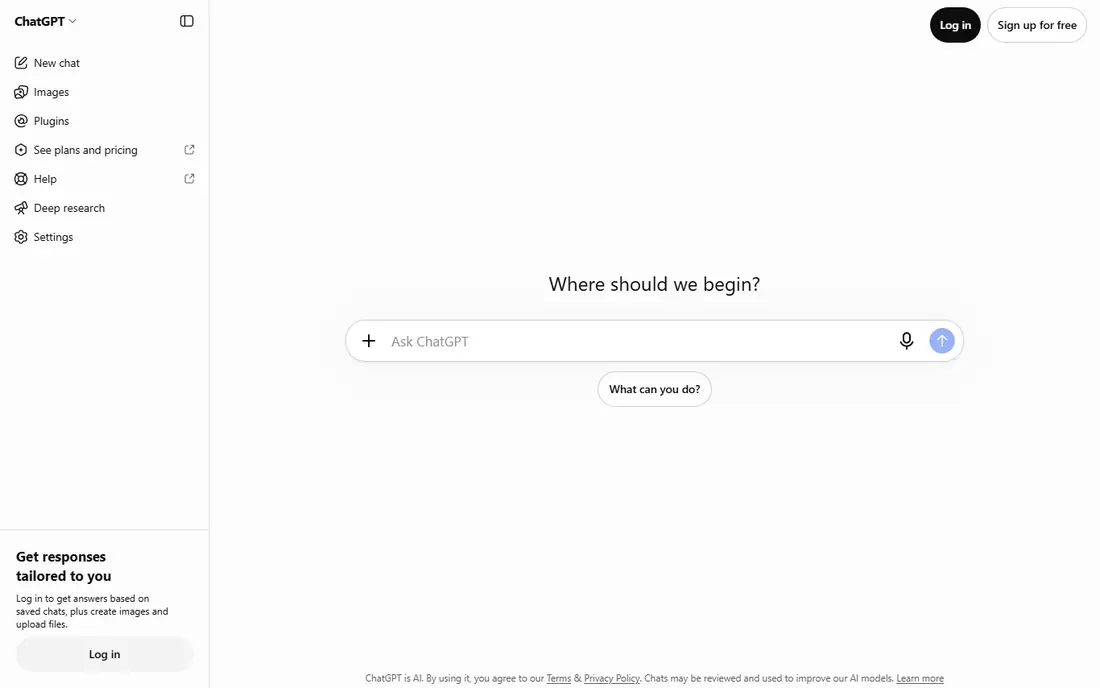
ChatGPT is the default answer for a reason: it handles outlines, first drafts, rewrites and brainstorming in one chat window. OpenAI's pricing page lists a free plan, Go at $8 per month, Plus at $20 per month and Pro from $100 per month. Plus adds expanded messages and uploads, projects, scheduled tasks and custom GPTs.
Two things deserve a flag. The Go plan carries a note that it may include ads, and the pricing page says content is used to train models unless you opt out, with an opt-out offered on every plan. If you paste client or personal material, check that setting first.
For most people who want a single all-purpose writing partner, this is the first thing we would try. It is less of a specialist than the tools further down, so it works best when you tell it the audience, tone and length you want.
- Free plan with unlimited text chats
- Projects, scheduled tasks and custom GPTs on Plus
- Wide range of price tiers
- Go plan may include ads
- Limits on uploads and deep research, especially on lower tiers
Claude
Ideal for: Long drafts and careful editing
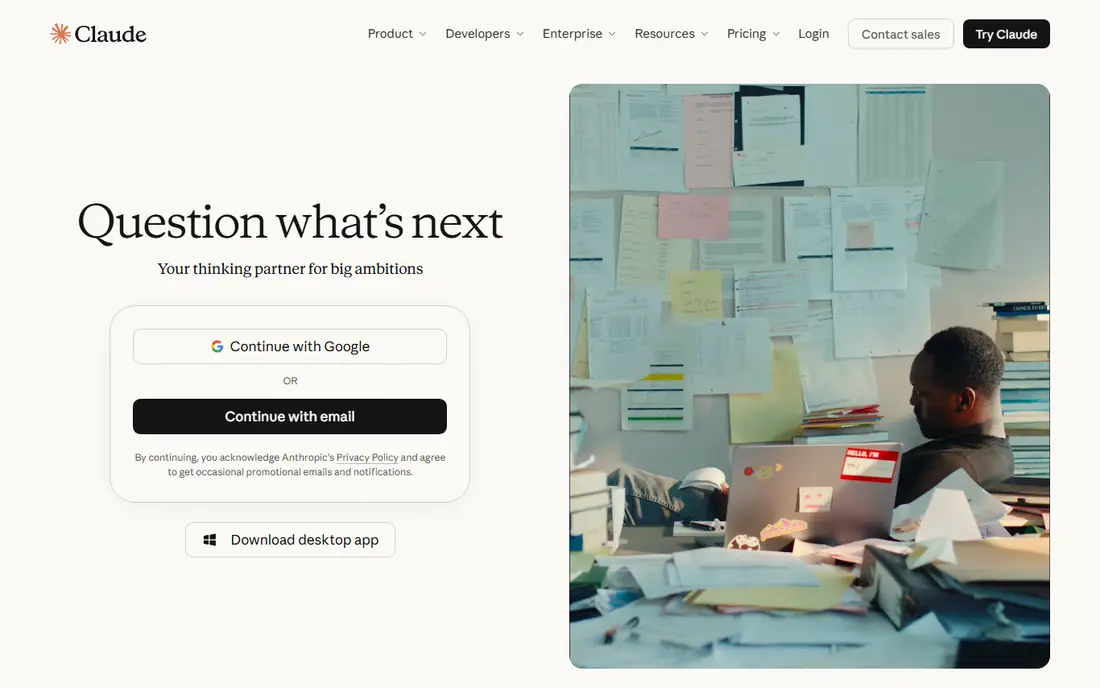
Claude, from Anthropic, is a general assistant with a reputation among writers for natural long-form prose, though that reputation comes from reviewers and not from a test we ran. Its pricing page lists a free plan, Pro at $20 per month ($17 per month if you pay $200 upfront for the year) and Max from $100 per month. The free plan includes web search, file creation, memory, Artifacts and Docs.
Pro adds more usage, Projects, additional models and integrations such as Claude in Chrome and Microsoft 365. For writers, Projects are the useful part, since you can keep style notes and source material together for a long piece.
The honest catch is limits. Anthropic states that usage limits apply to all plans, so heavy daily drafting may push you toward a higher tier.
- Free plan includes chat, memory and Artifacts
- Pro adds Projects for ongoing writing work
- Annual billing brings Pro to $17 per month
- Usage limits apply on every plan
- Max starts at $100 per month
Google Gemini
Ideal for: People who live in Gmail and Docs

Gemini suits writers who already draft in Google's apps. The subscriptions page lists a free plan with Canvas, Gems, Deep Research and 15 GB of shared storage. Paid Google AI Plus, Pro and Ultra tiers raise usage limits. The page lists Gemini in Gmail on Plus and Gemini in Gmail and Docs on Pro.
When we opened the subscriptions page it showed prices in another currency, so we cannot quote a US figure with confidence. Check the page from a US location for the current number.
It is a strong pick if your emails and documents already live with Google. If they do not, it adds little over the other general assistants.
- Free plan includes Canvas, Gems and Deep Research
- Gemini in Gmail and Docs on paid Google AI plans
- Storage bundled with Google AI plans
- US prices were not visible on the page we checked
- Gmail and Docs features work only in certain languages
Grammarly
Ideal for: Editing, grammar and tone
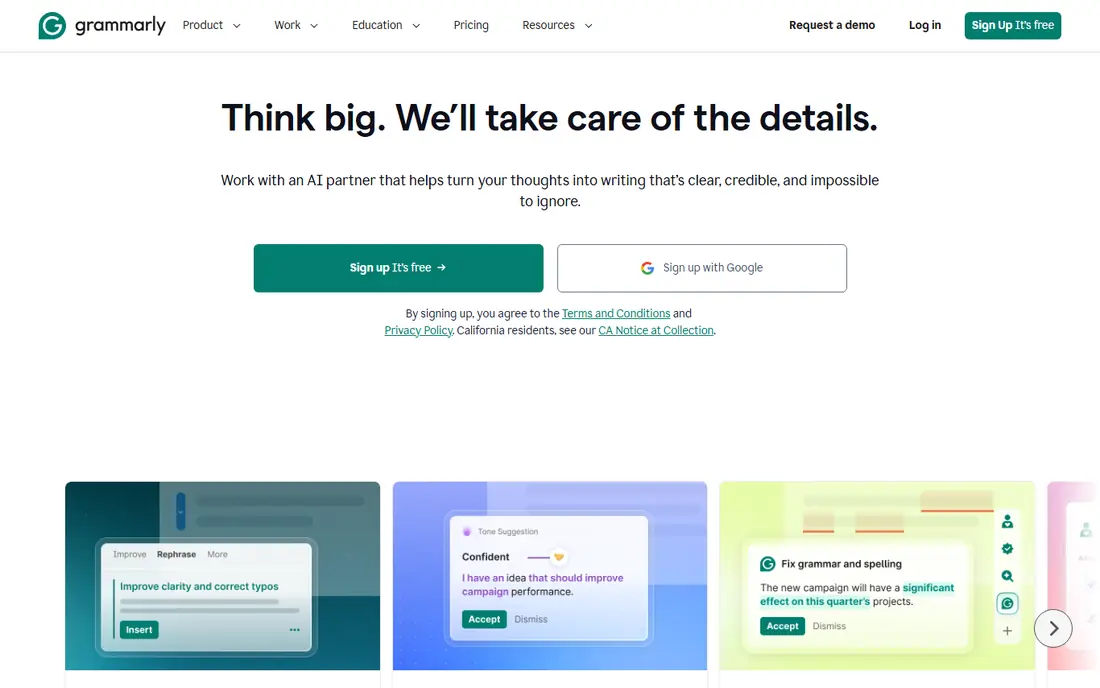
Grammarly is the tool to reach for after you have a draft. The plans page lists a free plan with 100 AI prompts and tone detection, and Pro with 2,000 AI prompts, full-sentence rewrites, tone changes, plagiarism detection and AI-text detection. The page calls it trusted by over 40 million people, which is the company's own figure.
Pro is shown at $12 with a free trial that costs $0 today, but the page does not label the billing period next to that number. Look at the checkout screen to see whether $12 is monthly on an annual plan, then decide.
It does not replace a drafting tool. Pair it with ChatGPT or Claude for the first pass, then use Grammarly for the final read.
- Free plan covers spelling and grammar plus 100 AI prompts a month
- Pro adds full-sentence rewrites and tone adjustment
- Works as a writing check across many apps
- Better at polishing than drafting
- Pro billing terms are not shown clearly on the plans page
QuillBot
Ideal for: Paraphrasing and rewording
QuillBot is built around rewording. The Premium page lists a free plan limited to 100 words in the paraphraser, and Premium at $4.17 per month billed annually with full access to paraphrasing, 9 built-in modes, unlimited custom modes, a grammar checker, an AI detector, a humanizer and a summarizer. Browser extensions and apps for Chrome, Edge, macOS, Word, Android and iOS are listed.
That low annual price makes it the cheapest paid plan on this list. It is handy when a sentence feels stiff and you want five alternatives quickly.
Treat it as an editing aid. If you use it for coursework, follow your school's rules on AI tools, since some schools restrict them.
- Premium is $4.17 per month billed annually
- Built-in modes plus unlimited custom modes on Premium
- Includes grammar checker, summarizer and citation tools
- Free plan paraphrases only 100 words at a time
- Easy to misuse for schoolwork
Notion AI
Ideal for: Writing inside notes and docs

Notion AI makes sense if Notion is already your workspace. Notion's AI page says AI blocks can improve writing or generate drafts inside a page, and Notion Agent can handle larger jobs using your workspace and connected apps. Meeting notes and summaries come from the same system.
The pricing page lists Free at $0, Plus at $10 and Business at $20 per member per month, with savings of up to 20% on yearly billing. Free and Plus include only a trial of Notion AI, while full Notion Agent, AI Meeting Notes and enterprise search sit on Business.
It is a poor choice if you only want a writing assistant, because you pay for a whole workspace. For teams already in Notion, it keeps drafts next to the notes that feed them.
- Drafts and improves writing directly in your pages
- Notion Agent can create and edit pages and databases
- Meeting notes and summaries live in the same workspace
- Full AI sits on the Business plan
- Free and Plus plans only get a trial of Notion AI
Jasper
Ideal for: Marketing teams with a brand voice
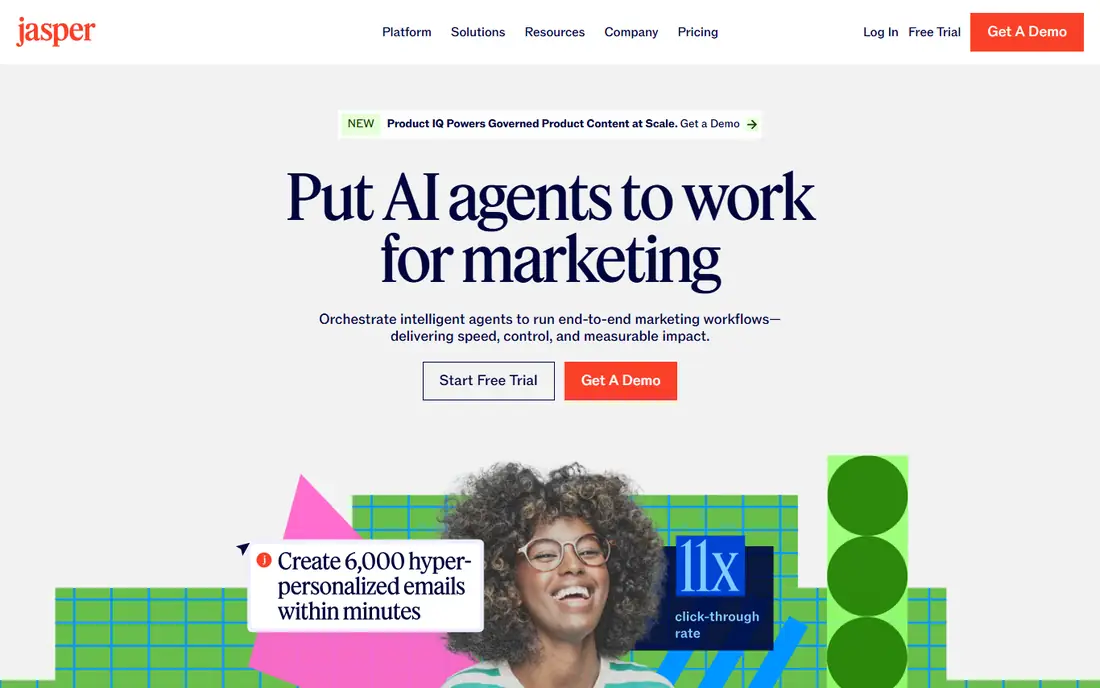
Jasper is the marketing platform in this group. Its pricing page lists Pro at $69 per seat per month on monthly billing or $59 per seat per month billed yearly, with a seven-day free trial. Pro includes a Canvas workspace, agents for core marketing workflows, 2 Brand Voices, 5 Knowledge assets and 3 Audiences. Business is custom priced and adds API access, admin controls and SSO.
The page is a little inconsistent about seats: structured data suggests up to 5 users on Pro, while the FAQ says more than one user needs a conversation with sales. Confirm the seat count before you buy.
Jasper is worth a look only if brand consistency across a team matters more than price. A solo writer can get most of the same value from a general assistant at a fraction of the cost.
- Brand Voices, Knowledge assets and Audiences keep output on message
- Canvas workspace and marketing agents
- Business plan adds API access and SSO
- No free plan
- Highest entry price on this list
Sudowrite
Ideal for: Fiction writers
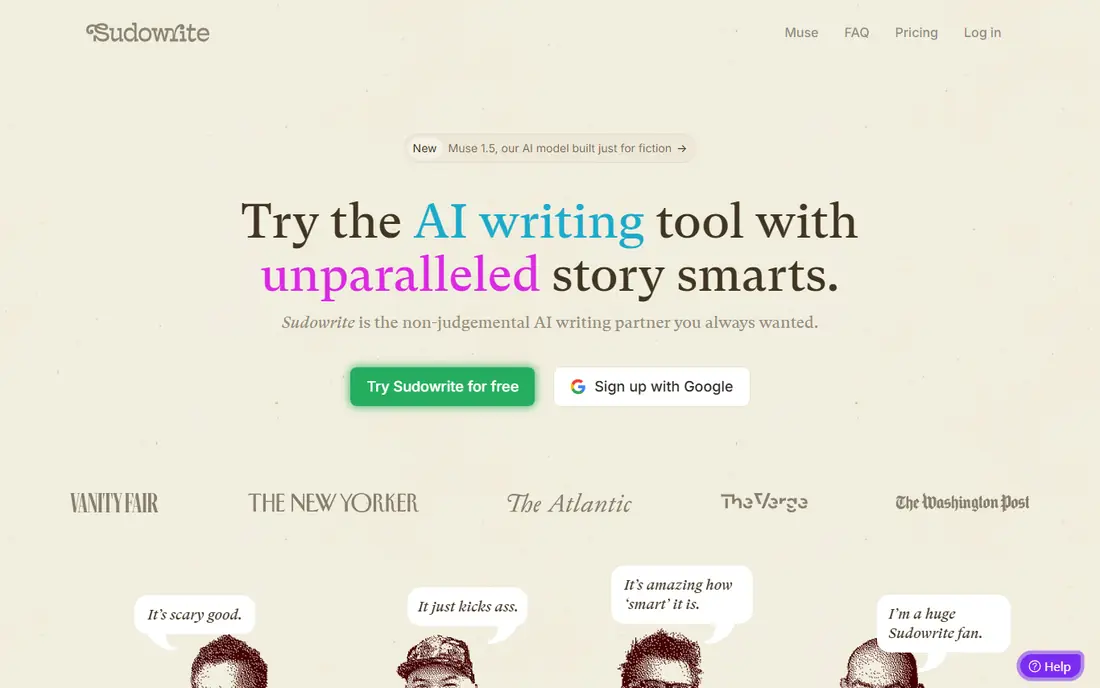
Sudowrite is aimed at fiction writers. The pricing page lists Hobbyist and Student at $10 per month, Professional at $22 and Max at $44, each with a free trial that needs no credit card. Core tools include Write, Rewrite, Describe and Expand, plus style matching, series continuity and brainstorming chat. Professional adds developmental edits, line edits and beta reads.
The page does not state how long the trial lasts, and the yearly toggle shows only a discount of up to 50% without listing prices. Plans are credit-based, so a long novel could use credits faster than you expect.
If you write stories and want help with scene description or continuity, this is more specific than a general chatbot. For non-fiction it adds little.
- Built for novels and stories with Write, Rewrite, Describe and Expand
- Style matching and series continuity
- Higher tiers add developmental and line edits
- Trial length is not stated on the page
- Credit-based limits can run out
Wordtune
Ideal for: Quick sentence rewrites

Wordtune focuses on rewriting what you already wrote. The plans page lists a free Basic plan with 10 rewrites and AI suggestions a day, Advanced at $6.99 per month ($4.89 billed annually), and Unlimited at $9.99 per month ($6.99 billed annually). Both paid plans include a three-day free trial, and Unlimited removes the daily limits on rewrites, suggestions and summaries.
The page says refunds are not offered, though you can cancel before the next billing cycle or before a trial ends. Students, educators and nonprofit staff may get 30% off after contacting support.
It is a low-cost add-on when you mostly need to tighten or reword sentences. It will not write a long piece for you.
- Free Basic plan offers 10 rewrites a day
- Unlimited costs $6.99 per month billed annually
- Includes spelling and grammar checks
- Free plan is tight
- No refunds on paid plans
How we picked these
We compared official pricing pages, feature pages and help content, not hands-on testing. For each tool we recorded the plan names, US prices where the page showed them, free-plan limits, and what the vendor says the tool is for. Where a page showed another currency or left the billing period unclear, we said so and avoided quoting a number.
We also checked that each product still matches its old reputation. Copy.ai and Rytr were popular writing tools, but their current pages describe sales and relationship workflows more than general writing, so we left them off the list.
How to choose between them
Start with the job, not the brand. A tool built for fiction will frustrate a marketer, and a marketing platform will feel heavy for a student.
Match the tool to the task
For drafting from scratch, a general assistant like ChatGPT, Claude or Gemini is the usual base. For editing, Grammarly, QuillBot and Wordtune are cheaper and more focused. For team marketing work with a defined brand voice, look at Jasper. For stories, look at Sudowrite.
Watch limits and credits
Most plans mention usage limits, credits or fair-use caps. Read what counts toward the limit before you commit, and try the free plan on a real task, not a demo prompt.
Protect private material
Check if your content can be used to train models and how to opt out. Avoid pasting confidential client documents, passwords or personal records into any tool you have not reviewed. Always fact-check AI output, since these tools can state wrong things with confidence.
Frequently asked questions
What is the best AI app for writing?
For most people we would start with ChatGPT or Claude, since both have free plans and handle drafting, rewriting and brainstorming. Add Grammarly if you want a dedicated editing pass. The best fit depends on the job: drafting, editing or fiction.
What are good alternatives to Jasper?
ChatGPT, Claude and Gemini cover much of the same ground at lower prices, and each has a free plan. If you want brand-voice features without Jasper's price, a workspace tool like Notion AI may fit teams already using Notion.
Is there a free AI writing tool worth using?
Yes. ChatGPT, Claude, Gemini, Grammarly, QuillBot and Wordtune all list free plans. Expect limits on prompts, words or daily rewrites, so test with real work before deciding to pay.
Are the alternatives better than the original AI writing tools?
Not always. Some older writing tools have changed direction, so the original may no longer be what you remember. Compare the current pricing and feature pages, then choose by task.
Can AI writing tools replace a human writer?
They speed up drafting and editing, but they can be wrong and generic. A person should still check facts, tone and anything legal or medical before it is published.
Sources
- https://chatgpt.com/pricing
- https://claude.com/pricing
- https://gemini.google/subscriptions/
- https://www.grammarly.com/plans
- https://quillbot.com/premium
- https://www.notion.com/pricing
- https://www.notion.com/product/ai
- https://www.jasper.ai/pricing
- https://www.sudowrite.com/pricing
- https://www.wordtune.com/plans
- https://www.copy.ai/prices
- https://rytr.me/