Best Airtable Alternatives in 2026: 8 Options Compared

- 1
 Notiondocs, databases and wikis in one placeVisit
- 2
 Asanaproject tracking with strong task viewsVisit
- 3
 Smartsheetspreadsheet style project managementVisit
- 4
 Monday Workboardsvisual team workflows and dashboardsVisit
- 5
 ClickUpall in one tasks, docs and goalsVisit
- Notion and Coda suit teams that want docs and databases together.
- Asana, Monday and ClickUp suit project work where tasks and status matter most.
- Baserow and NocoDB suit teams that want open source control or self hosting.
- Smartsheet is the closest feel for spreadsheet first teams moving from Airtable.
Quick comparison
| Product | Ideal for | Price from | Free version | |
|---|---|---|---|---|
| Notion | docs, databases and wikis in one place | Free | Free | Visit |
| Asana | project tracking with strong task views | Free | Free | Visit |
| Smartsheet | spreadsheet style project management | See website | Free trial | Visit |
| Monday Workboards | visual team workflows and dashboards | Free | Free | Visit |
| ClickUp | all in one tasks, docs and goals | Free | Free | Visit |
 Coda | documents that act like apps | Free | Free | Visit |
 Baserow | open source Airtable style databases | Free | Free | Visit |
 NocoDB | turn a database into a smart spreadsheet | Free | Free | Visit |
The best airtable alternatives
We compared official feature pages, pricing, app store listings, privacy policies and public reviews for this list. The options below cover different budgets and needs, so read the best for line first and then the full write up for the products that match your situation.
Notion
Ideal for: docs, databases and wikis in one place
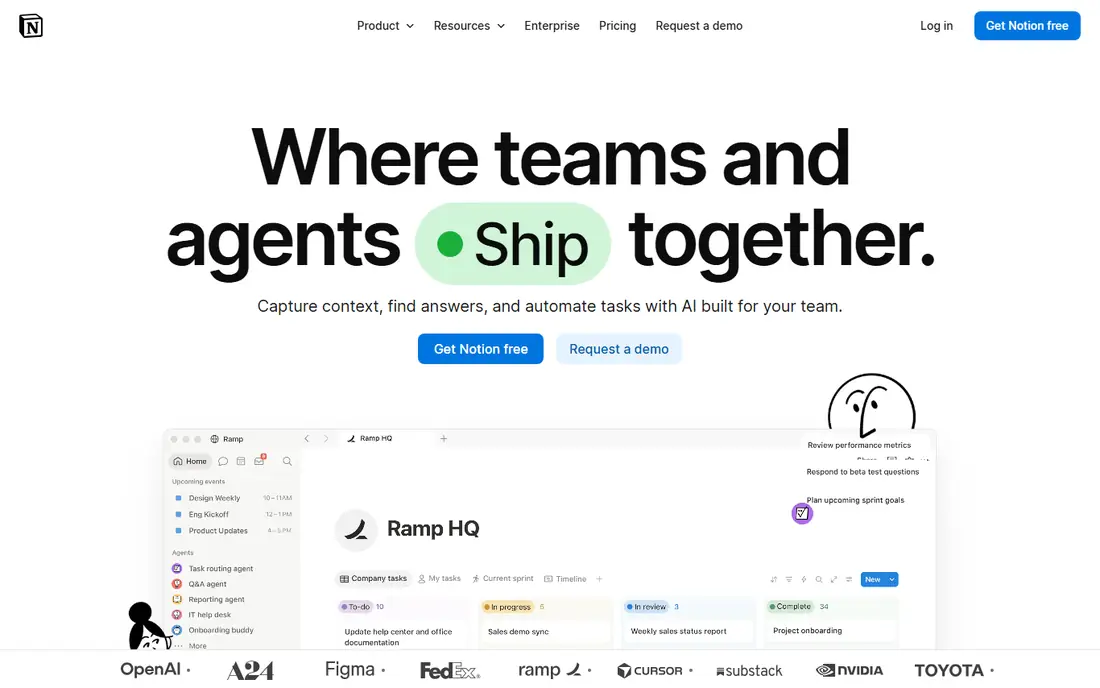
Notion fits docs, databases and wikis in one place. It blends documents and databases, so a project page can hold notes, tasks and a tracker together. The strengths we noted were flexible pages and databases; strong templates; good for docs plus tracking. For many readers, that mix makes it worth a close look before deciding.
The honest catch is that teams that need strict relational rules or heavy automation should test those flows first. Pricing is listed as Free, with a free plan status of Free. Before you commit, try the free tier or trial with your real work, and check the limits that matter for your use. That short test will tell you more than any feature list.
- Flexible pages and databases
- Strong templates
- Good for docs plus tracking
- Relational features are less strict than Airtable
- Large databases can feel slower
Asana
Ideal for: project tracking with strong task views
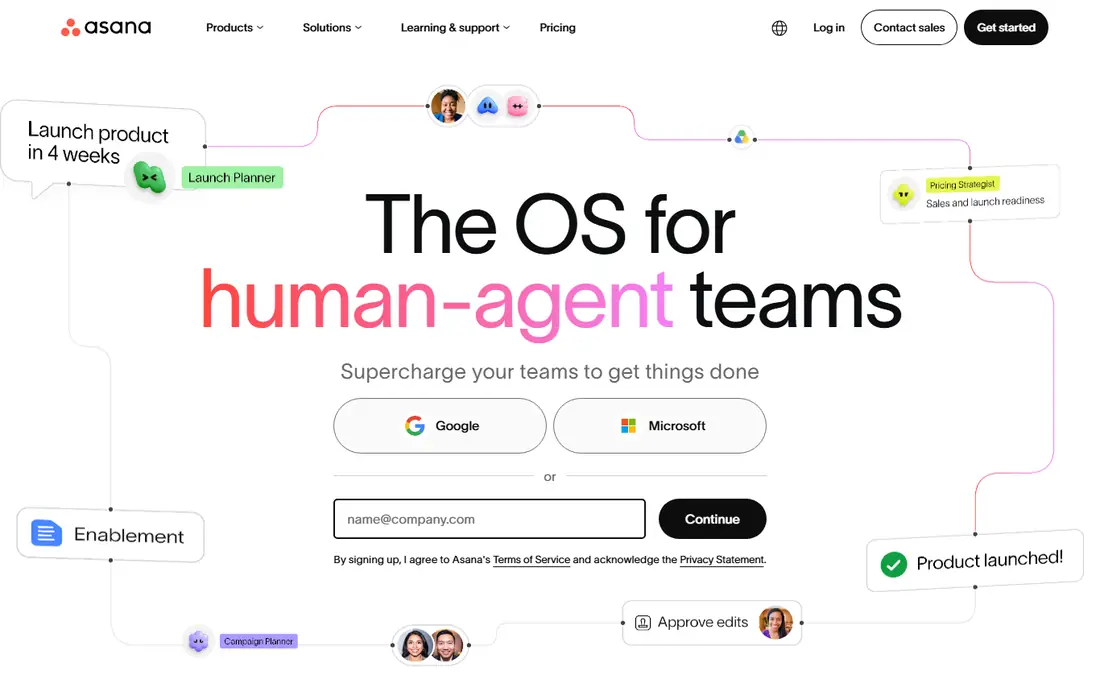
For project tracking with strong task views, Asana is a natural first candidate. It suits teams that think in tasks and deadlines rather than database records. In practice, that means task, timeline and board views; automation rules; clear team workload views. It is not perfect for everyone, but the fit is clear for this use.
On the downside, database heavy teams may miss Airtable style linked records and formulas. The starting price is Free, and the free plan status is Free. We suggest testing it with a real task, checking support and export options, and confirming that the plan you need covers your team or household size.
- Task, timeline and board views
- Automation rules
- Clear team workload views
- Database and grid features are lighter than Airtable
- Advanced plans cost more
Smartsheet
Ideal for: spreadsheet style project management
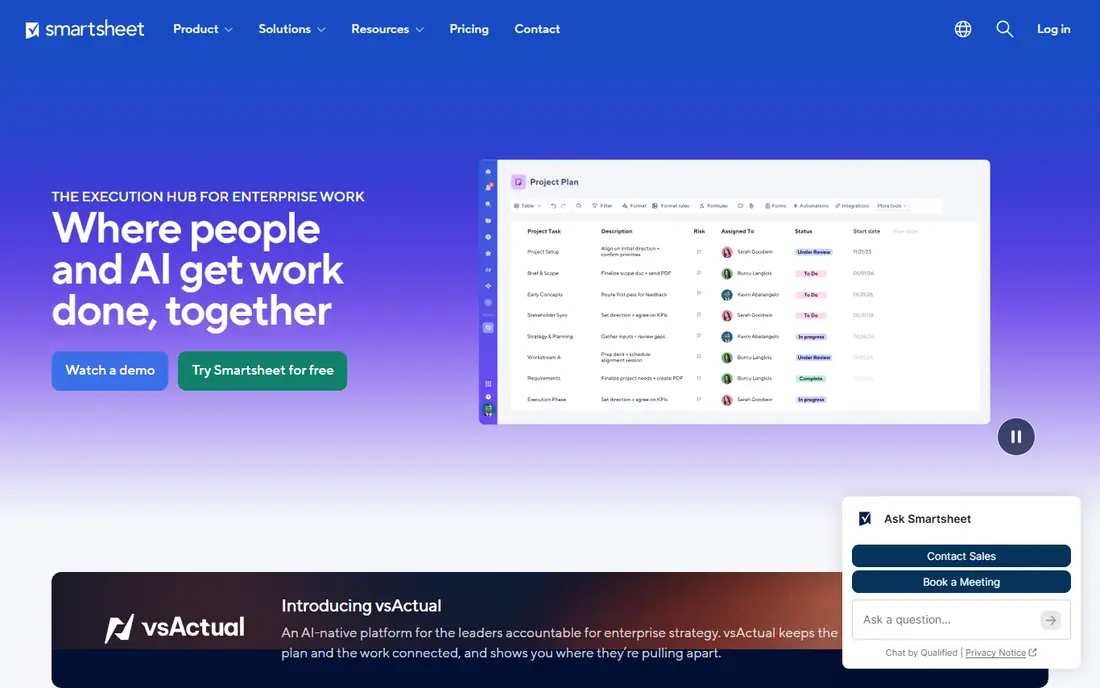
Smartsheet is aimed at spreadsheet style project management, and the fit shows in daily use. Its spreadsheet grid feels familiar to anyone who already manages work in sheets. Readers who value familiar spreadsheet grid; gantt and card views; strong reporting for managers will see the appeal quickly.
The trade off is that teams wanting a modern, playful interface may find it more formal. Starting price is See website, with free plan status Free trial. A trial with your own data is the best next step, since it reveals setup time, limits and everyday friction that a sales page hides.
- Familiar spreadsheet grid
- Gantt and card views
- Strong reporting for managers
- Interface feels more corporate than Airtable
- Pricing is quoted for some plans
Monday Workboards
Ideal for: visual team workflows and dashboards
If you need a tool for visual team workflows and dashboards, start with Monday Workboards. Its visual boards make status clear at a glance, with dashboards for managers. The result is a product that covers visual boards and dashboards; many templates; automation and integrations without forcing a complex setup.
Keep in mind that simple tracker users should check whether the price matches the features they use. It lists a starting price of Free and a free plan status of Free. Compare the total cost for your real use, including any add ons, before you settle on it.
- Visual boards and dashboards
- Many templates
- Automation and integrations
- Costs rise with team size
- The interface can feel busy for simple trackers
ClickUp
Ideal for: all in one tasks, docs and goals
ClickUp fits all in one tasks, docs and goals. It packs tasks, docs and goals into one place, which reduces the number of tools a team needs. The strengths we noted were tasks, docs, goals and dashboards in one app; many views; generous free tier. For many readers, that mix makes it worth a close look before deciding.
The honest catch is that teams should start with one workspace structure, or the flexibility can turn messy. Pricing is listed as Free, with a free plan status of Free. Before you commit, try the free tier or trial with your real work, and check the limits that matter for your use. That short test will tell you more than any feature list.
- Tasks, docs, goals and dashboards in one app
- Many views
- Generous free tier
- The breadth can feel overwhelming at first
- Setup needs discipline
Coda
Ideal for: documents that act like apps
For documents that act like apps, Coda is a natural first candidate. It turns a document into a working app with tables, buttons and automations. In practice, that means docs with tables, buttons and formulas; packs for integrations; flexible building. It is not perfect for everyone, but the fit is clear for this use.
On the downside, mobile heavy teams should test the app before moving a workflow there. The starting price is Free, and the free plan status is Free. We suggest testing it with a real task, checking support and export options, and confirming that the plan you need covers your team or household size.
- Docs with tables, buttons and formulas
- Packs for integrations
- Flexible building
- Learning curve for formula heavy docs
- Mobile experience is weaker than desktop
Baserow
Ideal for: open source Airtable style databases
Baserow is aimed at open source Airtable style databases, and the fit shows in daily use. Its open source model and self hosting option appeal to teams that want data control. Readers who value self hosted option; familiar grid and form views; open source base will see the appeal quickly.
The trade off is that teams without technical help should use the hosted version rather than self hosting. Starting price is Free, with free plan status Free. A trial with your own data is the best next step, since it reveals setup time, limits and everyday friction that a sales page hides.
- Self hosted option
- Familiar grid and form views
- Open source base
- Smaller template and integration library than Airtable
- Self hosting needs technical care
NocoDB
Ideal for: turn a database into a smart spreadsheet
If you need a tool for turn a database into a smart spreadsheet, start with NocoDB. It gives a spreadsheet interface over a real database, which suits technical teams. The result is a product that covers open source no code interface over databases; grid, form and gallery views without forcing a complex setup.
Keep in mind that non technical teams may find hosted Airtable style tools easier to start with. It lists a starting price of Free and a free plan status of Free. Compare the total cost for your real use, including any add ons, before you settle on it.
- Open source no code interface over databases
- Grid, form and gallery views
- Setup is technical for self hosting
- Polished templates are fewer than Airtable
How we picked these
We compared official feature pages, pricing pages, app store listings, privacy policies and public reviews. We checked that each product exists and works today, that it truly fits the topic, and that its official homepage loads. We favoured products with clear pricing or a clear free tier, honest limits, and a distinct use case, rather than listing near duplicates.
We did not claim hands on testing that did not happen. Where pricing was quoted rather than listed, we wrote See website rather than guessing a number. Where a product had a known limit, such as a watermark on a free plan or a state limit on cover, we stated it plainly so readers can judge the trade off. Readers should also check the current plan details on the vendor site before buying, since prices and free tiers change over time.
How to choose an Airtable alternative
Start with how your team thinks. If work lives in tasks and deadlines, a project tool fits better than a database. If work lives in linked records, formulas and views, a database style tool is the right match. Moving to the wrong model creates friction every week.
Next, test your real data. Import a sample base and try filtering, linking and automating it. Check form views, permissions and mobile access, since those details decide daily usability more than feature lists.
Finally, check pricing at your real team size. Free tiers look generous until collaborators and automations grow. Compare the plan you would need in six months, not just the plan that covers today.
Frequently asked questions
What is the best free Airtable alternative?
Notion, ClickUp and Coda all offer free tiers that cover many tracker needs. Baserow and NocoDB add open source options, but setup is more technical.
Can I move my Airtable bases to another tool?
Most tools here support CSV import, and some offer direct migration help. Complex formulas and automations usually need rebuilding, so budget time for that step.
Is Notion a good Airtable replacement?
Notion works well when docs and databases share one workspace. For strict relational databases and heavy automation, a dedicated database tool may fit better.
Which alternative is best for project management?
Asana, Monday and ClickUp suit project management, with task views, timelines and workload tools. Airtable style databases are better for record tracking than task deadlines.
Do open source alternatives need technical skills?
Hosted versions are approachable, but self hosting Baserow or NocoDB needs server care and updates. Non technical teams should choose a hosted plan.