Best FlutterFlow Alternatives in 2026: 7 Options Compared

- Bubble is our pick for complex web apps because its logic and database tools run deep.
- Adalo and Glide suit beginners who want a mobile app live fast with less setup.
- Draftbit suits teams that want React Native code they can keep and extend.
- Check code export and store publishing before choosing, since both affect your exit options.
Quick comparison
| Product | Ideal for | Price from | Free version | |
|---|---|---|---|---|
 Adalo | simple mobile apps for beginners | See website | Yes | Visit |
 Bubble | complex web apps without code | See website | Yes | Visit |
 Glide | apps from spreadsheets | See website | Yes | Visit |
 Draftbit | React Native apps with code export | See website | Free trial | Visit |
 Thunkable | mobile apps for learners and teams | See website | Yes | Visit |
 WeWeb | web apps with backend freedom | See website | Yes | Visit |
 Bravo Studio | apps from Figma designs | See website | Free trial | Visit |
The best flutterflow alternatives
We compared official feature pages, pricing pages, and app listings for no-code and low-code app builders that work in October 2026. Our pick for most builders is Bubble, because it handles complex logic and data well, but mobile-first and code-export options below suit different projects.
Adalo
Ideal for: simple mobile apps for beginners
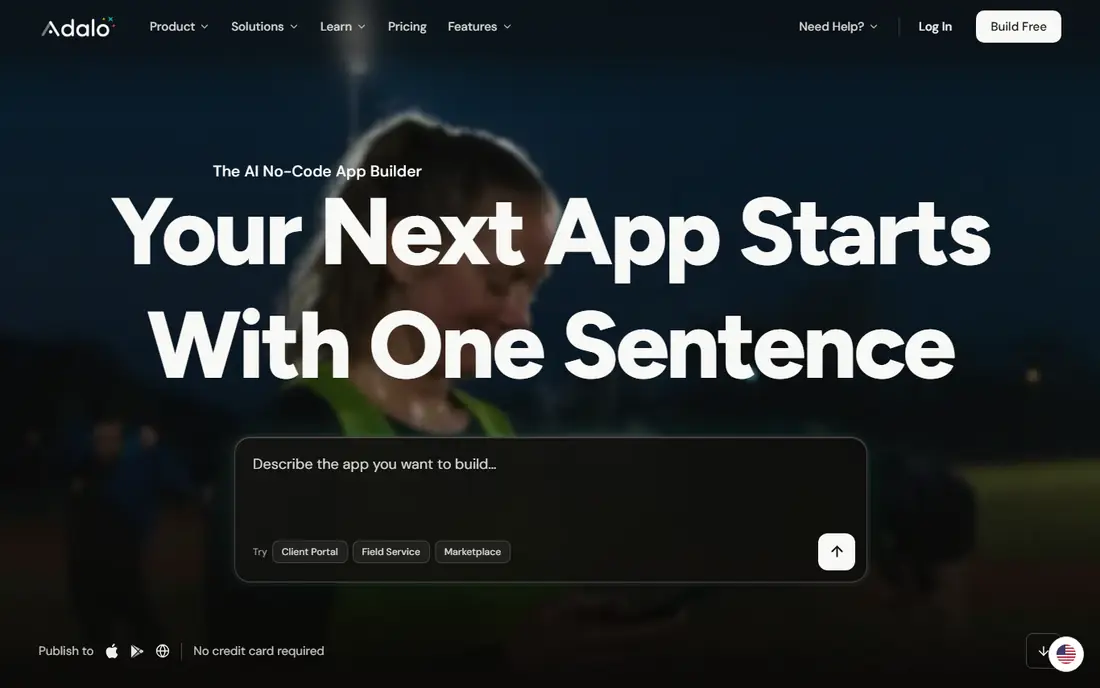
Adalo lets beginners build mobile apps with drag-and-drop components and publish to stores. Its strength is ease, since a first app can go live without coding. Support quality matters when something breaks, so read the help pages and the refund or cancellation terms before paying. Note which features sit behind higher tiers, because the headline plan rarely includes everything shown on the marketing page.
The catch is depth: complex logic and large data sets can strain it. Read the privacy policy for any product that holds personal or business data, and confirm who can see that data and how long it is kept.
Our view: if simple mobile apps for beginners is your main need, this option deserves a trial, with the trade-offs above kept in mind. Set a reminder to review the plan after the first month, when real usage shows whether the tier you picked still fits. A clean export path matters, so confirm you can take your data out in a usable format if you later switch.
- Drag-and-drop mobile building
- App store publishing
- Templates
- Logic depth is limited for complex apps
- Performance varies at scale
Bubble
Ideal for: complex web apps without code
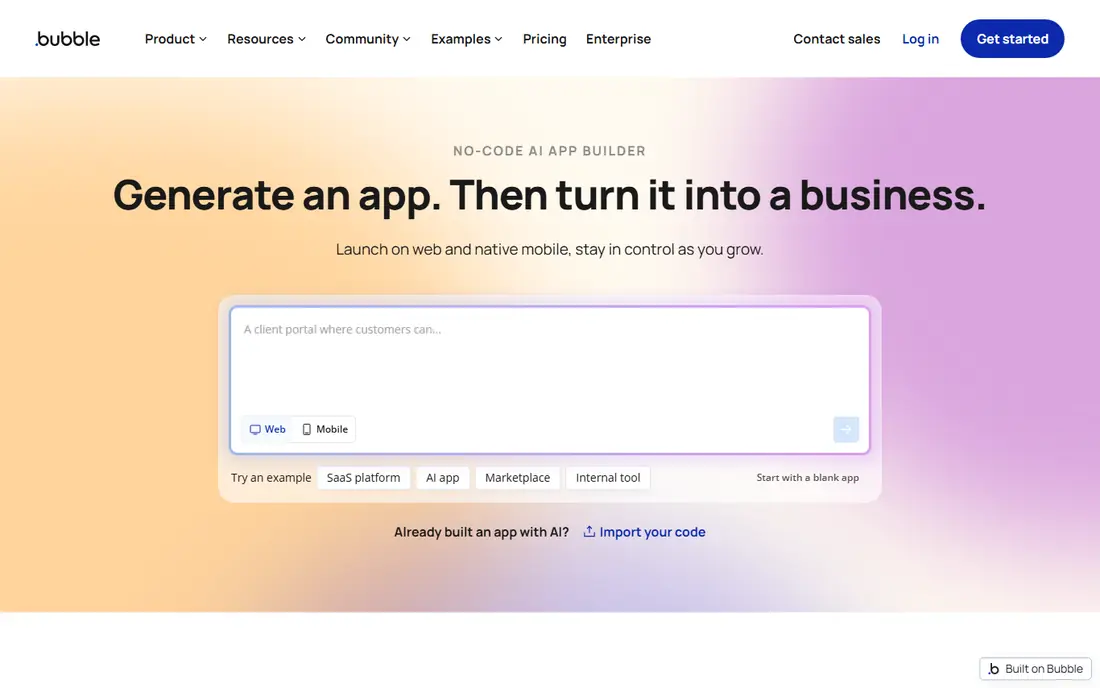
Bubble builds complex web apps with visual logic, databases, and plugins. Its strength is depth, which suits marketplaces, dashboards, and internal tools. Watch for limits that only appear at scale, such as seats, projects, scans, or exports, since those decide the real monthly cost. If your team will use it daily, get one or two colleagues to try the same task in it and compare notes before you choose.
The catch is learning curve and mobile packaging, since native apps need extra steps. A clean export path matters, so confirm you can take your data out in a usable format if you later switch.
Our view: this option is a strong candidate when complex web apps without code matters most, provided the limits above fit your budget. If you rely on it for work, confirm uptime, backup, and account recovery options before moving anything important into it. Check the pricing page before you commit, since plans and limits change and the page you see at signup is the one that counts.
- Deep logic and database tools
- Plugins
- Responsive design
- Mobile app support needs wrappers
- Learning curve is real
Glide
Ideal for: apps from spreadsheets
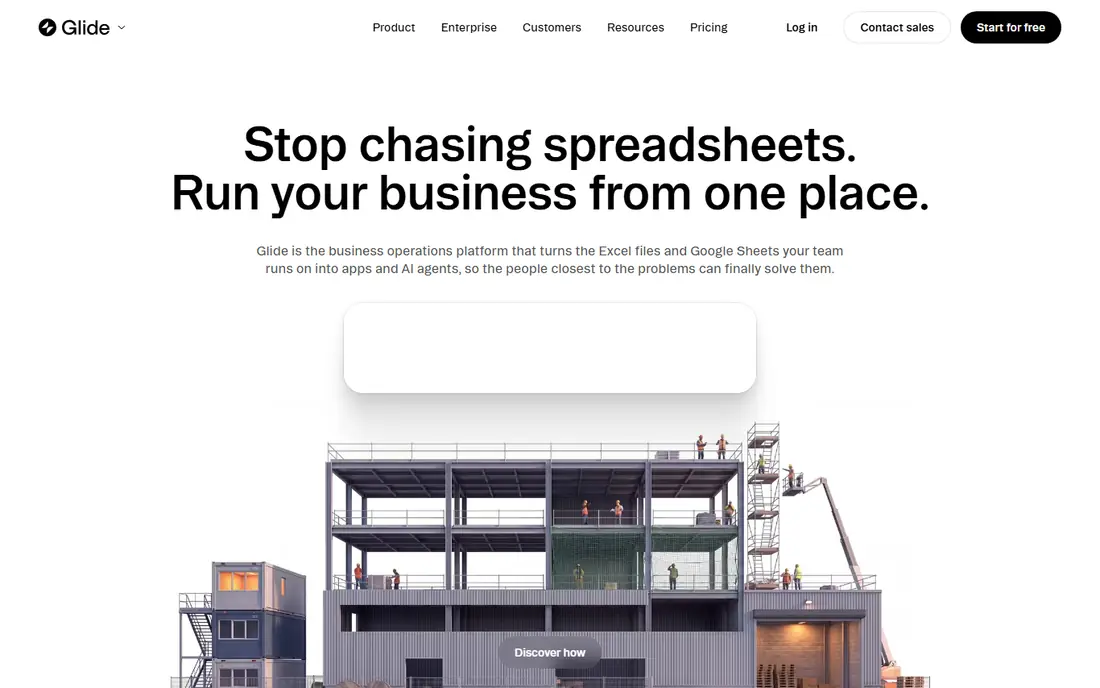
Glide turns a spreadsheet into a working app with lists, forms, and screens. Its strength is speed for data-driven apps, since your sheet becomes the database. Compare at least two options on the same task, using the same sample project or data, so the comparison stays honest. Check the pricing page before you commit, since plans and limits change and the page you see at signup is the one that counts.
The catch is customisation: apps that need deep logic will hit limits. Note which features sit behind higher tiers, because the headline plan rarely includes everything shown on the marketing page.
Our view: shortlist this option if apps from spreadsheets is what you are buying for, and compare it head to head with one other option here. Look at how it handles your existing tools, because a product that fits your current setup saves more time than one with a longer feature list. If your team will use it daily, get one or two colleagues to try the same task in it and compare notes before you choose.
- Turns sheets into apps fast
- Simple interface
- Templates
- Custom logic is limited
- Best for data-driven apps
Draftbit
Ideal for: React Native apps with code export
Draftbit builds React Native apps visually and lets teams export the code. Its strength is ownership, since exported code can be kept and extended by developers. Check the pricing page before you commit, since plans and limits change and the page you see at signup is the one that counts. A clean export path matters, so confirm you can take your data out in a usable format if you later switch.
The catch is audience: it suits teams with some technical help more than pure beginners. A short trial or a free tier, where one exists, tells you more in a week than any feature list can.
Our view: this option earns its place here for buyers who put React Native apps with code export first, and it is worth a close look before you decide. If your team will use it daily, get one or two colleagues to try the same task in it and compare notes before you choose. Note which features sit behind higher tiers, because the headline plan rarely includes everything shown on the marketing page.
- React Native building
- Code export
- Design system tools
- Smaller community than larger builders
- Pricing varies
Thunkable
Ideal for: mobile apps for learners and teams
Thunkable builds mobile apps with blocks and publishes to iOS and Android. Its strength is learning, which suits schools, startups, and first-time builders. Support quality matters when something breaks, so read the help pages and the refund or cancellation terms before paying. Look at how it handles your existing tools, because a product that fits your current setup saves more time than one with a longer feature list.
The catch is advanced needs, since complex apps may need workarounds. Read the privacy policy for any product that holds personal or business data, and confirm who can see that data and how long it is kept.
Our view: if mobile apps for learners and teams is your main need, this option deserves a trial, with the trade-offs above kept in mind. Set a reminder to review the plan after the first month, when real usage shows whether the tier you picked still fits. Support quality matters when something breaks, so read the help pages and the refund or cancellation terms before paying.
- Block-based building
- IOS and Android publishing
- Education use
- Advanced logic needs workarounds
- Design control is limited
WeWeb
Ideal for: web apps with backend freedom
WeWeb builds web apps visually and connects to backends of your choice. Its strength is backend freedom, since you are not locked to one database. Watch for limits that only appear at scale, such as seats, projects, scans, or exports, since those decide the real monthly cost. Compare at least two options on the same task, using the same sample project or data, so the comparison stays honest.
The catch is platform: it does not build native mobile apps directly. A clean export path matters, so confirm you can take your data out in a usable format if you later switch.
Our view: this option is a strong candidate when web apps with backend freedom matters most, provided the limits above fit your budget. If you rely on it for work, confirm uptime, backup, and account recovery options before moving anything important into it. Set a reminder to review the plan after the first month, when real usage shows whether the tier you picked still fits.
- Visual web building
- Connects to many backends
- Code export options
- Web-only focus
- Mobile apps need other tools
Bravo Studio
Ideal for: apps from Figma designs
Bravo Studio turns Figma designs into native apps with API connections. Its strength is design fidelity, since your Figma file becomes the app interface. Compare at least two options on the same task, using the same sample project or data, so the comparison stays honest. Read the privacy policy for any product that holds personal or business data, and confirm who can see that data and how long it is kept.
The catch is workflow: teams without Figma skills will find setup harder. Note which features sit behind higher tiers, because the headline plan rarely includes everything shown on the marketing page.
Our view: shortlist this option if apps from Figma designs is what you are buying for, and compare it head to head with one other option here. Look at how it handles your existing tools, because a product that fits your current setup saves more time than one with a longer feature list. A short trial or a free tier, where one exists, tells you more in a week than any feature list can.
- Turns Figma designs into apps
- Native publishing
- API connections
- Design-first workflow needs Figma skills
- Smaller template range
How we picked these
We compared official feature pages, pricing pages, and public reviews for each tool. We looked for visual building, database and logic depth, code export, app store publishing, templates, and pricing. We did not run hands-on tests.
How to choose a FlutterFlow alternative
Start with your platform. Mobile-first projects need native app publishing, while internal tools may work fine as web apps.
Check code export if you care about ownership. Some tools let you export code, while others lock your app inside their platform.
Build a small test app first. A login screen plus a list and a form reveals limits on logic, data, and design faster than any feature page.
Frequently asked questions
What is the best alternative to FlutterFlow?
Bubble is best for complex web apps, Adalo and Glide suit simple mobile apps, and Draftbit suits teams that want React Native code. The best pick depends on your platform and logic needs.
Can no-code tools publish to the App Store and Google Play?
Yes, most mobile builders here publish to both stores, but review rules, fees, and build steps vary. Confirm store publishing is included in your plan.
Do I own my app if I use a no-code tool?
You own your app idea and data, but code ownership depends on export options. Draftbit and similar code-export tools give you more control than closed platforms.
Are no-code app builders free?
Most offer free tiers for learning and small projects, with paid plans for custom domains, more users, and publishing. Check limits on rows, users, and builds.