Best Microsoft Office Alternatives in 2026: 8 Options Compared

- 1
 Google Workspacecloud collaboration for teamsVisit
- 2
 LibreOfficefree desktop office suiteVisit
- 3
 ONLYOFFICEOffice format compatibility in the browserVisit
- 4
 WPS Officelow cost Office style suiteVisit
- 5
 Apple iWorkfree office apps for Apple devicesVisit
- Google Workspace suits cloud collaboration, while LibreOffice suits free desktop use.
- ONLYOFFICE suits teams that share files with Microsoft Office users.
- WPS Office suits users who want a familiar Office style interface.
- Apple iWork suits Apple device users, while Zoho Workplace suits small business suites.
Quick comparison
| Product | Ideal for | Price from | Free version | |
|---|---|---|---|---|
| Google Workspace | cloud collaboration for teams | See website | Free trial | Visit |
| LibreOffice | free desktop office suite | Free | Free | Visit |
| ONLYOFFICE | Office format compatibility in the browser | Free | Free | Visit |
| WPS Office | low cost Office style suite | Free | Free | Visit |
| Apple iWork | free office apps for Apple devices | Free | Free | Visit |
 Zoho Workplace | business suite with mail and docs | See website | Free trial | Visit |
 FreeOffice | free lightweight desktop suite | Free | Free | Visit |
 Collabora Online | self hosted collaborative office | Free | Free | Visit |
The best microsoft office alternatives
We compared official feature pages, pricing, app store listings, privacy policies and public reviews for this list. The options below cover different budgets and needs, so read the best for line first and then the full write up for the products that match your situation.
Google Workspace
Ideal for: cloud collaboration for teams
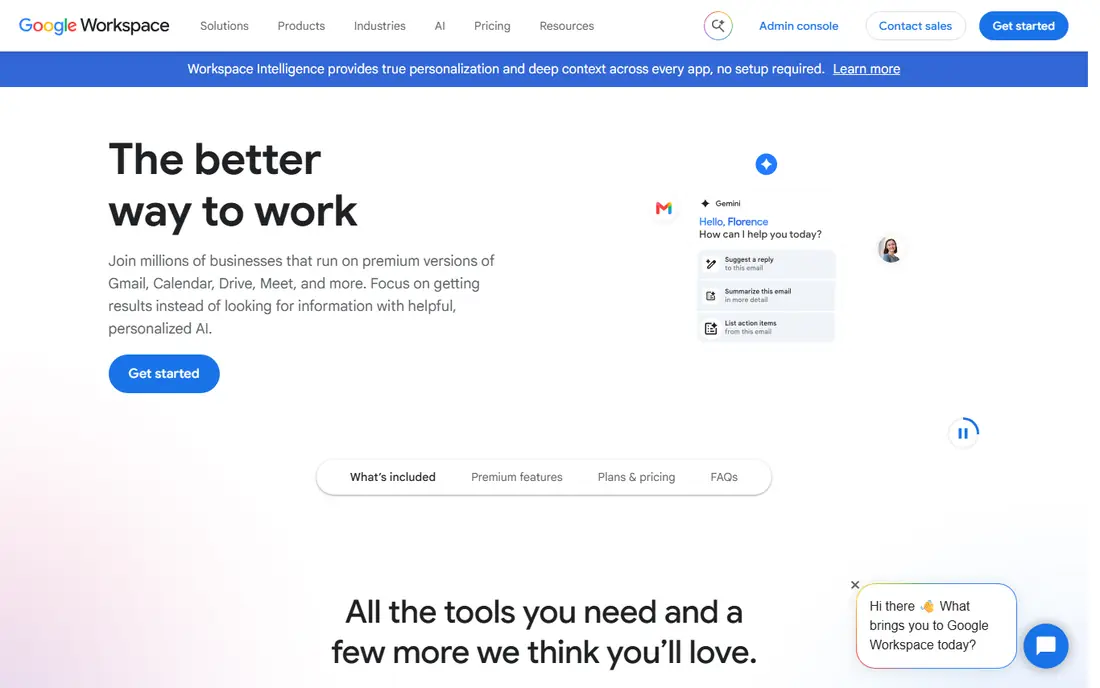
Google Workspace fits cloud collaboration for teams. Its real time collaboration suits teams that edit documents together online. The strengths we noted were docs, sheets and slides with real time collaboration; gmail and drive included. For many readers, that mix makes it worth a close look before deciding.
The honest catch is that users needing heavy offline or advanced Excel features should test those flows first. Pricing is listed as See website, with a free plan status of Free trial. Before you commit, try the free tier or trial with your real work, and check the limits that matter for your use. That short test will tell you more than any feature list.
- Docs, Sheets and Slides with real time collaboration
- Gmail and Drive included
- Offline features are lighter than desktop Office
- Advanced spreadsheet features differ
LibreOffice
Ideal for: free desktop office suite
For free desktop office suite, LibreOffice is a natural first candidate. Its free desktop suite covers documents, spreadsheets and slides offline. In practice, that means free writer, calc and impress; strong file format support; offline use. It is not perfect for everyone, but the fit is clear for this use.
On the downside, teams needing real time cloud collaboration should pair it with a cloud drive. The starting price is Free, and the free plan status is Free. We suggest testing it with a real task, checking support and export options, and confirming that the plan you need covers your team or household size.
- Free Writer, Calc and Impress
- Strong file format support
- Offline use
- Interface feels more traditional
- Collaboration is lighter than cloud suites
ONLYOFFICE
Ideal for: Office format compatibility in the browser
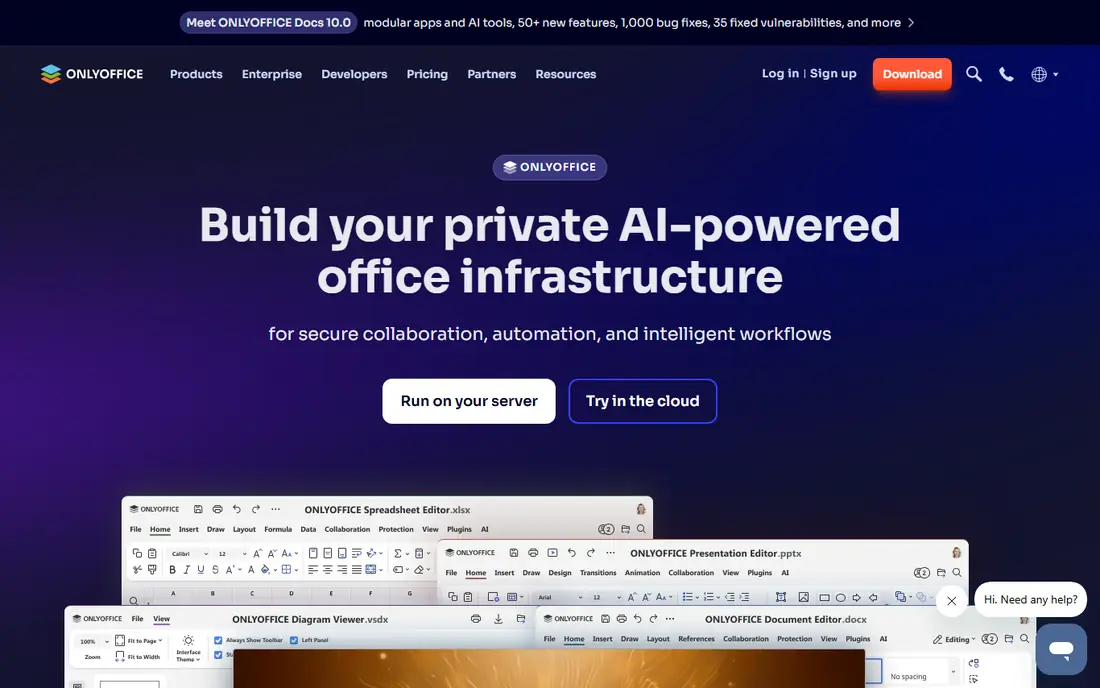
ONLYOFFICE is aimed at Office format compatibility in the browser, and the fit shows in daily use. Its format compatibility helps teams that share files with Microsoft Office users. Readers who value strong microsoft format compatibility; docs, sheets and slides; self hosted option will see the appeal quickly.
The trade off is that users wanting a simple consumer app may find the business focus heavier. Starting price is Free, with free plan status Free. A trial with your own data is the best next step, since it reveals setup time, limits and everyday friction that a sales page hides.
- Strong Microsoft format compatibility
- Docs, Sheets and Slides
- Self hosted option
- Advanced features need paid plans
- Interface takes learning time
WPS Office
Ideal for: low cost Office style suite
If you need a tool for low cost Office style suite, start with WPS Office. Its familiar interface eases the move from Microsoft Office. The result is a product that covers familiar office style interface; documents, spreadsheets and slides; mobile apps without forcing a complex setup.
Keep in mind that free users should note ads and check premium limits. It lists a starting price of Free and a free plan status of Free. Compare the total cost for your real use, including any add ons, before you settle on it.
- Familiar Office style interface
- Documents, spreadsheets and slides
- Mobile apps
- Free tier includes ads
- Premium features need a paid plan
Apple iWork
Ideal for: free office apps for Apple devices
Apple iWork fits free office apps for Apple devices. Its free Apple apps suit Mac, iPhone and iPad users. The strengths we noted were pages, numbers and keynote free on apple devices; clean design; icloud sharing. For many readers, that mix makes it worth a close look before deciding.
The honest catch is that Windows based teams should choose a cross platform suite instead. Pricing is listed as Free, with a free plan status of Free. Before you commit, try the free tier or trial with your real work, and check the limits that matter for your use. That short test will tell you more than any feature list.
- Pages, Numbers and Keynote free on Apple devices
- Clean design
- ICloud sharing
- Windows and Android support is limited
- Office format conversion needs care
Zoho Workplace
Ideal for: business suite with mail and docs
For business suite with mail and docs, Zoho Workplace is a natural first candidate. Its business suite value suits small firms that want mail, docs and chat together. In practice, that means writer, sheet and show with mail and chat; business plans; good value. It is not perfect for everyone, but the fit is clear for this use.
On the downside, teams sharing complex Office files should test conversion first. The starting price is See website, and the free plan status is Free trial. We suggest testing it with a real task, checking support and export options, and confirming that the plan you need covers your team or household size.
- Writer, Sheet and Show with mail and chat
- Business plans
- Good value
- Advanced Office compatibility varies
- Smaller ecosystem than Google or Microsoft
FreeOffice
Ideal for: free lightweight desktop suite
FreeOffice is aimed at free lightweight desktop suite, and the fit shows in daily use. Its lightweight free suite suits users who want desktop Office style apps at no cost. Readers who value free textmaker, planmaker and presentations; good office format support will see the appeal quickly.
The trade off is that teams needing cloud collaboration should choose Google Workspace or ONLYOFFICE. Starting price is Free, with free plan status Free. A trial with your own data is the best next step, since it reveals setup time, limits and everyday friction that a sales page hides.
- Free TextMaker, PlanMaker and Presentations
- Good Office format support
- Collaboration features are basic
- Support is lighter than paid suites
Collabora Online
Ideal for: self hosted collaborative office
If you need a tool for self hosted collaborative office, start with Collabora Online. Its self hosted collaboration suits organisations that want data control. The result is a product that covers collaborative editing based on libreoffice; self hosted control; office format support without forcing a complex setup.
Keep in mind that non technical users should choose a hosted suite instead. It lists a starting price of Free and a free plan status of Free. Compare the total cost for your real use, including any add ons, before you settle on it.
- Collaborative editing based on LibreOffice
- Self hosted control
- Office format support
- Self hosting needs technical care
- Setup is heavier than cloud suites
How we picked these
We compared official feature pages, pricing pages, app store listings, privacy policies and public reviews. We checked that each product exists and works today, that it truly fits the topic, and that its official homepage loads. We favoured products with clear pricing or a clear free tier, honest limits, and a distinct use case, rather than listing near duplicates.
We did not claim hands on testing that did not happen. Where pricing was quoted rather than listed, we wrote See website rather than guessing a number. Where a product had a known limit, such as a watermark on a free plan or a state limit on cover, we stated it plainly so readers can judge the trade off. Readers should also check the current plan details on the vendor site before buying, since prices and free tiers change over time.
How to choose a Microsoft Office alternative
Start with file sharing. If you exchange complex Word, Excel or PowerPoint files with Office users, format compatibility matters most. Test your real files, including formulas, styles and tracked changes, before switching.
Next, check collaboration and devices. Cloud suites suit teams that edit together online, while desktop suites suit offline work. Confirm support for your phones, tablets and computers, since gaps frustrate daily use.
Finally, check cost at team scale. Free suites suit individuals and small teams, but business plans, support and admin controls add cost. Compare the plan you need for your whole team, not just one user.
Frequently asked questions
What is the best alternative to Microsoft Office?
Google Workspace suits collaboration, LibreOffice suits free desktop use, and ONLYOFFICE suits format compatibility. The best pick depends on sharing and collaboration needs.
Is LibreOffice really free?
Yes, LibreOffice is free and open source, with Writer, Calc and Impress. It works offline, though cloud collaboration is lighter than Google Workspace.
Can Google Docs open Microsoft Office files?
Yes, Google Workspace can open and convert Office files, though complex formatting and formulas may shift. Test important files before switching fully.
Which alternative is closest to Microsoft Office?
WPS Office and ONLYOFFICE feel closest in interface and format handling. Test your own documents to judge compatibility for your work.
Do I need Microsoft Office for work?
Not always. Many teams work well with Google Workspace or LibreOffice, but some employers and clients require Office files. Check your workplace requirements first.