Alternatives to SharePoint for Intranet in 2026: 8 Platforms Compared

- Confluence and Notion suit knowledge-led teams that want pages, docs, and AI search without SharePoint complexity.
- Simpplr, Staffbase, LumApps, and Workvivo are purpose-built intranets with comms, targeting, and frontline reach.
- Appspace adds signage and workplace tools for companies that need an intranet plus physical workplace screens.
- Happeo is the friendliest pick for small and mid-sized companies that want to go live in weeks, not months.
Quick comparison
| Product | Ideal for | Price from | Free version | |
|---|---|---|---|---|
 Confluence | Team knowledge and docs | See website | Yes | Visit |
 Notion | Flexible wiki and workspace | Free | Yes | Visit |
 Appspace | Intranet plus workplace experience | See website | No | Visit |
 Simpplr | AI intranet for enterprises | See website | No | Visit |
 Staffbase | Frontline and multichannel comms | See website | No | Visit |
 LumApps | AI employee hub | See website | No | Visit |
 Workvivo | Social intranet and engagement | See website | No | Visit |
 Happeo | Intranet for growing companies | See website | Free trial | Visit |
The best alternatives to sharepoint for intranet
We compared official feature pages, pricing pages, and analyst recognition to find intranet platforms that fix the common SharePoint complaints: hard navigation, stale content, and weak frontline reach.
Confluence
Ideal for: Team knowledge and docs

Confluence works as an intranet when knowledge is the main job. Teams publish pages, live docs, whiteboards, and databases in shared spaces, and AI features draft content, summarize pages, and find answers across the workspace. A free tier helps small teams start, and Jira integration suits product and engineering groups.
It is less of a comms platform than the dedicated intranets below, with fewer tools for targeted campaigns and frontline delivery. For documentation-led teams already using Atlassian tools, Confluence is a natural SharePoint alternative.
- Strong pages, whiteboards, and databases
- AI search and summaries
- Free tier
- Comms and targeting are weaker than purpose-built intranets
- Setup needs care
Notion
Ideal for: Flexible wiki and workspace
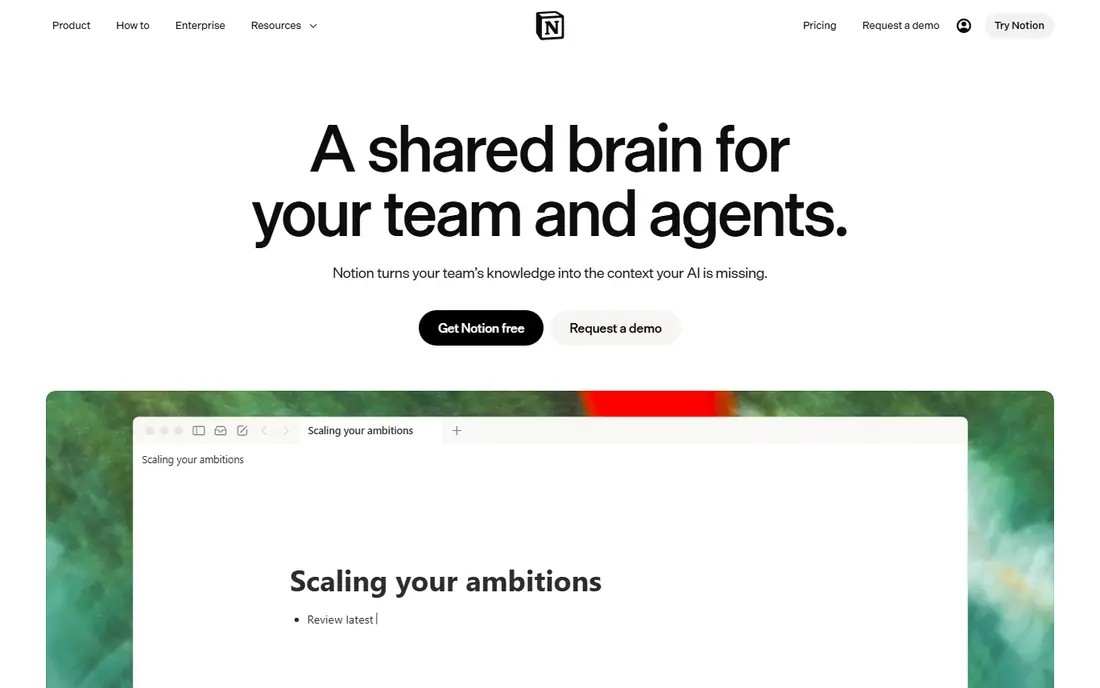
Notion turns an intranet into a flexible workspace where pages, wikis, docs, and databases live together. AI search finds answers with citations, and agents can triage work and automate routine tasks. The free plan covers small teams, and the interface is friendlier than SharePoint for everyday authors.
Governance takes deliberate setup, since flexibility can drift into sprawl without owners and templates. Companies that want a modern wiki and workspace, and can set those rules, will find Notion a strong alternative.
- Flexible pages and databases
- AI agents and search
- Free plan
- Governance needs setup
- Less intranet-specific comms tooling
Appspace
Ideal for: Intranet plus workplace experience
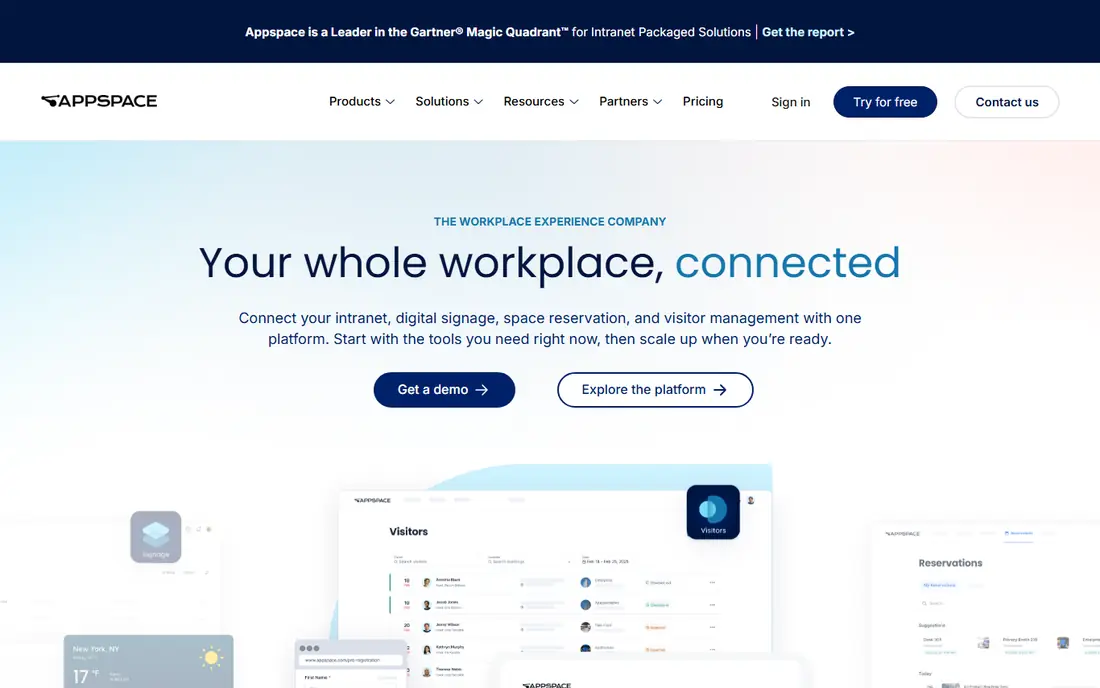
Appspace, which now includes the former Igloo intranet business, combines intranet publishing with digital signage, space reservation, and visitor management. That breadth suits companies that want one workplace platform for both desk and physical spaces. AI assistants can create content, book rooms, and surface usage trends, and integrations cover Microsoft 365, Teams, and Slack.
Pricing is quoted, and smaller companies may only need the intranet part. For workplaces that also run screens, rooms, and front desks, Appspace is a compelling single-platform pick.
- Intranet, signage, space booking, and visitors in one platform
- Strong Microsoft 365 links
- Pricing is quoted
- Breadth may be more than small teams need
Simpplr
Ideal for: AI intranet for enterprises
Simpplr positions itself as an AI intranet that unifies comms, knowledge, people, and workflows. Employees get personalized content and enterprise search, while comms teams can target messages across channels and measure reach. Recognition as a leader in 2026 intranet analyst reports backs its enterprise standing.
It is priced and built for larger organizations, so small teams should expect a sales-led process. For enterprises replacing SharePoint with a governed, AI-led intranet, Simpplr is a top shortlist pick.
- AI-powered intranet with enterprise search
- Multichannel comms
- Strong analyst recognition
- Enterprise pricing
- Implementation suits larger teams
Staffbase
Ideal for: Frontline and multichannel comms
Staffbase stands out for reaching employees who never open a browser. Its employee app, email campaigns, intranet, and signage carry the same governed content to desk and frontline staff, with owners and review dates on every piece. Native Microsoft 365 integration means it works alongside SharePoint and Teams rather than forcing a rip-and-replace.
Deployment typically takes months with migration and content strategy support, and pricing is enterprise-level. For large employers with frontline workforces, Staffbase is our pick for reach plus governance.
- Reaches frontline staff via app, email, and signage
- Content governance
- Microsoft 365 integration
- Enterprise pricing
- Deployment averages months
LumApps
Ideal for: AI employee hub
LumApps builds an AI employee hub that joins communication, workflows, learning, and tools in one place. Teams can automate forms and tasks without code, run onboarding journeys and microlearning, and connect Microsoft 365, Google Workspace, ServiceNow, and Workday. It is recognized as a leader in 2026 intranet analyst reports.
The breadth needs planning to avoid an over-ambitious rollout, and pricing is quoted. For mid-sized and large companies that want an intranet plus operational workflows, LumApps is a strong choice.
- Connected employee hub
- Workflows and microlearning
- Google and Microsoft integrations
- Pricing is quoted
- Hub breadth needs planning
Workvivo
Ideal for: Social intranet and engagement
Workvivo, now part of Zoom, builds a digital headquarters around social posts, communities, and knowledge hubs. AI features answer questions from company knowledge, summarize missed updates, and read sentiment, while livestreams and chat keep distributed teams connected. Integrations cover HR and productivity tools including Google Workspace, Microsoft 365, and Slack.
Teams that need a formal, document-heavy knowledge base may prefer Confluence or Notion. For companies that want engagement, culture, and community at the center of their intranet, Workvivo is a lively pick.
- Social, community-led intranet
- AI answers and summaries
- Livestreams and knowledge hubs
- Pricing is quoted
- Social style may not suit formal knowledge bases
Happeo
Ideal for: Intranet for growing companies
Happeo targets companies that have outgrown Drive, email, and chat and need one official place for knowledge without a six-month project. Pre-built pages for HR, IT, and onboarding speed setup, connected search covers Happeo plus Google Drive, Gmail, and Slack, and reminders flag stale content for review.
Larger enterprises may need the deeper governance and scale of the enterprise platforms above. For growing companies that want a clean intranet live in weeks, Happeo is our pick.
- Quick setup for small and mid-sized firms
- Connected search across Drive, Gmail, and Slack
- Content reminders
- Less enterprise depth than Simpplr or Staffbase
- Smaller ecosystem
How we picked these
We compared official feature pages, pricing pages, and analyst recognition, and we checked that every homepage loads and belongs to the product named. Note that Igloo Software now appears under Appspace, so we list Appspace rather than a standalone Igloo product. We did not claim hands-on testing, and we left prices as "See website" where the vendor does not publish a clear starting price.
What to check before you choose
Start with your hardest audience. If frontline staff rarely open a laptop, a comms-led platform like Staffbase matters more than a beautiful wiki. If engineers and product teams live in docs, Confluence or Notion may serve better.
Next, audit your content honestly. An intranet fails on stale pages, not on missing features, so look for ownership, review reminders, and search quality in any platform you shortlist. A migration that copies every old page will repeat the SharePoint problem in a new tool.
Finally, run a pilot with one department. Publish real pages, send real updates, and measure whether staff find answers without asking around. That pilot reveals adoption issues before a company-wide rollout.
Before you commit to one option, spend a short trial period with your top two choices from this list. Use each one for a real task from your own work or daily routine, not just a demo, and note where you get stuck, what feels slow, and which features you actually open twice. Check the official pricing page again at that point, since free plans and paid tiers change, and confirm that the plan you need covers the users, projects, or devices you will use. Read the privacy and support pages too, especially for tools that hold personal or work data, and confirm how to export your work if you later switch. A tool that fits your routine in a two-week trial is a far better choice than a more powerful option you avoid opening, so let daily use, not a feature list alone, decide your final pick for alternatives to sharepoint for intranet.
Frequently asked questions
What is the best SharePoint alternative for a small business?
Happeo and Notion suit small and mid-sized teams, with faster setup and lower overhead than enterprise intranets. Confluence also works well for small knowledge-led teams thanks to its free tier.
Can an intranet replace SharePoint completely?
It depends on how you use SharePoint. Document-heavy teams often keep SharePoint or Drive for storage while the intranet becomes the front door for news, search, and people. Several tools here integrate with Microsoft 365 for that reason.
How long does intranet implementation take?
Small platforms like Happeo aim for weeks, while enterprise platforms like Staffbase average months including migration and content strategy. Budget time for content cleanup, not just software setup.
Do these intranets work for frontline workers?
Yes, with the right pick. Staffbase, LumApps, and Workvivo offer mobile apps and multichannel delivery for staff without desk access, while wiki-led tools suit desk-based teams better.
What is the difference between an intranet and a wiki?
A wiki organizes knowledge pages, while an intranet adds company news, targeted comms, people directories, and integrations. Tools like Confluence and Notion lean wiki, while Simpplr, Staffbase, and LumApps lean full intranet.
How do I pick between the free and paid plans in this list?
Start with the free plan or trial for any alternatives to sharepoint for intranet option that offers one, and use it for at least two weeks on real tasks. Upgrade only when you hit a clear limit, such as a missing feature, a user cap, or a storage limit, rather than paying on day one for features you may never use. Compare the paid tier against the next option in this list as well, since a different tool's free plan may already cover what the first tool charges for.