Best Alternatives to Spectrum Internet in 2026: 7 Providers Compared

- 1
 AT&T FiberFast symmetrical fiberVisit
- 2
 Verizon FiosReliable fiber internetVisit
- 3
 XfinityBroad cable availabilityVisit
- 4
 T-Mobile Home InternetSimple wireless home internetVisit
- 5
 Google FiberHigh-speed fiberVisit
- AT&T Fiber, Verizon Fios, and Google Fiber suit households that want fast, symmetrical fiber speeds.
- Xfinity and Cox suit cable households that need broad availability.
- T-Mobile Home Internet suits renters and rural homes that want simple wireless setup.
- Frontier Fiber suits areas where its fiber network has expanded.
- Availability varies by address, so check each provider for your exact home.
Quick comparison
| Product | Ideal for | Price from | Free version | |
|---|---|---|---|---|
| AT&T Fiber | Fast symmetrical fiber | See website | No | Visit |
| Verizon Fios | Reliable fiber internet | See website | No | Visit |
| Xfinity | Broad cable availability | See website | No | Visit |
| T-Mobile Home Internet | Simple wireless home internet | See website | No | Visit |
| Google Fiber | High-speed fiber | See website | No | Visit |
 Cox | Cable internet in many regions | See website | No | Visit |
 Frontier Fiber | Expanding fiber network | See website | No | Visit |
The best alternatives to Spectrum internet
Spectrum is a cable internet provider serving many US regions. The providers below offer fiber, cable, or wireless alternatives, with different speeds and availability. We compared official plan pages, coverage information, and public support documentation. Availability and prices vary by address, so check each provider site for your home.
AT&T Fiber
Ideal for: Fast symmetrical fiber
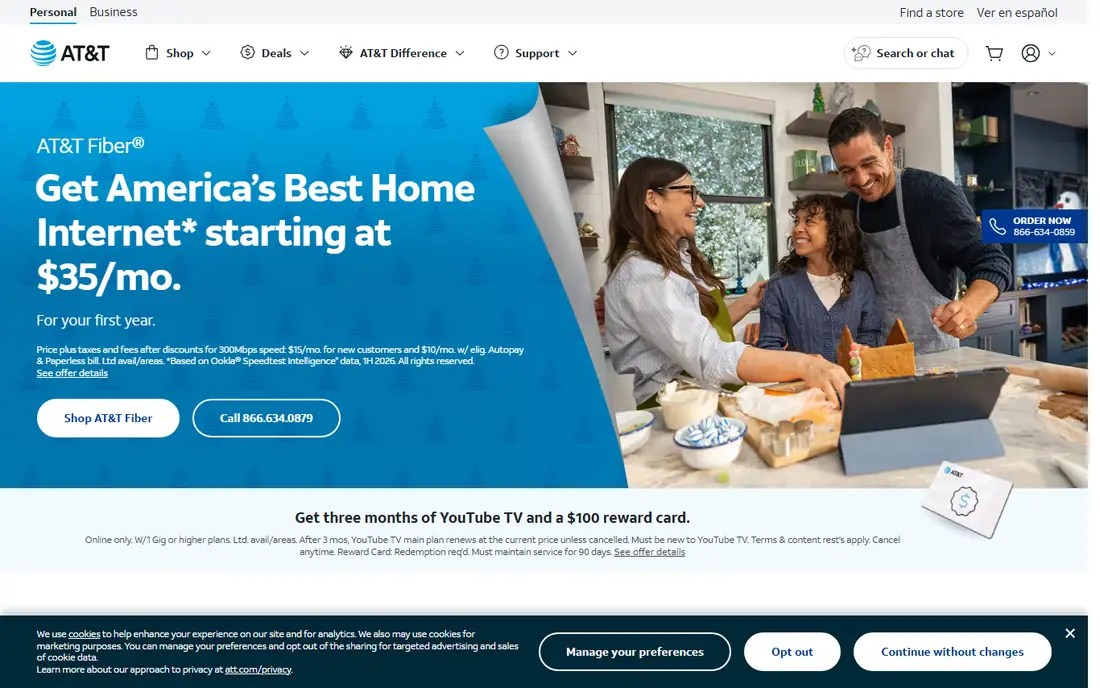
AT&T Fiber offers fast internet with equal upload and download speeds, which suits remote work, video calls, and content uploads. Many fiber plans include no data caps and no annual contract, which simplifies budgeting. Its fiber network covers many cities in AT&T service regions, though not every address qualifies.
Households outside fiber areas get AT&T Internet or wireless options instead, which differ in speed. For a home inside AT&T Fiber coverage, it is our pick for balanced fiber speeds. Enter your address on the AT&T site to confirm fiber availability.
- Symmetrical upload and download speeds on fiber plans
- No data caps on many fiber plans
- Broad fiber footprint in AT&T regions
- Fiber availability is limited to AT&T fiber areas
- Cable areas get different AT&T plans
Verizon Fios
Ideal for: Reliable fiber internet
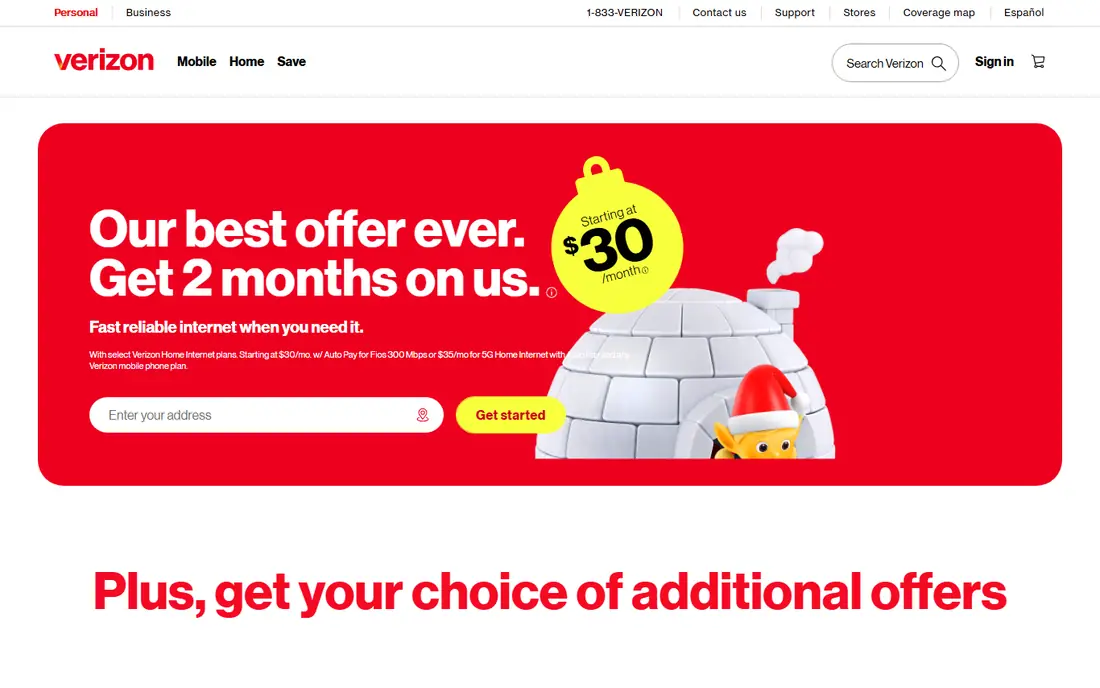
Verizon Fios is a fiber service known for consistent speeds and reliability, with plans that suit households from basic browsing to heavy streaming and gaming. No data caps on Fios plans remove overage worry, and its router and setup options suit most homes. Public satisfaction surveys often rank Fios highly among ISPs.
Coverage is the main limit: Fios serves mainly Northeast and Mid-Atlantic regions, so many Spectrum customers cannot switch to it. For a home inside Fios coverage, it is a strong pick for reliability. Check your address on the Verizon site first.
- Reliable fiber with strong speed consistency
- No data caps on Fios plans
- Good customer satisfaction in public surveys
- Availability limited to Verizon Fios regions, mainly in the Northeast and Mid-Atlantic
Xfinity
Ideal for: Broad cable availability
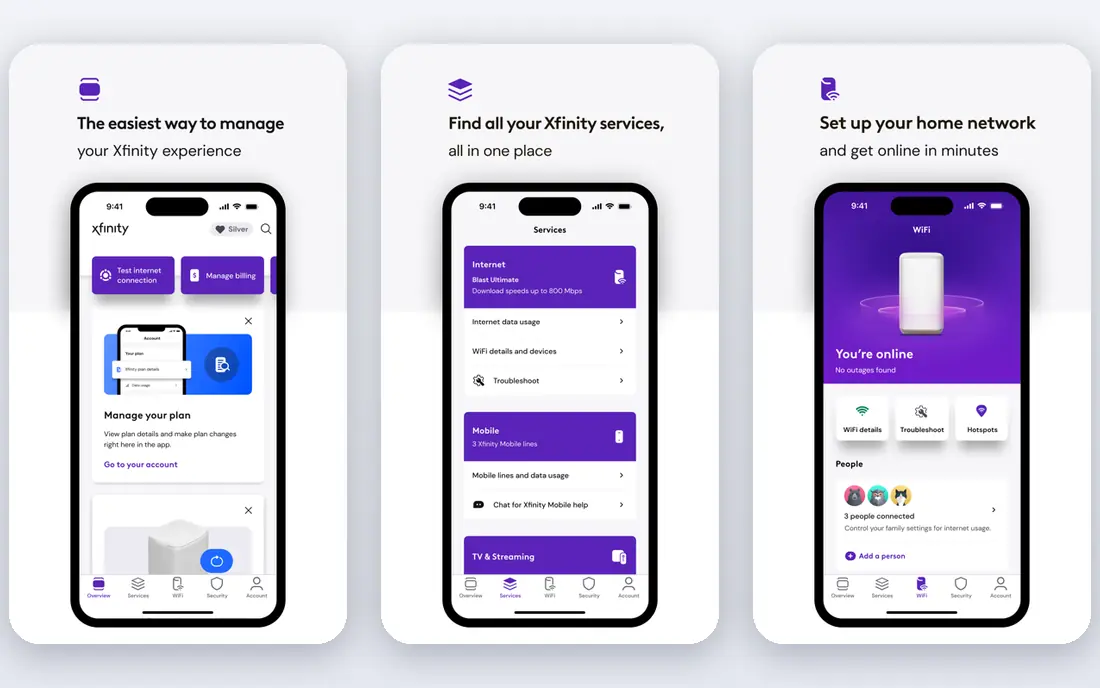
Xfinity, from Comcast, is the largest cable internet provider in the US, with broad availability and speeds that suit most households. Its xFi gateway and app give parental controls, device management, and Wi-Fi troubleshooting in one place. Speed tiers range from basic to gigabit in many areas.
Upload speeds are lower than fiber, and data caps apply in some regions unless customers buy unlimited data. For a household that needs broad cable availability with many speed choices, Xfinity is a practical Spectrum alternative. Confirm data cap rules for your region.
- Broad cable availability across many states
- Wide speed range
- XFi gateway and app controls
- Upload speeds lag fiber
- Data caps apply in some regions unless upgraded
T-Mobile Home Internet
Ideal for: Simple wireless home internet
T-Mobile Home Internet uses the 5G network to deliver home internet through a gateway that plugs in and connects, with no technician visit in most cases. It suits renters, rural homes, and households that want simple pricing without a contract. Setup takes minutes, and the gateway includes Wi-Fi.
Speeds depend on signal strength and network congestion, so performance varies by location and time of day. Heavy gamers and large households may prefer fiber where available. For a simple, contract-free option, T-Mobile Home Internet is a strong pick. Test it during the trial window at your address.
- Simple setup with a wireless gateway
- No annual contract on many plans
- Good option where wired choices are limited
- Speeds vary with 5G signal and congestion
- Less consistent than fiber for heavy use
Google Fiber
Ideal for: High-speed fiber
Google Fiber offers high-speed fiber with simple, transparent plans and no data caps, which appeals to households tired of complex cable pricing. Its speeds suit heavy streaming, gaming, and remote work, and its service reputation is strong in public surveys. Plan choices are simple, with few add-ons to confuse buyers.
Coverage is limited to Google Fiber cities, so most Spectrum customers cannot get it yet. For a home inside a Google Fiber city, it is an excellent pick for speed and simplicity. Check your address on the Google Fiber site.
- Very fast fiber speeds with simple plans
- No data caps
- Straightforward pricing
- Availability limited to Google Fiber cities
- Expansion is gradual
Cox
Ideal for: Cable internet in many regions
Cox provides cable internet across many regions, with speed tiers for basic households up to gigabit users. Its Panoramic Wifi gateway and app offer device management and Wi-Fi controls, and its plans suit households that need cable where fiber is absent. Cox also offers bundling with TV and mobile in some areas.
Data caps apply on many plans, with unlimited data as an upgrade, and upload speeds trail fiber. For a household in a Cox region that needs cable internet, Cox is a solid Spectrum alternative. Check cap rules and promo pricing terms for your address.
- Cable internet with a wide speed range
- Panoramic Wifi gateway and app
- Availability in many western and southern regions
- Data caps apply on many plans unless upgraded
- Upload speeds lag fiber
Frontier Fiber
Ideal for: Expanding fiber network
Frontier Fiber has expanded its fiber network in many regions, offering symmetrical speeds and no data caps on many fiber plans. Households inside its fiber footprint get a strong alternative to cable, with speeds that suit remote work and streaming. Its pricing is straightforward on fiber plans.
Outside fiber areas, Frontier service may be older DSL, which is far slower, so address checks matter greatly. For a home inside Frontier Fiber coverage, it is a good pick for fiber value. Confirm fiber, not DSL, availability for your exact address.
- Fiber plans with symmetrical speeds in Frontier fiber areas
- No data caps on many fiber plans
- Expanding footprint
- Availability varies widely by address
- Legacy DSL areas differ sharply from fiber areas
How we picked these
We compared official plan pages, coverage information, and public support documentation, looking for US internet providers that offer a real alternative to Spectrum cable internet. We favored providers with broad or growing footprints and work in October 2026, and we mixed fiber, cable, and wireless options. We did not claim hands-on testing, and we note that availability, speeds, and prices vary by address, so verify for your home.
We also weighed practical details that matter after signup. That included how easy each product is to set up, whether support answers promptly, and whether pricing stays clear as usage grows. We read user complaints as well as praise, since repeated complaints about billing, onboarding, or missing features often signal a real weakness. Where a product had a known limitation, we said so in its write-up rather than smoothing it over. Our goal was a shortlist that a reader can trust for alternatives to spectrum internet, not a list of every vendor in the market. Readers with unusual needs should still test their top two choices, since fit depends on budget, team size, and the features used every day.
What to check before you switch
Start with availability at your exact address, since ISP footprints vary street by street. Enter your address on each provider site, and confirm whether you get fiber, cable, or wireless, since those differ greatly in speed and reliability. Also check installation type, equipment fees, and contract terms.
Next, compare total monthly cost after promos end, including equipment rental and data cap upgrades. Test speeds during your trial or return window, especially in the evening when networks are busiest. A provider that is fast at noon but slow at 8pm will disappoint a streaming household.
Testing your shortlist before you commit
A short trial answers questions that no comparison table can settle. Sign up for your top two choices, run a real task from your own work, and watch how long it takes and where you get stuck. For alternatives to spectrum internet, that real task might be a weekly workflow you repeat, a report you need every month, or a setup step your team must repeat for new members. If a tool slows that task down, it will cost time every week, no matter how good its feature list looks.
Pay attention to support during the trial as well. Send a question through the normal support channel and note how long a useful answer takes. Check billing clarity too: confirm what the trial includes, when it ends, and what the first paid invoice will actually show. A tool that is hard to cancel, or that hides fees until checkout, deserves caution.
Finally, ask who else on your team must use the tool. A product that only one person likes will stall, while a product the whole team adopts will pay for itself. Gather quick feedback from the people who will use it daily, compare their notes with your own, and then choose. That small amount of trial discipline prevents most bad purchases, and it costs far less than switching tools again in six months.
Budgeting the full cost, not just the headline price
Headline prices rarely tell the full story. Add up per-user fees, add-on charges, implementation help, and any training your team needs, then compare that total across your shortlist. A cheaper plan that needs three paid add-ons can end up costing more than a fuller plan from a rival. Check renewal terms as well, since introductory discounts often expire after the first term and the second year price is the one you will actually live with.
Think about exit costs too. Before you commit, confirm how your data exports, whether your content or history moves cleanly, and what happens if you pause or cancel. A tool with clean exports gives you freedom later, while a tool that locks data in makes switching painful. Choosing with the full cost and the exit path in mind keeps your alternatives to spectrum internet decision sound for the long term, not just for the first month.
Frequently asked questions
Can I switch from Spectrum without a contract penalty?
Many Spectrum plans are month to month, but check your current agreement for contract or equipment terms. Return rented equipment promptly to avoid extra charges.
Is fiber better than cable internet?
Fiber usually offers faster, symmetrical upload speeds and more consistent performance. Cable can still be excellent for most households, especially at higher speed tiers, but uploads lag fiber.
How fast do I need for streaming and remote work?
Most households do well with 200 to 500 Mbps for streaming, video calls, and browsing. Larger households with many devices or 4K streaming may benefit from gigabit plans.
What is T-Mobile Home Internet speed like?
Speeds vary with 5G signal and congestion, so results differ by address and time of day. Test during the trial window and check speeds at peak evening hours.
Do these providers have data caps?
Fiber providers often have no data caps, while cable providers may cap data unless you upgrade. Check cap rules for your region and plan before subscribing.