Best Alternatives to Speechify in 2026: 8 Options Compared

- 1
 NaturalReaderText to speech for reading documents aloudVisit
- 2
 Voice Dream ReaderAccessible reading for iOS and MacVisit
- 3
 ElevenLabs ReaderHigh-quality AI voices for readingVisit
- 4
 Murf AIAI voiceover for videos and presentationsVisit
- 5
 Play.htAI voices for content and audio articlesVisit
- Our pick for most people is NaturalReader, because it balances price, features and ease of use for the widest group of readers.
- Free plans are real here, but the limits matter: check what Voice Dream Reader and ElevenLabs Reader actually include before you commit.
- Prices in this guide come from vendor pricing pages and current comparisons checked in October 2026, and they can change, so confirm the plan on the vendor site before you buy.
- The best choice depends on your budget, your experience level and how much support you want, not on which brand is most famous.
Quick comparison
| Product | Ideal for | Price from | Free version | |
|---|---|---|---|---|
| NaturalReader | Text to speech for reading documents aloud | See website | Yes | Visit |
| Voice Dream Reader | Accessible reading for iOS and Mac | See website | No | Visit |
| ElevenLabs Reader | High-quality AI voices for reading | See website | Yes | Visit |
| Murf AI | AI voiceover for videos and presentations | See website | Free trial | Visit |
| Play.ht | AI voices for content and audio articles | See website | Free trial | Visit |
 Speech Central | Reading web pages and documents on mobile | See website | Yes | Visit |
 TTSReader | Free browser text to speech | Free | Yes | Visit |
 Capti Voice | Reading for education and accessibility | See website | Free trial | Visit |
The best Alternatives to Speechify in 2026
We compared official feature pages, pricing pages, app store listings, privacy policies and public reviews to build this list for alternatives to speechify. Every option below exists and works today, and each one earns its place for a different kind of reader.
NaturalReader
Ideal for: Text to speech for reading documents aloud
Here is the short version. NaturalReader suits readers who want documents, PDFs and web pages read aloud in natural voices, with apps for desktop and mobile. It fits readers who want text to speech for reading documents aloud, and its published feature set matches that promise rather than trying to cover every possible use case at once. The price picture is see website, with a free plan status of yes. The free tier limits voice choice, so readers who want the most natural voices should budget for a paid plan. Before you sign up, check the current plan limits on the official site, because caps on users, usage or features are where most buyers get surprised after the first month.
- Natural voices
- Document and web reading
- Mobile and desktop apps
- Free tier limits voices and features
- Advanced voices need paid plans
Voice Dream Reader
Ideal for: Accessible reading for iOS and Mac
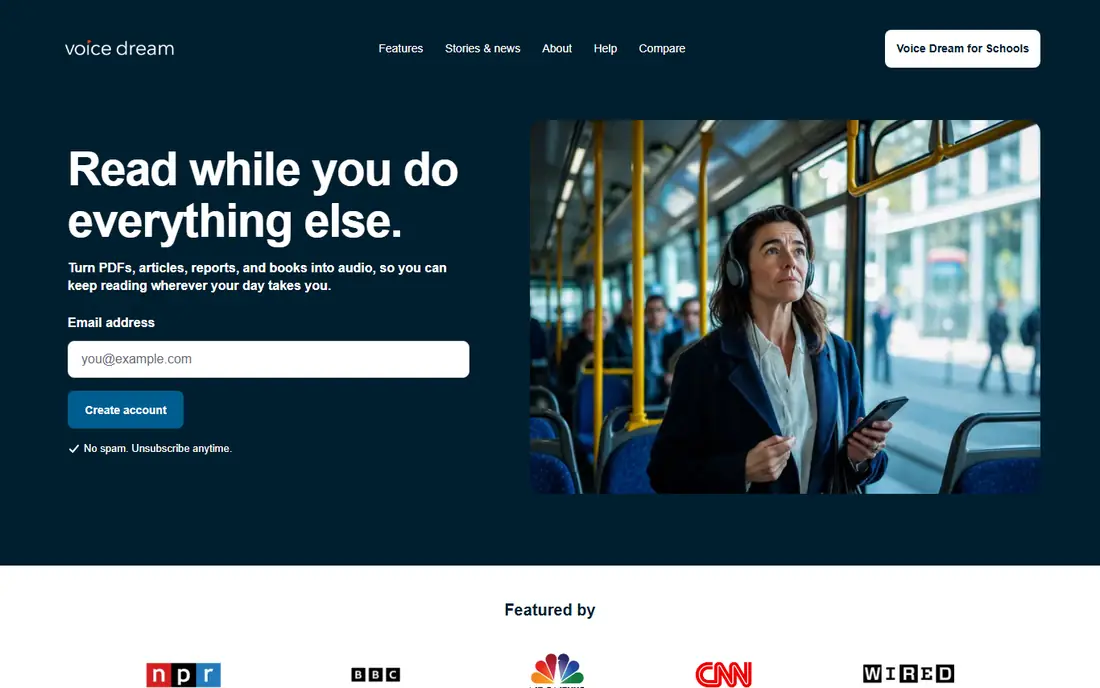
Start here if you want the safe default. Voice Dream Reader is a favourite among accessible reading apps, with features built for dyslexia, low vision and long-form reading. It fits readers who want accessible reading for ios and mac, and its published feature set matches that promise rather than trying to cover every possible use case at once. The price picture is see website, with a free plan status of no. Its Apple focus means Android and Windows users need another option, and voice purchases add to the base price. Before you sign up, check the current plan limits on the official site, because caps on users, usage or features are where most buyers get surprised after the first month.
- Strong accessibility features
- Many voice options
- Offline reading
- Apple-focused
- Purchase plus voice costs can add up
ElevenLabs Reader
Ideal for: High-quality AI voices for reading
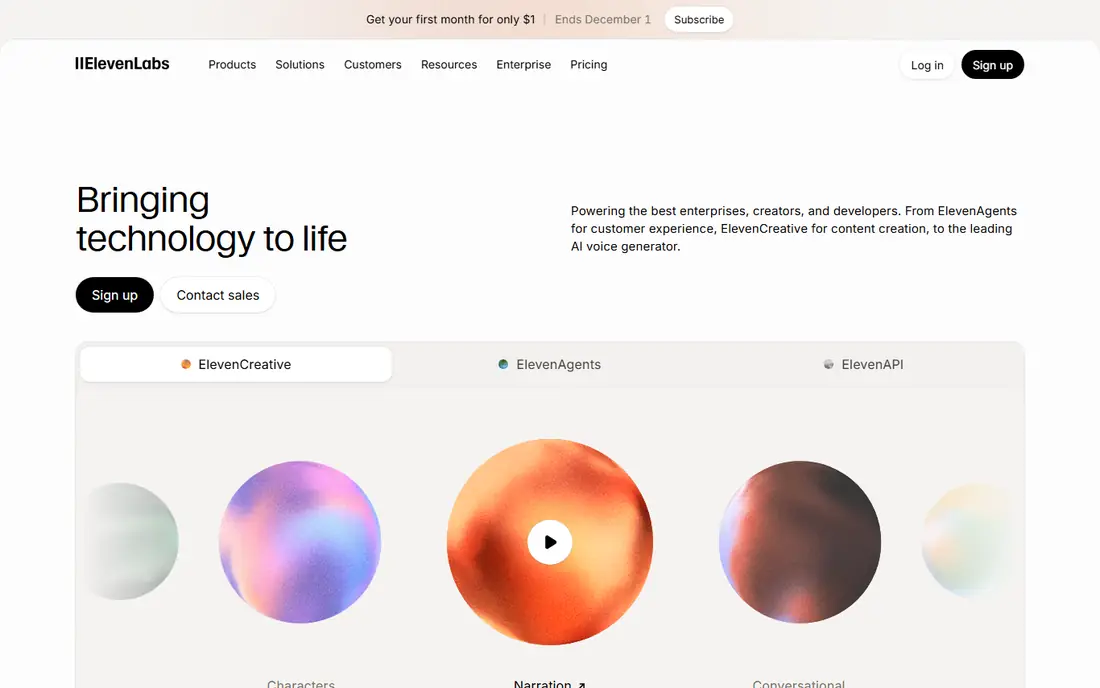
This one suits a specific kind of reader. ElevenLabs Reader brings the company's natural AI voices to reading articles and documents aloud. It fits readers who want high-quality ai voices for reading, and its published feature set matches that promise rather than trying to cover every possible use case at once. The price picture is see website, with a free plan status of yes. Free usage is limited, and voice quality varies by language, so test your main language during the trial. Before you sign up, check the current plan limits on the official site, because caps on users, usage or features are where most buyers get surprised after the first month.
- Very natural AI voices
- App for articles and documents
- Many languages
- Free tier limits usage
- Voice quality varies by language
Murf AI
Ideal for: AI voiceover for videos and presentations
Consider this if the top picks do not fit. Murf AI suits creators who need voiceover for videos, courses and presentations, with a studio editor for timing and emphasis. It fits readers who want ai voiceover for videos and presentations, and its published feature set matches that promise rather than trying to cover every possible use case at once. The price picture is see website, with a free plan status of free trial. Casual readers who just want an article read aloud may find it heavier and costlier than NaturalReader. Before you sign up, check the current plan limits on the official site, because caps on users, usage or features are where most buyers get surprised after the first month.
- Studio-quality AI voices
- Editing tools
- Many languages and accents
- Built for voiceover, not casual reading
- Pricing is per user and usage
Play.ht
Ideal for: AI voices for content and audio articles
A strong option for a narrower need. Play.ht suits publishers and creators who want AI voices for articles, podcasts and voiceover, with embedding for websites. It fits readers who want ai voices for content and audio articles, and its published feature set matches that promise rather than trying to cover every possible use case at once. The price picture is see website, with a free plan status of free trial. Readers who want a simple listening app may find its creator focus less direct than Speechify. Before you sign up, check the current plan limits on the official site, because caps on users, usage or features are where most buyers get surprised after the first month.
- Many AI voices
- Audio article embedding
- Cloning options
- Pricing is usage-based
- Reading app features are thinner than Speechify
Speech Central
Ideal for: Reading web pages and documents on mobile
Worth a close look before you decide. Speech Central gives mobile readers a straightforward way to listen to web pages and documents, with offline support and playback controls. It fits readers who want reading web pages and documents on mobile, and its published feature set matches that promise rather than trying to cover every possible use case at once. The price picture is see website, with a free plan status of yes. Its plainer interface and reliance on device voices mean voice quality varies, so test it on your phone first. Before you sign up, check the current plan limits on the official site, because caps on users, usage or features are where most buyers get surprised after the first month.
- Web and document reading
- Offline support
- Customisable playback
- Interface is plainer than Speechify
- Voice quality depends on device voices
TTSReader
Ideal for: Free browser text to speech
This belongs on the shortlist for a reason. TTSReader is the simplest free option: paste text in a browser and listen, with no install and no account for basic use. It fits readers who want free browser text to speech, and its published feature set matches that promise rather than trying to cover every possible use case at once. The price picture is free, with a free plan status of yes. Browser-only use and browser voices limit quality and features, so it suits occasional listening, not daily reading. Before you sign up, check the current plan limits on the official site, because caps on users, usage or features are where most buyers get surprised after the first month.
- Free browser tool
- No install needed
- Many languages
- Browser-only
- Voice quality depends on browser voices
Capti Voice
Ideal for: Reading for education and accessibility
Do not overlook this one. Capti Voice suits schools and accessibility users who want reading playlists, tracking and education tools. It fits readers who want reading for education and accessibility, and its published feature set matches that promise rather than trying to cover every possible use case at once. The price picture is see website, with a free plan status of free trial. Its smaller voice library means voice choice is narrower, so test the voices your readers will hear most. Before you sign up, check the current plan limits on the official site, because caps on users, usage or features are where most buyers get surprised after the first month.
- Education-focused reading
- Playlists
- Accessibility features
- Smaller voice library than Speechify
- Pricing is per user
How we picked these
We started from official feature pages and pricing pages, then checked app store listings, privacy policies and public reviews to confirm each product still works and still fits the topic. Products that could not be verified, or that only partly matched the topic, were left out, even when they were well known. We favoured a mix of established leaders and strong smaller options, and we weighted price transparency, a usable free tier or trial, and honest limits more heavily than marketing claims. No product on this list paid for its place, and our pick for most people is the one we would suggest to a friend with ordinary needs and an ordinary budget.
How to pick a text to speech app that you will listen to daily
Start with what you listen to most. Articles and web pages need a good browser or share extension, while PDFs, ebooks and documents need a reader that handles files well. Next, test voices in your language, since voice quality varies far more than feature lists suggest, and a voice you dislike will stop you listening. Then check speed, offline support and sync across devices, because listening often happens on the move. Trial the top two with a real article or chapter, not a demo paragraph, and listen for a full ten minutes. Also check costs by usage, since some tools price by characters or hours and heavy listeners can hit limits quickly. Confirm file formats and source support, including PDFs, ebooks, web pages and cloud documents, and confirm accessibility features if you need them, such as dyslexia-friendly display or screen reader support.
Frequently asked questions
What is the best Speechify alternative?
NaturalReader suits everyday document reading, Voice Dream Reader suits Apple and accessibility users, and ElevenLabs Reader suits listeners who want the most natural AI voices. The right pick depends on devices and voice quality.
Is there a free Speechify alternative?
Yes, NaturalReader, Speech Central and TTSReader offer free tiers or free use, though voice choice and features are limited. TTSReader is free in the browser, while NaturalReader free tier covers basic reading.
Can I listen to PDFs and ebooks aloud?
Most tools here handle PDFs, documents and web pages, while ebook support varies by format and platform. Check your exact file types, including DRM-protected ebooks, before you choose.
Do these apps work offline?
Voice Dream Reader and Speech Central support offline listening, while browser tools need a connection. Check offline voice downloads if you listen while travelling.
What voices sound most natural?
ElevenLabs and Murf AI offer some of the most natural AI voices, while NaturalReader and Voice Dream Reader offer strong commercial voices. Test voices in your language, since quality varies by language.