Alternatives to Webinars, Compared: 5 Options on Price and Fit

- The list opens with Navattic, aimed at self guided interactive product demos.
- Miro, Riverside, YouTube Live and Premieres, Loom: these are the 4 tools out of 5 that offer a free plan.
- For the cheapest start, look at Loom: $15 per user per month.
- Loom is the one to check for async video briefings and updates.
Direct answer
Navattic leads the list, best for self guided interactive product demos. Look at Miro for interactive workshops and training sessions, and at Riverside for recorded expert panels and interviews. All 5 tools are compared below on price, free plan and limits.
Quick comparison
| Product | Ideal for | Price from | Free version | |
|---|---|---|---|---|
 Navattic | Self guided interactive product demos | See website | No | Visit |
 Miro | Interactive workshops and training sessions | Free | Yes | Visit |
 Riverside | Recorded expert panels and interviews | See website | Yes | Visit |
 YouTube Live and Premieres | Public reach and evergreen recordings | Free | Yes | Visit |
 Loom | Async video briefings and updates | $15 per user a month | Yes | Visit |
Alternatives to Webinars, one by one
If you are comparing Alternatives to Webinars, this page covers 5 tools in one place: what each is best for, what it costs to start, whether it has a free plan, and the main limit to know about.
Navattic
Ideal for: Self guided interactive product demos

Think of Navattic for self guided interactive product demos.
Best features of Navattic: sales teams see exactly which features each account explored. For software firms.
Check the vendor site for Navattic pricing; none is listed in this comparison. Navattic has no free tier. What to check first: It cannot teach a concept or build a community. Pricing is quote based and targeted at marketing teams with a real demo programme, not occasional users.
- Navattic replaces the product tour webinar with a demo the prospect drives: a captured
- Embedded on your site and measurable click by click. Buyers who would never attend a 45 minute tour will spend four minutes inside the product itself
- A decent interactive demo takes real work to build and must be rebuilt when the product changes, so it fits a stable core product better than a quick shifting beta. It demonstrates software only
Miro
Ideal for: Interactive workshops and training sessions
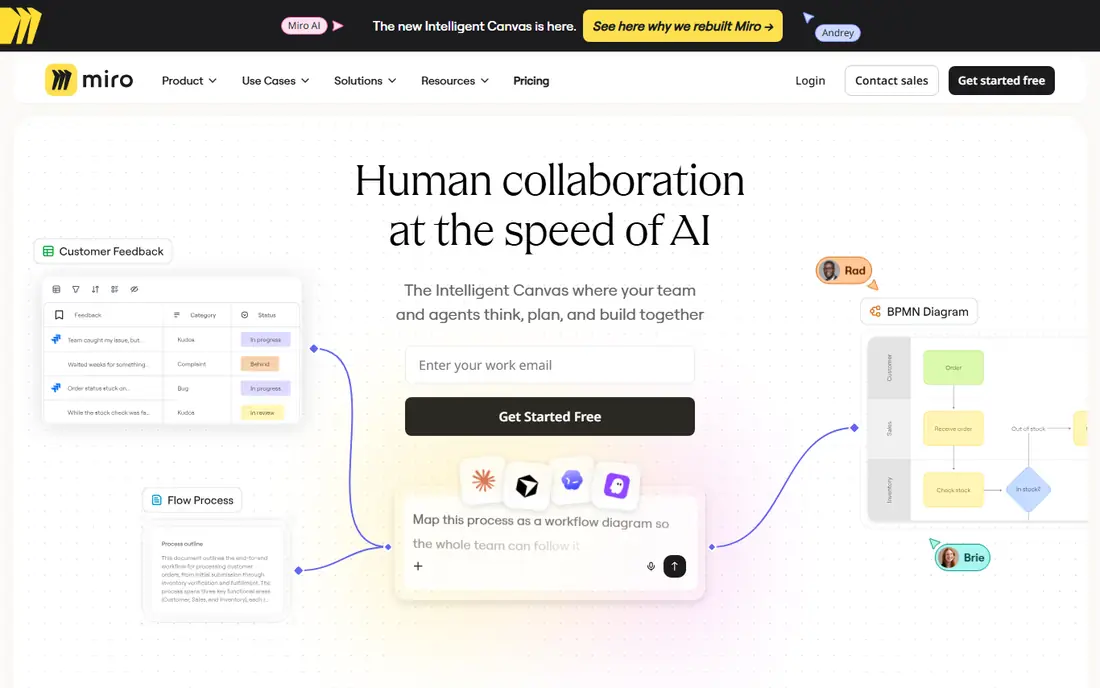
Miro targets interactive workshops and training sessions.
Where Miro stands out: customer working sessions; solve problems together in a session that produces an artefact instead of a recording. Its free plan spans small teams and premium levels add the facilitation controls bigger sessions need. For training, onboarding.
Watch-outs: An unprepared whiteboard session is worse than a decent webinar. Miro is a board; not an event product, so invitations, video.
Price to start with Miro: Free. Miro offers a free plan.
- A workshop makes people work
- Fill templates
- A workshop caps out at dozens of active participants
Riverside
Ideal for: Recorded expert panels and interviews
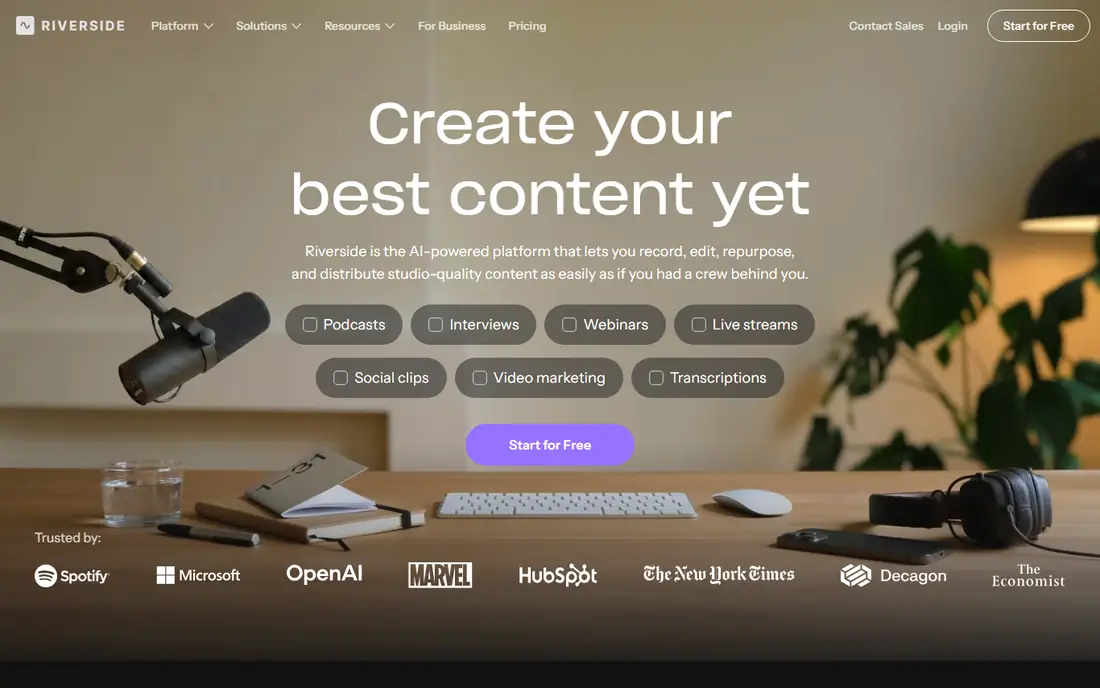
In short, Riverside is for recorded expert panels and interviews.
Honest limits: not an event: there is no audience, no registration; pricing levels gate recording quality and features.
Pricing for Riverside is not stated here, so ask the vendor for current figures. A free plan is available with Riverside. Main advantages: the quality jump over a webinar system recording is obvious; the output edits into a polished video and podcast episode with clips for social distribution. One recorded conversation then does the work of the webinar.
- Riverside replaces the panel webinar with a recording studio: remote guests join from a browser
- The recording email
- No live Q and A, so launches and community moments need another format beside it. Guest quality still depends on their microphone and room. Editing and clipping take time or a producer
YouTube Live and Premieres
Ideal for: Public reach and evergreen recordings
YouTube Live and Premieres is a good fit for public reach and evergreen recordings.
What you pay to start with YouTube Live and Premieres: Free. You can start on YouTube Live and Premieres without paying.
Downsides: except when your content earns a click to your own site. Live chat moderation at scale is its own job. The system's ads, recommendations; not a lead list.
- Removes registration friction and puts the session where search and recommendations can keep sending viewers for years. It costs nothing
- YouTube is where the recording ends up anyway, so running the event there natively
- You provide up the registration data that webinar marketing runs on: viewers are an audience
Loom
Ideal for: Async video briefings and updates
For async video briefings and updates, Loom is a natural candidate.
Loom pricing: $15 per user per month. Loom offers a free plan.
Drawbacks to consider: no live objection handling; single topic videos is on you. Loom's editing is light beside a full video editor.
Main advantages: leaving timestamped comments and reactions instead of chat questions. Business runs about 15 dollars per user a month with a free plan for short recordings. For product updates; share a link.
- Let viewers watch at double speed at a time they choose
- Async video removes the calendar invitation entirely
- Refined public facing content may still need a production pass elsewhere
How we built this list
Each tool was reviewed on what its vendor publishes: price, plan limits, core features and stated drawbacks. We did not run hands-on tests. Where a price is missing, the vendor does not list one publicly or ties it to a quote. Always confirm before budgeting. Tools are placed by general fit for Alternatives to Webinars, with price clarity and free access as tie-breakers. A different team can reasonably rank them differently.
Questions to settle before buying
- Confirm the entry price on the vendor page. For Navattic and Riverside that means a quote rather than a fixed price.
- Read the fine print on the free plans from Miro, Riverside, YouTube Live and Premieres and Loom; seat, project and feature caps differ.
- Check the support hours and onboarding help Miro offers; smaller vendors vary a lot here.
- Compare total cost, not headline price: for YouTube Live and Premieres, add extra seats, add-ons and any usage-based charges.
- Check how data leaves Loom: formats, limits and whether exports are available on every plan.
Frequently asked questions
Do these tools publish their prices?
Not all of them. Navattic and Riverside publish no starting price, so expect a quote request for those. The rest, Miro included, show a starting price, though seats and billing terms still change the final cost.
Can I try these tools before paying?
Often, yes. Miro, Riverside, YouTube Live and Premieres and Loom have a free plan. Use your own data and a real task during the test, and check what the free tier or trial limits before you rely on it.
How are the Alternatives to Webinars ordered?
Navattic sits first and Loom last because the order follows typical fit for Alternatives to Webinars, then price clarity and free access. It is a judgement call, so read each profile for fit and limits.
What is the cheapest option for Alternatives to Webinars in this list?
On published monthly entry prices, Loom is the lowest here at $15 per user per month. Entry price is only part of the cost, because seats, add-ons and billing terms can change the total.
Why are firms moving away from webinars?
Since the costs stopped matching the returns for routine topics: scheduling excludes most registrants, live attention fades within minutes, and buyers prefer exploring on their own schedule.