Best Alternatives to Zotac in 2026: 8 Graphics Card Brands Compared

- ASUS and MSI suit buyers who want the widest range of graphics cards, from budget to flagship.
- Gigabyte suits buyers who want strong cooling and a broad lineup at competitive prices.
- Sapphire and PowerColor suit AMD graphics card buyers who want cards built around AMD GPUs.
- ASRock suits buyers who want good value across both AMD and Intel graphics cards.
- PNY suits professional users who want workstation-class cards alongside gaming models.
- XFX suits AMD buyers who want bold designs and solid cooling.
Quick comparison
| Product | Ideal for | Price from | Free version | |
|---|---|---|---|---|
 ASUS | Widest graphics card range | See website | No | Visit |
 MSI | Gaming and creator cards | See website | No | Visit |
 Gigabyte | Cooling and value | See website | No | Visit |
 Sapphire | AMD graphics cards | See website | No | Visit |
 ASRock | Value AMD and Intel cards | See website | No | Visit |
 PNY | Workstation and gaming cards | See website | No | Visit |
 PowerColor | AMD-focused cards | See website | No | Visit |
 XFX | Bold AMD card designs | See website | No | Visit |
The best alternatives to Zotac
Zotac is a graphics card maker known for compact cards and its AMP and Trinity lineups, mostly built around Nvidia GPUs. The brands below offer similar graphics cards, and they differ in GPU partners, cooling designs, warranties, and price. Some build cards for both Nvidia and AMD, while others specialize in one. The right pick depends on your GPU choice, case size, cooling needs, and budget.
ASUS
Ideal for: Widest graphics card range

ASUS offers the widest graphics card range of any brand here, from entry-level Dual cards to flagship ROG Strix and ROG Astral models, covering Nvidia GPUs across every price band. Cooling designs are strong, with large heatsinks and quiet fans on higher models, and the GPU Tweak software covers overclocking and monitoring. ROG Strix cards are among the most reviewed and most available cards in most markets.
Premium models cost more than rivals with similar chips, and the naming across Dual, Prime, TUF, and ROG lines can confuse first-time buyers. For buyers who want the broadest choice and strong support, ASUS is our pick for most graphics card shoppers.
- Huge lineup from budget to flagship
- Strong ROG Strix cooling
- Good software tools
- Premium models cost more
- Naming can confuse
MSI
Ideal for: Gaming and creator cards
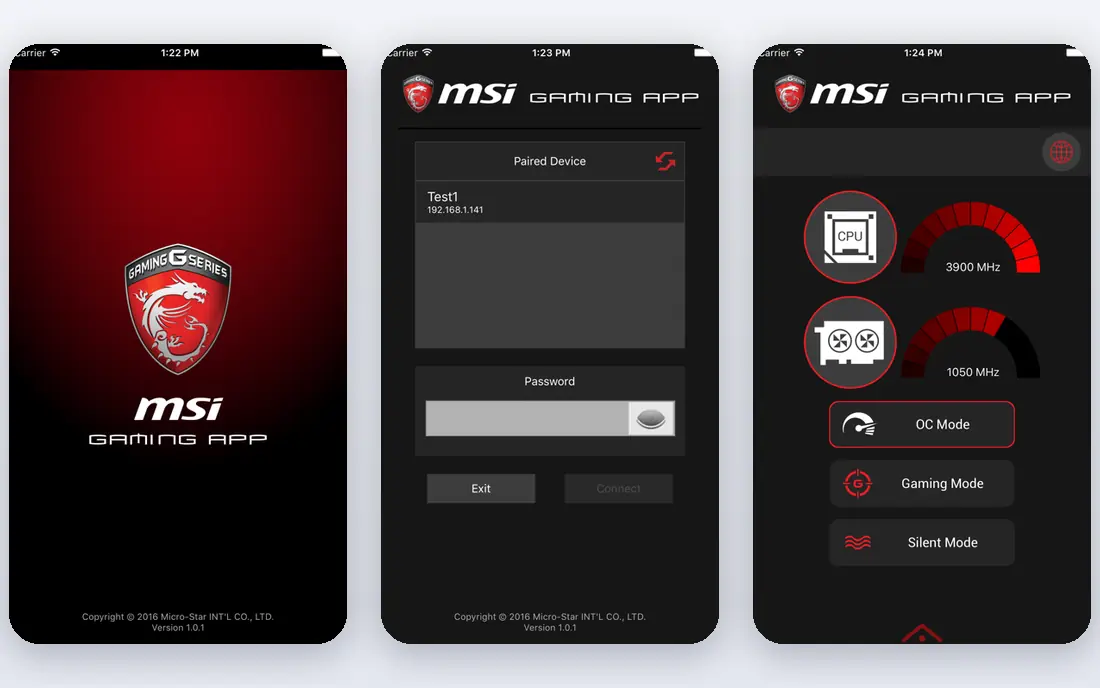
MSI builds graphics cards for Nvidia GPUs across its Ventus, Gaming, and Suprim lineups, covering budget, midrange, and flagship buyers. Cooling is consistently good, with Twin Frozr designs that stay quiet under load, and availability is wide in most regions. The Afterburner software is the standard overclocking tool for many enthusiasts, regardless of card brand.
Higher-end Suprim models carry a premium over rivals, and the MSI Center software feels heavy to some users. For gamers and creators who want a reliable card with strong cooling, MSI is a strong choice.
- Strong Gaming and Ventus lineups
- Good cooling
- Wide availability
- Higher-end models carry a premium
- Software is heavy for some users
Gigabyte
Ideal for: Cooling and value
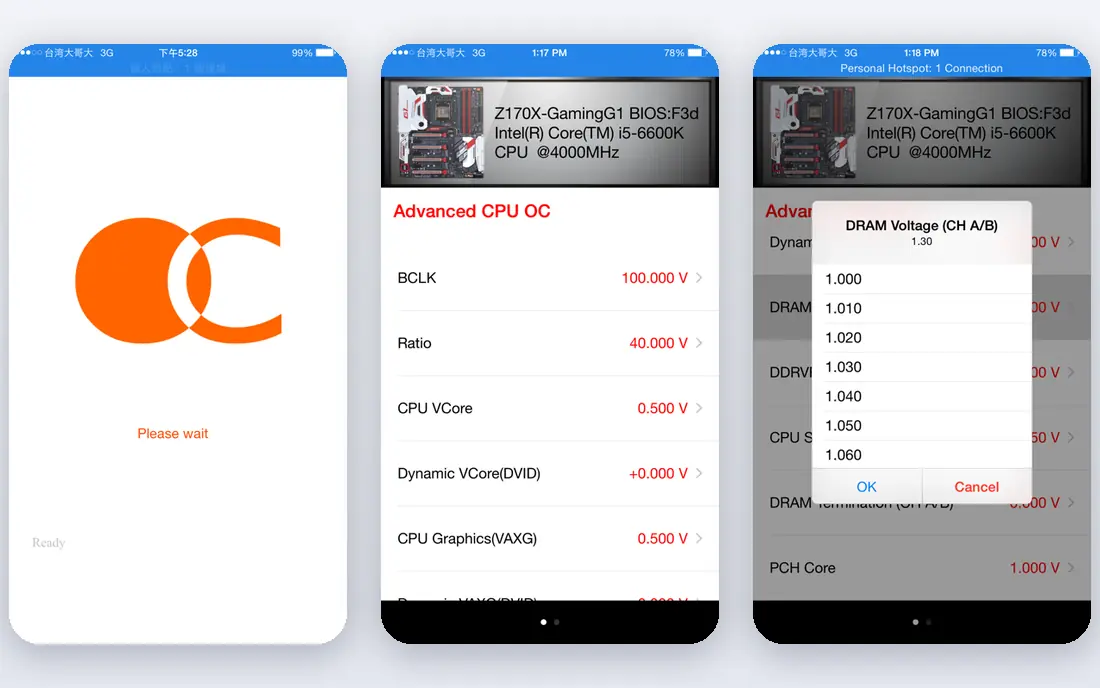
Gigabyte builds graphics cards for both Nvidia and AMD GPUs, with Windforce cooling that performs well across its Eagle, Gaming, and Aorus lines. Prices are often competitive with ASUS and MSI for similar chips, and the range covers small-form-factor cards through large triple-fan flagships. Aorus models add premium cooling and lighting for buyers who want a showpiece card.
Support quality varies by region, and some triple-fan models run larger than rivals, so case fit needs checking. For buyers who want strong cooling at a fair price, Gigabyte is a practical pick.
- Strong Windforce cooling
- Competitive prices
- Broad Nvidia and AMD range
- Support quality varies by region
- Some models run larger than rivals
Sapphire
Ideal for: AMD graphics cards
Sapphire is the leading AMD-only graphics card partner, with its Pulse and Nitro lines covering mainstream and high-end AMD GPUs. Cooling is excellent, with Nitro models among the quietest AMD cards, and build quality is consistently high. Sapphire cards are a favorite among AMD enthusiasts for good reason.
The lineup covers AMD GPUs only, so Nvidia buyers must look elsewhere, and availability varies outside major markets. For AMD graphics card buyers, Sapphire is our pick.
- AMD specialist
- Excellent Nitro and Pulse cooling
- Strong build quality
- AMD GPUs only
- Availability varies outside major markets
ASRock
Ideal for: Value AMD and Intel cards
ASRock builds graphics cards for AMD and Intel GPUs, with Challenger models for value buyers and Steel Legend and Taichi models for higher budgets. Prices are often sharp for the chip inside, and the range covers mainstream through high-end AMD cards plus Intel Arc cards. Build quality is solid for the price.
The lineup is smaller than ASUS or MSI, and premium models are fewer. For buyers who want value across AMD and Intel GPUs, ASRock is a good fit.
- Good value
- AMD and Intel GPU coverage
- Solid Challenger and Steel Legend lines
- Smaller lineup than leaders
- Premium models are fewer
PNY
Ideal for: Workstation and gaming cards
PNY is known for professional workstation graphics cards, including Nvidia RTX professional models used in design, engineering, and AI work, alongside gaming cards for consumers. The workstation focus means strong driver support for professional apps and good availability through system integrators. Gaming models cover mainstream Nvidia GPUs at fair prices.
The gaming lineup is smaller than the leaders, and designs are plain for buyers who want standout looks. For professional users and workstation builds, PNY is a strong choice.
- Strong workstation RTX cards
- Gaming models available
- US support presence
- Gaming lineup is smaller
- Designs are plain for some tastes
PowerColor
Ideal for: AMD-focused cards
PowerColor specializes in AMD graphics cards, with its Fighter, Hellhound, and Red Devil lines covering value through flagship AMD GPUs. Red Devil models offer strong cooling and bold styling, and prices are often competitive with Sapphire for similar chips. The brand has a loyal following among AMD builders.
The lineup covers AMD GPUs only, and brand recognition is lower than Sapphire in some markets. For AMD buyers who want an alternative to Sapphire, PowerColor is worth a look.
- AMD specialist
- Strong Red Devil cooling
- Competitive prices
- AMD GPUs only
- Brand recognition lower than Sapphire
XFX
Ideal for: Bold AMD card designs
XFX builds AMD graphics cards with distinctive designs, from the value Swift line to the high-end Merc models with strong cooling. The brand has a long history with AMD GPUs and a reputation for cards that look different from the usual black triple-fan designs. Prices are generally fair for the chip inside.
The lineup covers AMD GPUs only and is narrower than the leaders. For AMD buyers who want a card with character, XFX is a fun and solid pick.
- AMD specialist
- Distinctive designs
- Solid cooling on Merc models
- AMD GPUs only
- Lineup is narrower than leaders
How we picked these
We compared official product pages, cooling designs, warranty terms, and public reviews for each brand, and we checked that each brand is actively selling graphics cards in October 2026. We favored brands with real, current lineups and wide availability, not brands that have exited the market. We left out EVGA, which exited the graphics card market, and brands with no current GPU lineup.
How to choose a graphics card brand
The GPU chip matters more than the brand, but the brand decides cooling, noise, size, and support.
Match the card to your case and power supply
Check card length, slot width, and power connector requirements before buying, since flagship cards can exceed 300 mm and need large cases and strong power supplies. Small-form-factor builds need compact dual-fan cards, while large cases suit triple-fan models that run cooler and quieter. Confirm your power supply has the right connectors and wattage headroom.
Weigh cooling against noise and price
Triple-fan cards usually run cooler and quieter than dual-fan cards with the same chip, but they cost more and need more space. For most gamers, a midrange triple-fan or good dual-fan card hits the sweet spot, while flagship buyers benefit most from premium cooling. Read reviews that measure noise and temperature under load, not just marketing claims.
Check warranty and support in your region
Warranty length and support quality vary by brand and region, and they matter when a card fails after a year of heavy use. Compare warranty terms, return processes, and whether the brand has local service in your country. A slightly pricier card with strong local support can be better value than a cheaper import with no warranty coverage.
Used and refurbished cards deserve a note, since previous-generation flagships often offer strong value when new models launch. Check warranty coverage carefully on used cards, and prefer sellers with return policies, since mining or heavy overclocking history is hard to verify. A well-cooled previous-generation card from a reputable brand can outperform a new budget card for similar money, but only if the warranty and condition check out.
Driver and software support rounds out the comparison, since GPU makers bundle control panels, overclocking tools, and recording features that differ in quality. Nvidia and AMD provide the core drivers, while board partners add their own utilities for fan curves and lighting. Try the partner software before buying if fan control and monitoring matter to you, since a clunky utility can sour an otherwise good card.
Frequently asked questions
What is Zotac?
Zotac is a graphics card maker known for compact cards and its AMP and Trinity lineups, mostly built around Nvidia GPUs. The brands here offer similar graphics cards from other makers, covering Nvidia, AMD, and Intel GPUs.
Which Zotac alternative is best for Nvidia graphics cards?
ASUS, MSI, and Gigabyte offer the widest Nvidia lineups, from budget to flagship. PNY also suits Nvidia buyers, especially for workstation cards.
Which alternative is best for AMD graphics cards?
Sapphire, PowerColor, and XFX specialize in AMD graphics cards, while Gigabyte and ASRock also offer AMD models. Sapphire is the most established AMD-only partner.
Does the brand affect gaming performance much?
Cards with the same GPU chip perform similarly, with differences of a few percent from cooling and factory overclocks. Cooling, noise, size, and warranty matter more than small clock speed differences for most buyers.
Should I buy the cheapest card with the GPU I want?
Not always. The cheapest cards may run hotter and louder, with weaker cooling and shorter warranties. A midrange model from a good brand often gives a better experience for a modest premium.