Best Amazon SNS Alternatives in 2026: 8 Options Compared

- Our pick for most people is Twilio, because it balances price, features and ease of use for the widest group of readers.
- Free plans are real here, but the limits matter: check what Pusher and PubNub actually include before you commit.
- Prices in this guide come from vendor pricing pages and current comparisons checked in October 2026, and they can change, so confirm the plan on the vendor site before you buy.
- The best choice depends on your budget, your experience level and how much support you want, not on which brand is most famous.
Quick comparison
| Product | Ideal for | Price from | Free version | |
|---|---|---|---|---|
 Twilio | Messaging and notifications at scale | See website | Free trial | Visit |
 Pusher | Real-time messaging for apps | See website | Free trial | Visit |
 PubNub | Real-time data streams for apps | See website | Free trial | Visit |
 Ably | Dependable real-time messaging APIs | See website | Yes | Visit |
 Firebase Cloud Messaging | Free push notifications for mobile apps | Free | Yes | Visit |
 Confluent Cloud | Event streaming for data platforms | See website | Free trial | Visit |
 CloudAMQP | Managed RabbitMQ messaging | See website | Free trial | Visit |
 Sendbird | In-app chat and notifications | See website | Free trial | Visit |
The best Amazon SNS Alternatives in 2026
We compared official feature pages, pricing pages, app store listings, privacy policies and public reviews to build this list for amazon sns alternatives. Every option below exists and works today, and each one earns its place for a different kind of reader.
Twilio
Ideal for: Messaging and notifications at scale
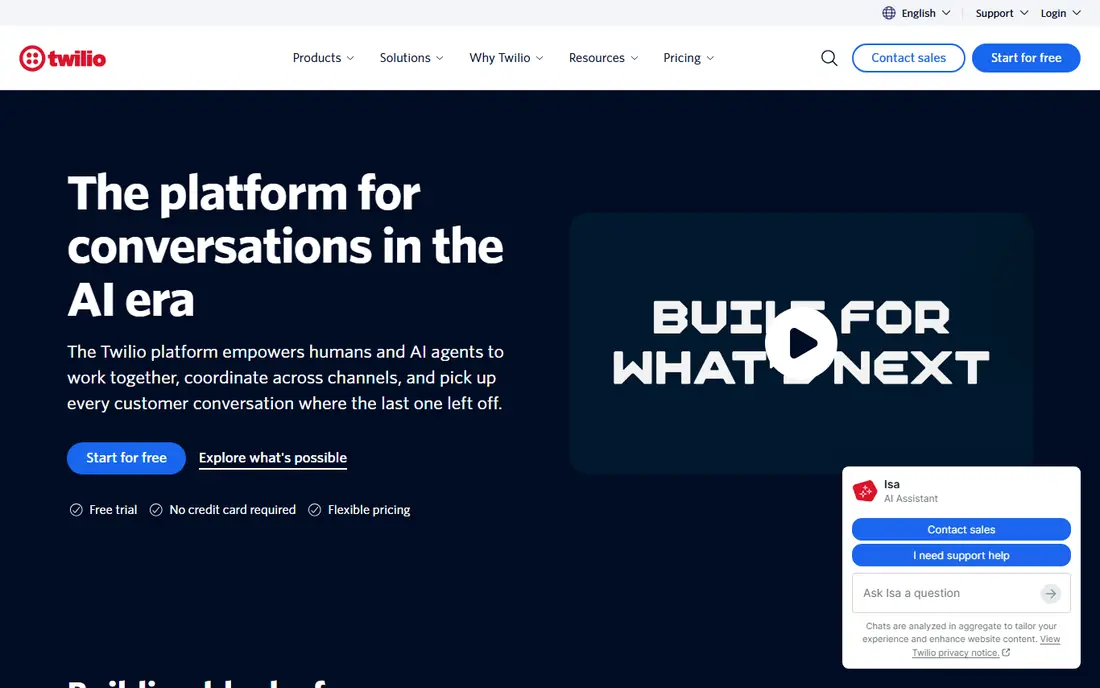
Here is the short version. Twilio is the default messaging API for many teams, with SMS, voice and email tools backed by global carrier reach and clear documentation. It fits readers who want messaging and notifications at scale, and its published feature set matches that promise rather than trying to cover every possible use case at once. The price picture is see website, with a free plan status of free trial. Usage pricing means high-volume senders should model costs carefully, and developer time is part of the real price. Before you sign up, check the current plan limits on the official site, because caps on users, usage or features are where most buyers get surprised after the first month.
- SMS, voice and email APIs
- Global carrier reach
- Strong docs
- Usage-based pricing adds up at scale
- Setup needs developer time
Pusher
Ideal for: Real-time messaging for apps
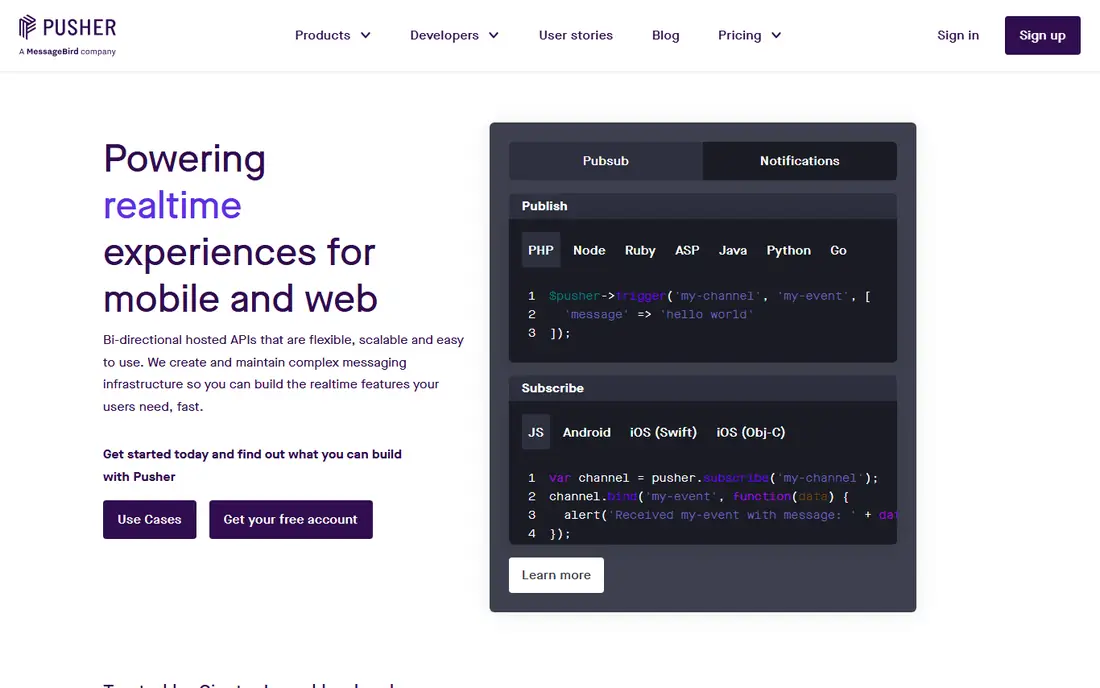
Start here if you want the safe default. Pusher suits apps that need live updates, chat-like features and real-time events delivered to browsers and mobile clients. It fits readers who want real-time messaging for apps, and its published feature set matches that promise rather than trying to cover every possible use case at once. The price picture is see website, with a free plan status of free trial. It is a real-time tool first, so teams that only need push notifications should compare it with Firebase as well. Before you sign up, check the current plan limits on the official site, because caps on users, usage or features are where most buyers get surprised after the first month.
- Real-time channels
- Presence and pub-sub
- Easy client libraries
- Pricing grows with connections and messages
- Not a direct SNS clone
PubNub
Ideal for: Real-time data streams for apps
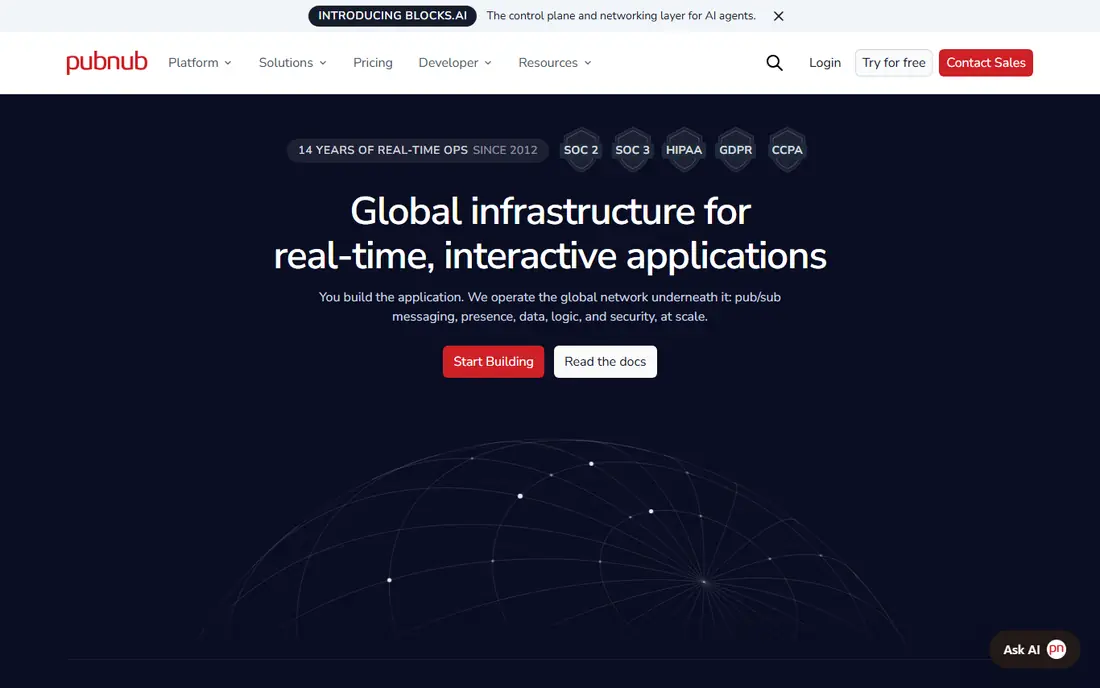
This one suits a specific kind of reader. PubNub handles real-time data streams for chat, live events and IoT-style apps, with presence and functions built in. It fits readers who want real-time data streams for apps, and its published feature set matches that promise rather than trying to cover every possible use case at once. The price picture is see website, with a free plan status of free trial. Usage-based pricing and developer setup mean you should prototype on a real feature before committing. Before you sign up, check the current plan limits on the official site, because caps on users, usage or features are where most buyers get surprised after the first month.
- Real-time pub-sub
- Presence
- Functions and storage options
- Pricing is usage-based
- Setup needs developer planning
Ably
Ideal for: Dependable real-time messaging APIs
Consider this if the top picks do not fit. Ably focuses on dependable real-time delivery, with SDKs for web, mobile and server platforms. It fits readers who want dependable real-time messaging apis, and its published feature set matches that promise rather than trying to cover every possible use case at once. The price picture is see website, with a free plan status of yes. The free tier is useful for testing, but production traffic needs a paid plan sized to your peak connections. Before you sign up, check the current plan limits on the official site, because caps on users, usage or features are where most buyers get surprised after the first month.
- Real-time pub-sub
- Strong reliability guarantees
- Broad SDKs
- Free tier has limits
- Pricing grows with usage and channels
Firebase Cloud Messaging
Ideal for: Free push notifications for mobile apps
A strong option for a narrower need. Firebase Cloud Messaging is the free standard for push notifications on Android and iOS, especially for apps already using Firebase. It fits readers who want free push notifications for mobile apps, and its published feature set matches that promise rather than trying to cover every possible use case at once. The price picture is free, with a free plan status of yes. It covers push well but not every messaging pattern, so teams that need SMS or email will pair it with another service. Before you sign up, check the current plan limits on the official site, because caps on users, usage or features are where most buyers get surprised after the first month.
- Free push messaging
- Integrates with Firebase
- Android and iOS support
- Google ecosystem focus
- Advanced messaging needs other Firebase tools
Confluent Cloud
Ideal for: Event streaming for data platforms
Worth a close look before you decide. Confluent Cloud suits data platforms that need durable event streaming, with managed Kafka, connectors and stream processing. It fits readers who want event streaming for data platforms, and its published feature set matches that promise rather than trying to cover every possible use case at once. The price picture is see website, with a free plan status of free trial. Kafka concepts take learning, so smaller messaging needs are better served by Pusher, Ably or Firebase. Before you sign up, check the current plan limits on the official site, because caps on users, usage or features are where most buyers get surprised after the first month.
- Managed Kafka streaming
- Connectors
- Stream processing
- Enterprise-focused
- Learning curve for Kafka newcomers
CloudAMQP
Ideal for: Managed RabbitMQ messaging
This belongs on the shortlist for a reason. CloudAMQP gives teams managed RabbitMQ without running brokers themselves, which suits queue-based messaging inside applications. It fits readers who want managed rabbitmq messaging, and its published feature set matches that promise rather than trying to cover every possible use case at once. The price picture is see website, with a free plan status of free trial. Teams that expect SNS-style topics should learn RabbitMQ exchanges and queues first, since the model differs. Before you sign up, check the current plan limits on the official site, because caps on users, usage or features are where most buyers get surprised after the first month.
- Managed RabbitMQ
- Easy setup
- Many cloud regions
- RabbitMQ patterns differ from SNS topics
- Scaling needs planning
Sendbird
Ideal for: In-app chat and notifications
Do not overlook this one. Sendbird suits apps that need in-app chat plus notifications, with moderation tools for community features. It fits readers who want in-app chat and notifications, and its published feature set matches that promise rather than trying to cover every possible use case at once. The price picture is see website, with a free plan status of free trial. If you only need system notifications, a simpler push or SMS tool may cost less. Before you sign up, check the current plan limits on the official site, because caps on users, usage or features are where most buyers get surprised after the first month.
- In-app chat
- Notifications
- Moderation tools
- Pricing grows with users
- Chat focus is narrower than SNS
How we picked these
We started from official feature pages and pricing pages, then checked app store listings, privacy policies and public reviews to confirm each product still works and still fits the topic. Products that could not be verified, or that only partly matched the topic, were left out, even when they were well known. We favoured a mix of established leaders and strong smaller options, and we weighted price transparency, a usable free tier or trial, and honest limits more heavily than marketing claims. No product on this list paid for its place, and our pick for most people is the one we would suggest to a friend with ordinary needs and an ordinary budget.
How to pick a messaging service that fits your pattern
Start with the message pattern you actually need. Push notifications, SMS, email, real-time events and durable queues are different jobs, and no single tool covers all of them equally well. Next, check scale and reliability needs: a chat app needs low latency and presence, while a system alert needs guaranteed delivery and retries. Then check developer experience, since SDK quality and documentation decide how fast your team ships. Prototype the top two on a real feature, and measure delivery, latency and cost at your expected volume. Also check pricing units, because messages, connections, users and data throughput produce very different bills. Confirm regional hosting and data handling if your users are in regulated regions, and confirm retry, dead-letter and monitoring tools, since messaging failures are hardest to debug without them.
Frequently asked questions
What is the best Amazon SNS alternative?
Twilio suits SMS and voice, Firebase suits free mobile push, Pusher and Ably suit real-time app events, and Confluent suits durable event streaming. The right pick depends on the message pattern.
Is there a free Amazon SNS alternative?
Firebase Cloud Messaging is free for push notifications, and Pusher and Ably offer free tiers for testing. Production traffic usually needs a paid plan.
What is the difference between pub-sub and push notifications?
Pub-sub delivers real-time events between parts of an app, while push notifications deliver alerts to a device even when the app is closed. Many apps use both, with pub-sub for live data and push for alerts.
Do these tools work outside AWS?
Yes, Twilio, Pusher, PubNub, Ably, Firebase and CloudAMQP all run independently of AWS. That independence is one reason teams choose them when they want to avoid a single cloud vendor.
How do I handle messaging failures?
Use retries, dead-letter queues, delivery monitoring and alerting, and test failure paths during development. Messaging tools differ in how much of this they provide out of the box.