Amplitude alternatives in 2026: 8 Options Compared

- Mixpanel and PostHog are the closest like-for-like replacements for most product teams.
- Usage-based pricing means your bill follows event volume, so forecast traffic before you sign.
- Self-hosting is a real differentiator here, and only some options on this list offer it.
Quick comparison
| Product | Ideal for | Price from | Free version | |
|---|---|---|---|---|
 Mixpanel | product teams needing fast self-serve reports | See website | Yes | Visit |
 PostHog | engineering-led teams wanting an all-in-one platform | See website | Yes | Visit |
 Heap | teams wanting automatic event capture | See website | Yes | Visit |
 Pendo | product teams combining analytics with in-app guides | See website | Yes | Visit |
 FullStory | teams diagnosing experience problems with replay | See website | Yes | Visit |
 Matomo | privacy-focused teams wanting data ownership | See website | Yes | Visit |
 Kissmetrics | marketing teams tracking people over time | See website | Free trial | Visit |
 Woopra | small teams wanting real-time customer journeys | See website | Free trial | Visit |
The best amplitude alternatives
We compared official feature pages, pricing, app store listings, privacy policies and public reviews to build this list of amplitude alternatives. Our pick for most people is listed first in each section below, but the right choice depends on your budget, team size and must-have features, so read the strengths and limits for each option before you decide.
Mixpanel
Ideal for: product teams needing fast self-serve reports
For readers weighing this option, the story starts with fit. Mixpanel is the pick for teams that live in dashboards, since its reports answer funnel and retention questions without waiting on an analyst. In practice, that means you should judge it on the job you need done most, not on the longest feature list, since a tool that fits your daily work beats a broader tool you rarely open. We also weighed pricing honesty, support options and how the product handles your data, because those factors shape the experience long after the first week.
The catch is event discipline, since messy event names produce messy reports no matter how fast the tool is. That trade-off is normal, since every product on this list gives up something to excel at its main job. Before you commit, use the free plan or trial with a real task from your own work, check the export and cancellation terms, and confirm the plan you need includes the features described here, since vendors move features between tiers from time to time.
- Fast event queries
- Funnels and retention reports
- Cohorts and segments
- Costs rise with event volume
- Setup needs careful event design
PostHog
Ideal for: engineering-led teams wanting an all-in-one platform
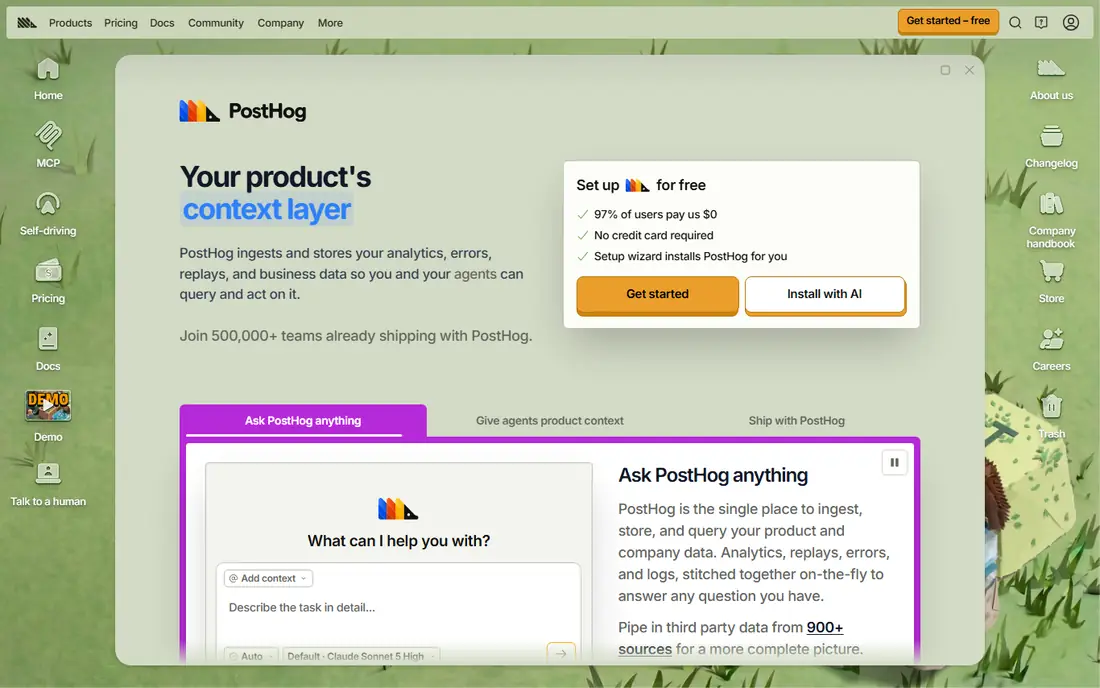
This one earns its place for a clear reason. PostHog covers more of the product stack in one place than most rivals, from analytics to replay, flags and surveys. In practice, that means you should judge it on the job you need done most, not on the longest feature list, since a tool that fits your daily work beats a broader tool you rarely open. We also weighed pricing honesty, support options and how the product handles your data, because those factors shape the experience long after the first week.
The catch is breadth, since teams that only need analytics may prefer a narrower tool. That trade-off is normal, since every product on this list gives up something to excel at its main job. Before you commit, use the free plan or trial with a real task from your own work, check the export and cancellation terms, and confirm the plan you need includes the features described here, since vendors move features between tiers from time to time.
- Product analytics plus session replay and feature flags
- Self-hosting option
- Generous free tier
- Many features can feel like a lot to learn
- Usage pricing needs monitoring
Heap
Ideal for: teams wanting automatic event capture
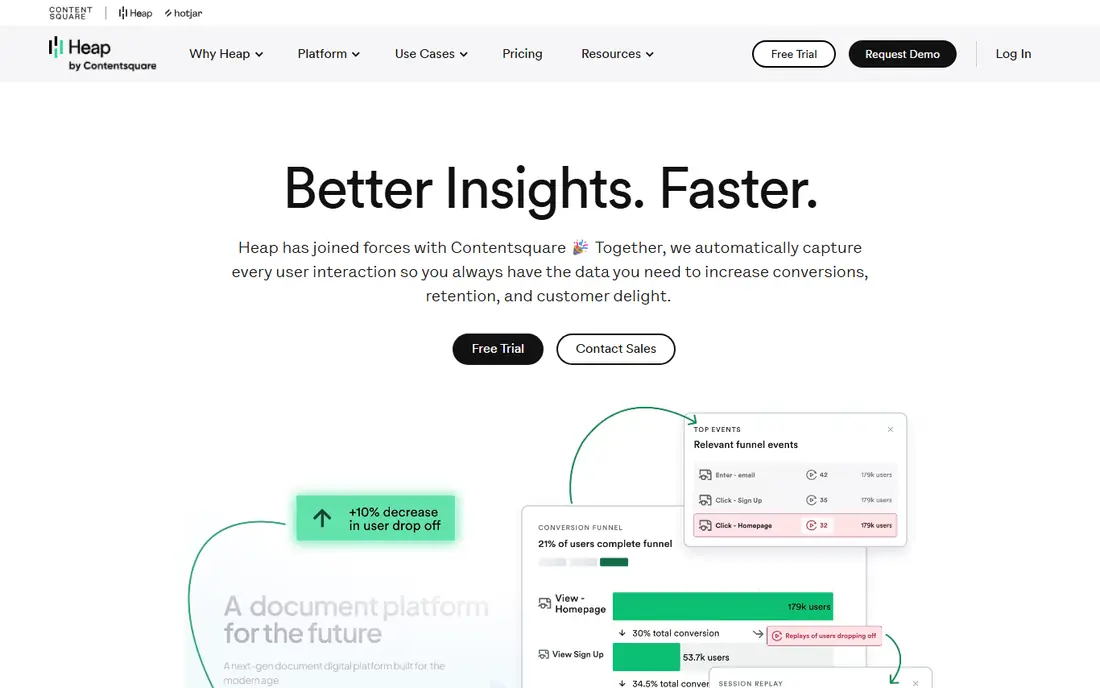
Here is where this option stands out from the rest of the list. Heap removes the usual instrumentation bottleneck, since it captures interactions automatically and lets you define events later. In practice, that means you should judge it on the job you need done most, not on the longest feature list, since a tool that fits your daily work beats a broader tool you rarely open. We also weighed pricing honesty, support options and how the product handles your data, because those factors shape the experience long after the first week.
The catch is pricing clarity, since larger teams usually need a sales conversation to get a firm number. That trade-off is normal, since every product on this list gives up something to excel at its main job. Before you commit, use the free plan or trial with a real task from your own work, check the export and cancellation terms, and confirm the plan you need includes the features described here, since vendors move features between tiers from time to time.
- Automatic capture of clicks and page views
- Retroactive analysis
- Visual event tagging
- Paid pricing is quote-based
- Advanced analysis takes practice
Pendo
Ideal for: product teams combining analytics with in-app guides
Consider this option if its strengths match your main need. Pendo suits teams that want analytics and user guidance in one system, so insight leads straight to an in-app message or walkthrough. In practice, that means you should judge it on the job you need done most, not on the longest feature list, since a tool that fits your daily work beats a broader tool you rarely open. We also weighed pricing honesty, support options and how the product handles your data, because those factors shape the experience long after the first week.
The catch is tiering, since the most useful combinations are not on the entry plan. That trade-off is normal, since every product on this list gives up something to excel at its main job. Before you commit, use the free plan or trial with a real task from your own work, check the export and cancellation terms, and confirm the plan you need includes the features described here, since vendors move features between tiers from time to time.
- In-app guides and polls alongside analytics
- User feedback tools
- Roadmapping features
- Best features sit on higher tiers
- Can feel heavy for small products
FullStory
Ideal for: teams diagnosing experience problems with replay
This entry suits a narrower audience, and that focus is its strength. FullStory is strongest when the question is why users struggle, since replay shows the moment of confusion rather than just the drop-off number. In practice, that means you should judge it on the job you need done most, not on the longest feature list, since a tool that fits your daily work beats a broader tool you rarely open. We also weighed pricing honesty, support options and how the product handles your data, because those factors shape the experience long after the first week.
The catch is scope, since it complements rather than fully replaces a dedicated analytics platform for some teams. That trade-off is normal, since every product on this list gives up something to excel at its main job. Before you commit, use the free plan or trial with a real task from your own work, check the export and cancellation terms, and confirm the plan you need includes the features described here, since vendors move features between tiers from time to time.
- High-quality session replay
- Frustration signals
- Funnel and journey views
- Replay-heavy use can get expensive
- Analytics depth is narrower than Mixpanel
Matomo
Ideal for: privacy-focused teams wanting data ownership
On value alone, this option deserves a close look. Matomo is the choice when data ownership matters most, since you can host it yourself and keep full control of raw data. In practice, that means you should judge it on the job you need done most, not on the longest feature list, since a tool that fits your daily work beats a broader tool you rarely open. We also weighed pricing honesty, support options and how the product handles your data, because those factors shape the experience long after the first week.
The catch is upkeep, since self-hosting trades vendor fees for your own maintenance work. That trade-off is normal, since every product on this list gives up something to excel at its main job. Before you commit, use the free plan or trial with a real task from your own work, check the export and cancellation terms, and confirm the plan you need includes the features described here, since vendors move features between tiers from time to time.
- Self-hosted open-source option
- No data sampling on owned installs
- Privacy controls
- Self-hosting needs maintenance
- Cloud pricing varies with traffic
Kissmetrics
Ideal for: marketing teams tracking people over time
If you want a dependable choice, start here. Kissmetrics frames analytics around people rather than page views, which helps marketing teams follow a customer journey across sessions. In practice, that means you should judge it on the job you need done most, not on the longest feature list, since a tool that fits your daily work beats a broader tool you rarely open. We also weighed pricing honesty, support options and how the product handles your data, because those factors shape the experience long after the first week.
The catch is momentum, since its ecosystem is smaller than the leaders on this list. That trade-off is normal, since every product on this list gives up something to excel at its main job. Before you commit, use the free plan or trial with a real task from your own work, check the export and cancellation terms, and confirm the plan you need includes the features described here, since vendors move features between tiers from time to time.
- Person-based funnels
- Email and cohort reporting
- Revenue tracking
- Smaller ecosystem than leading rivals
- Pricing is quote-based for larger use
Woopra
Ideal for: small teams wanting real-time customer journeys
The final entry rounds out the list with a different angle. Woopra gives small teams a live view of each customer journey, which is useful for support and onboarding follow-up. In practice, that means you should judge it on the job you need done most, not on the longest feature list, since a tool that fits your daily work beats a broader tool you rarely open. We also weighed pricing honesty, support options and how the product handles your data, because those factors shape the experience long after the first week.
The catch is scale, since very large products may outgrow its integration range. That trade-off is normal, since every product on this list gives up something to excel at its main job. Before you commit, use the free plan or trial with a real task from your own work, check the export and cancellation terms, and confirm the plan you need includes the features described here, since vendors move features between tiers from time to time.
- Real-time customer profiles
- Journey timelines
- Automation triggers
- Fewer integrations than larger platforms
- Best for smaller scale
How we picked these
We compared official feature pages, pricing pages, app store listings, privacy policies and public reviews for each product on this list, and we checked that each product exists and works today. We favoured products that fit the topic directly, offered clear pricing or a usable free tier, and showed an honest balance of strengths and limits. We did not claim hands-on testing we did not do, and where a price could not be verified we wrote See website rather than guessing.
We also mixed well-known leaders with strong smaller options, so the list is useful whether you want the safest default or a more specialised pick. If a product changed its pricing or features after our check, the vendor website is the final word, and we recommend confirming the plan details before you buy.
How to choose the right amplitude alternatives
Match the tool to the question you ask most. If that question is about funnels and retention, pick a dedicated analytics tool and invest in clean event naming. If it is about why users struggle, add replay to the shortlist. If data ownership or self-hosting is a hard requirement, narrow the list at once, since it removes most options. Always trial with your real event volume, and watch the first usage bill closely before you roll the tool out to every team.
Use the checklist below with your own shortlist, since it catches the problems that cause most regret after purchase.
- Fit first: does it solve your main job, or does it only look impressive in a demo.
- True cost: add up seats, add-ons, taxes and renewal prices, not just the headline monthly figure.
- Exit route: can you export your data and cancel without a long process or penalty.
- Support and privacy: check support hours, data handling and security practices before you rely on it daily.
Run a trial with real work, not sample data, and involve the people who will use the product every day. Their verdict after a week of real tasks tells you more than any feature table, including ours.
Frequently asked questions
What are the best amplitude alternatives?
Mixpanel is the closest direct alternative for event analytics, while PostHog suits teams that also want replay and feature flags. Heap fits teams that want automatic capture with less upfront instrumentation. The right pick depends on team size, event volume and whether you need self-hosting.
Is there a free alternative to Amplitude?
Yes. Mixpanel, PostHog, Heap and Matomo all offer free tiers or a free self-hosted option, with limits on events or sessions. Free tiers suit small products and trials, but growing products should model costs at their real event volume.
Can I self-host an Amplitude alternative?
PostHog and Matomo both offer self-hosting, which keeps data on your own infrastructure. Self-hosting adds maintenance work for updates and scaling, so weigh that cost against the privacy and control benefit.
How hard is it to switch from Amplitude?
Switching means re-instrumenting events or migrating them, rebuilding key dashboards, and re-creating cohorts. Most teams run both tools in parallel for a few weeks to check numbers match. Plan the migration around one product area at a time rather than everything at once.
Do these tools include session replay?
PostHog and FullStory include replay as a core feature, and several others offer it as an add-on or companion product. Replay is best for diagnosing friction, while funnels and retention reports remain the core of product analytics.