App Onboarding Best Practices in 2026: 7 Tools Compared

- Appcues and Userpilot suit teams that want no-code tours, checklists, and in-app guides without heavy development.
- Pendo suits larger product teams that want onboarding plus analytics and feedback in one platform.
- UserGuiding suits small teams that need fast, affordable onboarding, while Chameleon suits teams that want deep tour control.
- Whatfix and WalkMe suit enterprise teams with complex software and training needs across many apps.
- Good onboarding shows value in the first session, so measure activation rather than tour completion alone.
Quick comparison
| Product | Ideal for | Price from | Free version | |
|---|---|---|---|---|
 Appcues | No-code product tours | See website | Free trial | Visit |
 Userpilot | Onboarding and adoption | See website | Free trial | Visit |
 Pendo | Product analytics plus onboarding | See website | Free trial | Visit |
 UserGuiding | Affordable onboarding | See website | Free trial | Visit |
 Chameleon | Deep tour control | See website | Free trial | Visit |
 Whatfix | Enterprise digital adoption | See website | No | Visit |
 WalkMe | Enterprise guidance | See website | No | Visit |
The best app onboarding tools
We compared official feature pages, pricing pages, and public reviews for seven onboarding tools. Our pick for most teams is Appcues for its balance of ease and power, with Userpilot close behind for teams that want strong segmentation and checklists.
Appcues
Ideal for: No-code product tours
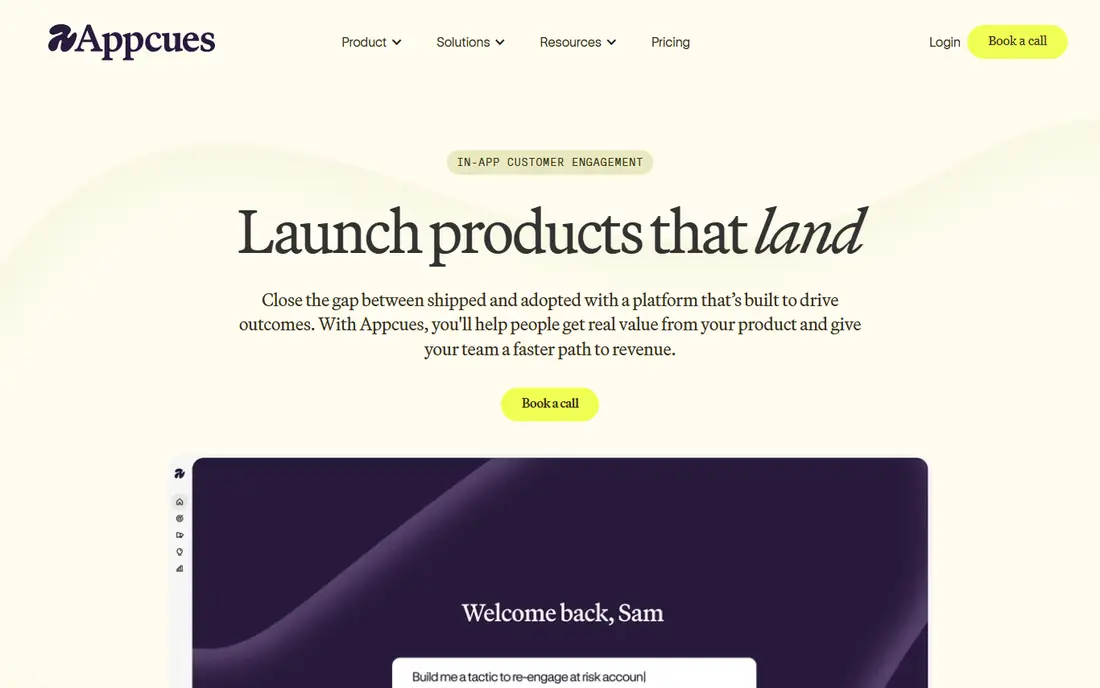
Appcues lets product teams build tours, tooltips, checklists, and modals without writing code, then target them by user role, plan, or behavior. That speed matters, since onboarding often needs changes after launch based on where users drop off. Checklists give new users a clear path to first value, while modals can announce features or collect feedback.
Analytics are lighter than a full product analytics platform, so teams that need deep funnel analysis may pair Appcues with another tool. Pricing is quoted for larger plans. For teams that want to ship good onboarding fast without developer time, Appcues is the best starting point.
- No-code tour builder
- Checklists and modals
- Targeting by user traits
- Quoted pricing for larger plans
- Analytics are lighter than Pendo
Userpilot
Ideal for: Onboarding and adoption
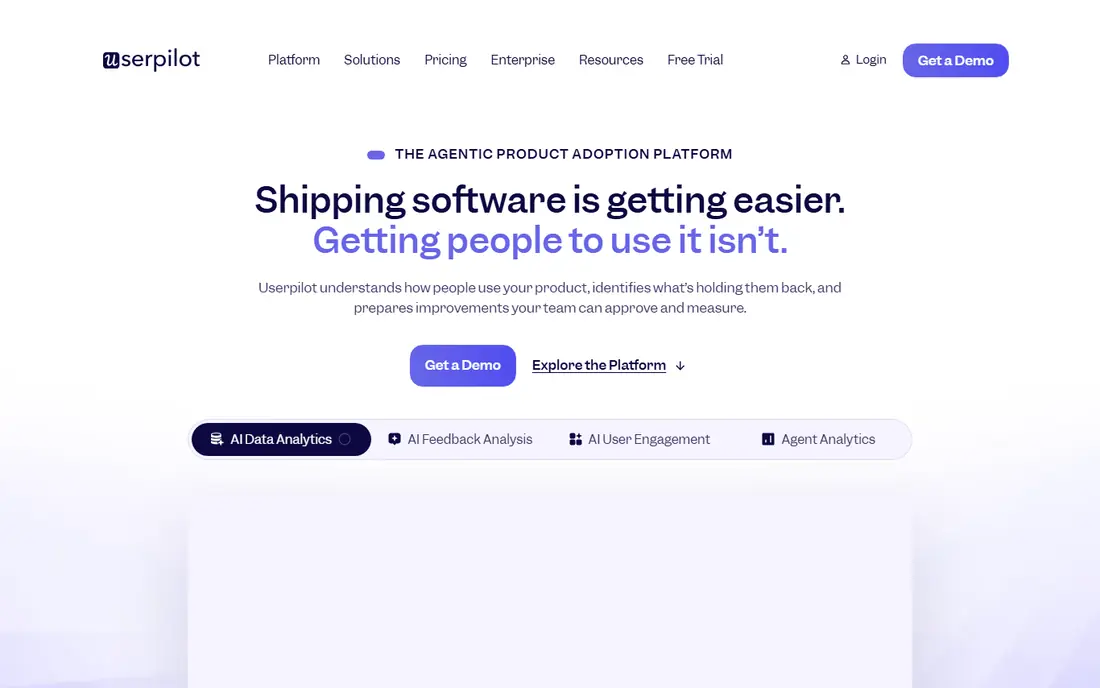
Userpilot covers tours, checklists, tooltips, and in-app surveys, with segmentation that shows the right guide to the right users. Onboarding analytics show where users stall, so teams can fix the step that causes drop-off rather than rebuilding the whole flow. Surveys inside the product also capture feedback at the moment users feel it.
Advanced flows take time to learn, and pricing grows with monthly users, so costs need forecasting. For product teams that want onboarding plus adoption data in one tool, Userpilot is a strong all-rounder. Its checklist and survey mix suits SaaS products with varied user roles.
- Tours, checklists, and surveys
- Strong segmentation
- Onboarding analytics
- Learning curve for advanced flows
- Pricing rises with users
Pendo
Ideal for: Product analytics plus onboarding
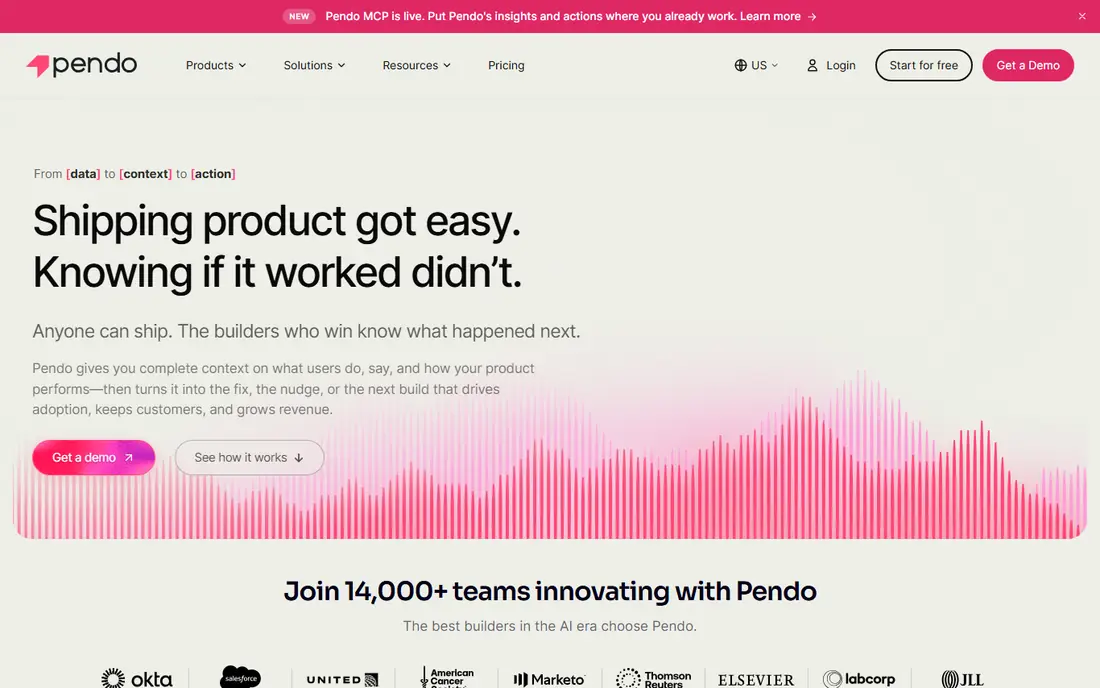
Pendo combines in-app guides with product analytics, feedback collection, and roadmaps, so onboarding decisions can use real usage data. Teams can see which features new users try, where they stop, and what they request, then build guides for those exact moments. That loop suits larger product teams with many users and complex products.
Setup and price are heavier than focused onboarding tools, and small teams may find Pendo more than they need. For companies that already want analytics and feedback alongside onboarding, Pendo avoids buying three separate tools. Its scale and reporting suit enterprise product teams best.
- Guides plus analytics and feedback
- Roadmaps and polls
- Enterprise scale
- Higher price
- Heavier setup than focused tools
UserGuiding
Ideal for: Affordable onboarding
UserGuiding offers guides, tooltips, checklists, and surveys with fast setup and pricing that suits startups and small teams. You can build a first tour in a day, publish it without code, and track basic completion. That speed helps small teams that cannot wait for a long implementation or an enterprise budget.
Advanced analytics and integrations are thinner than in Pendo or Userpilot, so larger teams may outgrow it. For a first onboarding tool, UserGuiding gives the core features at a fair price. If your main need is a clear first-run tour and checklist, it is hard to beat for value.
- Fast setup
- Guides and checklists
- Friendly pricing
- Fewer advanced analytics
- Smaller integration list
Chameleon
Ideal for: Deep tour control
Chameleon gives product teams fine control over tours, from step order and triggers to styling that matches the product. Microsurveys collect feedback inside flows, and targeting rules show guides only to users who need them. That control suits teams with varied user journeys, such as products with admin and member roles that need different onboarding.
Setup takes longer than UserGuiding, and pricing suits growing teams rather than solo builders. For teams that want tours to feel native to the product and adapt to user behavior, Chameleon offers the deepest builder here. Test its styling options against your design system before committing.
- Flexible tour builder
- Microsurveys
- Strong targeting and styling
- Needs more setup time
- Pricing aimed at growing teams
Whatfix
Ideal for: Enterprise digital adoption
Whatfix helps large organizations guide employees through complex software, with in-app flows, task lists, and training content that work across many applications. It suits companies rolling out CRM, HR, or ERP systems where staff need help inside the tool, not in a separate manual. Analytics show which flows users complete and where they struggle.
Enterprise pricing and implementation time rule it out for small teams. Whatfix is built for scale, governance, and support across departments. For large companies that need adoption across many apps, it is a serious enterprise option.
- Guidance across web apps
- Task lists and training
- Analytics for adoption
- Enterprise pricing
- Implementation can be long
WalkMe
Ideal for: Enterprise guidance
WalkMe is a digital adoption platform that guides users through complex workflows with step-by-step help, automation, and insights. Large enterprises use it to train staff, reduce support tickets, and speed up software rollouts. Its automation can complete routine steps for users, which helps in tools with long, error-prone processes.
Cost and admin time are high, so WalkMe suits organizations with dedicated product or IT teams. Small apps will find Appcues or UserGuiding faster and cheaper. For enterprise software adoption at scale, WalkMe remains a leading choice.
- Guidance for complex workflows
- Automation and insights
- Large enterprise base
- Higher cost
- Needs dedicated admin time
How we picked these
We compared official feature pages, pricing pages, and public reviews for each tool, and we favored tools that still work in October 2026 and cover real onboarding jobs: tours, checklists, guides, and adoption analytics. We did not claim hands-on testing, and we weighed ease of setup, targeting, analytics, and fit for different team sizes. Where pricing was quoted rather than listed we wrote "See website" rather than guessing.
What to check before you choose
Start with activation, not tour length. Define the moment a new user gets value, such as creating a first project or inviting a teammate, and design onboarding to reach that moment fast. Long tours that explain every feature often lose users, while short checklists tied to value keep them moving. Measure how many new users reach activation, not just how many finish a tour.
Next, test segmentation. Different roles need different first steps, so a tool that shows everyone the same tour will waste time for many users. Check analytics too: you need to see where users drop off to improve the flow. Finally, keep onboarding optional where possible, with a way to skip and return later, since forced tours frustrate experienced users.
Also remember that onboarding continues after the first session. Users who finish a first-run tour still need help when they meet advanced features weeks later, so plan contextual tips, empty states, and help content for those later moments. Empty states are especially powerful: a blank project page, dashboard, or list is a natural place to suggest the next step without interrupting work. Release notes and feature announcements should also follow onboarding rules: short, tied to a task, and dismissible, rather than long modals that block work. Watch support tickets and search terms inside your help center, since repeated questions point to onboarding gaps better than opinions do. When a feature changes, update its guide at the same time, or users will learn an old flow that no longer exists.
Measurement keeps onboarding honest over time. Track activation, time to first value, and week-one retention for each user segment, and compare new users who saw a guide with those who skipped it. A guide that raises completion but not activation is decoration, not onboarding. Run small experiments: shorten a tour, reorder checklist steps, or change the first task, and measure one outcome at a time. Also collect qualitative feedback early, with a short survey after the first week asking what confused users most. Finally, keep onboarding ownership clear: one team should own the flow, its data, and its updates, or guides will drift out of date as the product changes.
Frequently asked questions
What are app onboarding best practices?
Good onboarding shows value fast, guides users to one key action, and uses short checklists rather than long tours. Personalize by role, let users skip, and measure activation instead of tour completion. Test each step and remove anything that does not help users reach value.
How long should app onboarding be?
Onboarding should be as short as possible while still reaching first value, often a few minutes for simple apps and longer for complex tools. Use progressive disclosure: teach core actions first and advanced features later, when users need them. Watch drop-off data to find steps that are too long.
Should onboarding use product tours?
Tours help when they guide users to a real task, but long click-through tours often get skipped. Checklists, tooltips, and empty-state guidance usually work better than forced tours. Use tours for key workflows and let users explore the rest on their own.
How do I measure onboarding success?
Track activation rate, time to first value, and retention after the first week, alongside tour completion. A tour with high completion but low activation is not working, while a short flow with high activation is. Survey new users early to catch confusion that numbers miss.
What is the best app onboarding tool for startups?
Appcues and UserGuiding are strong startup picks: Appcues for power and ease, UserGuiding for price and speed. Userpilot suits startups that also want segmentation and surveys. Start with a trial, build one checklist tied to activation, and expand only when data shows what users need.