AppSheet Alternatives in 2026: 8 Tools Compared

- Our pick for most readers is Glide, because it fits no-code apps from spreadsheets and keeps its core pitch easy to understand.
- Prices in this category vary widely, so check the vendor pricing page and confirm what is included before you pay.
- A free plan or free trial is worth testing with your own data, since a demo with sample data can hide daily friction.
- The right choice depends on team size, budget, and how much setup help you need, not on the longest feature list.
- Read the privacy and support terms for appsheet alternatives comparison software tools tools carefully, especially if you will store customer or financial data in them.
Quick comparison
| Product | Ideal for | Price from | Free version | |
|---|---|---|---|---|
 Glide | no-code apps from spreadsheets | Free | Yes | Visit |
 Softr | web apps and portals from Airtable | Free | Yes | Visit |
 Budibase | open source internal app builder | Free | Yes | Visit |
 Retool | developer-friendly internal tools | Free | Yes | Visit |
 Bubble | full web apps without code | Free | Yes | Visit |
 Adalo | mobile apps without code | Free | Yes | Visit |
 SAP Build Apps | SAP teams building mobile apps | See website | Free trial | Visit |
 Jotform Apps | apps from forms for small teams | Free | Yes | Visit |
The best AppSheet alternatives
We compared official feature pages, pricing pages, app store listings, privacy policies, and public reviews to put this list together for readers looking for appsheet alternatives comparison software tools. Each option below is a real product that works in October 2026, with a clear note on who it suits and where it falls short.
Glide
Ideal for: no-code apps from spreadsheets
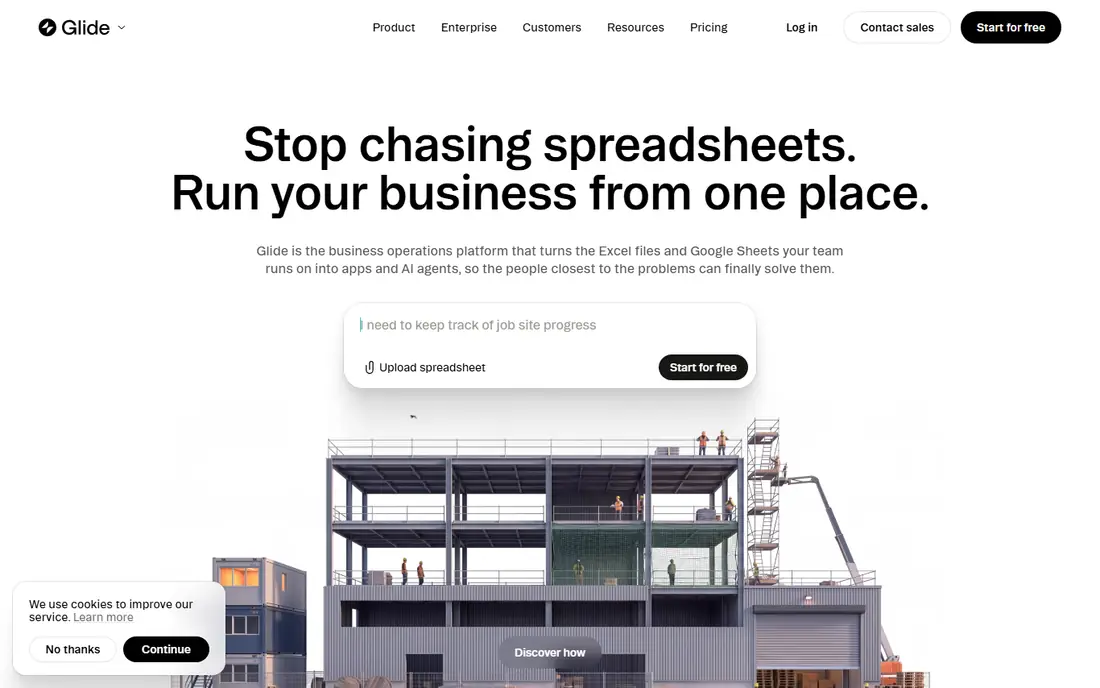
Glide suits teams that want to turn a spreadsheet into a polished app fast. Its templates and data links help build internal tools, directories, and portals without code. That focus matters most in the first weeks, when a team either settles into a tool or quietly stops opening it.
Its strength is spreadsheet speed. A working app can be ready in hours from data a team already has. It also matters for teams that need to show results to a manager or a client without extra reporting work.
The drawback is free limits. Rows, users, and features are capped on the free plan, so larger apps need a paid plan. It is worth weighing against the strengths above, especially if you plan to use the tool for years.
- Apps from Sheets and databases
- Templates
- AI features
- Free plan limits rows and users
- Design control is guided
Softr
Ideal for: web apps and portals from Airtable
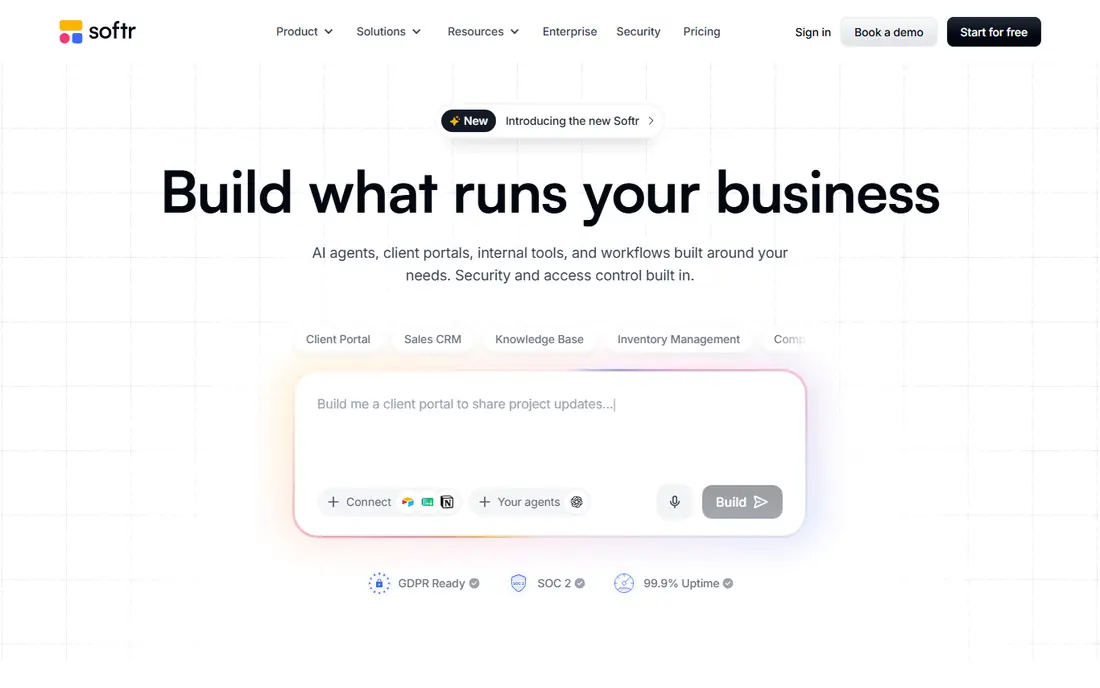
Softr suits teams that want web apps, portals, and directories from Airtable data. Its blocks build pages, membership areas, and client portals without code. We gave extra weight to tools that explain their limits plainly instead of hiding them behind a sales call.
Its strength is portal design. Client and member portals look polished with little design work. We checked this against the vendor's own feature page and public reviews, not just marketing copy.
The drawback is data tie. The best value comes with Airtable, so teams on other data sources should check. Teams with strict requirements should test this exact point before signing a contract.
- Apps from Airtable and Google Sheets
- Membership and portals
- Templates
- Airtable dependence for best value
- Pricing rises with records
Budibase
Ideal for: open source internal app builder

Budibase suits teams that want an open source internal app builder they can self-host. Its tools build dashboards, forms, and admin panels from databases and APIs. The best fit is often the tool your team will actually use every day, not the one with the longest list of features.
Its strength is openness. Self-hosting and open source suit teams with strict data rules and no vendor lock-in. Look for this in the trial, and check how it behaves with your own data rather than sample data.
The drawback is setup skill. Hosting and maintenance need technical skill, and support is community-led for many users. If this point is a deal breaker for you, the next options on this list handle it differently.
- Open source app builder
- Self-hosting
- Automation and databases
- Setup needs technical skill
- Community support is central
Retool
Ideal for: developer-friendly internal tools
Retool suits engineering teams that build internal tools fast. Its drag-and-drop builder links to databases and APIs, with code available when a custom step is needed. Setup effort, daily friction, and the clarity of the pricing page shaped how we weighed that fit.
Its strength is developer power. Complex internal tools that no-code tools cannot handle become feasible. That strength shows up in daily work, not just in a demo, which is why we ranked it highly.
The drawback is skill. The best value needs developers, so non-technical teams may find it heavy. That drawback may not matter for a small team, but it can grow into a real problem as usage grows.
- Internal tool builder
- Database and API links
- Code when needed
- Needs developer skill for best value
- Pricing rises with users
Bubble
Ideal for: full web apps without code
Bubble suits founders and teams that want to build full web apps without code. Its visual builder, database, and workflows cover marketplaces, SaaS tools, and dashboards. A short trial with real data tells you more than a feature list, so plan one before you commit.
Its strength is app depth. Full web apps, not just forms, can be built and launched on Bubble. This kind of strength tends to save time week after week, which adds up faster than a small price difference.
The drawback is learning curve. Complex apps take time to learn, and performance needs planning as usage grows. Ask about it on a sales call or in the trial, and get the answer in writing if it affects your budget.
- Visual web app builder
- Database and workflows
- Plugin library
- Learning curve for complex apps
- Performance needs planning
Adalo
Ideal for: mobile apps without code
Adalo suits users who want to build mobile apps without code and publish to app stores. Its templates and drag-and-drop builder cover common app types. That focus matters most in the first weeks, when a team either settles into a tool or quietly stops opening it.
Its strength is mobile publishing. Apps can go to the App Store and Google Play from the same builder. It also matters for teams that need to show results to a manager or a client without extra reporting work.
The drawback is free limits. The free plan caps features and branding, so serious apps need a paid plan. It is worth weighing against the strengths above, especially if you plan to use the tool for years.
- Mobile app builder
- Templates
- Publishing to app stores
- Free plan limits
- Advanced features need paid plans
SAP Build Apps
Ideal for: SAP teams building mobile apps
SAP Build Apps suits SAP customers that want to build mobile apps on SAP data. Its tools, formerly AppGyver, link to SAP systems with enterprise governance. We gave extra weight to tools that explain their limits plainly instead of hiding them behind a sales call.
Its strength is SAP fit. Apps can draw on SAP data and processes without separate integration projects. We checked this against the vendor's own feature page and public reviews, not just marketing copy.
The drawback is scope. The strongest value comes inside SAP estates, so non-SAP teams should look elsewhere. Teams with strict requirements should test this exact point before signing a contract.
- Mobile app building in SAP
- Integrations
- Enterprise governance
- Best value inside SAP
- Pricing needs a quote
Jotform Apps
Ideal for: apps from forms for small teams
Jotform Apps suits small teams that want simple apps built from forms. Its no-code builder turns form data into a branded app with pages and actions. The best fit is often the tool your team will actually use every day, not the one with the longest list of features.
Its strength is form-to-app speed. Teams already using Jotform forms can launch an app fast. Look for this in the trial, and check how it behaves with your own data rather than sample data.
The drawback is depth. Full app logic is lighter than in dedicated app builders, so complex apps need another tool. If this point is a deal breaker for you, the next options on this list handle it differently.
- Apps from forms
- Templates
- No-code builder
- App depth is lighter than full builders
- Free plan limits
How we picked these
We started from the main keyword for this article and checked each candidate against official feature pages, pricing pages, app store listings, privacy policies, and public reviews. We kept only products that exist and work in October 2026 and that truly fit appsheet alternatives comparison software tools, and we left out options that did not fit even when they looked popular in a general search.
We did not claim hands-on testing that did not happen. Where a price or a free tier could not be confirmed from the vendor's own site, we wrote See website rather than guessing a number. That approach keeps the list honest, and it means you should still confirm current pricing before you buy.
How to choose an AppSheet alternative
Start by writing down the one job this tool must do well for you. For appsheet alternatives comparison software tools, that job might be daily use by a small team, reporting for a manager, or handling a larger volume without constant manual work. A tool that does that one job well is usually a better buy than a tool that does many jobs in a shallow way.
Next, run a short trial with real data and the people who will use the tool every day. Watch how long setup takes, how clear the billing is, and how fast support answers a real question. If the trial feels confusing, that confusion rarely disappears after you pay, so take it as a useful warning.
Finally, check the terms that matter after the first month: renewal pricing, data export, cancellation, and what happens to your data if you leave. A tool with a clear export path and plain renewal terms is easier to live with, even if a rival looks slightly cheaper on the first invoice.
Frequently asked questions
What is the best option for appsheet alternatives comparison software tools?
For most readers, Glide is a strong starting point because it fits no-code apps from spreadsheets. The best choice still depends on your budget and team size, so compare the top three on this list in a trial before you decide.
Is there a free option for appsheet alternatives comparison software tools?
Some options on this list offer a free plan, and others offer a free trial, as shown in the comparison table. Free plans usually cover basic use, while paid plans add reporting, integrations, and support, so check the limits before you rely on a free tier.
How much do appsheet alternatives comparison software tools tools cost?
Pricing varies widely in this category, and some vendors only quote after a sales call. Where we could confirm a starting price, we listed it in the table, and where we could not, we wrote See website so you can check the vendor page directly.
Can I switch tools later if I pick the wrong one?
In most cases, yes, but switching takes more work than people expect. Before you commit, check how to export your data, whether integrations carry over, and how long a migration would take for your team.
How should I test a tool before buying?
Use a short trial with real data, invite the people who will use it daily, and test support with a genuine question. Keep notes on setup time, billing clarity, and any feature that was promised but hard to find in the product itself.