Best AppSheet Alternatives in 2026: 8 Tools Compared

- Glide and Softr are the fastest ways to turn a spreadsheet into a working app for a small team.
- Bubble suits teams that need deep custom logic and a public-facing web app.
- Retool fits internal tools built on top of databases and APIs.
- Airtable and Zoho Creator balance app building with the databases and workflows teams already use.
- Power Apps makes sense for organizations already paying for Microsoft 365.
Quick comparison
| Product | Ideal for | Price from | Free version | |
|---|---|---|---|---|
 Glide | Turning a spreadsheet into an app quickly | See website | Yes | Visit |
 Adalo | Native-feeling mobile apps without code | See website | Free trial | Visit |
 Bubble | Full custom web apps without code | See website | Yes | Visit |
 Softr | Client portals from Airtable or Sheets | See website | Yes | Visit |
 Airtable | Databases with app-like interfaces | See website | Yes | Visit |
 Retool | Internal tools on real databases | See website | Yes | Visit |
 Zoho Creator | Business apps inside the Zoho ecosystem | See website | Yes | Visit |
 Microsoft Power Apps | Apps for Microsoft 365 organizations | See website | Free trial | Visit |
The best AppSheet alternatives
AppSheet turns spreadsheets into apps, which is a great starting point, but teams often leave it for better design control, stronger automation, or a pricing model that fits their user count. The tools below all build apps without traditional coding, but they aim at different jobs, from a simple team portal to a full customer-facing product.
Glide
Ideal for: Turning a spreadsheet into an app quickly
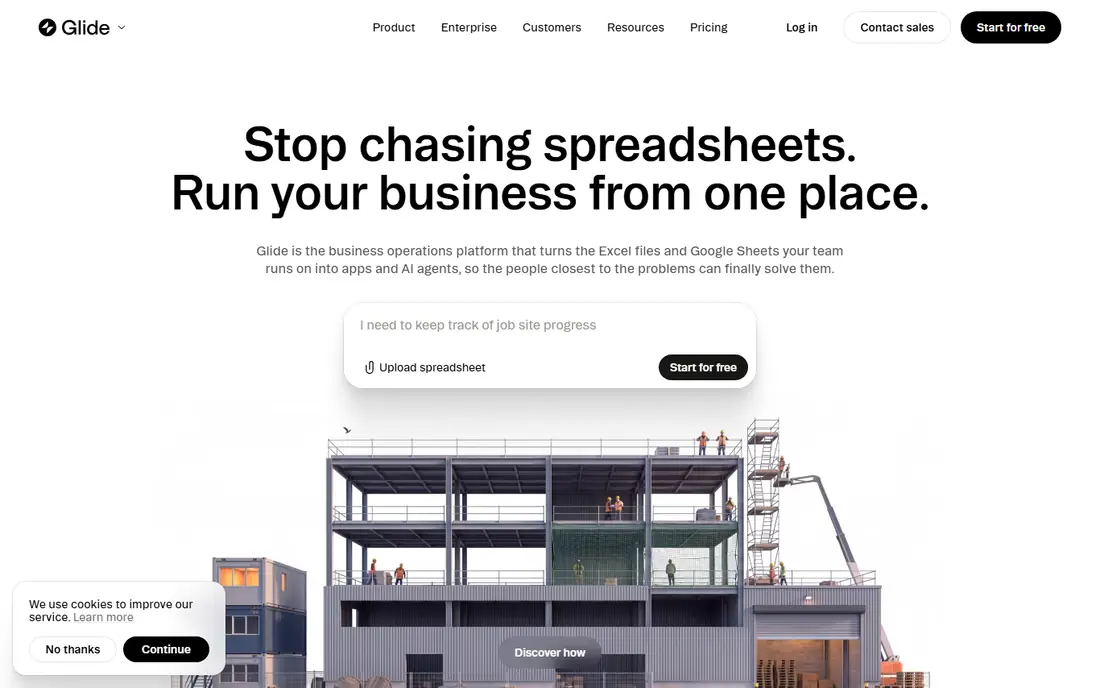
Glide is the closest thing to instant gratification in no-code app building. Point it at a spreadsheet and you get a working app with lists, forms, and detail screens in minutes, and the result looks good enough to hand to a team the same day. That speed makes it the natural first try for AppSheet users who want a nicer interface without learning a new system.
The limits appear when an app needs complex rules, heavy automation, or thousands of active users. Glide handles straightforward business apps well, but intricate logic and high update volumes push against its pricing model. For a team app, a field data collection tool, or a simple customer portal, Glide is our pick for most people.
- Very fast to build from Google Sheets or Excel
- Polished mobile layouts
- Free tier for small projects
- Less deep custom logic than Bubble
- Costs rise with users and updates
Adalo
Ideal for: Native-feeling mobile apps without code
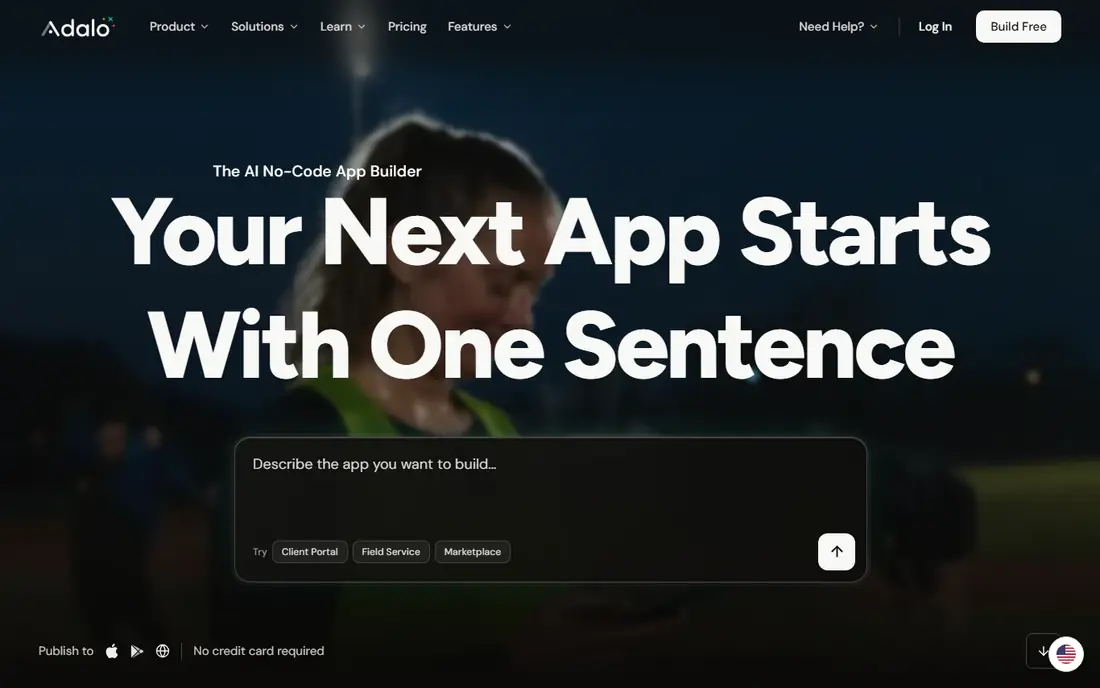
Adalo targets a different outcome than Glide: a genuine mobile app that users install from an app store. Its drag-and-drop builder covers screens, navigation, and actions, and it includes its own database, so a small team can ship an app without a separate backend. That makes it a good fit for startups and small businesses that want a branded app.
Data-heavy apps are where Adalo strains. Large lists and complex queries can feel slow, and the design system, while pleasant, offers less freedom than a full web app builder. If the goal is a simple, installable mobile app for customers or staff, Adalo delivers. If the goal is a complex internal system, look at Retool or Zoho Creator.
- Visual builder for real mobile apps
- Publishes to app stores
- Built-in database and actions
- Performance can lag on large data sets
- Design flexibility is narrower than Bubble
Bubble
Ideal for: Full custom web apps without code
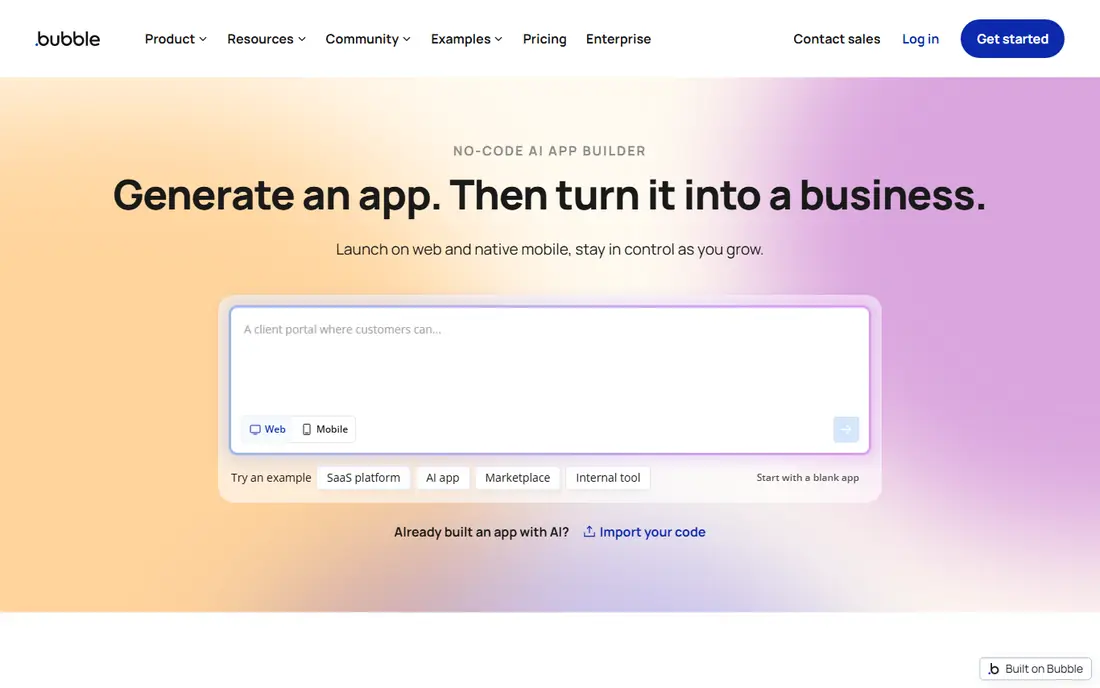
Bubble is the no-code tool for people who outgrow spreadsheet-to-app builders. You design pages pixel by pixel, build workflows with conditions and database actions, and connect APIs, which means you can build marketplaces, dashboards, and customer portals that look and behave like coded products. The free tier lets you learn and prototype before paying.
That depth has a price in learning time. Bubble rewards patience and punishes sloppy data design, and a badly built app will run slowly no matter what plan you buy. Teams that want a real product, not just a team utility, and that can invest a few weeks in learning, will get further with Bubble than with any other tool here.
- Deepest logic and design control in no-code
- Large plugin library
- Free tier for learning and prototypes
- Steepest learning curve here
- Performance depends on how well you build
Softr
Ideal for: Client portals from Airtable or Sheets
Softr shines at one job: turning an Airtable base or a Google Sheet into a gated portal where clients, partners, or staff see only their own records. Membership, permissions, and pre-built blocks for lists, forms, and directories make it quick to ship a professional client area without building access control from scratch.
The dependence on an external data source is both a strength and a limit. If your data already lives in Airtable, Softr is nearly effortless. If you need a self-contained app with its own database and complex logic, Bubble or Zoho Creator fits better. For agencies and small businesses that need client portals fast, Softr is hard to beat.
- Excellent portal and membership features
- Builds on Airtable or Google Sheets
- Fast to launch
- Depends on Airtable or Sheets as the data source
- Less suited to standalone complex apps
Airtable
Ideal for: Databases with app-like interfaces
Airtable is often the tool AppSheet users already know, since many AppSheet apps start from a spreadsheet. Airtable replaces that spreadsheet with a real database that has views, linked records, forms, and automations, and its Interface Designer turns those tables into dashboards and simple apps for a team. Templates cover everything from content calendars to inventory.
It stops short of being a product builder. You would not ship a public customer app on Airtable alone, and heavy record counts push you to higher plans. But as the data home for a team app, especially paired with Softr or Glide on the front end, Airtable is a strong, flexible choice.
- Flexible database with views, forms, and automations
- Interface Designer builds app screens
- Huge template library
- Not a full app builder for public products
- Record limits matter on lower plans
Retool
Ideal for: Internal tools on real databases
Retool is the tool engineering teams reach for when the request is an admin panel, a support dashboard, or an operations tool. It connects directly to Postgres, MySQL, REST APIs, and warehouses, and you assemble tables, forms, and charts with drag-and-drop components, adding JavaScript where the visual builder runs out. Permissions and audit logs come built in.
It is not a public app builder, and its pricing reflects a business audience. But for internal tools, Retool is faster than building from scratch and more capable than a spreadsheet app, and it keeps data in your own systems instead of copying it into a new database. If your AppSheet app is really an internal operations tool, Retool is the upgrade path.
- Connects to databases, APIs, and warehouses
- Drag-and-drop components for admin tools
- Strong permissions
- Built for internal tools, not public apps
- Pricing is aimed at companies, not hobby projects
Zoho Creator
Ideal for: Business apps inside the Zoho ecosystem
Zoho Creator is a low-code platform for business apps such as order tracking, approvals, and field service forms. It offers drag-and-drop forms, workflow rules, and reports, and it connects naturally to Zoho CRM, Books, and other Zoho apps, which removes a lot of integration work for teams already in that ecosystem.
Outside Zoho, its appeal is weaker. The builder and the published apps look more functional than beautiful, and the learning curve for its scripting language is steeper than Glide's. If your business already runs on Zoho, Creator is the obvious AppSheet replacement. If not, start with Glide or Softr.
- Strong forms, workflows, and reporting
- Fits Zoho CRM and Books
- Per-user pricing that suits small firms
- Interface feels dated next to Glide or Softr
- Best value only inside Zoho
Microsoft Power Apps
Ideal for: Apps for Microsoft 365 organizations
Power Apps makes the most sense when your organization already pays for Microsoft 365. Apps built in Power Apps live inside Teams and SharePoint, use company logins, and follow IT governance rules, which matters for larger firms. Simple apps from SharePoint lists come together quickly, and Dataverse gives bigger apps a proper database.
Licensing is the well-known headache, with different rights bundled in different plans, so check what your existing licenses actually cover before budgeting. The builder also takes more effort than Glide for a simple app. But for a Microsoft shop that needs governed, company-wide apps, Power Apps is the natural AppSheet alternative.
- Included in some Microsoft 365 plans
- Deep SharePoint, Teams, and Dataverse integration
- Enterprise governance
- Licensing is confusing
- Building beyond simple apps takes real effort
How we picked these
We compared official feature pages, pricing pages, app store listings, and public reviews for each tool, and we checked that each product is actively offered in October 2026. We kept tools that build working apps without traditional coding, and we spread the list across spreadsheet-to-app builders, full web app platforms, internal tool builders, and ecosystem options, so different AppSheet use cases each have a match. We did not include tools that only build websites with no app logic, or tools that have shut down.
What to check before you switch
A no-code switch is cheap to start and expensive to redo, so test the hard parts first.
Your data source
Check whether the tool works with your existing data or forces a move. Glide and Softr build on Sheets and Airtable, Retool connects to your database, and Bubble and Zoho Creator prefer their own databases. Moving data is where most migrations stall.
Pricing at your user count
No-code pricing often scales with users, app updates, or records. Model your real numbers, including occasional users who only open the app once a month, since some tools charge for every named user whether they log in or not.
Automation limits
Test the automations your app actually needs, such as approvals, notifications, and scheduled jobs. Simple triggers are universal, but multi-step approvals and complex conditions separate the capable tools from the simple ones.
Frequently asked questions
Is there a free AppSheet alternative?
Yes. Glide, Bubble, Softr, Airtable, and Retool all offer free tiers, though each limits users, records, or features. For a small team app, Glide's or Softr's free tier is usually enough to start, and you can upgrade only when the app proves its value.
Which AppSheet alternative is easiest for beginners?
Glide is the easiest for most people, since building from a spreadsheet feels familiar and the layouts look good with little effort. Softr is nearly as easy when the data already lives in Airtable or Google Sheets.
Can I build a mobile app without code using these tools?
Yes. Adalo publishes to app stores, Glide builds installable mobile web apps, and most of the others produce mobile-friendly web apps. Only Adalo and, with extra steps, Bubble give you a true native store app, so check that requirement early.
Do these tools work with Google Sheets?
Glide and Softr work directly with Google Sheets, and Airtable can sync with Sheets through automations and integrations. Bubble, Retool, and Zoho Creator prefer their own databases or direct database connections, so a Sheets-based workflow fits the first group best.
What happens to my data if I leave a no-code tool?
Most tools let you export tables as CSV, but app logic, screens, and workflows do not transfer between platforms. Keep a clean export of your data and treat the app design as something you rebuild, not something you move.