Best Asana Alternatives in 2026: 9 Options Compared

- Monday and ClickUp suit teams that want flexible views, automations and dashboards beyond basic tasks.
- Trello suits small teams that want simple boards without a learning curve.
- Notion suits teams that already keep docs and tasks together.
- Basecamp suits teams that want simple, flat-priced project communication without feature overload.
Quick comparison
| Product | Ideal for | Price from | Free version | |
|---|---|---|---|---|
 Monday | Flexible visual project work | See website | Yes | Visit |
 ClickUp | Feature-rich all-in-one | Free | Yes | Visit |
 Trello | Simple boards for small teams | Free | Yes | Visit |
 Notion | Docs plus tasks in one place | Free | Yes | Visit |
 Wrike | Structured work for larger teams | See website | Yes | Visit |
 Basecamp | Simple flat-priced projects | See website | No | Visit |
 Todoist | Personal and small-team tasks | Free | Yes | Visit |
 Smartsheet | Spreadsheet-style project work | See website | Free trial | Visit |
 Teamwork | Client work and agencies | See website | Free trial | Visit |
The best asana alternatives
We compared project tools on task management, views, automation and price. Our pick for most teams is Monday or ClickUp for flexibility, with Trello for simple boards and Notion for docs-plus-tasks teams.
Monday
Ideal for: Flexible visual project work
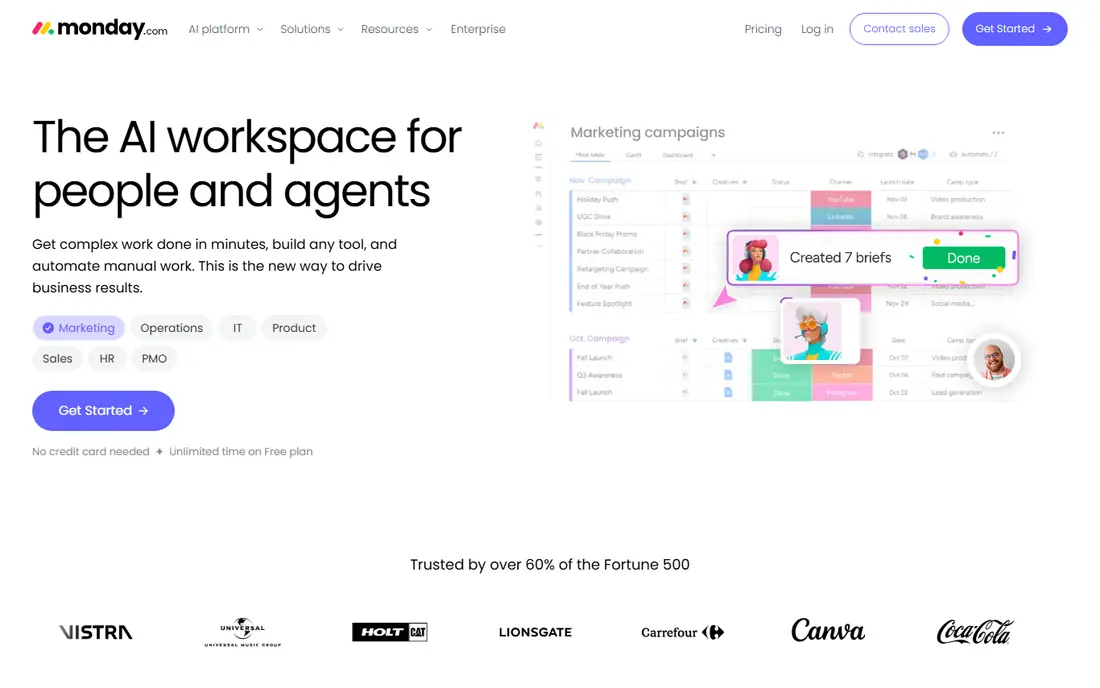
Our first look at Monday starts with who it serves best. It is the visual, flexible rival to Asana. Monday turns projects into boards, timelines and dashboards teams can shape freely.
The catch is per-user cost and setup time for complex work. It fits teams that want visual project management with automation. Check the current pricing page before you commit, since plans in this category change often, and use the free plan or trial to confirm the fit with your own work.
Before you pay for Monday, run one real task through it, such as a full document, a full trip plan or a full project, and judge it on that result rather than on the marketing page.
- Highly visual boards, views and automations
- Flexible for many workflows
- Good dashboards
- Per-user pricing grows fast
- Setup time for complex workflows
ClickUp
Ideal for: Feature-rich all-in-one
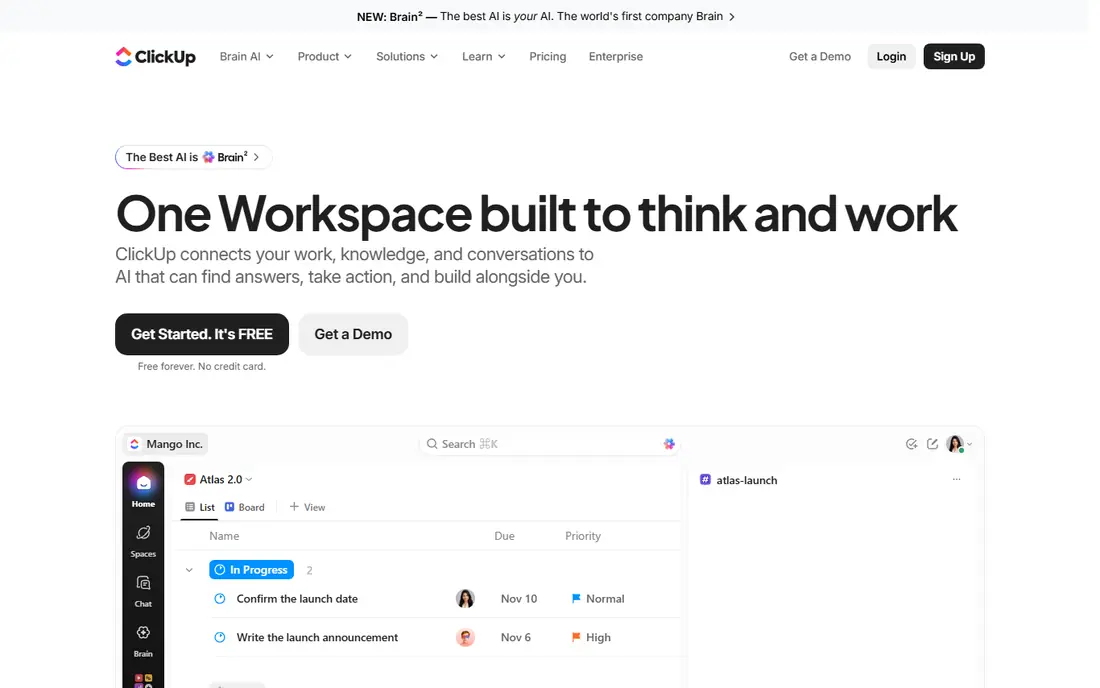
For many readers, ClickUp will be the most practical choice on this list. It is the all-in-one that replaces several tools. ClickUp combines tasks, docs, goals, chat and dashboards in one workspace.
The catch is complexity: the feature count can overwhelm new teams. It fits teams that want one tool for tasks, docs and goals. Check the current pricing page before you commit, since plans in this category change often, and use the free plan or trial to confirm the fit with your own work.
A useful test for ClickUp is to try the exact workflow you will repeat weekly, then check how long it takes and whether the output needs heavy fixing before it is usable.
- Huge feature set with docs, goals and views
- Generous free tier
- Competitive pricing
- Feature depth can overwhelm
- Performance varies on large workspaces
Trello
Ideal for: Simple boards for small teams
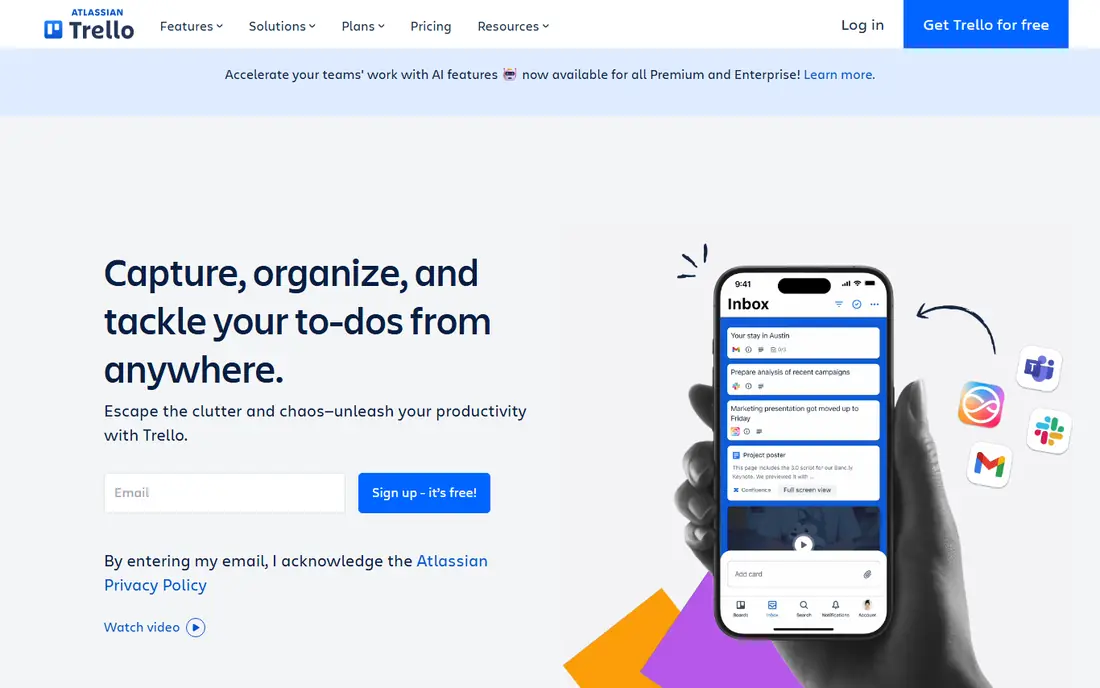
Next up is Trello, which takes a different approach to the same job. It is the simplest alternative, and often the right one. Trello boards make tasks visible at a glance with almost no training.
The catch is scale: complex projects outgrow boards quickly. It fits small teams and personal projects that need clarity, not complexity. Check the current pricing page before you commit, since plans in this category change often, and use the free plan or trial to confirm the fit with your own work.
When you trial Trello, note what is missing as well as what works, since the missing piece often decides whether a tool survives past the first month.
- Simplest boards on this list
- Free tier is generous
- Power-Ups add features
- Limited for complex projects
- Reporting and timelines need paid plans
Notion
Ideal for: Docs plus tasks in one place
Notion earns its place here for a specific kind of user. It is the docs-plus-tasks option for knowledge teams. Notion keeps tasks alongside the docs and wikis that explain them.
The catch is project depth: timelines and workload views are lighter than Asana. It fits teams that already live in Notion for docs. Check the current pricing page before you commit, since plans in this category change often, and use the free plan or trial to confirm the fit with your own work.
We would also check support and documentation for Notion during the trial, since a tool you cannot get help with becomes expensive in staff time even when the subscription looks cheap.
- Tasks inside docs, wikis and databases
- Free personal plan
- Great templates
- Project views are lighter than Asana
- Offline use is limited
Wrike
Ideal for: Structured work for larger teams
If the options so far have not fit, Wrike is worth a closer look. It is the structured option for larger, process-heavy teams. Wrike adds approvals, resource management and reporting to project work.
The catch is that small teams may find it heavy. It fits larger teams with formal project processes. Check the current pricing page before you commit, since plans in this category change often, and use the free plan or trial to confirm the fit with your own work.
Before you pay for Wrike, run one real task through it, such as a full document, a full trip plan or a full project, and judge it on that result rather than on the marketing page.
- Structured project management with reporting
- Approvals and resource tools
- Enterprise controls
- Complexity and price for small teams
- Setup needs effort
Basecamp
Ideal for: Simple flat-priced projects
Basecamp is the option we point to when a reader has a clear priority in mind. It is the simple, flat-priced refuge from per-user billing. Basecamp charges per organisation, not per user, with simple project tools.
The catch is power: it lacks the views and automations of Monday or ClickUp. It fits small businesses and agencies that want simplicity. Check the current pricing page before you commit, since plans in this category change often, and use the free plan or trial to confirm the fit with your own work.
A useful test for Basecamp is to try the exact workflow you will repeat weekly, then check how long it takes and whether the output needs heavy fixing before it is usable.
- Flat pricing per organisation
- Simple message boards, to-dos and files
- No per-user fees
- Fewer views and automations than Monday
- Not built for complex portfolios
Todoist
Ideal for: Personal and small-team tasks
Another strong contender is Todoist, and it stands out for one clear reason. It is the task manager for individuals and tiny teams. Todoist handles personal and shared tasks beautifully across devices.
The catch is project scope: it is not a full Asana replacement for large teams. It fits individuals and small teams focused on tasks. Check the current pricing page before you commit, since plans in this category change often, and use the free plan or trial to confirm the fit with your own work.
When you trial Todoist, note what is missing as well as what works, since the missing piece often decides whether a tool survives past the first month.
- Best personal task manager
- Simple, fast and cross-platform
- Free tier is strong
- Not a full project tool
- Team views and reporting are limited
Smartsheet
Ideal for: Spreadsheet-style project work
We round out the list with Smartsheet, which fills a gap the others leave open. It is the spreadsheet-style project platform. Smartsheet gives project work a familiar grid plus Gantt, dashboards and automation.
The catch is corporate feel and price for small teams. It fits operations and enterprise teams that think in sheets. Check the current pricing page before you commit, since plans in this category change often, and use the free plan or trial to confirm the fit with your own work.
We would also check support and documentation for Smartsheet during the trial, since a tool you cannot get help with becomes expensive in staff time even when the subscription looks cheap.
- Spreadsheet familiarity with project views
- Strong reporting
- Enterprise controls
- Pricing and complexity for small teams
- Interface feels corporate
Teamwork
Ideal for: Client work and agencies
Teamwork rounds out our shortlist with a focused set of strengths. It is the agency-focused project tool. Teamwork pairs tasks with time tracking, billing and client visibility.
The catch is ecosystem size compared with Monday or ClickUp. It fits agencies managing client projects and billable work. Check the current pricing page before you commit, since plans in this category change often, and use the free plan or trial to confirm the fit with your own work.
Before you pay for Teamwork, run one real task through it, such as a full document, a full trip plan or a full project, and judge it on that result rather than on the marketing page.
- Built for client projects with time tracking and billing
- Good task views
- Agency-friendly
- Smaller ecosystem than Monday
- Advanced features are paid
How we picked these
We compared official feature pages, pricing pages, app store listings, privacy policies and public reviews for each product, and kept only products that exist, work today and truly fit the topic. We favoured clear pricing, a usable free plan or trial, and honest limits over long feature lists. Where a price could not be verified on the vendor site, we wrote See website rather than guessing.
We did not claim hands-on testing we did not do. Instead, we weighed what each vendor documents, what reviewers report in practice, and where each product falls short, so the trade-offs below are stated plainly.
How to switch from Asana without losing work
Export or import a real project during the trial, not a demo, and check that tasks, assignees, dates and attachments survive. Run both tools for two weeks with one team, then migrate once the new tool proves it fits daily work.
Frequently asked questions
What is the best Asana alternative?
Monday and ClickUp suit flexible project work, Trello suits simple boards, and Notion suits docs-plus-tasks teams. Basecamp suits teams wanting simplicity and flat pricing.
Is ClickUp better than Asana?
ClickUp offers more views and features per dollar, but Asana feels cleaner for teams that only need tasks and timelines. Choose on workflow complexity, not feature count.
What is the best free Asana alternative?
Trello, ClickUp and Notion all offer free tiers for small teams, with limits on features and history. Trello is simplest, while ClickUp free covers more project features.
Can I import Asana projects into another tool?
Most major tools offer Asana importers that bring tasks, projects and assignees across, though comments and custom fields may need cleanup. Test import on one project first.
Which alternative is simplest for small teams?
Trello and Basecamp are simplest, with boards or plain project spaces that need little training. Monday and ClickUp add power at the cost of setup time.