Best AWS Secrets Manager Alternatives in 2026: 7 Secret Tools Compared

- 1
 HashiCorp VaultMulti-cloud secrets platformVisit
- 2
 DopplerDeveloper secrets managementVisit
- 3
 InfisicalOpen source secrets platformVisit
- 4
 Azure Key VaultSecrets inside AzureVisit
- 5
 Google Secret ManagerSecrets inside Google CloudVisit
- HashiCorp Vault suits teams that need a mature, multi-cloud secrets platform.
- Doppler and Infisical suit developer teams that want simple secrets for apps.
- Azure Key Vault and Google Secret Manager suit teams standardized on those clouds.
- CyberArk Conjur and Akeyless suit enterprises with strict compliance needs.
- Check rotation, audit logs, and access controls before choosing any secrets tool.
Quick comparison
| Product | Ideal for | Price from | Free version | |
|---|---|---|---|---|
| HashiCorp Vault | Multi-cloud secrets platform | See website | Yes | Visit |
| Doppler | Developer secrets management | See website | Yes | Visit |
| Infisical | Open source secrets platform | See website | Yes | Visit |
| Azure Key Vault | Secrets inside Azure | See website | Free trial | Visit |
| Google Secret Manager | Secrets inside Google Cloud | See website | Free trial | Visit |
 CyberArk Conjur | Enterprise secrets security | See website | No | Visit |
 Akeyless | SaaS secrets platform | See website | Free trial | Visit |
The best AWS Secrets Manager alternatives
AWS Secrets Manager stores database credentials, API keys, and other secrets for AWS workloads, with rotation and access control. The tools below cover similar ground across clouds, from open source platforms to cloud-native vaults. We compared official documentation, pricing pages, and public security guides.
HashiCorp Vault
Ideal for: Multi-cloud secrets platform
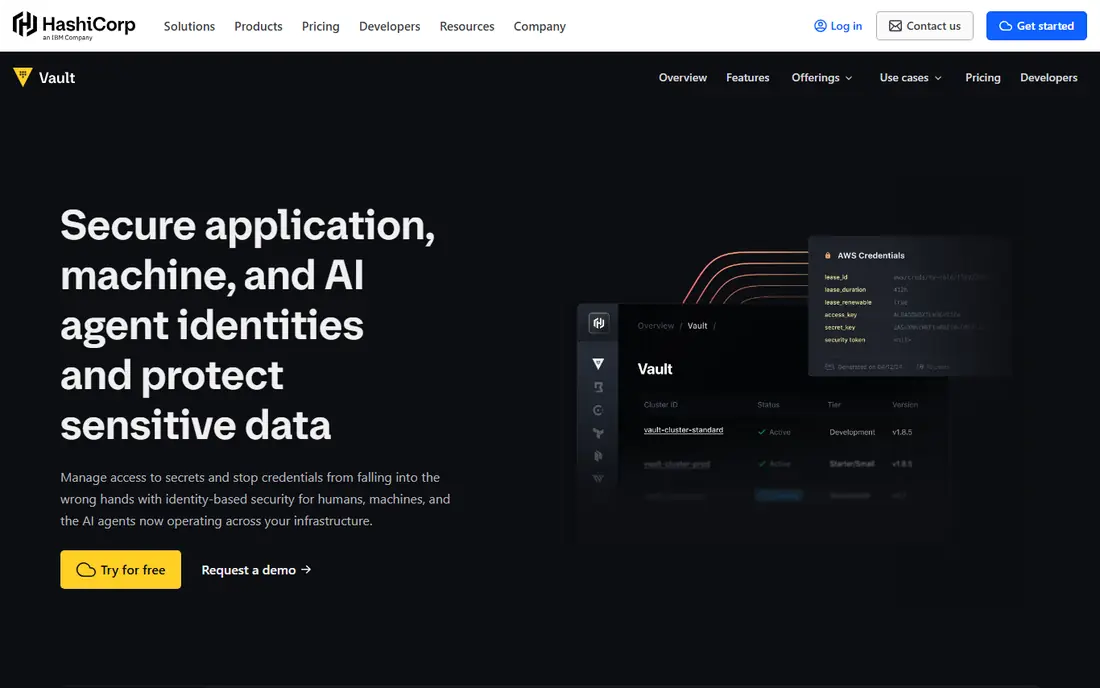
HashiCorp Vault is the most widely used secrets platform beyond cloud-native tools, offering static and dynamic secrets, rotation, leasing, and fine-grained access policies. It runs on-premises or in any cloud, which suits multi-cloud teams that cannot standardize on one provider. Its ecosystem of integrations is broad.
Operating Vault well needs expertise, and smaller teams may find it heavy. For a team that needs a serious, multi-cloud secrets platform, Vault is our pick for maturity. Its open source version supports self-hosting, with a managed cloud option available.
- Mature secrets engine with dynamic secrets and rotation
- Multi-cloud and on-premises support
- Strong access policies
- Setup and operations need expertise
- Learning curve for new teams
Doppler
Ideal for: Developer secrets management
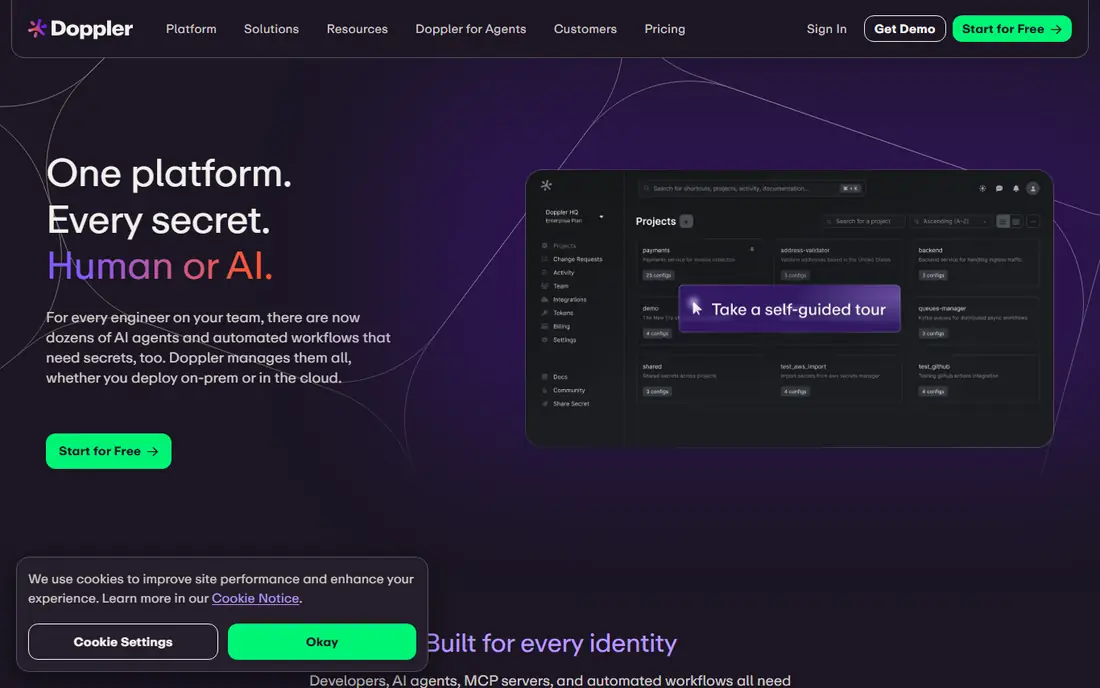
Doppler gives developer teams a simple place to manage environment secrets, with syncing to apps, CI pipelines, and cloud platforms. Its interface is friendly, access controls are clear, and audit logs track changes. That simplicity suits startups and product teams that found Vault heavy.
Enterprise compliance depth is thinner than Vault or Conjur. For a developer team that wants secrets management without ops overhead, Doppler is a strong pick. Its free tier covers small teams.
- Simple secrets management for developers
- Sync to apps and CI tools
- Audit logs and access controls
- Less enterprise depth than Vault
- Pricing scales with users
Infisical
Ideal for: Open source secrets platform
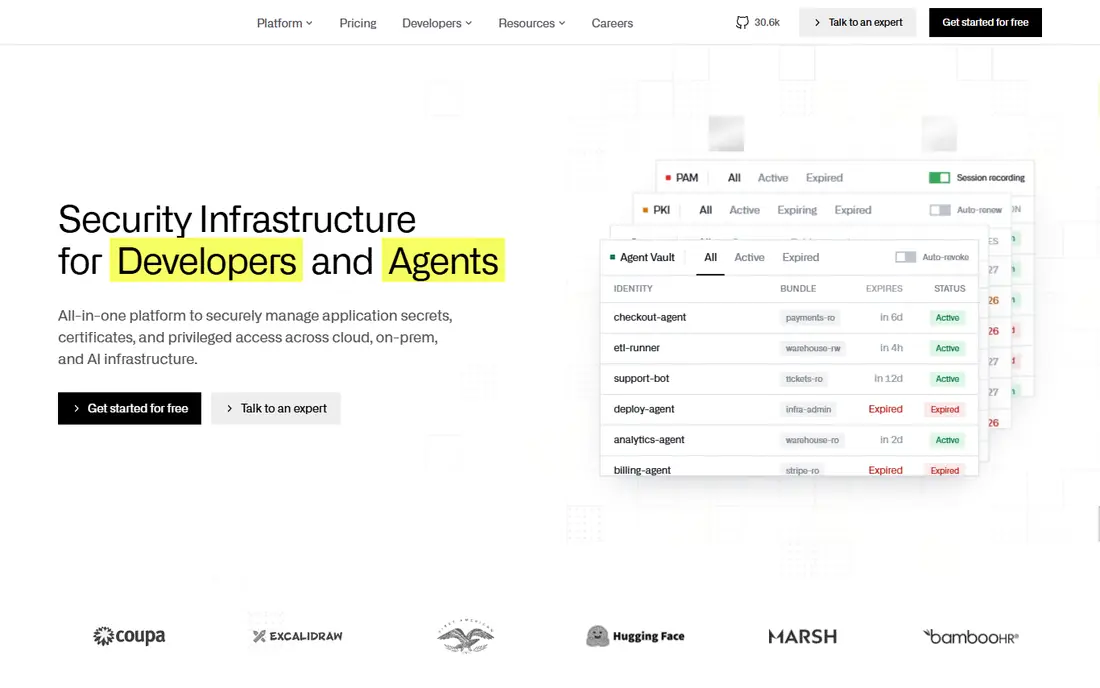
Infisical is an open source secrets management platform with self-hosting and cloud options, offering secret storage, syncing, and access controls for developers. Its interface is modern, and its open source model appeals to teams that want control and transparency. Integrations cover common frameworks and CI tools.
It is newer than Vault, so ecosystem depth and enterprise features are still growing. For a team that wants open source secrets with a modern interface, Infisical is a good pick. Trial its cloud version before self-hosting at scale.
- Open source secrets platform with self-hosting
- Sync to apps and CI
- Clean developer interface
- Newer platform with a smaller ecosystem
- Enterprise features sit on paid tiers
Azure Key Vault
Ideal for: Secrets inside Azure
Azure Key Vault stores secrets, keys, and certificates for Azure workloads, with integration into Azure services, managed identities, and access policies. Teams on Azure get native, low-friction secrets management with compliance certifications. It suits enterprises standardized on Microsoft cloud.
Multi-cloud teams will need another vault for non-Azure workloads. For an Azure shop, Key Vault is the natural AWS Secrets Manager replacement. Check current pricing, which is based on operations and key types.
- Native Azure secrets, keys, and certificates
- Integrates with Azure services and identity
- Strong compliance options
- Best inside Azure
- Multi-cloud teams need another tool beside it
Google Secret Manager
Ideal for: Secrets inside Google Cloud
Google Secret Manager stores API keys, passwords, and certificates for Google Cloud workloads, with IAM access control and audit logging. It integrates with Cloud Run, Kubernetes Engine, and Cloud Functions, making secrets available to apps without hardcoding them. That native fit suits Google Cloud teams.
Automatic rotation is less built-in than AWS Secrets Manager, so teams may add rotation tooling. For a Google Cloud shop, Secret Manager is the natural pick. Pricing is based on secret versions and access operations.
- Native Google Cloud secret storage
- IAM-based access control
- Integrates with Cloud Run, GKE, and Functions
- Best inside Google Cloud
- Rotation needs extra setup compared with AWS
CyberArk Conjur
Ideal for: Enterprise secrets security
CyberArk Conjur, with an open source core, provides enterprise secrets management for applications, CI pipelines, and Kubernetes, with strong access controls and audit trails. It suits regulated enterprises that need centralized secrets governance across many teams. Its CyberArk backing adds enterprise support options.
Complexity and pricing are enterprise oriented, so small teams may prefer Doppler or Infisical. For a large organization with strict secrets governance needs, Conjur is a strong pick. Plan security review time before rollout.
- Enterprise secrets management with strong access controls
- Open source core
- Integrates with CI and Kubernetes
- Enterprise complexity and pricing
- Setup needs security expertise
Akeyless
Ideal for: SaaS secrets platform
Akeyless offers a SaaS secrets platform with zero-knowledge encryption, dynamic secrets, rotation, and multi-cloud support. Teams get managed secrets without operating their own vault, while keeping encryption keys under their control. That model suits teams that want Vault-like features as a service.
It is newer than Vault or CyberArk, so ecosystem depth is smaller. For a team that wants managed secrets with strong encryption claims, Akeyless is a modern pick. Trial it with a non-production workload first.
- SaaS secrets platform with zero-knowledge encryption
- Dynamic secrets and rotation
- Multi-cloud support
- Newer vendor than Vault or CyberArk
- Pricing needs careful reading
How we picked these
We compared official documentation, pricing pages, and public security guides, looking for secret storage, rotation, and access control features that match AWS Secrets Manager. We favored tools that are actively maintained and work in October 2026, and we mixed open source, SaaS, and cloud-native options. We did not claim hands-on testing, and we note that secrets security depends on correct setup, not just tool choice.
We also weighed practical details that matter after signup. That included how easy each product is to set up, whether support answers promptly, and whether pricing stays clear as usage grows. We read user complaints as well as praise, since repeated complaints about billing, onboarding, or missing features often signal a real weakness. Where a product had a known limitation, we said so in its write-up rather than smoothing it over. Our goal was a shortlist that a reader can trust for aws secrets manager alternatives, not a list of every vendor in the market. Readers with unusual needs should still test their top two choices, since fit depends on budget, team size, and the features used every day.
What to check before you choose
Start with your cloud: AWS, Azure, Google, or multi-cloud each favor a different tool. Native vaults integrate best inside their cloud, while Vault, Doppler, and Infisical suit multi-cloud teams. List must-haves such as rotation, dynamic secrets, audit logs, and Kubernetes support.
Next, test access controls and rotation on a non-production app. Confirm who can read each secret, how rotation works, and what audit logs show. Also plan migration: move secrets gradually, rotate old credentials after migration, and never commit secrets to code during the move. A pilot with one service will reveal setup effort.
Testing your shortlist before you commit
A short trial answers questions that no comparison table can settle. Sign up for your top two choices, run a real task from your own work, and watch how long it takes and where you get stuck. For aws secrets manager alternatives, that real task might be a weekly workflow you repeat, a report you need every month, or a setup step your team must repeat for new members. If a tool slows that task down, it will cost time every week, no matter how good its feature list looks.
Pay attention to support during the trial as well. Send a question through the normal support channel and note how long a useful answer takes. Check billing clarity too: confirm what the trial includes, when it ends, and what the first paid invoice will actually show. A tool that is hard to cancel, or that hides fees until checkout, deserves caution.
Finally, ask who else on your team must use the tool. A product that only one person likes will stall, while a product the whole team adopts will pay for itself. Gather quick feedback from the people who will use it daily, compare their notes with your own, and then choose. That small amount of trial discipline prevents most bad purchases, and it costs far less than switching tools again in six months.
Budgeting the full cost, not just the headline price
Headline prices rarely tell the full story. Add up per-user fees, add-on charges, implementation help, and any training your team needs, then compare that total across your shortlist. A cheaper plan that needs three paid add-ons can end up costing more than a fuller plan from a rival. Check renewal terms as well, since introductory discounts often expire after the first term and the second year price is the one you will actually live with.
Think about exit costs too. Before you commit, confirm how your data exports, whether your content or history moves cleanly, and what happens if you pause or cancel. A tool with clean exports gives you freedom later, while a tool that locks data in makes switching painful. Choosing with the full cost and the exit path in mind keeps your aws secrets manager alternatives decision sound for the long term, not just for the first month.
Frequently asked questions
What does AWS Secrets Manager do?
AWS Secrets Manager stores and rotates secrets such as database passwords and API keys for AWS workloads, with access control through IAM and audit logging through CloudTrail.
Which AWS Secrets Manager alternative is best for multi-cloud use?
HashiCorp Vault leads for multi-cloud secrets, with Doppler and Infisical as simpler developer options. Cloud-native vaults suit single-cloud teams better.
Is open source secrets management safe?
Yes, when set up correctly with access controls, encryption, audit logs, and rotation. Open source tools need ops care, while managed services handle more of that burden.
How often should secrets rotate?
Rotation frequency depends on risk and compliance needs, with many teams rotating database and API credentials regularly and immediately after staff changes or incidents. Automate rotation where the tool supports it.
Can I migrate secrets from AWS without downtime?
Yes, by running both vaults in parallel, updating apps to read from the new vault, then rotating old credentials. Test on a non-production service first and plan rollback steps.