Best Backblaze Alternatives in 2026: 7 Cloud Backup Tools Compared

- iDrive and Carbonite suit users who want simple, unlimited or multi-device backup.
- CrashPlan suits small businesses that need endpoint backup with admin controls.
- Acronis suits users who want backup plus security tools in one product.
- pCloud and Sync.com suit users who want cloud storage with backup features.
- Wasabi suits developers and businesses that want low-cost object storage.
Quick comparison
| Product | Ideal for | Price from | Free version | |
|---|---|---|---|---|
 iDrive | Multi-device backup | See website | Yes | Visit |
 Carbonite | Simple computer backup | See website | Free trial | Visit |
 CrashPlan | Business endpoint backup | See website | Free trial | Visit |
 Acronis Cyber Protect | Backup plus security | See website | Free trial | Visit |
 pCloud | Cloud storage with backup | See website | Yes | Visit |
 Wasabi | Low-cost object storage | See website | Free trial | Visit |
 Sync.com | Private cloud storage | See website | Yes | Visit |
The best Backblaze alternatives
Backblaze offers unlimited cloud backup for computers at a flat price. The tools below cover similar ground, from consumer backup to business storage. We compared official feature pages, pricing pages, and public documentation.
iDrive
Ideal for: Multi-device backup

iDrive backs up PCs, Macs, and mobile devices under one account, with versioning that lets users restore older file versions. Its plans suit households and small businesses with several devices, and its free tier covers basic testing. Snapshot and cloning features add flexibility for advanced users.
Unlike Backblaze, storage is capped by plan, so heavy users must choose a larger tier. For a multi-device household that wants one backup account, iDrive is our pick for flexibility. Check storage caps against your total data before subscribing.
- Backs up multiple computers and mobile devices under one account
- Versioning and snapshot features
- Free tier available
- Storage is capped by plan, not unlimited
- Restore speeds vary
Carbonite
Ideal for: Simple computer backup
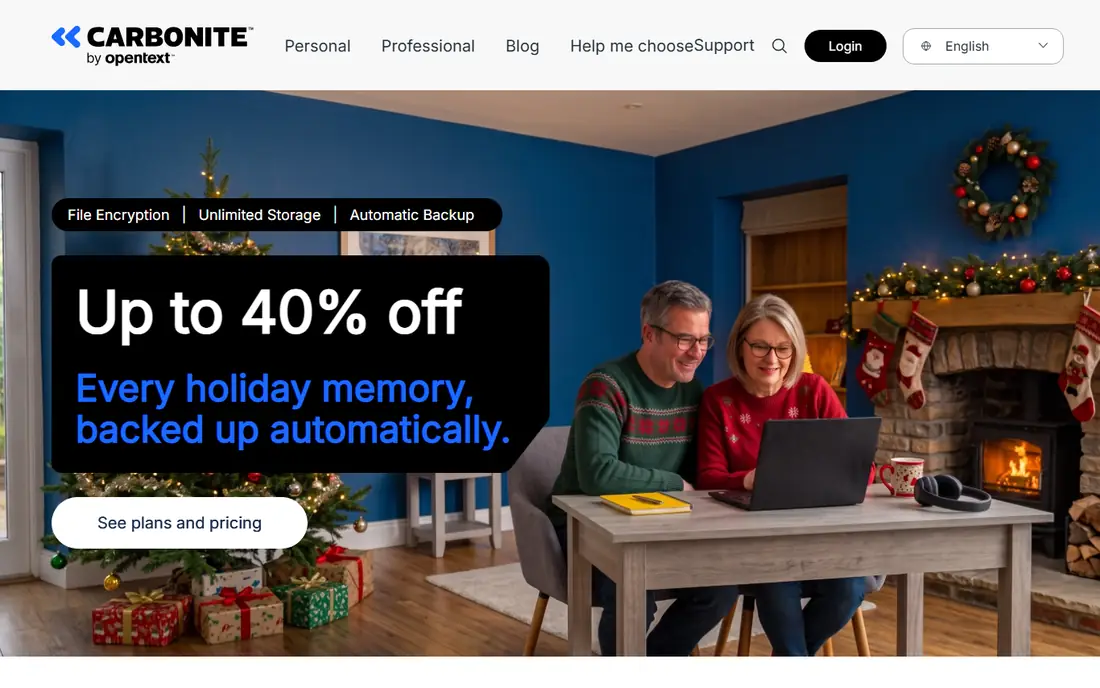
Carbonite offers simple, automatic backup for computers, with unlimited storage on many plans and a straightforward setup. Users install it, choose files, and let it back up continuously in the background. That simplicity suits non-technical users who want set-and-forget protection.
Initial backups of large data sets can take time, and multi-device coverage is thinner than iDrive. For a user who wants simple unlimited computer backup, Carbonite is a close Backblaze alternative. Trial it to gauge initial backup speed on your connection.
- Simple automatic computer backup
- Unlimited storage on many plans
- US-based support options
- Slower initial backup for large data sets
- Fewer multi-device features than iDrive
CrashPlan
Ideal for: Business endpoint backup
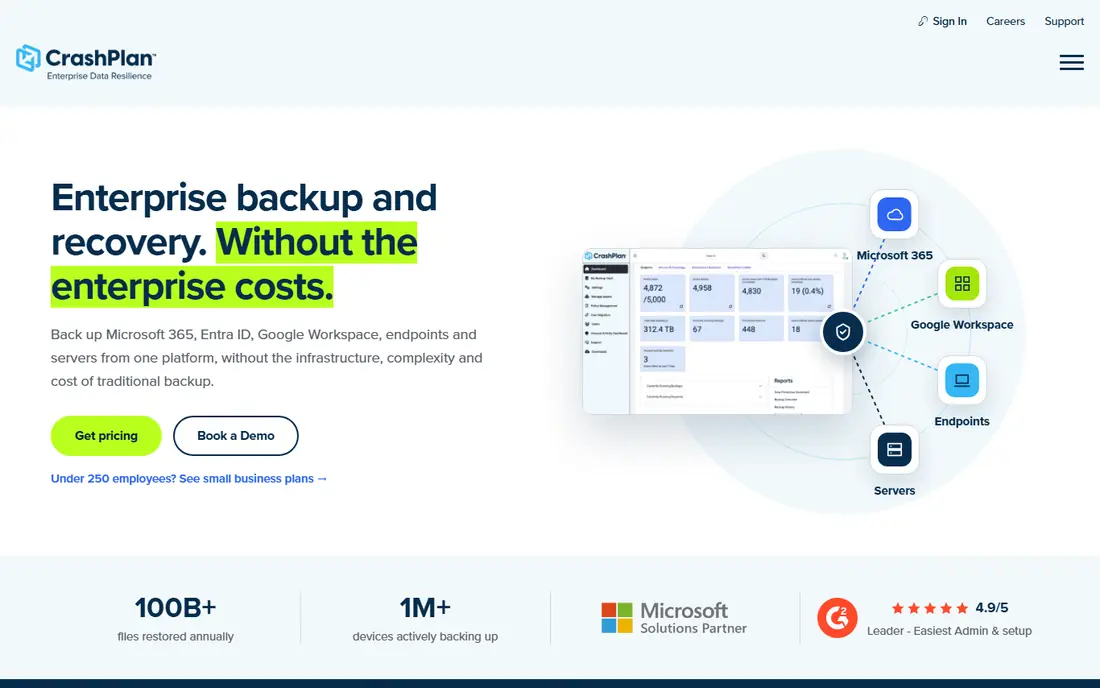
CrashPlan provides endpoint backup for small businesses, with admin controls, unlimited storage on business plans, and security features such as encryption and audit trails. IT admins can manage backups across many computers from one console, which suits remote teams. Its history in consumer backup gives it mature restore tools.
Consumer users may find its business focus less polished than Backblaze. For a small business that needs managed endpoint backup, CrashPlan is a strong pick. Request pricing for your device count.
- Endpoint backup for small businesses with admin controls
- Unlimited storage on business plans
- Strong security features
- Business focus means less consumer polish
- Pricing is per device
Acronis Cyber Protect
Ideal for: Backup plus security
Acronis Cyber Protect combines backup with cybersecurity, offering disk imaging, file backup, and anti-malware protection in one product. Home and business plans suit users who want protection against both data loss and ransomware. Its imaging tools help restore a full system quickly after failure.
The combined feature set can feel complex, and pricing varies by plan. For a user who wants backup plus security in one subscription, Acronis is a strong pick. Trial it to check system performance impact.
- Backup beside anti-malware and security tools
- Disk imaging and file backup
- Business and home plans
- Security features add complexity
- Pricing varies by plan and device count
pCloud
Ideal for: Cloud storage with backup
pCloud is primarily cloud storage, with file sync, versioning, and backup features that suit users who want access to files anywhere beside backup protection. Its lifetime plans appeal to buyers tired of subscriptions, and its media playback suits photo and video libraries. That storage-first model differs from Backblaze backup-first approach.
Dedicated backup features such as continuous computer backup are thinner. For a user who wants cloud storage with solid backup features, pCloud is a good pick. Compare lifetime versus annual costs for your storage needs.
- Cloud storage with file versioning and backup options
- Lifetime plans available
- Good media playback
- Backup features are thinner than dedicated backup tools
- Lifetime pricing needs careful math
Wasabi
Ideal for: Low-cost object storage
Wasabi offers low-cost cloud object storage compatible with S3 APIs, with no egress fees on many plans, which suits businesses and developers storing large backups. Teams pair Wasabi with backup software such as Veeam or CloudBerry to create a full backup system at low storage cost. That flexibility appeals to technical users.
It includes no backup app itself, so non-technical users need another tool. For a technical team that wants cheap, fast storage for backups, Wasabi is a strong pick. Model total cost including your backup software.
- Low-cost object storage compatible with S3 APIs
- No egress fees on many plans
- Fast performance
- Storage only, with no backup app included
- Needs a backup tool or integration
Sync.com
Ideal for: Private cloud storage
Sync.com offers cloud storage with zero-knowledge encryption, meaning only the user holds the keys to decrypt files. Its sync, sharing, and versioning suit privacy-conscious users who want storage beside backup protection. A free tier covers basic use.
Dedicated continuous backup is thinner than Backblaze or CrashPlan, and storage is capped by plan. For a privacy-first user who wants secure cloud storage with backup features, Sync.com is a good pick. Check storage tiers against your data size.
- Zero-knowledge encryption for privacy
- File sync and sharing
- Free tier available
- Backup features are thinner than dedicated tools
- Storage caps apply by plan
How we picked these
We compared official feature pages, pricing pages, and public documentation, looking for cloud backup, storage, or endpoint protection features that match Backblaze. We favored tools that are actively maintained and work in October 2026, and we mixed consumer backup with business storage options. We did not claim hands-on testing, and we note that backup speeds depend on internet upload speeds, so test restore speed too.
We also weighed practical details that matter after signup. That included how easy each product is to set up, whether support answers promptly, and whether pricing stays clear as usage grows. We read user complaints as well as praise, since repeated complaints about billing, onboarding, or missing features often signal a real weakness. Where a product had a known limitation, we said so in its write-up rather than smoothing it over. Our goal was a shortlist that a reader can trust for backblaze alternatives, not a list of every vendor in the market. Readers with unusual needs should still test their top two choices, since fit depends on budget, team size, and the features used every day.
What to check before you choose
Start with your data size and device count. Unlimited backup suits large single-computer libraries, while multi-device plans suit households. Check versioning, retention periods, and restore options, since a backup you cannot restore quickly is of little use in a crisis.
Next, test a restore before you rely on any tool. Restore a few files and, if possible, a full folder, and time the process. Also confirm encryption, data center locations, and support hours. A backup tool earns trust only when restores work smoothly under pressure.
Testing your shortlist before you commit
A short trial answers questions that no comparison table can settle. Sign up for your top two choices, run a real task from your own work, and watch how long it takes and where you get stuck. For backblaze alternatives, that real task might be a weekly workflow you repeat, a report you need every month, or a setup step your team must repeat for new members. If a tool slows that task down, it will cost time every week, no matter how good its feature list looks.
Pay attention to support during the trial as well. Send a question through the normal support channel and note how long a useful answer takes. Check billing clarity too: confirm what the trial includes, when it ends, and what the first paid invoice will actually show. A tool that is hard to cancel, or that hides fees until checkout, deserves caution.
Finally, ask who else on your team must use the tool. A product that only one person likes will stall, while a product the whole team adopts will pay for itself. Gather quick feedback from the people who will use it daily, compare their notes with your own, and then choose. That small amount of trial discipline prevents most bad purchases, and it costs far less than switching tools again in six months.
Budgeting the full cost, not just the headline price
Headline prices rarely tell the full story. Add up per-user fees, add-on charges, implementation help, and any training your team needs, then compare that total across your shortlist. A cheaper plan that needs three paid add-ons can end up costing more than a fuller plan from a rival. Check renewal terms as well, since introductory discounts often expire after the first term and the second year price is the one you will actually live with.
Think about exit costs too. Before you commit, confirm how your data exports, whether your content or history moves cleanly, and what happens if you pause or cancel. A tool with clean exports gives you freedom later, while a tool that locks data in makes switching painful. Choosing with the full cost and the exit path in mind keeps your backblaze alternatives decision sound for the long term, not just for the first month.
Frequently asked questions
What does Backblaze do?
Backblaze offers unlimited cloud backup for computers, continuously backing up files with version history and restore options via download or mailed drives.
Which Backblaze alternative is best for multiple devices?
iDrive suits multi-device backup best, with PCs, Macs, and mobile devices under one account. Carbonite and CrashPlan focus more on per-computer or business endpoint backup.
Is cloud backup safe for private files?
Reputable tools use encryption in transit and at rest, with private key options on some services. Check encryption details and data center locations before storing sensitive files.
How long does an initial backup take?
It depends on data size and upload speed, with large libraries taking days or weeks on slower connections. Most tools back up continuously after the initial upload completes.
Can I restore files after a computer failure?
Yes, most tools offer web restore, download, or mailed drive options. Test restores early, so you know the process before an emergency.