Best BeeTV Alternatives in 2026: 7 Legal Streaming Apps Compared

- Tubi and The Roku Channel are our picks for free legal streaming, with large rotating libraries at no monthly cost.
- Pluto TV suits viewers who want free live channels alongside on-demand movies and shows.
- Plex suits households that want to organize personal media and add free streaming in one app.
- Peacock, Netflix, and Hulu cover affordable, premium, and TV-focused paid streaming with different strengths.
- This list covers only legal services, so every option here is supported, safe to install, and pays creators.
Quick comparison
| Product | Ideal for | Price from | Free version | |
|---|---|---|---|---|
 Tubi | Free on-demand movies and TV | Free | Yes | Visit |
 Pluto TV | Free live channels | Free | Yes | Visit |
 Peacock | Affordable paid streaming | See website | Free trial | Visit |
 The Roku Channel | Free streaming on Roku | Free | Yes | Visit |
 Plex | Personal media plus free streaming | Free | Yes | Visit |
 Netflix | Premium originals library | See website | No | Visit |
 Hulu | Current TV and originals | See website | Free trial | Visit |
The best BeeTV alternatives
BeeTV was known as an unofficial streaming app, but unofficial apps often break, show unsafe ads, or expose devices to risk, and they do not pay the creators behind the shows. The services below are legal, supported, and easy to install on phones, TVs, and streaming boxes. We compared official feature pages, app store listings, and public reviews, focusing on libraries, ads, device support, and value.
Tubi
Ideal for: Free on-demand movies and TV
Tubi remains the best free starting point for viewers moving away from unofficial apps. Its on-demand library spans movies, series, documentaries, and kids content, with no subscription and no credit card required. Apps cover smart TVs, phones, tablets, and streaming boxes, so setup takes minutes.
Ads and timing are the trade-offs. Movies include ad breaks, and the newest releases usually debut on paid services first. For a large, legal, and free library, Tubi is the first app to install.
- Large free on-demand library
- No subscription or card needed
- Broad device support
- Ad-supported viewing
- Newest releases arrive later than on paid services
Pluto TV
Ideal for: Free live channels
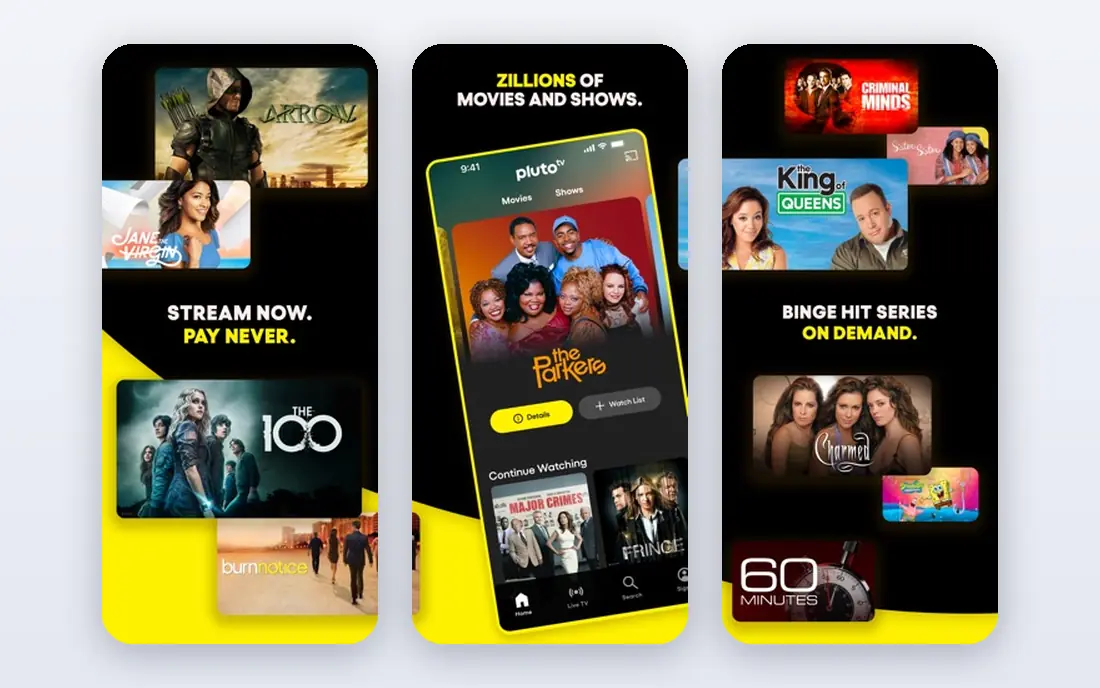
Pluto TV brings back channel surfing for free, with themed live channels for movies, news, sports, reality, and classic TV, plus an on-demand section for planned watching. No account is needed to start, and the service works on most major devices.
Live channels follow a schedule, so you cannot always start a show on demand, and ads appear throughout. For viewers who like to browse and stumble onto something good, Pluto TV is a fun and free legal pick.
- Free live channels plus on-demand titles
- No account needed
- Easy channel surfing
- Ad-supported
- Live channels follow a schedule
Peacock
Ideal for: Affordable paid streaming
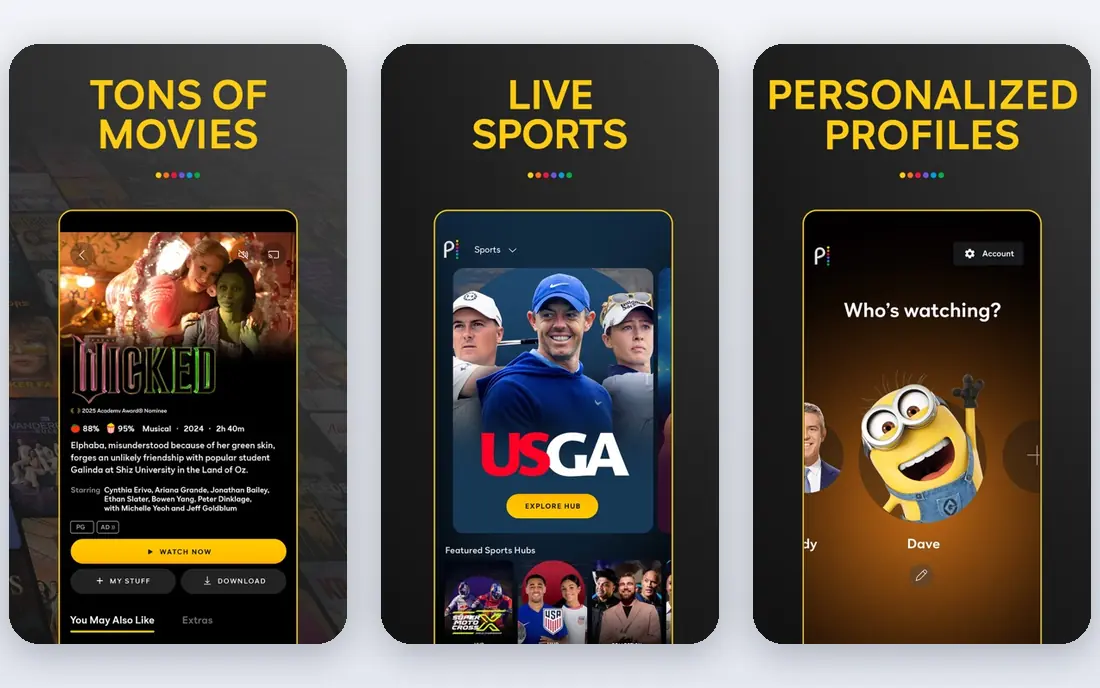
Peacock offers NBCUniversal programming, films, and live sports at a price below many premium rivals. Lower tiers include ads, while higher tiers reduce ads and add more content. That ladder lets viewers pick a price that matches how much they watch.
Check tier details for your must-watch shows and sports, since content varies by plan. For viewers who follow NBC, Bravo, or televised sports, Peacock is strong value.
- NBCUniversal shows, movies, and sports
- Lower price than many premium rivals
- Live options
- Ads on lower tiers
- Some content needs higher tiers
The Roku Channel
Ideal for: Free streaming on Roku
The Roku Channel gathers free movies, shows, and live channels in one place, with optional premium subscriptions for viewers who want more. It works on the web and mobile, but it shines on Roku devices, where it is built into the home screen.
Free titles rotate, so a film you want may leave and return later, and premium channels cost extra. For Roku owners, it is the easiest free legal streaming home to adopt.
- Free movies, shows, and live channels
- Premium add-ons in one place
- Simple on Roku
- Best on Roku hardware
- Free titles rotate over time
Plex
Ideal for: Personal media plus free streaming
Plex does two jobs at once. It organizes your own movies, shows, music, and photos into a polished library you can stream anywhere, and it also offers free ad-supported movies, shows, and live channels. That combination suits households with a personal media collection who also want free streaming.
Setting up a personal media server takes more effort than opening Tubi, and premium features such as advanced downloads and DVR need a paid pass. For media collectors, Plex is unmatched. For viewers who only want free streaming, Tubi or Pluto TV is simpler.
- Organizes your own media library
- Free ad-supported streaming
- Broad device support
- Personal media setup takes effort
- Premium features need a paid pass
Netflix
Ideal for: Premium originals library
Netflix is the premium anchor on this list, with the largest original catalog and a broad licensed library spanning series, films, and documentaries. Apps, profiles, and downloads work smoothly across devices, and new originals arrive weekly.
Price is the main barrier, and there is no free tier. Households that watch daily and follow originals will find the cost easy to justify. Occasional viewers should start with the free services here and add Netflix only for specific shows.
- Largest original catalog
- Broad library
- Excellent apps, profiles, and downloads
- Higher prices than many rivals
- No free tier
Hulu
Ideal for: Current TV and originals
Hulu is the TV-focused paid pick, with next-day episodes from many networks, originals, films, and documentaries. Bundles can add live TV or partner services, which suits households that want one bill for several kinds of viewing.
Base plans include ads, and premium add-ons raise costs, so check the plan that matches your watchlist. For viewers who follow current TV closely, Hulu pairs well with a free service such as Tubi for movies.
- Next-day TV episodes
- Growing originals
- Bundle options with live TV
- Ads on base plans
- Add-ons raise the monthly bill
How we picked these
We compared official feature pages, app store listings, and public reviews, and we checked that the homepages listed here belong to the services named. We favored legal streaming services with real libraries, supported apps, and clear pricing, covering free, affordable, and premium options. We left out unofficial apps that stream licensed content without permission, and we did not include BeeTV itself, since this list is about legal replacements.
We also weighed how each vendor treats new users, including trial length, onboarding help, and the quality of its public documentation. A tool with clear guides and responsive support earns trust faster than a tool with a thin help center, even when feature lists look similar. We gave extra weight to vendors that publish pricing openly and explain limits plainly, since hidden costs and surprise caps cause most buyer regret. Where pricing was only available on request, we said so rather than guessing, and we treated a missing free tier as a real drawback for small teams testing on a budget.
What to check before you subscribe
Start with your watchlist. Write down the shows, sports, and movie types you actually watch, then check which services carry them in your country, since libraries differ by region. A huge catalog is poor value if it lacks your few must-watch titles.
Next, test on your devices. Confirm apps exist for your TV, phone, and tablet, and check streaming quality on your internet plan. Free services cost nothing to test, so try them before adding any paid subscription.
Finally, keep total cost in check. Add up every service you plan to keep, and rotate paid services by month when your watchlist allows it. Pausing a service you are not using is the simplest way to keep streaming affordable.
Pay attention to support and update pace before you commit. Read the help center, check whether guides match the current version of the product, and test support with a real question during the trial. A vendor that answers clearly and fixes problems quickly is worth more than a slightly lower price from a vendor that leaves you waiting. Also check how often the product changes and whether updates break existing workflows, since a tool that shifts under you every month can cost your team steady retraining time. Stability matters most for tools your whole team depends on daily, so favor vendors with a clear changelog and a reputation for careful releases.
Frequently asked questions
What is the best free BeeTV alternative?
Tubi is our pick for free on-demand movies and shows, while Pluto TV adds free live channels and The Roku Channel suits Roku owners. All three are legal, free, and ad-supported, and they work on most devices.
Are BeeTV alternatives legal?
The services on this list are legal and licensed. Unofficial apps that offer licensed movies and shows without permission carry legal and security risks and often stop working without warning. Licensed services are safer, more reliable, and support creators.
Which alternative lets me watch my own media collection?
Plex is the best pick for personal media, since it organizes your own movies, shows, and music into a library you can stream anywhere. It also includes free ad-supported streaming, so it covers both jobs in one app.
Do these services work on Fire TV and smart TVs?
Yes, most services here offer apps for Fire TV, Roku, Apple TV, Android TV, and major smart TV brands, plus phones and tablets. Check the official site for your exact device model before subscribing.
Can I download shows for offline viewing?
Netflix, Hulu, and Peacock support downloads on mobile apps for many titles, subject to licensing limits. Free services such as Tubi, Pluto TV, and The Roku Channel generally focus on streaming rather than downloads.
Can I use more than one of these tools together?
Yes, and many teams do, especially when one tool handles a core job well and another covers a niche need. The trick is to define which tool owns each job so records do not split across systems and confuse your team. Check integrations and data flow between the tools before committing, and name one system as the source of truth for each kind of record. Two tools that share data cleanly can beat one tool that does both jobs poorly, but two tools with no connection usually create duplicate work and errors.