Best 1099 Filing Software in 2026: 8 Tools Compared

- 1
 Tax1099Businesses that want full 1099 e-filing plus state filingVisit
- 2
 eFileMyFormsSmall businesses that want simple 1099 e-filingVisit
- 3
 YearliBusinesses that want 1099 filing plus year-end complianceVisit
- 4
 Track1099Businesses that want simple online 1099 filingVisit
- 5
 TaxBanditsBusinesses and accountants that want bulk 1099 filingVisit
- Tax1099 stands out for businesses that want full 1099 e-filing plus state filing, which makes it a strong starting point for that need.
- eFileMyForms stands out for small businesses that want simple 1099 e-filing, which makes it a strong starting point for that need.
- Yearli stands out for businesses that want 1099 filing plus year-end compliance, which makes it a strong starting point for that need.
- Track1099 stands out for businesses that want simple online 1099 filing, which makes it a strong starting point for that need.
- Prices and free plans vary widely across this list, so check the vendor pricing page for your team size or usage before you commit.
Please note: This article is for general information only and is not tax advice. Filing deadlines and state rules change and vary by situation, so speak to a qualified tax professional before you decide.
Quick comparison
| Product | Ideal for | Price from | Free version | |
|---|---|---|---|---|
| Tax1099 | Businesses that want full 1099 e-filing plus state filing | See website | No | Visit |
| eFileMyForms | Small businesses that want simple 1099 e-filing | See website | No | Visit |
| Yearli | Businesses that want 1099 filing plus year-end compliance | See website | No | Visit |
| Track1099 | Businesses that want simple online 1099 filing | See website | No | Visit |
| TaxBandits | Businesses and accountants that want bulk 1099 filing | See website | No | Visit |
 IRS e-file | Filers that want to file directly with the IRS | Free | Yes | Visit |
 Avalara 1099 | Businesses that want 1099 filing inside tax compliance | See website | No | Visit |
 Nelco | Businesses that want 1099 filing plus paper forms | See website | No | Visit |
The best 1099 filing software
We compared official feature pages, pricing pages, app store listings, privacy policies, and public reviews to build this list, and we focused on tools that truly fit best 1099 filing software rather than general tools with a passing connection. The eight options below cover different budgets, team sizes, and priorities, so start with the best-for notes and read the full write-up for any tool that matches your situation.
Tax1099
Ideal for: Businesses that want full 1099 e-filing plus state filing
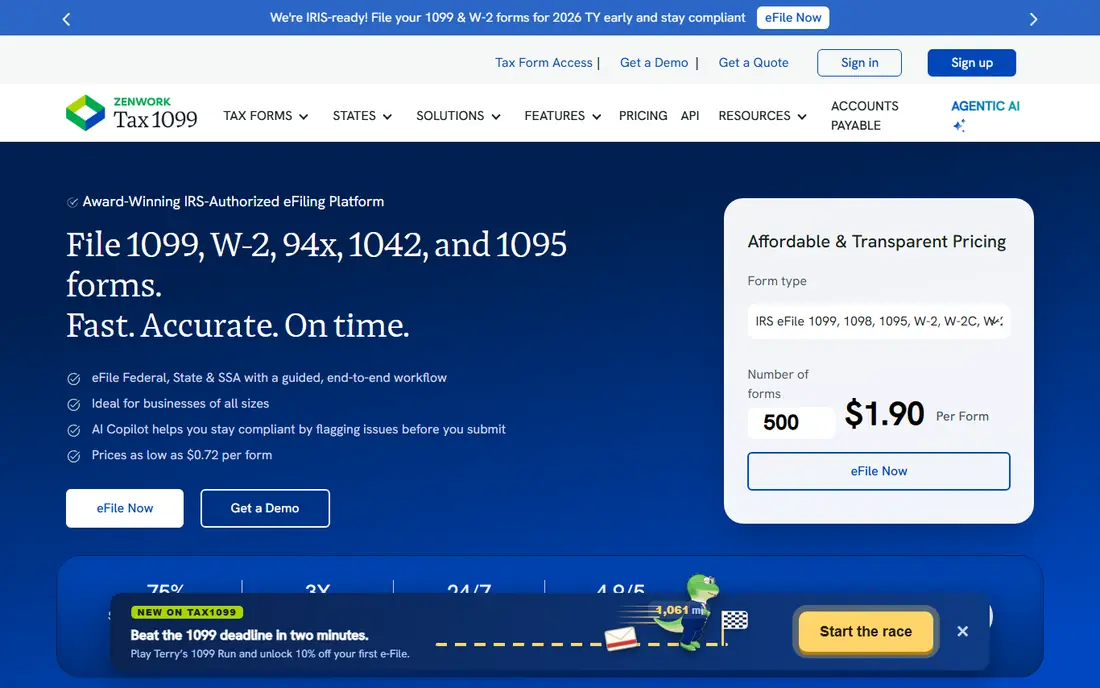
Tax1099 lets businesses e-file 1099 forms, W-2s, and other information returns, with state filing and TIN matching built in. Its bulk upload tools suit firms filing for many contractors, and recipient copies can be delivered electronically. That breadth makes it a popular choice for accountants and businesses alike.
Pricing is per form, so large volumes need a quote or volume plan. For firms that file many 1099s across states, Tax1099 coverage and TIN checks stand out. Test bulk upload with your contractor list before filing season.
Before you commit, check the current pricing page and trial terms for your team size, since plans change and the right tier depends on how many people will actually use the tool daily.
- E-file 1099, W-2, and other forms
- State filing and TIN matching
- Pricing is per form
- Volume discounts vary
eFileMyForms
Ideal for: Small businesses that want simple 1099 e-filing
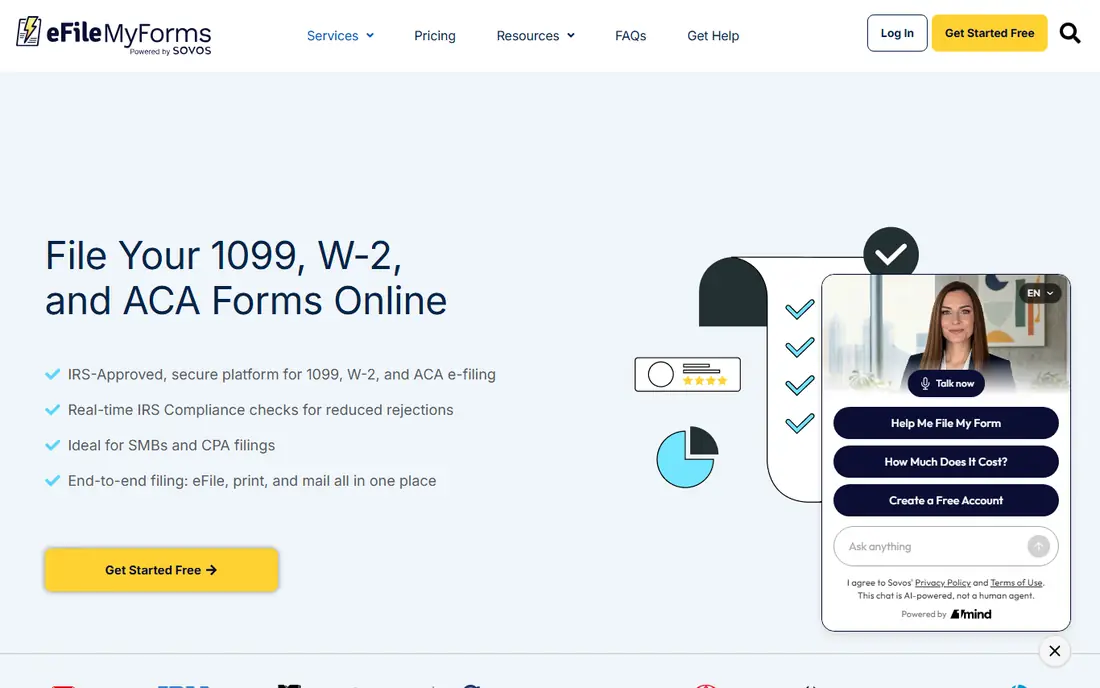
eFileMyForms offers straightforward e-filing for 1099 and W-2 forms, with print and mail options for recipients who need paper copies. Small businesses value its simple flow: enter payees, review forms, file, and send copies. That simplicity suits firms filing a handful of forms.
Per-form pricing applies and advanced features are thinner than Tax1099. For small firms that file few 1099s and want a quick, clear process, eFileMyForms is a practical pick. Larger filers should compare bulk tools.
Before you buy, run a short trial with your real data and your real workflow, since a demo with sample data hides the friction points that matter once the whole team is involved.
- Simple e-filing for 1099 and W-2 forms
- Print and mail options
- Per-form pricing
- Fewer advanced features than Tax1099
Yearli
Ideal for: Businesses that want 1099 filing plus year-end compliance
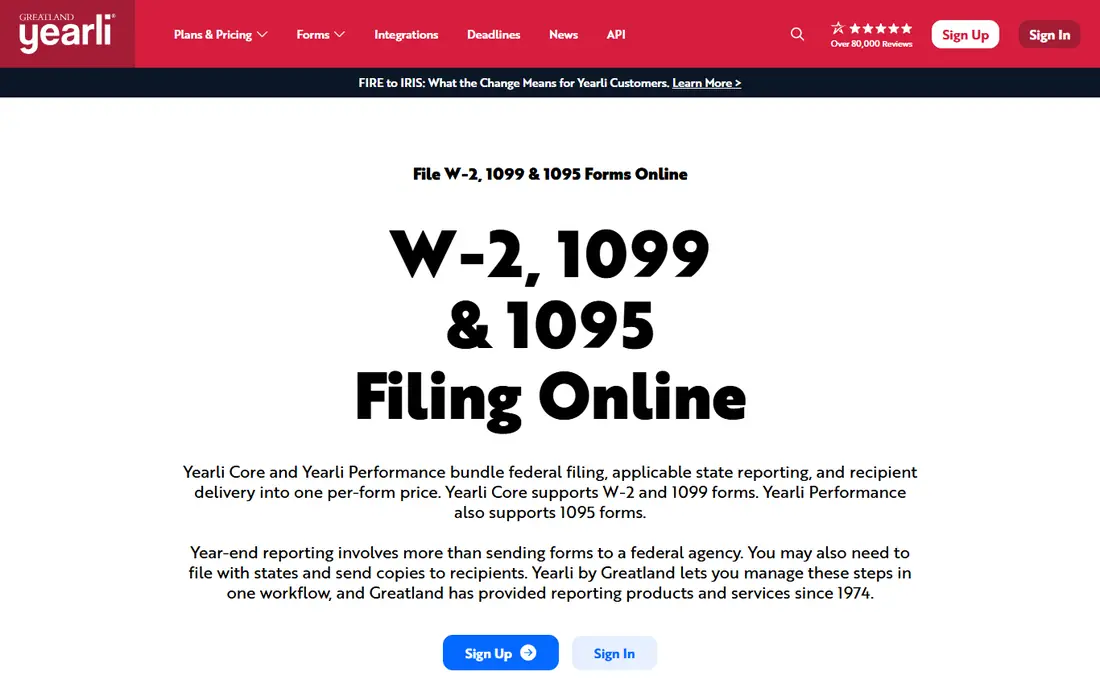
Yearli, from Greatland, provides 1099 and W-2 e-filing with state filing and year-end compliance tools. Businesses can file federal and state forms, distribute recipient copies, and track filing status in one place. Its year-end focus suits firms that handle many information returns.
Pricing is per form and the interface is functional rather than modern. For firms that want a dependable year-end filing system, Yearli is a solid choice. Check state coverage for every state where you have contractors.
Before you decide, confirm integration with the tools you already use and check what support hours and onboarding help are included, since those details matter more than a feature list once you are live.
- 1099 and W-2 filing with state filing
- Greatland year-end tools
- Per-form pricing
- Interface is functional
Track1099
Ideal for: Businesses that want simple online 1099 filing
Track1099 offers online 1099 filing with e-delivery to recipients and state filing options. Its simple workflow suits small and mid-size firms that file 1099s annually without needing a full tax platform. Bulk entry helps firms with many contractors.
Pricing is per form and the vendor is smaller than Tax1099 or Yearli. For straightforward 1099 filing at a fair price, Track1099 is a clean option. Confirm state filing coverage before you rely on it for multi-state contractors.
Before you commit, ask for a quote that covers every user, module, and add-on you need, and compare that total against at least one other tool on this list for the same scope.
- Online 1099 filing with e-delivery and state filing options
- Per-form pricing
- Smaller vendor
TaxBandits
Ideal for: Businesses and accountants that want bulk 1099 filing
TaxBandits serves businesses and accountants with bulk 1099 e-filing, state filing, and API options for high volumes. Its tools suit firms filing hundreds of forms, with bulk upload, TIN matching, and recipient delivery. Accountant features help firms file for many clients.
Pricing is per form with volume plans that vary. For high-volume filers, TaxBandits bulk and API tools stand out. Small filers with a few forms may prefer the simpler flow of eFileMyForms.
Before you commit, check the current pricing page and trial terms for your team size, since plans change and the right tier depends on how many people will actually use the tool daily.
- Bulk e-filing, state filing, and API options
- Accountant tools
- Per-form pricing
- Volume plans vary
IRS e-file
Ideal for: Filers that want to file directly with the IRS
IRS e-file, through the IRS Information Returns Intake System, lets businesses file information returns directly with the IRS at no fee. It suits firms comfortable with IRS systems that want the official route without a vendor. That direct filing avoids vendor fees entirely.
State filing is separate, the interface is basic, and the process is more manual than vendor tools. For firms with few forms and patience for IRS systems, it is the cheapest option. Most businesses will prefer a vendor for state filing and recipient copies.
Before you buy, run a short trial with your real data and your real workflow, since a demo with sample data hides the friction points that matter once the whole team is involved.
- Free IRS filing for information returns
- Official source
- State filing is separate
- Interface is basic and filing is manual
Avalara 1099
Ideal for: Businesses that want 1099 filing inside tax compliance
Avalara offers 1099 filing alongside its wider tax compliance platform, covering sales tax, exemption certificates, and information returns. Businesses already using Avalara benefit from shared vendor data and compliance workflows. That breadth suits firms centralizing tax work.
Pricing is quote-based and value is highest inside Avalara. For Avalara customers, adding 1099 filing is convenient. Others may find a dedicated 1099 vendor simpler and cheaper.
Before you decide, confirm integration with the tools you already use and check what support hours and onboarding help are included, since those details matter more than a feature list once you are live.
- 1099 filing plus wider tax compliance tools from Avalara
- Quote-based pricing
- Best inside Avalara ecosystem
Nelco
Ideal for: Businesses that want 1099 filing plus paper forms
Nelco provides 1099 e-filing plus a long history as a paper tax forms supplier, serving businesses that still need printed forms and envelopes. Its e-filing tools cover common 1099 forms, while paper products suit firms with recipients who need mailed copies. That dual offering is useful during transition years.
E-filing features are simpler than Tax1099 or TaxBandits. For firms that need both e-filing and paper forms, Nelco is a practical one-stop shop. Digital-first filers should prefer a dedicated e-filing platform.
Before you commit, ask for a quote that covers every user, module, and add-on you need, and compare that total against at least one other tool on this list for the same scope.
- 1099 e-filing and paper forms supplier
- Long history in tax forms
- E-filing features are simpler than Tax1099
- Paper focus remains
How we picked these
We started from the topic itself and looked for products that genuinely serve it, not tools that mention it in passing. For each candidate we checked the vendor's own feature and pricing pages, app store listings where relevant, privacy and security pages, and public user reviews, and we dropped any product we could not verify as real and available in October 2026.
We then compared the remaining tools on fit for the stated need, pricing transparency, free or trial options, ease of adoption, and honest weaknesses. Every list below mixes well-known leaders with strong smaller options, and every write-up names a real trade-off, since no tool is best for every team.
Filing 1099s without a January scramble
Start in the fourth quarter, not in January. Collect contractor W-9s, verify TINs, and confirm payment totals before year-end, so filing season is review, not data hunting. A vendor with TIN matching catches errors early.
Next, confirm state filing for every state where you paid contractors. State rules differ, and missing a state filing creates penalties even when federal filing is correct. Choose a vendor that covers all your states.
Finally, plan recipient delivery and corrections. Electronic delivery saves postage but needs recipient consent, while paper copies suit others. Keep a correction process ready, since amended forms are common, and retain filing confirmations for your records.
Frequently asked questions
What is 1099 filing software?
It prepares, e-files, and distributes 1099 forms for contractors and other payees, handling federal filing, state filing where offered, and recipient copies. Good tools also check TINs and track filing status.
When are 1099 forms due?
Deadlines vary by form and filing method, and they change from year to year. Check current IRS deadlines for the tax year you are filing, and file early to allow time for corrections.
Do I need to file 1099s in every state?
State requirements vary. Some states require separate filing, while others participate in combined federal and state programs. Check each state where you paid contractors, and choose a vendor that covers those states.
What is TIN matching?
TIN matching checks payee tax ID numbers against IRS records before filing, which reduces errors and backup withholding issues. Tools like Tax1099 and TaxBandits include TIN checks.
Can I file 1099s free?
The IRS offers free filing through its own system for information returns, but state filing and recipient delivery are separate. Vendor tools charge per form but save time and handle states and copies.