Best 1099 Software for Small Business in 2026: 7 Tools Compared

- Track1099 and Tax1099 suit small businesses that want simple, affordable e-filing for 1099-NEC and 1099-MISC forms.
- Yearli and eFile4Biz suit businesses that file many forms and want state filing plus delivery options.
- QuickBooks Online suits businesses that already track contractor payments in QuickBooks and want filing built in.
- Gusto and Deel suit businesses that pay contractors as part of payroll or global contractor management.
- File early and verify contractor details, since wrong names, TINs, or amounts cause notices and corrections.
Quick comparison
| Product | Ideal for | Price from | Free version | |
|---|---|---|---|---|
 Track1099 | Simple e-filing | See website | Free trial | Visit |
 Tax1099 | Affordable e-filing | See website | No | Visit |
 Yearli | High-volume filing | See website | No | Visit |
 eFile4Biz | State and federal filing | See website | No | Visit |
 QuickBooks Online | QuickBooks users | See website | Free trial | Visit |
 Gusto | Payroll plus contractors | See website | Free trial | Visit |
 Deel | Global contractors | See website | No | Visit |
The best 1099 software for small business
We compared official feature pages, pricing pages, and public reviews for seven 1099 tools. Our pick for most small businesses is Track1099 for its simple e-filing, with QuickBooks Online close behind for businesses already using QuickBooks.
Track1099
Ideal for: Simple e-filing
Track1099 focuses on e-filing 1099 forms with a simple workflow: enter payer and recipient details, review amounts, e-file with the IRS and states, and deliver copies to contractors. That focus suits small businesses that file a handful of forms each year and do not want a full payroll system. The interface stays clear, which helps owners who file once a year.
Track1099 is not a payroll tool, so contractor payments must be tracked elsewhere. Pricing is per form, so costs rise with volume. For simple, once-a-year filing, Track1099 is the easiest tool here.
- Simple e-file workflow
- IRS and state filing
- Contractor delivery
- Fewer payroll features
- Pricing per form
Tax1099
Ideal for: Affordable e-filing
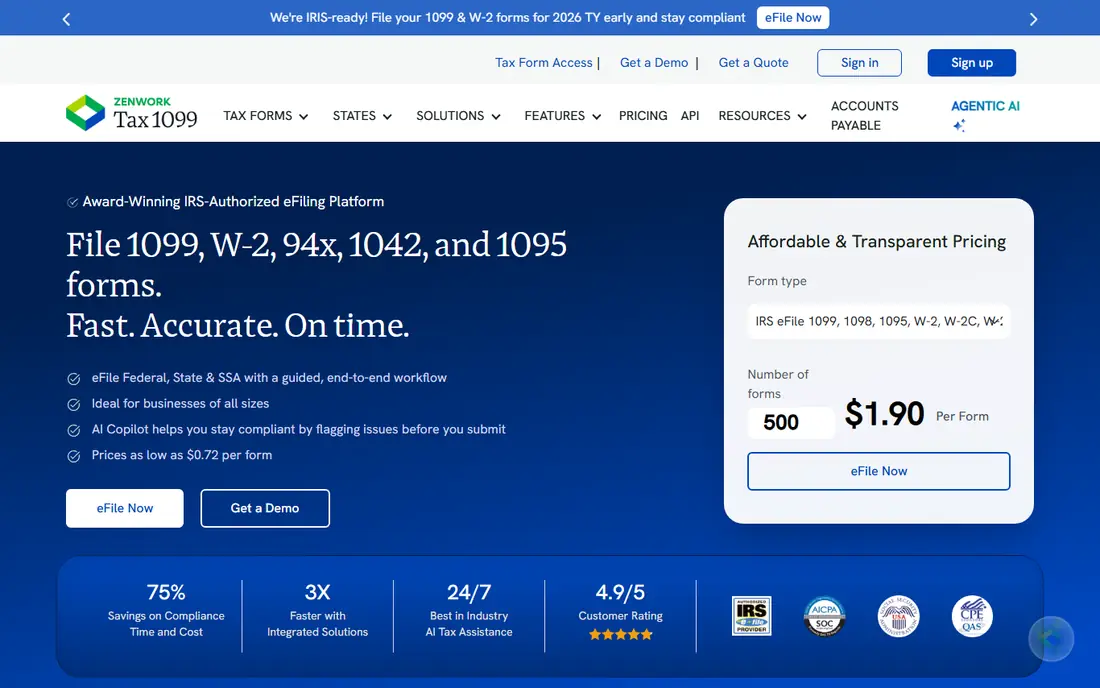
Tax1099 offers affordable e-filing for 1099-NEC, 1099-MISC, and other information returns, with bulk import for businesses with many recipients. State filing and contractor delivery options cover the full filing job, and the per-form price suits small businesses watching costs. That value makes it popular with accountants who file for many clients.
The interface is functional rather than polished, and support quality varies by plan. For price-sensitive filers who can handle a plain workflow, Tax1099 gives strong value. Check state coverage for your states before filing.
- Low per-form pricing
- Bulk import
- State filing
- Interface is functional
- Support varies
Yearli
Ideal for: High-volume filing
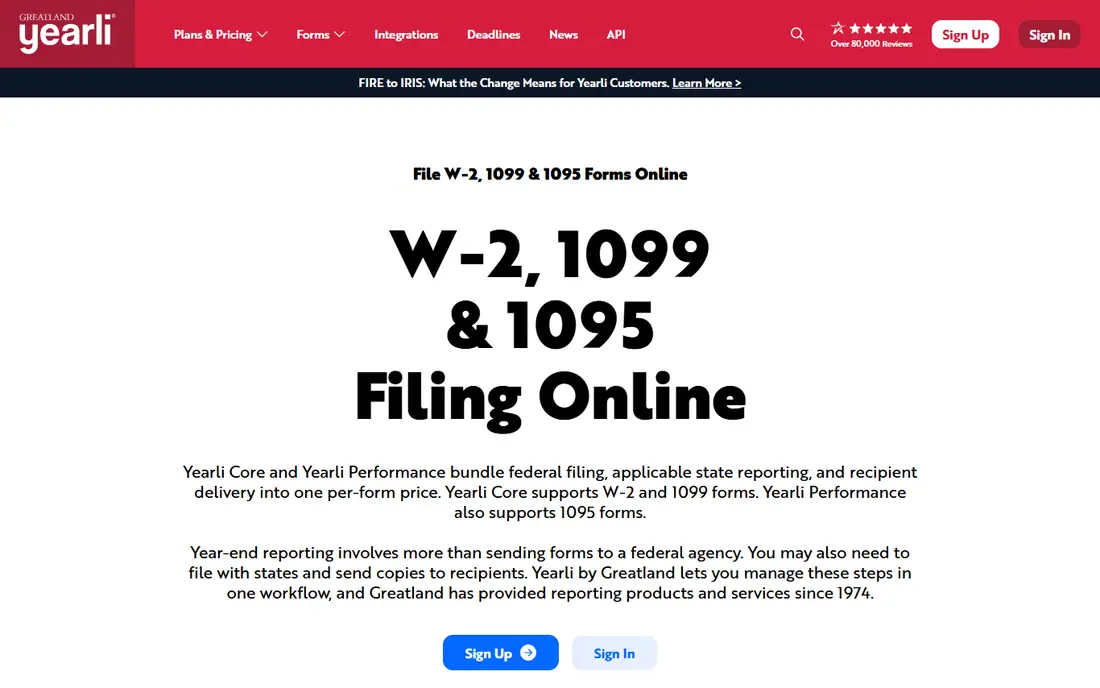
Yearli, from Greatland Corporation, handles high-volume W-2 and 1099 filing with IRS and state e-filing, recipient delivery, and bulk tools. It suits accountants and businesses that file many forms across clients or departments. The platform covers a wide range of information returns beyond 1099-NEC.
The interface feels dated compared with newer tools, and pricing is per form. For volume filers who value breadth and reliability over polish, Yearli is a proven choice.
- High-volume filing
- W-2 and 1099 support
- State filing
- Dated interface
- Pricing per form
eFile4Biz
Ideal for: State and federal filing
eFile4Biz offers federal and state e-filing for 1099 and W-2 forms, with print and mail delivery for recipients who need paper copies. Bulk import helps businesses with many contractors, and the workflow covers the full filing cycle from entry to delivery. That breadth suits businesses that need both electronic and paper delivery.
The interface is plain, and pricing is per form. For businesses that need reliable state filing plus paper options, eFile4Biz is a practical choice.
- Federal and state e-filing
- Print and mail options
- Bulk import
- Interface is plain
- Per-form pricing
QuickBooks Online
Ideal for: QuickBooks users
QuickBooks Online lets businesses track contractor payments all year, then prepare and e-file 1099-NEC forms from the same data. That link reduces manual entry and errors, since payment totals come from recorded transactions. Accountant access also helps at year-end review.
1099 e-filing costs extra beyond the subscription, and QuickBooks is more than a filing tool, so firms that only need filing may prefer Track1099. For businesses already running books in QuickBooks, built-in filing is convenient and less error-prone.
- Contractor payments in one place
- 1099 filing built in
- Accountant links
- Filing costs extra
- Full suite is more than filing alone
Gusto
Ideal for: Payroll plus contractors
Gusto combines payroll, contractor payments, and year-end 1099 filing in one system. Contractors can onboard, get paid, and receive 1099 forms without separate tools, which suits small businesses with both employees and contractors. The interface is friendly for owners without accounting training.
Monthly pricing applies even in quiet months, and filing is tied to payroll plans. For businesses that already need payroll, Gusto filing is a convenient add-on. For filing alone, a per-form tool is cheaper.
- Contractor payments and filing
- Payroll in one system
- Simple onboarding
- Monthly cost
- Filing tied to payroll plans
Deel
Ideal for: Global contractors
Deel helps companies hire, pay, and manage contractors worldwide, with compliance support for local rules and 1099 filing for US contractors. That global scope suits startups and remote companies with contractors in many countries. Payments, contracts, and tax documents sit in one platform.
Deel costs more than filing-only tools and is built for global teams, so US-only small businesses may find it heavy. For companies with international contractors plus US 1099 needs, Deel gives the broadest coverage here.
- Global contractor payments
- Compliance help
- 1099 support for US contractors
- Higher cost
- Built for global teams
How we picked these
We compared official feature pages, pricing pages, and public reviews for each tool, and we favored tools that still work in October 2026 and support real 1099 filing for US small businesses. We did not claim hands-on testing, and we weighed filing coverage, state support, delivery options, and price. Where pricing was per form or quoted we wrote "See website" rather than guessing, so check current per-form prices before filing season.
What to check before you choose
Start with your contractor list. Count forms, states, and delivery needs, since per-form pricing and state coverage decide total cost. Verify contractor names, TINs, and addresses early, and collect W-9 forms before payment, not in January. A filing tool cannot fix bad data, and corrections cost time and may draw notices.
Next, check deadlines and delivery. E-filing with the IRS, state filing, and recipient delivery have separate rules, so confirm your tool covers all three for your states. Test bulk import if you have many contractors, and confirm whether filing fees include state filing or charge extra. Finally, keep copies of filed forms and confirmations for your records.
Also tighten your contractor onboarding, since clean January filing starts with clean first payments. Collect a W-9 from every contractor before the first payment, verify the name and taxpayer number match IRS records where possible, and store the form securely. Keep payment records by contractor and by year, with notes on what each payment covered, since mixed payments for services and reimbursements can confuse filing. Decide early whether a worker is a contractor or an employee, using IRS guidance and, where needed, professional advice, since misclassification carries penalties beyond filing. Set a calendar reminder in December to review contractor totals, chase missing W-9 forms, and confirm addresses before filing season pressure builds.
Corrections and record-keeping deserve attention too. If you find an error after filing, correct it promptly through your filing tool rather than hoping it goes unnoticed, since the IRS matches contractor copies against its own records. Keep copies of filed forms, confirmations, and delivery proofs for at least several years, following IRS record guidance for your situation. Check state rules separately, since some states need their own filing even when federal filing is done. If you use an accountant, share access early in January rather than at the deadline, so review time exists. A filing tool saves time, but accurate contractor data and early preparation are what keep filing season calm.
One more check protects small businesses at filing time: reconcile contractor payments against bank and bookkeeping records before generating forms. Export contractor totals from your books, compare them with bank outflows for the year, and investigate any gap before filing, since a gap usually means a missed payment, a duplicate entry, or a misclassified worker. Confirm that payments for goods are separated from payments for services where the rules require it, since only service payments generally belong on a 1099-NEC. Keep a simple year-end checklist with owner initials for each step, so nothing depends on one person memory in a busy January. That reconciliation takes an hour and prevents corrections that take far longer.
Frequently asked questions
What is the best 1099 software for small business?
Track1099 is our pick for simple e-filing, while QuickBooks Online suits businesses already using QuickBooks. Tax1099 suits budget filers, and Gusto suits businesses that also need payroll. Match the tool to your contractor count and existing systems.
What is the difference between 1099-NEC and 1099-MISC?
1099-NEC reports nonemployee compensation, such as payments to independent contractors for services. 1099-MISC reports other payments like rent, prizes, and royalties. Check IRS rules for each payment type, since the wrong form causes corrections.
When are 1099 forms due?
Deadlines vary by form and by recipient versus IRS filing, and e-filing rules have changed in recent years. Check current IRS deadlines before each filing season and file early to allow time for corrections. A tax professional can confirm dates for your situation.
Can I e-file 1099 forms for free?
Some tools offer free trials or limited free filing, but most charge per form or per filing. Free options suit very small filers, while businesses with many forms should compare per-form prices. Always confirm whether state filing and delivery are included.
Do I need 1099 software if I use QuickBooks or Gusto?
QuickBooks Online and Gusto include 1099 filing features, so users of those platforms may not need a separate tool. Standalone filing tools suit businesses that track payments elsewhere or file for many clients. Compare total cost, including filing fees, before choosing.