Best 3D Animation Software in 2026: 7 Tools Compared

- 1
 BlenderFree all-round 3DVisit
- 2
 Autodesk MayaFilm and game animationVisit
- 3
 Cinema 4DMotion graphicsVisit
- 4
 HoudiniProcedural effectsVisit
- 5
 Autodesk 3ds MaxGame and visualizationVisit
- Blender suits almost everyone, with free, open-source modeling, animation, rigging and rendering in one program.
- Maya suits film, TV and game studios that need industry-standard character animation and effects.
- Cinema 4D suits motion designers and broadcast work, with MoGraph tools and Redshift rendering included.
- Houdini suits effects artists and technical directors who want procedural workflows and deep simulation.
- 3ds Max suits game artists and visualization studios that need strong modeling and a huge plugin library.
- Unreal Engine suits real-time animation, virtual production and games, with free use under 1 million USD in revenue.
- Cascadeur suits character animators who want AI-assisted keyframes, mocap cleanup and physics-based posing.
Quick comparison
| Product | Ideal for | Price from | Free version | |
|---|---|---|---|---|
| Blender | Free all-round 3D | Free | Yes | Visit |
| Autodesk Maya | Film and game animation | $168/month | Trial | Visit |
| Cinema 4D | Motion graphics | See website | 14-day trial | Visit |
| Houdini | Procedural effects | See website | Apprentice | Visit |
| Autodesk 3ds Max | Game and visualization | $168/month | Trial | Visit |
 Unreal Engine | Real-time animation | Free | Yes | Visit |
 Cascadeur | Character animation | See website | See website | Visit |
The best 3D animation software
3D animation software covers modeling, rigging, keyframe animation, simulation and rendering, but each tool leans a different way. Some are built for characters, some for motion graphics, some for effects and some for real-time output. The tools below are all actively developed and used in production, and we checked each official homepage before listing them.
Blender
Ideal for: Free all-round 3D
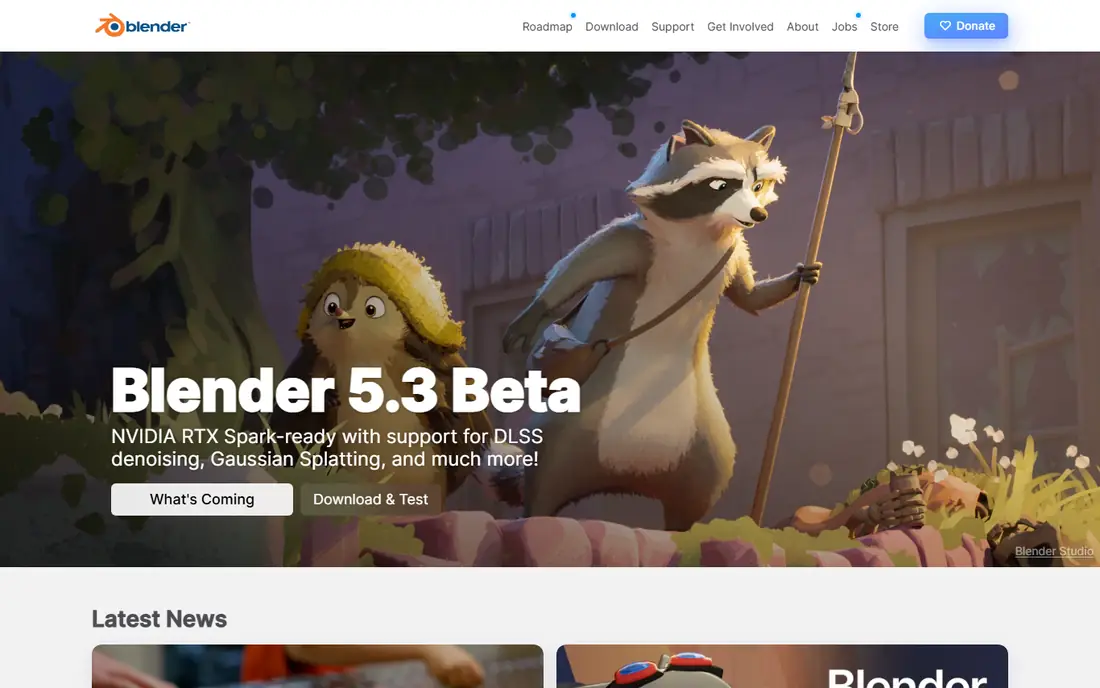
Blender is free and open-source 3D creation software, licensed as GNU GPL and owned by its contributors. Its homepage highlights the Cycles path-tracing render engine with real-time viewport preview and CPU and GPU rendering, modeling and sculpting with N-gon support and Python scripting, VFX tracking, animation and rigging with envelope, skeleton and automatic skinning, curve editors and dope sheets, and 2D drawing in 3D with Grease Pencil. Blender is used for short films, advertisements, TV series and feature films.
Blender suits beginners, freelancers and small studios who want a complete pipeline for nothing. Its community tutorials, add-ons and marketplaces cover nearly every need, and its development fund is backed by major hardware vendors including AMD, Apple, Intel, NVIDIA and Qualcomm. The trade-off is that large studios may still prefer Maya or Houdini for pipeline reasons, but for individual creators Blender is the obvious starting point.
- Free and open source forever under GNU GPL
- Modeling, sculpting, animation, rigging, VFX and rendering in one program
- Huge community and add-on ecosystem
- Interface and workflow differ from studio standards, so switching teams may need adjustment
- Support comes from community, not a vendor help desk
Autodesk Maya
Ideal for: Film and game animation
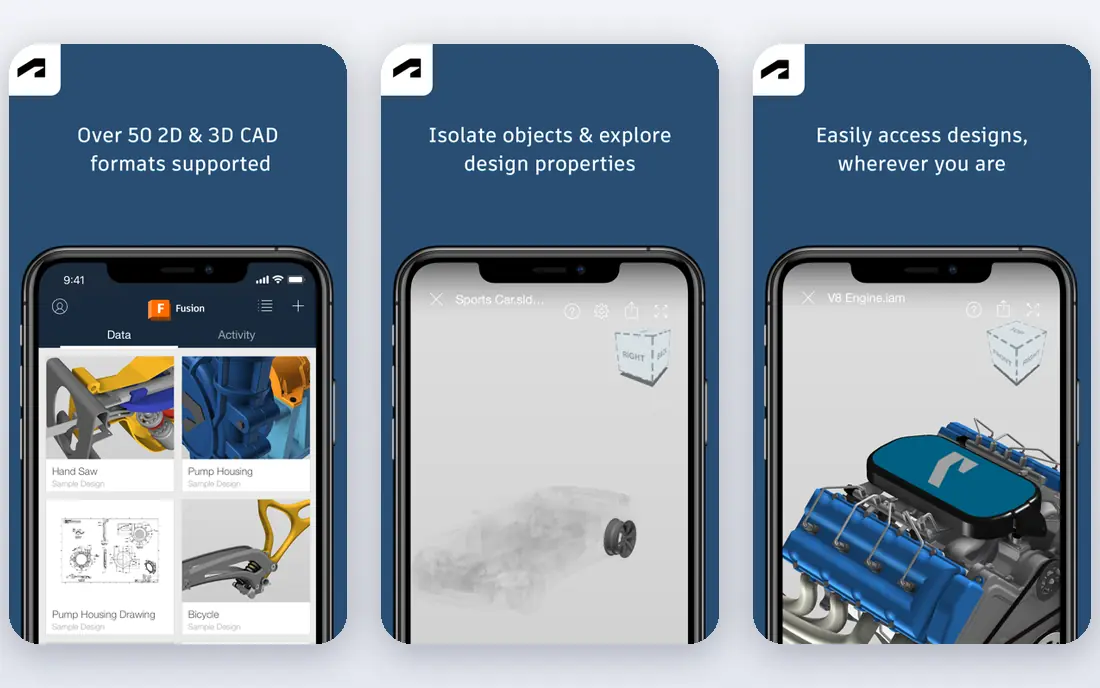
Autodesk Maya 2027 offers modeling, layout, animation, FX and rendering for storytelling, with customization via APIs and scripting, MotionMaker AI that generates and directs motion for humans, canines and horses, and Bifrost, a visual programming environment for procedural effects and rigs. Its homepage cites use in Zootopia 2 environments, Framestore flight sequences and crowd shots, plus a Media and Entertainment Collection that saves up to 65 percent over individual licenses. Maya starts at 168 USD per month, with student and educator options.
Maya suits animators who want to work in film, TV or games, where Maya is the standard pipeline tool. Its rigging, animation and effects depth, plus MEL and Python customization, support large teams and complex characters. The cost and learning curve are real, but for a professional animation career Maya remains the benchmark.
- Industry-standard animation toolset used by top film, TV and game studios
- MotionMaker AI motion generation
- Bifrost procedural effects and customization via APIs
- Subscription cost of 168 USD per month
- Learning curve is steep for beginners
Cinema 4D
Ideal for: Motion graphics
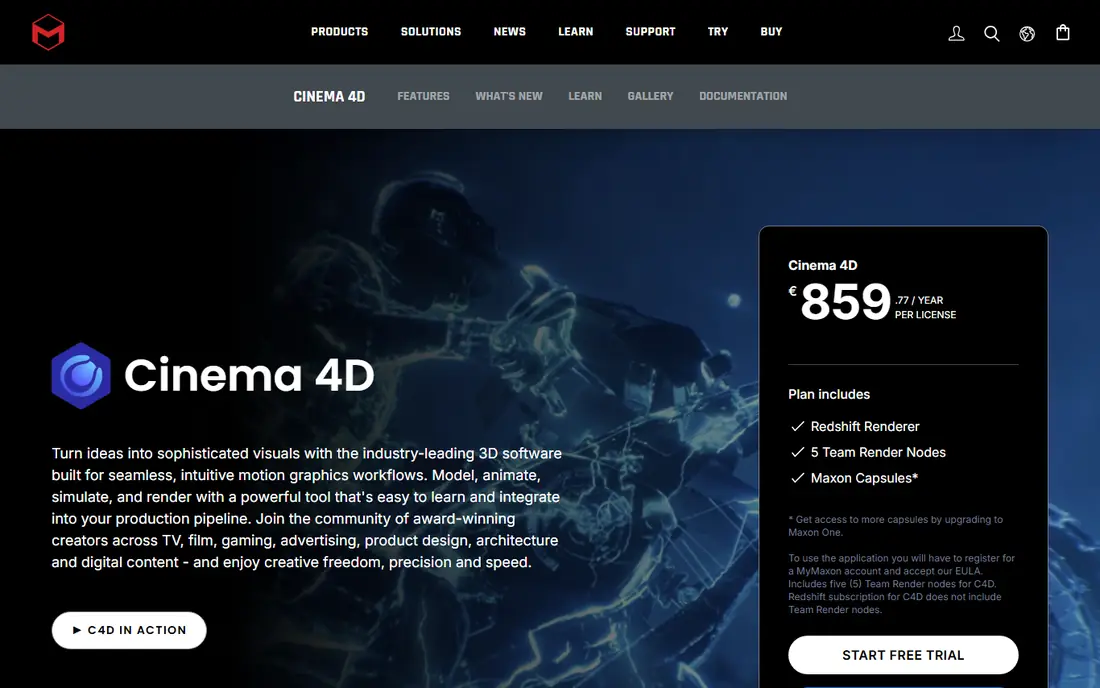
Cinema 4D is professional 3D software for motion designers, generalists and studios, combining modeling, animation, simulation and rendering in one application. Its homepage highlights MoGraph cloners, effectors and fields for procedural motion, parametric and polygonal modeling, simulation for cloth, rigid bodies, particles, smoke, flames and liquids, and Redshift GPU rendering included with every subscription. A 14-day free trial includes Cinema 4D, Redshift and the full Maxon One suite, and Cinema 4D is coming to iPad in late 2026.
Cinema 4D suits motion graphics, broadcast design, advertising and product visualization, where speed and ease matter. Its After Effects integration through Cineware and its clear interface make it the easiest path from 2D design into 3D. For character-heavy film work, Maya or Cascadeur may fit better, but for brand animation and title sequences Cinema 4D leads.
- Approachable professional interface
- MoGraph tools for procedural motion design
- Redshift GPU rendering and 5 Team Render nodes included
- Character animation depth trails Maya
- Subscription pricing needs checking on the site
Houdini
Ideal for: Procedural effects
Houdini is procedural content creation software built from the ground up as a node system, where every action is stored in a node wired into a network that defines a recipe you can tweak. Its homepage highlights Houdini FX for simulating fluids, destruction, pyro FX, grains and cloth, Houdini Core for modelers, lighters, riggers, animators and game artists, Houdini Indie for indie animators and game developers, and Houdini Education for students and schools. Tools cover VFX, world building with terrain, oceans and clouds, lookdev with USD-based Solaris and Karma rendering, characters with KineFX rigging and crowds, and pipeline tools with PDG.
Houdini suits effects artists, technical directors and game world builders who need control and iteration. Its procedural approach means a change late in production cascades through the network, saving rework on complex shots. The learning curve is steep, and its interface rewards technical thinking, but for simulation and procedural work no other tool matches it.
- Fully procedural node-based workflow
- Best-in-class simulation for fluids, destruction, pyro, grains and cloth
- Indie and Education licenses for smaller users
- Steepest learning curve on this list
- Node workflow feels technical to keyframe animators
Autodesk 3ds Max
Ideal for: Game and visualization
Autodesk 3ds Max 2027 offers modeling, animation, procedural workflows and rendering, with Smart Extrude, high-quality Booleans and ReForm retopology, CAT and Biped rigging, Arnold rendering integration, OpenUSD support and a plugin architecture covering tyFlow, thinkingParticles and ForestPack. Its homepage cites use in Forza Horizon 5 content, Industrial Light and Magic snow and water scenes, and design visualization, with a Media and Entertainment Collection saving up to 65 percent over individual licenses. Pricing starts at 168 USD per month, with an Indie version for eligible freelancers.
3ds Max suits game artists, visualization studios and generalists who model a lot and animate characters as part of a wider pipeline. Its plugin ecosystem extends it into particles, scattering and rendering in ways few tools match. For film character animation, Maya is usually preferred, but for games and archviz 3ds Max remains a workhorse.
- Strong hard-surface modeling with Smart Extrude and Booleans
- Built-in CAT and Biped rigs
- Huge plugin library including tyFlow and ForestPack
- Windows only in practice for most studios
- Subscription cost of 168 USD per month
- Animation depth trails Maya for film characters
Unreal Engine
Ideal for: Real-time animation
Unreal Engine is a real-time 3D creation tool for games, film, visualization and immersive experiences, with Unreal Engine 5.8 released in June 2026 and a road to Unreal Engine 6 underway. Its homepage notes free use for game developers with royalties after 1 million USD in gross product revenue, for individuals and small businesses under 1 million USD in annual gross revenue, and for educators and schools with no revenue limits, with source code access and all platforms and features. Seat licenses apply for larger commercial non-game use.
Unreal Engine suits real-time animation, virtual production and interactive work, where seeing the final image live changes how you direct. Its animation tools, MetaHuman characters and Sequencer timeline support cinematic work, while its game systems support interactive projects. The trade-off is workflow: Unreal is an engine, not a traditional animation package, so model and animate in Blender or Maya and finish in Unreal for the best results.
- Real-time rendering for games, film and virtual production
- Free under 1 million USD in revenue for individuals and small businesses
- Source code access
- Game engine workflow differs from offline animation tools
- High-end real-time work needs strong hardware
Cascadeur
Ideal for: Character animation
Cascadeur is 3D animation software for character animation, mocap cleanup, AI motion generation and editing. Its homepage highlights AI inbetweening that generates motion between keyframes, ragdoll tools for impacts, falls and collisions, AutoPosing that creates natural poses from fewer control points, quadruped rigging and retargeting for cats, dogs and horses, AI motion generation for running, jumping, combat, acrobatics and idles, AutoPhysics for weight and secondary motion, drag-and-drop rigging and retargeting between different skeletons.
Cascadeur suits character animators who want help with the hardest parts of keyframe work: posing, inbetweening and physics. Its mocap cleanup tools fix foot sliding, knee pops and penetration, making it a strong companion to Maya, Blender or Unreal for game and film characters. It does not replace a full 3D package, but for character motion it offers a faster, more assisted workflow than traditional keyframing alone.
- AI-assisted keyframe animation with inbetweening, AutoPosing and AutoPhysics
- Mocap cleanup tools
- Rigging and retargeting for humanoids and quadrupeds
- Focused on character animation, not full modeling or rendering
- Newer tool with a smaller community than Blender or Maya
How we picked these
We compared official homepages, animation strengths and pricing, favoring tools that are actively developed and used in production. We covered free, subscription and real-time options, plus character, motion graphics and effects specialties, because the best tool depends on what you animate. We checked each vendor's own site before listing it, and we dropped one tool whose homepage returned only template content without usable product details.
How to choose 3D animation software
Start with what you animate. Character animators should look at Maya, Cascadeur and Blender; motion designers should look at Cinema 4D; effects artists should look at Houdini; real-time and virtual production teams should look at Unreal Engine. A tool that excels at your main job will save more time than a general tool that does everything adequately.
Next, consider budget and pipeline. Blender and Unreal Engine are free for most users, while Maya and 3ds Max cost 168 USD per month each. If you work with a studio, match its pipeline: Maya for film, 3ds Max for many game teams, Houdini for effects, Cinema 4D for broadcast. Learning the tool your target studios use matters for hiring as much as features do.
Finally, test with a real project. Animate a short character shot, a motion graphics title and a simple simulation in your top two choices, and compare speed, render quality and how much you enjoy the workflow. Animation is slow work, so a tool that feels good after a week matters more than a feature list. Tutorials and community help also count: Blender and Cinema 4D have especially strong learning resources for beginners.
Frequently asked questions
What is the best 3D animation software for beginners?
Blender is the best starting point, since it is free, complete and backed by a huge tutorial community. Cinema 4D is the easiest professional tool to learn, especially for designers moving from 2D. Start with Blender to learn 3D fundamentals for free, then add a specialist tool as your work narrows.
What is the best 3D animation software for film?
Maya is the industry standard for film character animation and effects, with Houdini leading for simulation and procedural effects. Blender is increasingly used in film and TV as well, especially by smaller studios. For a film career, Maya skills plus Houdini effects knowledge cover the most ground.
Is Blender really free for commercial work?
Yes. Blender is free and open-source software under the GNU GPL, free forever, including for commercial projects. You can use it for client work, films and games without license fees, and you can sell work made with Blender without paying Blender.
What is the best 3D animation software for motion graphics?
Cinema 4D leads for motion graphics, thanks to MoGraph cloners, effectors and fields, plus Redshift rendering and After Effects integration. Blender can handle motion graphics too, but Cinema 4D's workflow is faster for broadcast titles, brand animation and kinetic typography.
Can Unreal Engine be used for animation?
Yes. Unreal Engine supports cinematic animation through Sequencer, MetaHuman characters and real-time rendering, and it is widely used in virtual production. Model and rig in Blender or Maya, then animate and render in Unreal when you need live feedback or interactive output.
What is the best 3D animation software for games?
For game art, 3ds Max and Blender lead for modeling, Maya leads for character animation, Houdini leads for procedural worlds and effects, and Unreal Engine leads for real-time output. Most game teams use several tools together, with Unreal or Unity as the engine that brings the art together.