Best 3D Modeling Software in 2026: 7 Tools Compared

- Blender is the best free all-rounder, covering modeling, sculpting, animation and rendering in one package.
- Fusion 360 is our pick for product design and engineering, with a free personal tier and paid plans for commercial work.
- SketchUp suits architecture and interiors, while ZBrush remains the standard for detailed organic sculpting.
- Tinkercad is the fastest start for absolute beginners, and Onshape is the strongest browser-based option for teams.
- Check the license terms before commercial work, since free tiers often limit documents, exports or commercial use.
Quick comparison
| Product | Ideal for | Price from | Free version | |
|---|---|---|---|---|
 Blender | All-round modeling and animation | Free | Yes | Visit |
 Fusion 360 | Product design and engineering | Free | Yes | Visit |
 SketchUp | Architecture and interiors | Free | Yes | Visit |
 FreeCAD | Parametric CAD for free | Free | Yes | Visit |
 Tinkercad | Beginners and classrooms | Free | Yes | Visit |
 Onshape | Browser-based team CAD | Free | Yes | Visit |
 ZBrush | Detailed sculpting | $39 per month | Free trial | Visit |
The best 3D modeling software
The right 3D tool depends on what you are making, not on which one has the longest feature list. A character sculptor, a furniture designer and a mechanical engineer need different tools, and the wrong pick costs weeks of learning. We grouped the list by job, so start from your project and work back to the software.
Blender
Ideal for: All-round modeling and animation
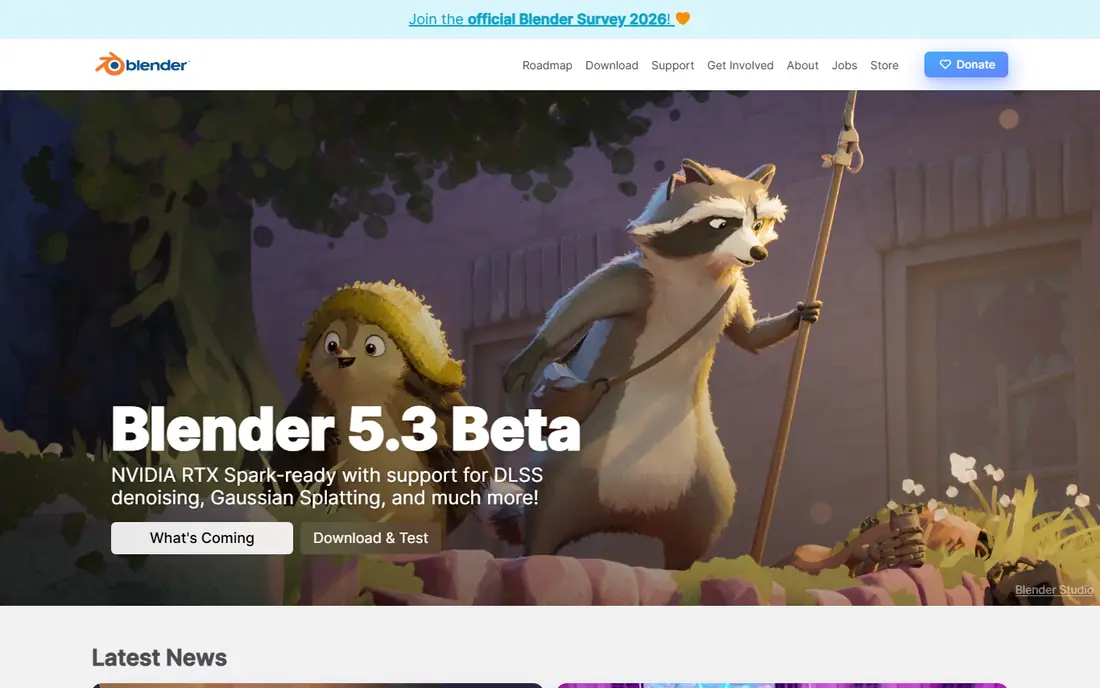
Blender is the rare free tool that competes with paid software on merit, not just on price. It handles polygon modeling, sculpting, texturing, animation, video editing and rendering without subscriptions or locked features. The community around it is enormous, which means tutorials, add-ons and answers exist for almost every problem a beginner hits.
The cost is time. The interface packs a lot into every screen, and new users often feel lost for the first week. It is also not the best choice for precise mechanical parts, where parametric CAD tools win. For art, animation, game assets and 3D printing models, though, Blender is the default answer, and the price makes it easy to try.
- Completely free and open source
- Modeling, sculpting, animation and rendering in one app
- Huge community and tutorial library
- A steep learning curve for new users
- Parametric CAD work is weaker than dedicated CAD tools
Fusion 360
Ideal for: Product design and engineering

Fusion 360 is our pick for anyone designing objects that must fit together in the real world. Parametric modeling means you can change a dimension later and watch the whole part update, which is how real product design works. It also includes toolpath generation for CNC machining and simulation tools, so a design can move toward manufacturing without switching apps.
The free personal tier is generous but limited, with a cap on active editable documents and reduced CAM features. Commercial users pay an annual subscription, which is still reasonable next to high-end CAD. If you design brackets, enclosures, furniture parts or anything with precise measurements, start here.
- Parametric CAD with CAM and simulation in one package
- Free personal-use tier
- Strong cloud collaboration
- Personal tier caps active documents
- Commercial plans are subscription only
SketchUp
Ideal for: Architecture and interiors

SketchUp earns its place by being fast to learn. The push-pull idea, drawing a shape and pulling it into 3D, clicks for most people within an hour, and that speed matters when you are sketching a room layout or a garden building. The 3D Warehouse library of ready-made furniture, windows and fixtures saves hours on interior projects.
The limits show up with curved, organic shapes and with very large models, where dedicated tools do better. The free web version covers basic work, while paid plans add desktop apps and professional features. For architecture, interiors and woodworking plans, SketchUp remains the quickest route from idea to model.
- Fast push-pull modeling that beginners grasp quickly
- Huge 3D Warehouse component library
- Good for rooms and buildings
- Free web version is limited
- Organic sculpting and complex curves are weak
FreeCAD
Ideal for: Parametric CAD for free
FreeCAD is the answer for engineers and makers who want parametric CAD without paying for it. You build models from sketches and constraints, so dimensions stay editable, and workbenches cover part design, architecture, sheet metal and technical drawings. It runs on Windows, Mac and Linux, and no license ever expires.
Polish is the trade-off. The interface and some workbenches feel rougher than Fusion 360, and beginners may need more patience. For hobbyists, open-source hardware projects and anyone who refuses subscriptions on principle, FreeCAD is a serious tool, not a compromise dressed up as one.
- Fully free and open source
- True parametric modeling
- Workbenches for architecture, parts and technical drawing
- Interface feels less polished
- Some workbenches are uneven in quality
Tinkercad
Ideal for: Beginners and classrooms
Tinkercad is where most people should make their first 3D model. It runs in a browser, uses simple shapes you drag, combine and cut, and exports files your 3D printer can use. Teachers use it widely because a class can start modeling in minutes without installing anything or managing licenses.
Nobody should expect it to carry a serious project. There is no parametric history, fine detail work is painful, and complex assemblies outgrow it fast. Treat Tinkercad as a first step: learn the ideas of 3D space here, then move to Blender or Fusion when your projects demand more.
- Runs in a browser with no install
- Drag-and-drop shapes make first models fast
- Exports ready for 3D printing
- Too simple for detailed or precise work
- No parametric editing
Onshape
Ideal for: Browser-based team CAD
Onshape takes CAD into the browser properly, with multiple people editing the same model at once and built-in version history that removes the usual mess of emailed files. It is a serious parametric CAD system, not a lightweight viewer, and it suits distributed teams, classrooms and companies that want CAD on any machine.
The free plan carries one big condition: your documents are public. That is fine for open projects and learning, but private commercial work needs a paid plan. If your team already works in browsers and shared documents, Onshape feels natural in a way desktop CAD never will.
- Full CAD in a browser with real-time collaboration
- Version control built in
- No installs or file juggling
- Free plan makes documents public
- Paid plans are priced for professional teams
ZBrush
Ideal for: Detailed sculpting
ZBrush is the tool behind the detailed characters and creatures you see in games and film. It treats a model like digital clay, letting artists push, pull and carve detail at a level polygon modeling tools struggle to match. Studios rely on it for characters, and many independent artists build their whole sculpting workflow around it.
The interface is famously odd, with its own vocabulary and habits, so expect a learning period. Subscription pricing also makes it a commitment rather than a casual purchase. For organic sculpting, though, nothing else on this list comes close, and that specialization is exactly why it survives alongside free general tools.
- The standard for high-detail organic sculpting
- Handles millions of polygons
- Deep brush and detailing tools
- Subscription pricing adds up
- Interface is unusual and takes time to learn
How we picked these
We compared official feature pages, pricing pages, documentation and public reviews for 3D tools that are actively maintained and work in October 2026. We kept tools that cover distinct jobs, from beginner modeling to engineering CAD and sculpting, and we checked free tiers and license limits as the vendors state them. Prices shown are entry prices from vendor pages, and where a vendor does not publish a figure we say so rather than guessing. We did not claim hands-on testing.
How to choose the right tool for your project
Start from the output, not the software. If the end goal is a 3D print, check export formats and whether the tool handles watertight meshes well. If it is a rendered image or animation, Blender or ZBrush will serve you better than a CAD package. If parts must fit together with exact dimensions, parametric CAD in Fusion 360, FreeCAD or Onshape is the right family, and no amount of sculpting skill replaces it.
Then weigh cost against learning time. Free tools cost nothing but can demand weeks of learning, while a paid tool with a gentler start may save that time. Try the free tier or trial with a small real project, not a tutorial model, and judge by whether you finished something you are happy with. The best tool is the one that gets your project done, not the one with the most impressive demo reel.
A practical way to choose is to model the same small object in each trial, such as a phone stand or a simple bracket, and time how long it takes from a blank file to a printable export. That test reveals more than a feature list, because it shows how the interface, shortcuts and export settings feel in real use. Pay attention to file format support for your printer or client, to whether the program runs well on your computer, and to how much tutorial help exists for the exact kind of modeling you plan to do most.
Frequently asked questions
What is the best 3D modeling software for beginners?
Tinkercad for a first model within an hour, then Blender or SketchUp depending on whether you lean toward art or architecture. Tinkercad teaches the basics with no install, while Blender and SketchUp grow with you for much longer.
Is Blender really free for commercial work?
Yes. Blender is open source and free for any use, including commercial projects, with no license fees or feature locks. That is one reason studios and freelancers rely on it alongside paid tools.
What is the best 3D modeling software for 3D printing?
Fusion 360 and FreeCAD suit precise mechanical parts, Blender suits organic models and miniatures, and Tinkercad suits quick beginner prints. All export the STL or 3MF files most slicers accept, so pick by the shape of your model.
Is Fusion 360 still free in 2026?
Yes, through a free personal-use license with limits, including a cap on active editable documents and reduced CAM features. Commercial work requires a paid subscription, so check the current terms on the Autodesk site before relying on the free tier for business.
What is the difference between CAD and sculpting software?
CAD tools like Fusion 360 build models from precise dimensions and sketches, which suits engineering and manufacturing. Sculpting tools like ZBrush shape models like clay, which suits characters and organic forms. Many artists use both in one project.