Our first pick is CloudPano, best for 360 tours with live video chat. Look at Cupix for construction and facilities management, and at Matterport for end-to-end 3D capture and sharing. The remaining 2 options are covered below with prices and limits.
Ainotely compared 5 3D tour platforms. The goal is a practical shortlist: published prices, free plan facts, best-fit use cases and honest limits for every entry.
Key takeaways
Top of the list is CloudPano, which targets 360 tours with live video chat.
Pricing across the list, from CloudPano to Kuula, is by quote only.
Kuula is the one to check for budget-friendly 360 tour creation.
CloudPano is a good fit for 360 tours with live video chat. CloudPano is a 360 virtual tour software that emphasizes simplicity and contains a unique live video walkthrough chat feature. In daily use, the system also supports integration with Zillow, making it convenient for real estate listings.
CloudPano concentrates on 360 tours and may not offer the same depth of 3D scanning as Matterport. It is subscription-based, and whereas it is straightforward to use, those needing advanced 3D modeling might need a different option. No starting price is listed for CloudPano here; confirm pricing on the vendor site. As for free access: Not stated.
Cupix is a good fit for construction and facilities management. For other uses, consider more general products like Matterport or Kuula. CupixWorks, its AI-powered system, is made for professionals in construction and facility management.
Where it falls short: Needs 360 video.
Cupix is highly specialized for construction and facilities, so it may not be a good match for real estate marketing or general virtual tours. Beyond that, Cupix offers spatial intelligence for construction and facilities management. It transforms 360 videos into actionable digital twins, simplifying site documentation, automating construction monitoring, and maintaining maintenance records. Pricing for Cupix is not stated here, so ask the vendor for current figures. Cupix has a free plan.
Think of Matterport for end-to-end 3D capture and sharing. If you already own a 360 camera and prefer a software-only option, consider Kuula or CloudPano instead. In daily use, the system operates on a subscription model, which may not suit occasional users.
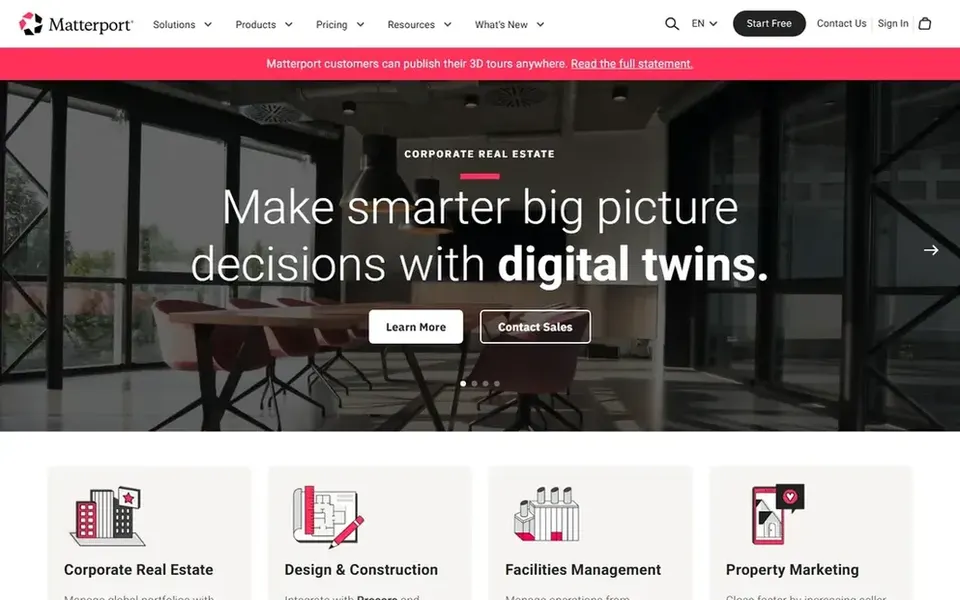
In daily use, Matterport is a full 3D tour system that comes with both hardware and software. It lets users to digitize buildings and automatically build immersive 3D tours, along with 4K print quality photos and schematic floor plans. This system is a strong match for real estate professionals, architects, and facility managers who require a complete option for capturing and sharing spaces. Beyond that, Matterport needs a compatible 3D camera, like the Pro3, which brings to the cost. Check the vendor site for Matterport pricing; none is listed in this comparison. On free options: Not stated.
Pano2VR serves interactive panoramic tours. Pano2VR is a virtual tour software that concentrates on converting panoramic or 360 photos and videos into interactive experiences. It supplies deep customization choices, including support for VR and interactive elements.
This tool is a strong match for photographers and developers who want to build tailored tours from scratch. As for the details, Pano2VR is a desktop application with a ramp-up time, making it less accessible for casual users. It may be overkill for straightforward tours, but for those needing advanced interactivity and VR support, it is a solid choice. Check the vendor site for Pano2VR pricing; none is listed in this comparison. Free access: Not stated.
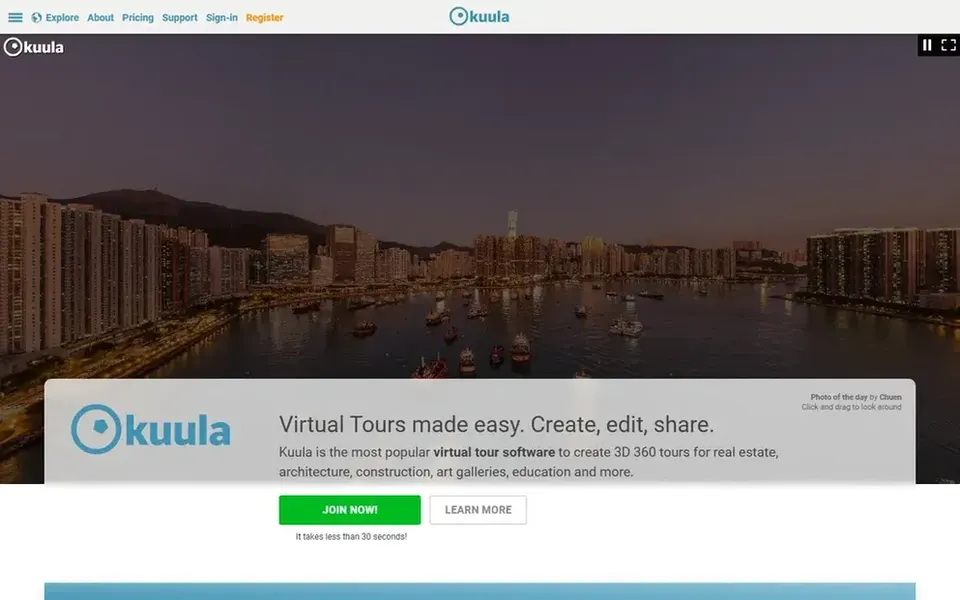
Kuula is a good fit for budget-friendly 360 tour creation. It lets users to produce virtual tours from 360 photos without the need for specialized hardware. On top of that, Kuula is noted for its simplicity and accessibility, making it a decent choice for small companies and individuals.
Whereas Kuula is approachable, it may lack some of the advanced features offered by products like Matterport, for example schematic floor plans or deep collaboration tools. In daily use, for entry-level 360 tours, Kuula is a solid choice, but for more complicated needs, consider other tools. Kuula does not show a starting price in this comparison, so check the vendor site for current pricing. Free options: Not stated.
Confirm the entry price with every vendor: no tool from CloudPano to Kuula shows a fixed starting price.
Look at the free plan from Cupix closely: its caps decide whether it is usable for real work.
Before choosing CloudPano, weigh its main limit: restricted to 360 photos.
Test the integrations you rely on with Kuula before committing; some connectors sit on upper tiers.
Ask the daily users to test Cupix on a live task before you roll it out to everyone.
How we picked
Pricing pages, product documentation and feature lists were the main sources, and every entry carries at least one honest drawback. Prices and plan limits come from vendor pages and can change, so confirm them on the vendor site before you buy. Tools are placed by general fit for 3D tour platforms, with price clarity and free access as tie-breakers. A different team can reasonably rank them differently.
Every price and plan detail on this page comes from the vendors’ own websites. We did not run hands-on tests unless the text says so, and we do not publish star ratings or review scores. See how we score and our disclosure.
Keep your shortlist in one place
Paste prices, trial dates and notes from this guide into Ainotely, our AI note app. It files them into a topic and pulls out tasks like “cancel trial by Friday”. Free 7-day trial, no card needed.
Which options for 3D tour platforms have a free plan?
Cupix is the only tool in this list with a free plan. Free plans usually cap users, projects or features, so check the limits on the vendor page.
Do I need a special camera to produce 3D tours?
It relies on the system. Matterport needs a compatible 3D camera like the Pro3, whereas Kuula and CloudPano work with standard 360 photos from consumer cameras.
How are the tools for 3D tour platforms ordered?
The order follows typical fit for 3D tour platforms, with CloudPano first and Kuula last, then price clarity and free access. It is editorial judgement, not a score, so another team could rank the tools differently.
Which system is a good match for construction progress tracking?
CloudPano comes first here and is built for 360 tours with live video chat. Buyers with other needs may prefer Cupix (for construction and facilities management) or Matterport (for end-to-end 3D capture and sharing). Compare costs and limits first.
Can I try these options before paying?
Often, yes. Cupix has a free plan. Use your own data and a real task during the test, and check what the free tier or trial limits before you rely on it. All 5 picks in this 3D tour platforms comparison show their pricing, free plan details and main limits on the cards above.
Is CloudPano the right pick for everyone comparing 3D tour platforms?
No single tool suits every team. CloudPano comes first because it fits 360 tours with live video chat, while Cupix suits construction and facilities management and Matterport suits end-to-end 3D capture and sharing. Match the tool to your own size, budget and workflow before deciding.