Best 3D Web Design Services Providers in 2026: 8 Providers Compared

- Our pick for most people is Spline, because it covers browser-based 3d design with the fewest trade-offs in this group.
- If you want to start without paying, Spline is the strongest free option here, though its paid tier adds the deeper features.
- Vectary is the best second look when Spline does not fit, since it serves online 3d modeling for web rather than the same audience.
- Prices and plan limits change often, so confirm the current terms on each vendor site and read the fine print on limits, renewals and cancellation.
Quick comparison
| Product | Ideal for | Price from | Free version | |
|---|---|---|---|---|
 Spline | Browser-based 3D design | Free | Yes | Visit |
 Vectary | Online 3D modeling for web | Free | Yes | Visit |
 PlayCanvas | Real-time 3D web engine | Free | Yes | Visit |
 Threekit | 3D product configurators | See website | No | Visit |
 Sketchfab | Publishing and embedding 3D models | Free | Yes | Visit |
 Babylon.js | Open 3D web engine | Free | Yes | Visit |
 Three.js | Open 3D library for developers | Free | Yes | Visit |
 Verge3D | 3D from Blender to web | See website | Free trial | Visit |
The best 3D web design services providers
Choosing among options for best 3d web design services providers comes down to fit, not fame. We compared official feature pages, pricing pages, app store listings, privacy policies and public reviews for each option below, and we weighed what you actually get on the entry plan against what stays behind a paywall. Spline leads this list because it handles browser-based 3d design well for the widest range of readers, but the right choice depends on your budget, your team size and how much hand-holding you want. Read the shortlist with your own situation in mind. A cheaper tool that you actually use beats a powerful one that sits untouched, and a plan that looks cheap on the monthly line can cost more once add-ons and limits are counted. Take notes as you read, and shortlist two or three options to test before you decide.
Spline
Ideal for: Browser-based 3D design
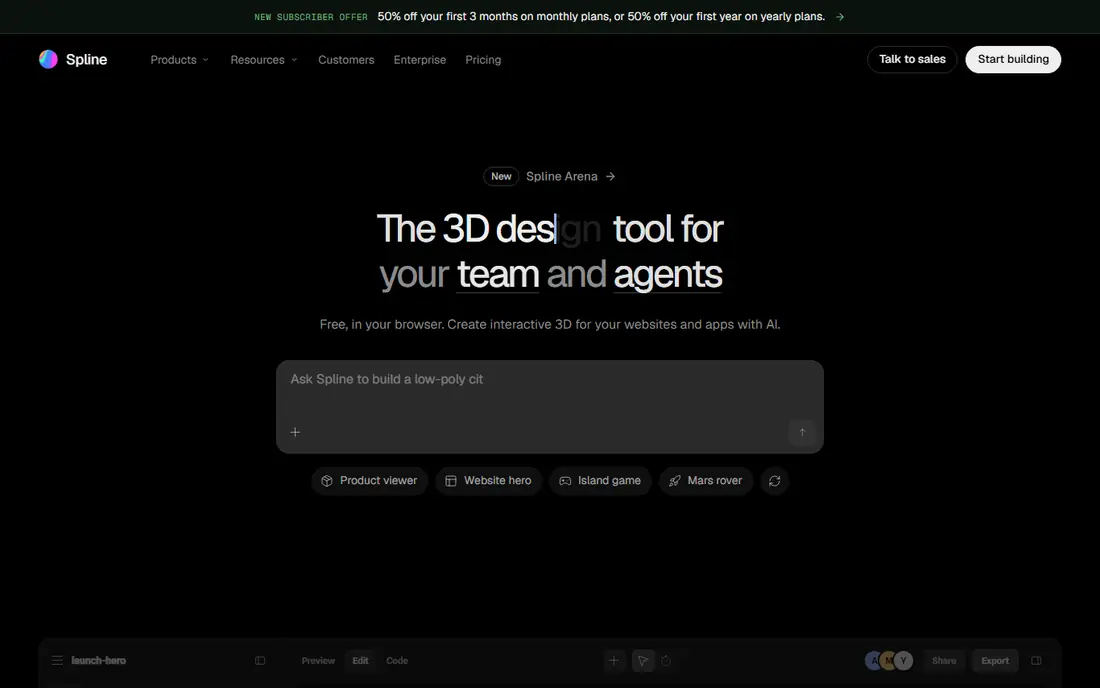
Spline lets designers build interactive 3D scenes in the browser and embed them on websites without heavy code. Its ease of use makes 3D web design accessible to teams without a dedicated 3D artist. For readers focused on browser-based 3d design, the appeal is easy browser 3D editor. That strength matters in daily use, because it is the part you will notice every week, not a feature you open once and forget. Compare it against the rest of the list on that one point first, then look at price, platform support and how the company handles your data. The honest weakness is complex scenes need care. free plan has limits Try it on a real task before you pay, and check whether the entry plan covers the feature you actually need.
- Easy browser 3D editor
- Interactive scenes
- Web embeds
- Complex scenes need care
- Free plan has limits
Vectary
Ideal for: Online 3D modeling for web
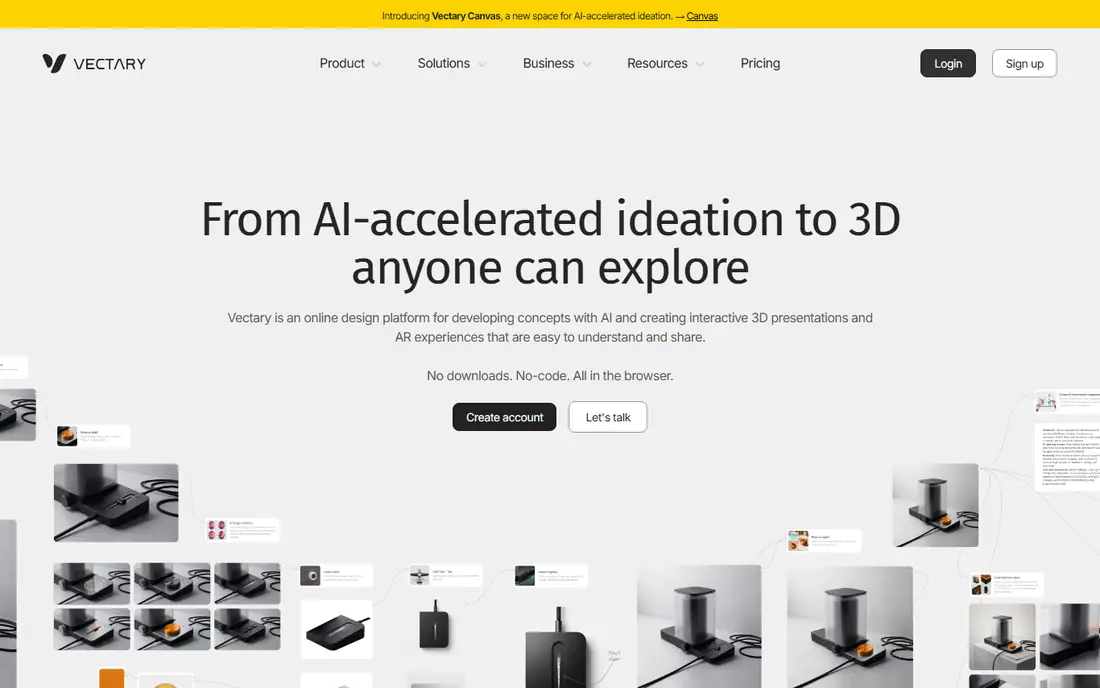
Vectary offers browser-based 3D modeling with web and AR embeds, so product visuals can go from model to website quickly. Its collaboration tools suit teams where designers and marketers shape a product page together. For readers focused on online 3d modeling for web, the appeal is browser modeling. That strength matters in daily use, because it is the part you will notice every week, not a feature you open once and forget. Compare it against the rest of the list on that one point first, then look at price, platform support and how the company handles your data. Watch out for advanced modeling is thinner than desktop tools. pricing grows If you can live with that limit, the rest of the package is easy to recommend for its audience.
- Browser modeling
- AR and web embeds
- Collaboration
- Advanced modeling is thinner than desktop tools
- Pricing grows
PlayCanvas
Ideal for: Real-time 3D web engine
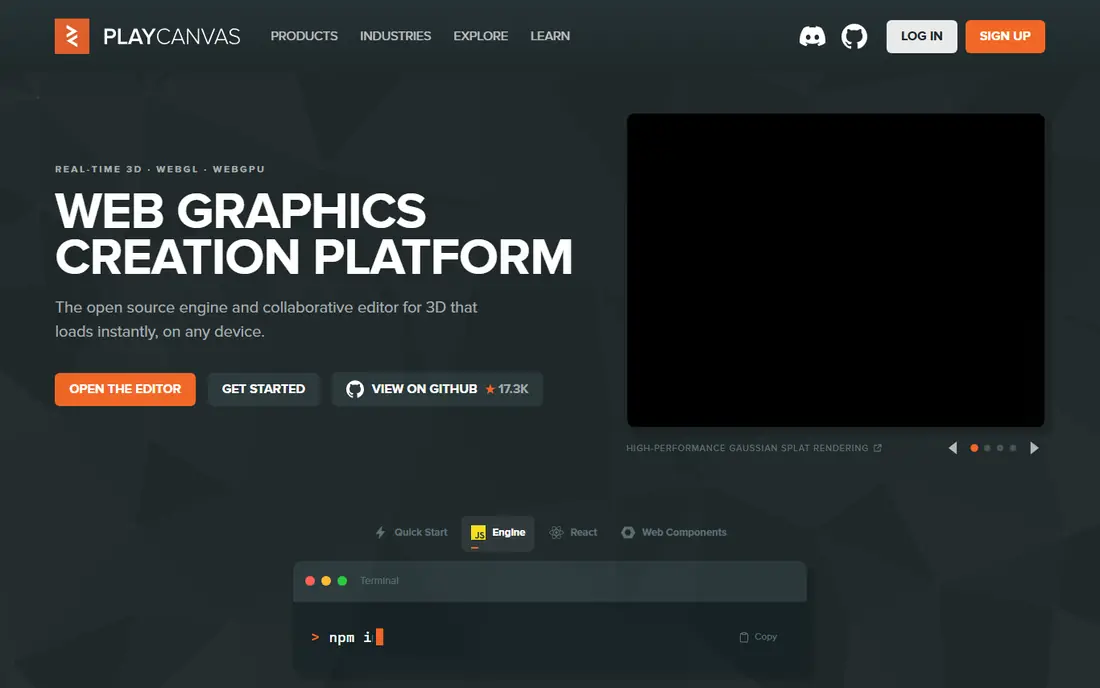
PlayCanvas is a real-time 3D engine that runs in the browser, built for interactive product viewers, games and configurators. Its performance suits web experiences that must stay smooth on phones as well as desktops. For readers focused on real-time 3d web engine, the appeal is real-time 3D engine in the browser. That strength matters in daily use, because it is the part you will notice every week, not a feature you open once and forget. Compare it against the rest of the list on that one point first, then look at price, platform support and how the company handles your data. The catch is needs coding skill. smaller community than Three.js If that trade-off is acceptable for how you work, this is a solid choice, and a short trial will tell you more than any review can.
- Real-time 3D engine in the browser
- Strong performance
- Open source runtime
- Needs coding skill
- Smaller community than Three.js
Threekit
Ideal for: 3D product configurators
Threekit builds 3D product configurators and AR experiences for ecommerce, letting shoppers customize products visually. Its catalog integration suits retailers with many variants, colors and options. For readers focused on 3d product configurators, the appeal is product configurators and AR. That strength matters in daily use, because it is the part you will notice every week, not a feature you open once and forget. Compare it against the rest of the list on that one point first, then look at price, platform support and how the company handles your data. The honest weakness is enterprise pricing. setup needs product data work Try it on a real task before you pay, and check whether the entry plan covers the feature you actually need.
- Product configurators and AR
- Catalog integration
- Enterprise tools
- Enterprise pricing
- Setup needs product data work
Sketchfab
Ideal for: Publishing and embedding 3D models
Sketchfab is the largest platform for publishing and embedding 3D models on the web, with a viewer that works across devices. Its library helps teams find and display models without building every asset from scratch. For readers focused on publishing and embedding 3d models, the appeal is huge 3D model library. That strength matters in daily use, because it is the part you will notice every week, not a feature you open once and forget. Compare it against the rest of the list on that one point first, then look at price, platform support and how the company handles your data. Watch out for custom design services are limited. marketplace quality varies If you can live with that limit, the rest of the package is easy to recommend for its audience.
- Huge 3D model library
- Easy embeds
- AR viewer
- Custom design services are limited
- Marketplace quality varies
Babylon.js
Ideal for: Open 3D web engine
Babylon.js is a powerful open source 3D engine for the web, backed by Microsoft, with strong documentation and tools. Its depth suits developers building custom 3D experiences rather than simple embeds. For readers focused on open 3d web engine, the appeal is powerful open source engine. That strength matters in daily use, because it is the part you will notice every week, not a feature you open once and forget. Compare it against the rest of the list on that one point first, then look at price, platform support and how the company handles your data. The catch is needs developer skill. no drag-and-drop design If that trade-off is acceptable for how you work, this is a solid choice, and a short trial will tell you more than any review can.
- Powerful open source engine
- Microsoft backing
- Strong docs
- Needs developer skill
- No drag-and-drop design
Three.js
Ideal for: Open 3D library for developers
Three.js is the most widely used 3D library for the web, with a huge set of examples and a flexible base for custom work. Its popularity means hiring, tutorials and ready code are easy to find. For readers focused on open 3d library for developers, the appeal is most popular 3D web library. That strength matters in daily use, because it is the part you will notice every week, not a feature you open once and forget. Compare it against the rest of the list on that one point first, then look at price, platform support and how the company handles your data. The honest weakness is needs coding. performance tuning is manual Try it on a real task before you pay, and check whether the entry plan covers the feature you actually need.
- Most popular 3D web library
- Huge examples
- Flexible
- Needs coding
- Performance tuning is manual
Verge3D
Ideal for: 3D from Blender to web
Verge3D turns Blender and 3ds Max scenes into interactive web apps, with a visual logic editor for designers who do not code. Its pipeline suits studios already modeling in Blender that want web output without rebuilding scenes. For readers focused on 3d from blender to web, the appeal is turns Blender and 3ds Max scenes into web apps. That strength matters in daily use, because it is the part you will notice every week, not a feature you open once and forget. Compare it against the rest of the list on that one point first, then look at price, platform support and how the company handles your data. Watch out for learning curve for visual logic. pricing is per license If you can live with that limit, the rest of the package is easy to recommend for its audience.
- Turns Blender and 3ds Max scenes into web apps
- Visual logic editor
- Ecommerce tools
- Learning curve for visual logic
- Pricing is per license
How we picked these
We started from the topic itself and kept only products that exist and work today and truly fit it. For each one we checked the official homepage, the pricing page and the free tier, and we read app store listings, privacy policies and public reviews where they were relevant. Products with a homepage we could not verify were left out, and prices we could not verify are shown as See website rather than guessed. We favored a mix of well-known leaders and strong smaller options, and we weighed entry price, free tier, platform coverage and honest weaknesses. No product here paid for its place, and we did not claim hands-on testing we did not do. What follows is a comparison of published facts, so you can check any claim on the vendor site before you buy.
Commissioning 3D work for the web
Start by naming the job for 3D: product viewing, configuration or brand storytelling, because each needs a different tool. Check device performance early, since a scene that stutters on a phone will hurt more than help. Next, test a real product model end to end, from modeling to embed to mobile load time. Compare two finalists on performance, ease of updates and how the 3D content affects page speed and search.
Frequently asked questions
What is 3D web design?
3D web design adds interactive three-dimensional models, product viewers and scenes to websites, letting visitors rotate, zoom and customize. It is common for product pages, configurators and brand experiences.
Do I need a developer for 3D web design?
Tools such as Spline and Vectary let designers build 3D web scenes without code, while engines such as Three.js and Babylon.js need developers. Choose based on how custom the experience must be.
Does 3D slow down a website?
Poorly optimized 3D can slow pages, so compress models, limit polygons and test on phones. Good providers optimize assets and use lazy loading so 3D loads only when needed.
What is a 3D product configurator?
A configurator lets shoppers change colors, materials and options on a 3D product model and see the result live. Threekit specializes in these for ecommerce.
Is 3D worth it for small businesses?
It pays when products benefit from visual inspection, such as furniture, jewelry or machinery, and when returns drop because buyers see products better. For simple services, 3D adds cost without clear gain.