Best 401(k) Software in 2026: 8 Platforms Compared

- 1
 GuidelineSmall businesses starting a planVisit
- 2
 Human InterestGrowing teams wanting managed helpVisit
- 3
 Betterment for BusinessHands-off managed portfoliosVisit
- 4
 Fidelity WorkplaceLarge employers and broad fundsVisit
- 5
 VanguardLow-cost index fund lineupsVisit
- Guideline and Human Interest lead for small employers that want low monthly fees and payroll connections.
- Fidelity and Vanguard suit larger employers that want brand recognition and broad fund lineups.
- Betterment for Business and Empower add managed portfolios for staff who do not want to pick funds alone.
- ADP works best for companies already running ADP payroll and human resources tools.
- Check recordkeeping, advisory, and fund fees separately, since the headline monthly fee is rarely the full cost.
Quick comparison
| Product | Ideal for | Price from | Free version | |
|---|---|---|---|---|
| Guideline | Small businesses starting a plan | See website | No | Visit |
| Human Interest | Growing teams wanting managed help | See website | No | Visit |
| Betterment for Business | Hands-off managed portfolios | See website | No | Visit |
| Fidelity Workplace | Large employers and broad funds | See website | No | Visit |
| Vanguard | Low-cost index fund lineups | See website | No | Visit |
 Empower | Employers wanting advice access | See website | No | Visit |
 Principal | Mid-size employers and bundled benefits | See website | No | Visit |
 ADP Retirement Services | Companies already using ADP | See website | No | Visit |
The best 401(k) software
We compared official feature pages, pricing pages, and plan documents for eight providers that serve United States employers. Each one handles recordkeeping, contributions, and compliance testing in a different way, so the right pick depends on team size, payroll setup, and how much guidance employees need.
Disclaimer: This is not financial advice. Retirement plan rules, tax treatment, and investment results vary by plan and by person, so talk with a qualified financial adviser or tax professional before choosing a provider or a fund lineup.
Guideline
Ideal for: Small businesses starting a plan
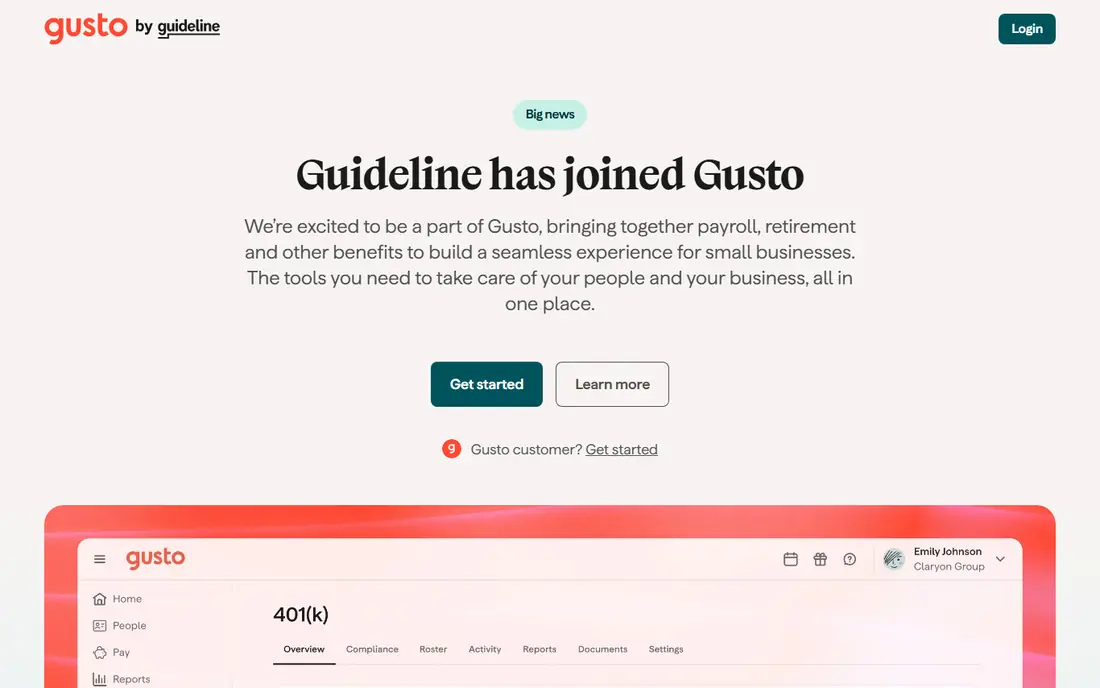
Guideline built its name around small employers that found older 401(k) providers slow and costly. The platform links to payroll so contributions move without manual files, and employees get a clear dashboard for balances, contribution rates, and fund choices. Setup asks about company details, eligibility, and matching, then walks the employer through plan documents.
The trade-off is depth. Large employers with complex plan designs, multiple entities, or custom testing needs may want a provider with more hands-on consulting. For a straightforward plan with a modest headcount, Guideline keeps admin work light and pricing easy to follow. Check the current fee schedule before signing, since recordkeeping and advisory charges can differ by plan size.
- Low monthly pricing for small plans
- Payroll connections with common providers
- Simple setup flow for new plans
- Fund lineup is narrower than large providers
- Advisory support is limited on basic tiers
Human Interest
Ideal for: Growing teams wanting managed help
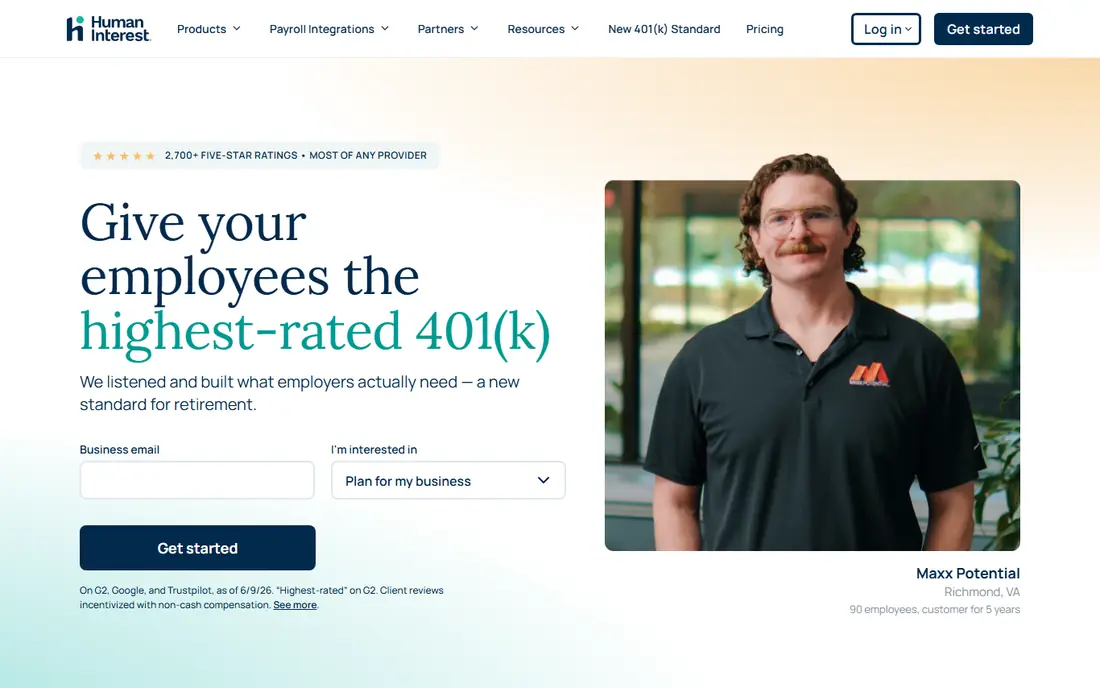
Human Interest pairs a modern dashboard with managed portfolios, which suits employees who would rather not build their own mix of funds. Employers can set eligibility and matching rules, and payroll connections keep deferrals in step with pay runs. The service also handles notices, testing, and filing support that small human resources teams often struggle to track alone.
Costs rise as features are added, so ask for a written quote that separates base fees from managed account charges. Companies with steady hiring will value the way new staff are enrolled and reminded about contributions. Companies with very complex vesting or profit-sharing formulas should confirm those designs are supported before committing.
- Managed portfolio option for employees
- Payroll integrations
- Dedicated support during setup
- Pricing varies by plan size and features
- Some advanced plan designs need extra review
Betterment for Business
Ideal for: Hands-off managed portfolios
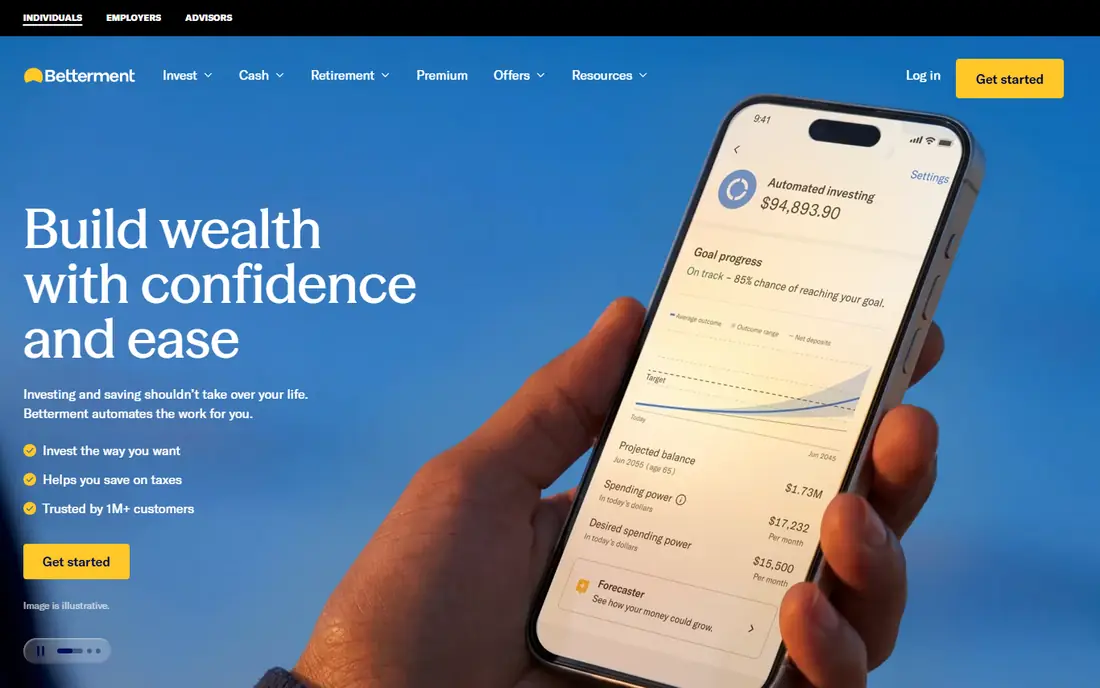
Betterment for Business brings its retail investing style into workplace plans, with portfolios adjusted by age and risk tolerance. Employees see projected retirement income and can adjust savings rates from a phone or computer. Employers get reporting on participation and contribution levels, which helps when trying to lift enrollment.
The managed approach is a strength for staff who feel lost among fund menus, but it can frustrate experienced investors who want to pick individual funds. Betterment also works best for employers comfortable with a mostly digital service model. Ask how advice is charged and whether one-on-one guidance is included at your plan size.
- Professionally managed portfolios
- Clear employee app
- Goal-based planning tools
- Less control for employees who want full fund choice
- Fees depend on plan size
Fidelity Workplace
Ideal for: Large employers and broad funds
Fidelity is one of the largest workplace plan providers in the United States, and that scale shows in fund choice and participant tools. Employees can access research, calculators, and guidance, while employers get compliance testing and reporting built for larger headcounts. The platform also supports brokerage windows on some plans, giving experienced investors wider choice.
Small firms may find the sales and setup process longer than with a provider built only for small plans. Fees are quoted rather than listed as a single public price, so compare the full schedule, including per-participant charges. For employers that expect to grow well past one hundred staff, Fidelity offers room to expand without switching providers.
- Very broad fund lineup
- Deep planning and education tools
- Strong recordkeeping scale
- Setup can feel heavy for very small firms
- Pricing is quoted per plan
Vanguard
Ideal for: Low-cost index fund lineups
Vanguard appeals to employers that want costs kept low and fund menus built around broad index funds. Participants get straightforward statements and educational material, and employers get recordkeeping from a provider with long experience in workplace plans. The focus on low costs can matter a great deal over decades of compounding.
The experience is less polished than some newer platforms, and digital tools are functional rather than flashy. Employers that want heavy hand-holding or a highly custom participant app may prefer another provider. For a cost-first plan with a simple design, Vanguard remains a strong, steady choice.
- Low-cost index funds
- Clear fee disclosure
- Trusted brand for long-term savers
- Interface feels plain next to newer rivals
- Advice options vary by plan
Empower
Ideal for: Employers wanting advice access
Empower combines recordkeeping with advice services, letting employees see workplace savings next to outside accounts in one view. That whole-picture view helps staff judge whether they are saving enough. Employers get compliance support and reporting, plus education campaigns that can lift participation during enrollment periods.
Because Empower serves many large plans, very small employers should confirm service levels and minimums before signing. Ask for a clear breakdown of recordkeeping, advice, and fund fees. Companies that value human advice alongside digital tools will get more from Empower than from a bare recordkeeping platform.
- Advice and planning services
- Participant dashboard with outside accounts
- Large-plan experience
- Pricing is quoted per plan
- Smaller plans may get less attention
Principal
Ideal for: Mid-size employers and bundled benefits
Principal serves many mid-size employers and can bundle retirement plans with group insurance and other benefits. That bundling can simplify vendor management for human resources teams that already use Principal for other coverage. Plan designs cover common matching, profit-sharing, and safe harbor structures, and participants get education and planning tools.
The catch is that bundled convenience can hide higher fund fees, so review each fund expense ratio, not just the recordkeeping quote. Employers that want a single vendor relationship and a traditional service model often find Principal a good fit. Employers that want a fully self-serve digital setup may prefer a newer provider.
- Bundling with insurance and benefits
- Wide plan design options
- Participant education
- Pricing is quoted
- Fund fees vary widely by lineup
ADP Retirement Services
Ideal for: Companies already using ADP
ADP Retirement Services makes most sense for companies already running ADP payroll, since contributions, eligibility, and data flow from the same system. That reduces manual entry and reconciliation, which is where many small plans make errors. Employers also get testing, notices, and filing help, plus employee access through the wider ADP system.
Standalone pricing is hard to judge, since retirement is often bundled with payroll and human resources services. Companies that plan to change payroll providers should weigh the cost of untangling a bundled setup. For loyal ADP users, though, the convenience and single support line are genuine advantages.
- Tight payroll and HR integration
- Single vendor for many tasks
- Compliance support
- Pricing is quoted and bundled
- Switching payroll later adds friction
How we picked these
We compared official feature pages, pricing pages, plan documents, and public reviews for providers that serve United States employers in October 2026. We favored providers with clear payroll connections, compliance testing, and participant tools, and we kept both small-plan specialists and large providers so readers at different sizes can find a fit. We did not claim hands-on testing of any plan, and we list prices as shown on vendor sites, using See website where a provider quotes per plan.
What to check before you sign
Start with total cost, not the monthly headline. Ask for recordkeeping fees, per-participant charges, advisory fees, and the expense ratios of every fund in the lineup. A plan that looks cheap on admin fees can cost staff more through fund charges. Next, confirm payroll integration with your exact provider, including how corrections and late contributions are handled.
Then review plan design. Check eligibility rules, vesting schedules, matching formulas, safe harbor options, loans, and hardship withdrawals against what your company actually wants. Confirm who handles annual testing, Form 5500 preparation, and participant notices, and get those duties in writing. Finally, run a small pilot with a few employees if the provider allows it, and test enrollment, contribution changes, and support response times before rolling the plan out to the whole team.
Frequently asked questions
How much does 401(k) software cost for a small business?
Costs vary by provider, headcount, and services included. Some small-plan providers publish low monthly base fees, while larger providers quote per plan. Always ask for a written schedule covering recordkeeping, per-participant, advisory, and fund fees before comparing.
Can 401(k) software connect to my payroll system?
Most providers on this list offer payroll connections with common systems, and ADP integrates most tightly with its own payroll. Confirm your exact payroll provider is supported, and ask how contribution changes and corrections flow between systems.
Do employees need investment knowledge to use these plans?
No. Managed portfolios from providers such as Betterment for Business and Human Interest pick a mix based on age and risk tolerance. Employees who want more control can usually choose individual funds where the plan allows it.
What compliance work does the provider handle?
Providers typically handle recordkeeping, contribution tracking, nondiscrimination testing, participant notices, and Form 5500 support. The employer still holds fiduciary duties, so confirm in writing which tasks the provider covers and which stay with you.
Can a small business switch 401(k) providers later?
Yes, but switching takes planning. You will need to move assets, map fund choices, and notify participants. Choose a provider with a clear conversion process and timeline, and avoid signing long terms without an exit clause you understand.