Best Account Management Software in 2026: 8 Tools Compared

- 1
 HubSpotAccount teams plus CRM depthVisit
- 2
 SalesforceEnterprise account managementVisit
- 3
 Zoho CRMAffordable account trackingVisit
- 4
 PipedriveVisual pipelines for accountsVisit
- 5
 Monday CRMVisual account workflowsVisit
- HubSpot and Salesforce lead for account teams that need CRM depth plus account views.
- Zoho CRM and Pipedrive suit smaller teams that want affordable account tracking.
- Monday CRM and Freshsales fit teams that want visual pipelines and simple account work.
- Capsule and Insightly suit small firms that need simple contact and account records.
- Check health scores, task automation, and reporting before choosing.
Quick comparison
| Product | Ideal for | Price from | Free version | |
|---|---|---|---|---|
| HubSpot | Account teams plus CRM depth | See website | Yes | Visit |
| Salesforce | Enterprise account management | See website | Free trial | Visit |
| Zoho CRM | Affordable account tracking | See website | Yes | Visit |
| Pipedrive | Visual pipelines for accounts | See website | Free trial | Visit |
| Monday CRM | Visual account workflows | See website | Free trial | Visit |
 Freshsales | Simple account CRM | See website | Yes | Visit |
 Capsule | Simple contact and accounts | See website | Yes | Visit |
 Insightly | Accounts plus projects | See website | Free trial | Visit |
The best account management software
We compared official feature pages, pricing pages, and public reviews for eight tools used for account management. Account management here means tracking clients after the sale: contacts, health, renewals, tasks, and growth, not just lead pipelines.
HubSpot
Ideal for: Account teams plus CRM depth
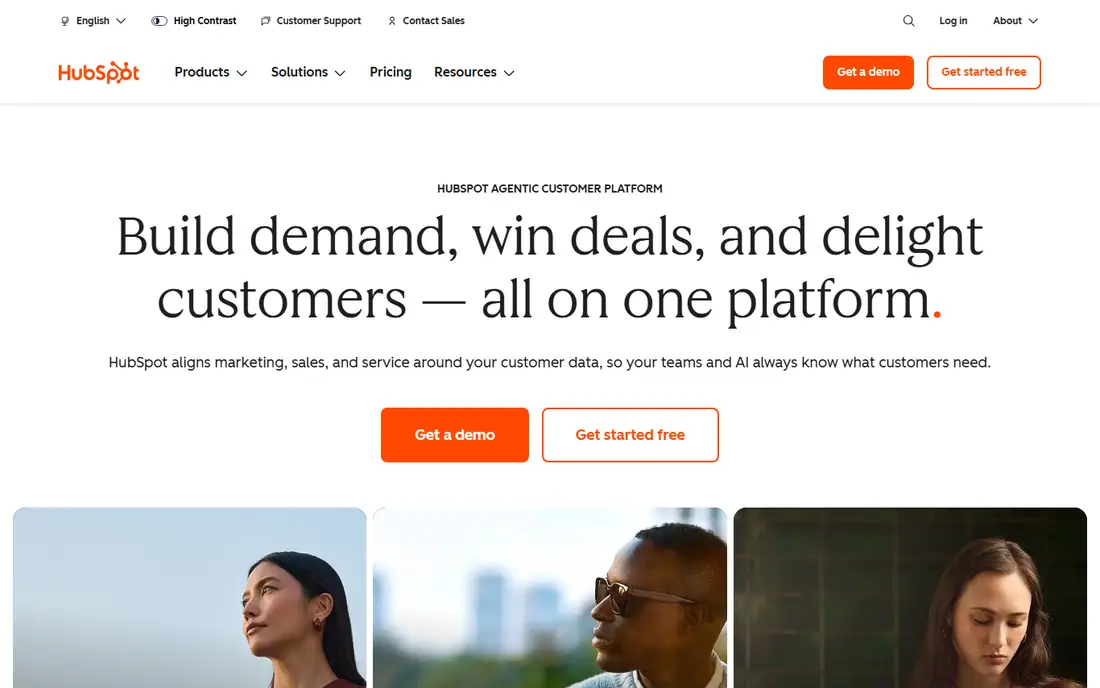
HubSpot gives account teams a free CRM core with company records, timelines, tasks, and deal tracking, plus paid hubs for marketing, sales, and service. Account managers can see emails, calls, tickets, and deals for each client in one timeline. That full view helps teams spot renewal risks and growth chances.
Advanced account health and automation features need paid plans, and costs rise with hubs and contacts. For a team that wants CRM depth with a free start, HubSpot is a strong choice. Check hub limits before committing to paid tiers.
- Free CRM core
- Account views and timelines
- Marketing and service links
- Advanced features need paid hubs
- Pricing rises with contacts and users
Salesforce
Ideal for: Enterprise account management
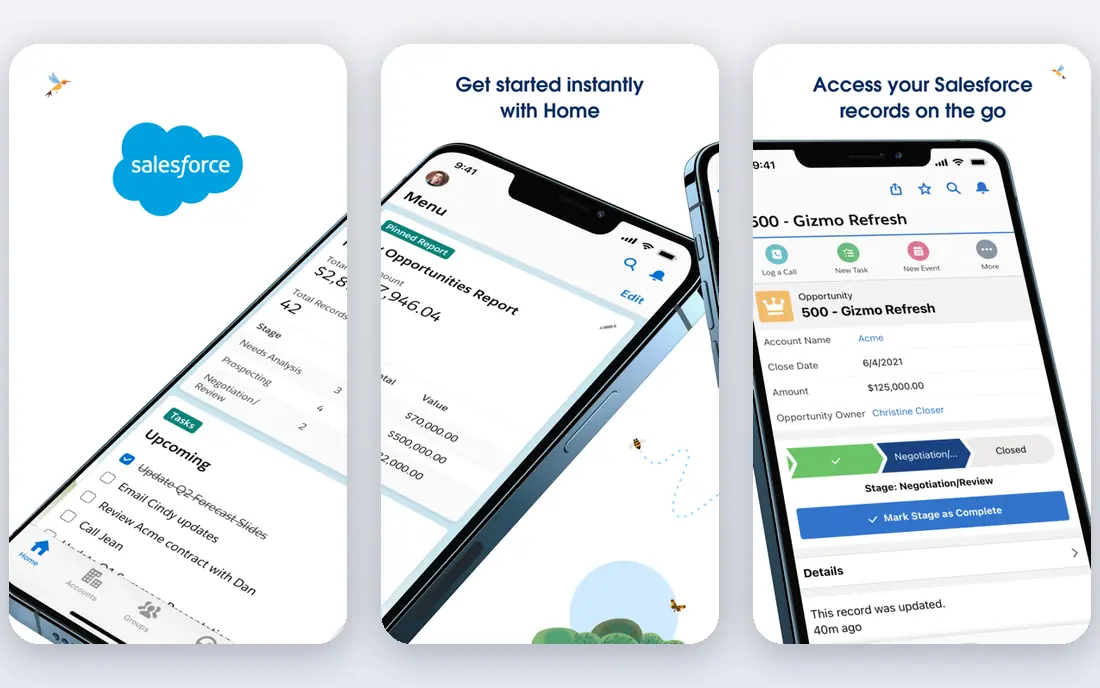
Salesforce offers deep account management with accounts, contacts, opportunities, cases, and custom objects that fit complex B2B teams. Account plans, health tracking, and reporting can be tailored to enterprise workflows. The AppExchange adds tools for renewals, billing, and customer success.
Pricing is higher than smaller CRMs, and setup needs admin skill. Smaller teams may find Salesforce heavy. For an enterprise account team that needs customization and scale, Salesforce remains the standard.
- Deep account and opportunity tools
- Customization
- Huge app ecosystem
- Pricing is higher
- Setup and admin take effort
Zoho CRM
Ideal for: Affordable account tracking
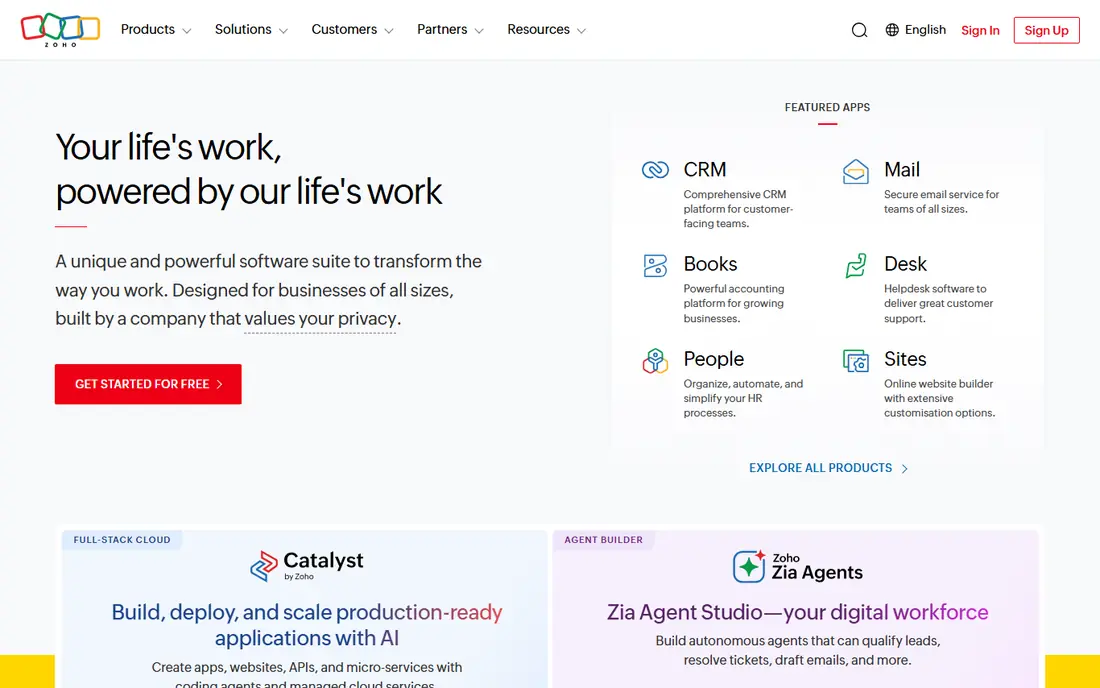
Zoho CRM tracks accounts, contacts, deals, and tasks at affordable prices, with a free plan for small teams. Account managers can log calls, emails, and meetings, set reminders, and view deal pipelines by account. Links to Zoho Books, Desk, and other apps help wider operations.
The interface can feel busy, and advanced automation sits on higher plans. For a small team that wants affordable account tracking with room to grow, Zoho CRM offers good value. Check free plan limits for users and records.
- Affordable plans
- Account and contact tracking
- Zoho app links
- Interface is busy
- Advanced automation needs higher plans
Pipedrive
Ideal for: Visual pipelines for accounts
Pipedrive gives account teams visual pipelines for deals and renewals, with simple account and contact records. Automation reminds managers about follow-ups, renewals, and next steps, which helps small teams stay on top of clients. The interface is clean and fast to learn.
Dedicated account health scoring is lighter than customer success platforms. For a sales-led team that manages accounts through pipelines, Pipedrive is a practical, visual choice. Compare plans for automation and reporting depth.
- Visual pipelines
- Simple account tracking
- Automation for follow-ups
- Account health tools are lighter
- Pricing rises with users
Monday CRM
Ideal for: Visual account workflows
Monday CRM, built on Monday Work OS, lets account teams build visual boards for accounts, tasks, renewals, and projects. Custom columns, automations, and dashboards suit teams that want flexible workflows without heavy CRM setup. Collaboration features help account managers share updates with colleagues.
Pure CRM depth, such as complex opportunity tracking, is lighter than Salesforce or HubSpot paid hubs. For a team that thinks in boards and wants visual account work, Monday CRM is a flexible choice. Check plan limits for automations and integrations.
- Visual boards for accounts
- Customizable workflows
- Team collaboration
- CRM depth is lighter than Salesforce
- Pricing is per user
Freshsales
Ideal for: Simple account CRM
Freshsales, from Freshworks, offers a simple CRM with account timelines, deals, tasks, and AI insights on higher plans. Account managers can track client activity, set reminders, and view pipelines without complex setup. The free plan suits very small teams.
Customization and advanced reporting are lighter than Salesforce. For a small team that wants a simple account CRM with a free start, Freshsales is easy to adopt. Check AI and automation limits by plan.
- Simple CRM with AI insights
- Account timelines
- Affordable plans
- Customization is lighter
- Advanced reporting needs higher plans
Capsule
Ideal for: Simple contact and accounts
Capsule gives small firms simple account and contact management with tasks, pipelines, and history. Account managers can track clients, log activity, and follow deals without learning a complex CRM. The free plan covers basic use for tiny teams.
Advanced health scoring, renewals automation, and reporting are limited. For a tiny firm that needs simple account records, Capsule is clean and affordable. Larger teams will likely need HubSpot or Salesforce.
- Simple account and contact records
- Tasks and pipelines
- Affordable
- Advanced account health tools are limited
- Integrations are narrower
Insightly
Ideal for: Accounts plus projects
Insightly combines CRM accounts with project management, which suits firms where account work leads directly to delivery projects. Account managers can track clients, opportunities, and linked projects in one system. Reporting covers pipelines and project status for managers.
The interface feels dated next to Monday or HubSpot, and pricing rises with users. For a firm that wants accounts plus projects together, Insightly offers a useful combination. Test project workflows during a trial.
- Accounts plus project tracking
- Pipelines
- Reporting
- Interface feels dated
- Pricing rises with users
How we picked these
We compared official feature pages, pricing pages, and public reviews for account management tools in October 2026. We favored tools with account records, timelines, tasks, renewal tracking, and reporting, and we mixed free, affordable, and enterprise options. We did not claim hands-on testing, and we list prices as shown on vendor sites, using See website where pricing varies.
What to check before you buy
Start with your account workflow. List renewal dates, health signals, tasks, and handoffs from sales to account teams, then test each tool against that workflow. A tool that tracks leads well but handles renewals poorly will fail account teams. Next, check reporting for churn risk, expansion, and manager views.
Confirm integrations with email, calendar, support, and billing tools, since account data lives across systems. Check user permissions for sensitive account data, and test mobile access for managers who visit clients. Finally, run a trial with real accounts, measure follow-up completion and renewal visibility, and confirm support before a full rollout.
A final check before you commit
Trials reveal more than demos when they use real work, so set aside time to run a genuine task through each finalist before deciding. Invite the staff who will use the tool daily, not only the person buying it, and collect notes on speed, clarity, and frustration points. A tool that the daily team resists will sit unused, even if managers like its reports, so adoption signals from a trial carry real weight. Keep the trial short and focused, with two or three tasks that mirror a normal week.
When two tools tie on features, choose the one with clearer reporting and simpler admin, since those qualities compound over time. Managers need reports they can read without help, and admins need permission settings they can adjust without vendor support for every change. A tool that is easy to administer stays correct as staff join and leave, while a tool that needs expert help for routine changes slowly drifts out of date. Simplicity in admin is a feature, not a compromise, and it pays off across the whole life of the system.
Finally, confirm the practical details that demos often skip: how users are added and removed, how data is backed up, what happens during an outage, and how billing handles mid-month changes. These details rarely appear in marketing material, yet they shape daily admin work and incident response, so ask for written answers and keep them with the contract. A vendor that answers plainly about outages and billing builds confidence, while vague answers suggest problems that will surface later. Spend twenty minutes on these questions now, and you will save hours of confusion when a real incident or billing dispute arrives.
Also check references from firms of similar size and in a similar line of work, since a vendor that serves large enterprises well may still struggle with small-team needs, and the reverse is true as well. Ask references about onboarding time, support responsiveness, and the one feature they wish worked better, since those answers reveal patterns that no demo will show. If a vendor hesitates to provide references, or only offers very large customers, treat that as useful information about fit for your size. Two short reference calls often save weeks of trial and error, and they give your team confidence that the choice rests on real user experience rather than polished sales material alone.
Frequently asked questions
What is account management software?
It tracks clients after the sale, including contacts, health, renewals, tasks, and growth opportunities. It helps account managers retain clients and expand relationships, not just close new deals.
Is account management software the same as a CRM?
It often uses CRM tools, but with an account focus. HubSpot, Salesforce, and Zoho CRM all support account management, while dedicated customer success tools add deeper health scoring.
Which tool is best for small account teams?
Zoho CRM, Freshsales, and Capsule offer affordable starts, while Pipedrive and Monday CRM suit visual pipeline teams. HubSpot free CRM also works for small teams.
Can account software track renewals?
Yes, most tools support renewal dates, tasks, and reminders, though depth varies. Check renewal pipelines and alerts during a trial, since missed renewals cost revenue.
How do health scores work?
Health scores combine usage, support tickets, payments, and engagement into a risk signal. Depth varies by tool, with enterprise platforms offering more customization than simple CRMs.