Best Accounting Software Comparison in 2026: 8 Tools Compared

- 1
 QuickBooks OnlineMost small businessesVisit
- 2
 XeroGrowing businesses and accountantsVisit
- 3
 FreshBooksService businesses and invoicingVisit
- 4
 WaveFree basic accountingVisit
- 5
 Zoho BooksValue and free tierVisit
- QuickBooks Online and Xero are the most complete choices for businesses that need payroll, inventory, and accountant access.
- Wave and Zoho Books offer free tiers that suit freelancers and very small businesses with simple books.
- FreshBooks is strongest for service businesses that live on invoices and time tracking.
- Bench is different from the rest: it pairs software with a human bookkeeper who does the monthly work.
Quick comparison
| Product | Ideal for | Price from | Free version | |
|---|---|---|---|---|
| QuickBooks Online | Most small businesses | See website | No | Visit |
| Xero | Growing businesses and accountants | $27 per month | No | Visit |
| FreshBooks | Service businesses and invoicing | See website | No | Visit |
| Wave | Free basic accounting | Free | Yes | Visit |
| Zoho Books | Value and free tier | Free | Yes | Visit |
 Sage | Midsize finance teams | See website | No | Visit |
 FreeAgent | UK freelancers and small firms | See website | Free trial | Visit |
 Bench | Done-for-you bookkeeping | $199 per month | No | Visit |
The best accounting software
We compared official pricing pages, feature lists, and app-store listings for accounting tools that US small businesses can use in October 2026. The list mixes full accounting platforms with lighter invoicing tools and one done-for-you service.
This is not financial or tax advice. Accounting and tax rules differ by business type and location, so check with a qualified accountant before changing how you keep your books.
QuickBooks Online
Ideal for: Most small businesses
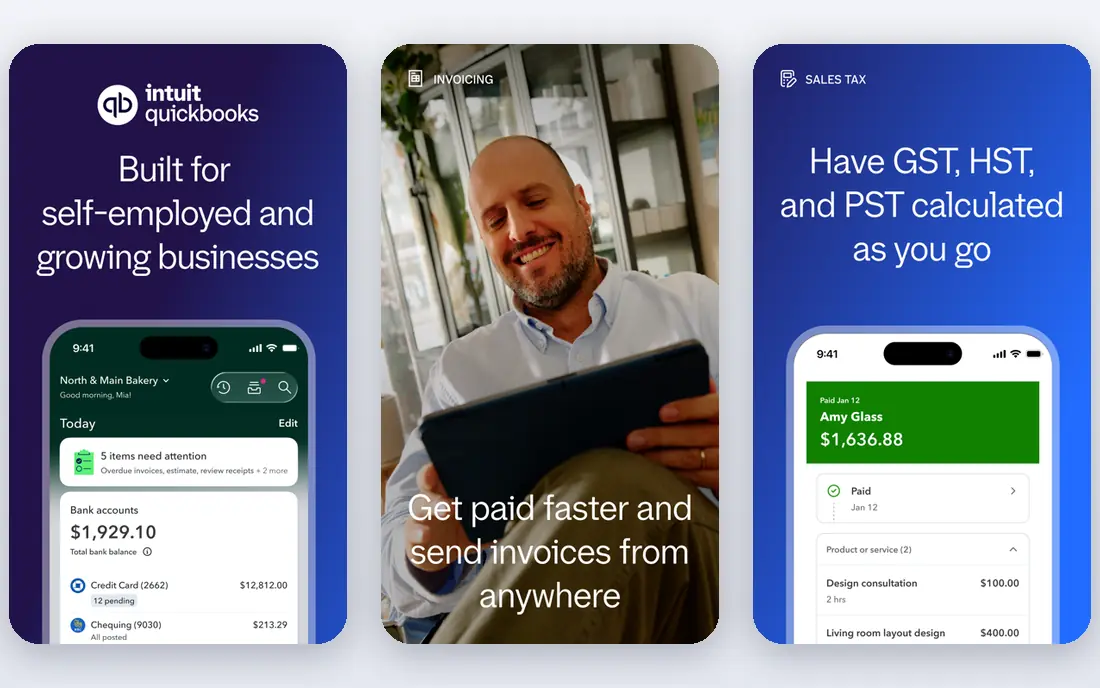
QuickBooks Online is the default choice for a reason. It handles invoicing, expense tracking, bank reconciliation, payroll add-ons, and sales tax in one place, and most US accountants already know it. The app marketplace is large, so connecting a point of sale system, a time tracker, or an e-commerce store is usually straightforward.
The downside is cost and complexity. Higher tiers add payroll, inventory, and project tools, and the monthly bill climbs with them. A freelancer with a handful of invoices may find it more than they need. For a business with staff, stock, or plans to grow, it remains the safest all-round pick.
- Widest accountant and app support
- Covers invoicing, payroll, inventory, and sales tax
- Strong reporting
- Price rises as you add features
- The interface can feel busy for new users
Xero
Ideal for: Growing businesses and accountants
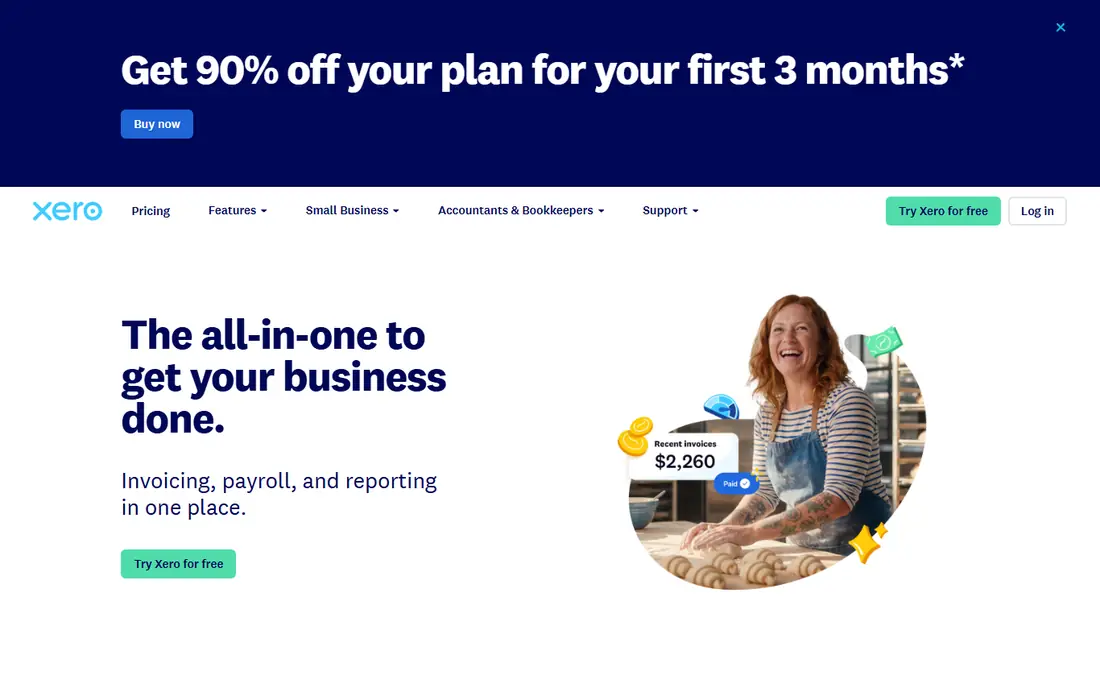
Xero's Early plan starts at $27 per month after an introductory period, with Growing and Established tiers above it. The platform covers invoicing, quotes, bank feeds, expense claims, and fixed assets, and its dashboard makes cash flow easy to read at a glance. Accountants like it too, and many firms offer Xero as their standard platform.
US payroll is the main gap. Xero partners with payroll providers rather than offering the deep in-house payroll that QuickBooks does, so businesses with complex payroll needs should check the current offering first. For most other accounting work, Xero is a polished and capable rival.
- Clean interface
- Strong bank reconciliation
- Unlimited users on higher plans
- Good multi-currency support
- Payroll is limited in some regions
- US payroll features lag QuickBooks in places
FreshBooks
Ideal for: Service businesses and invoicing
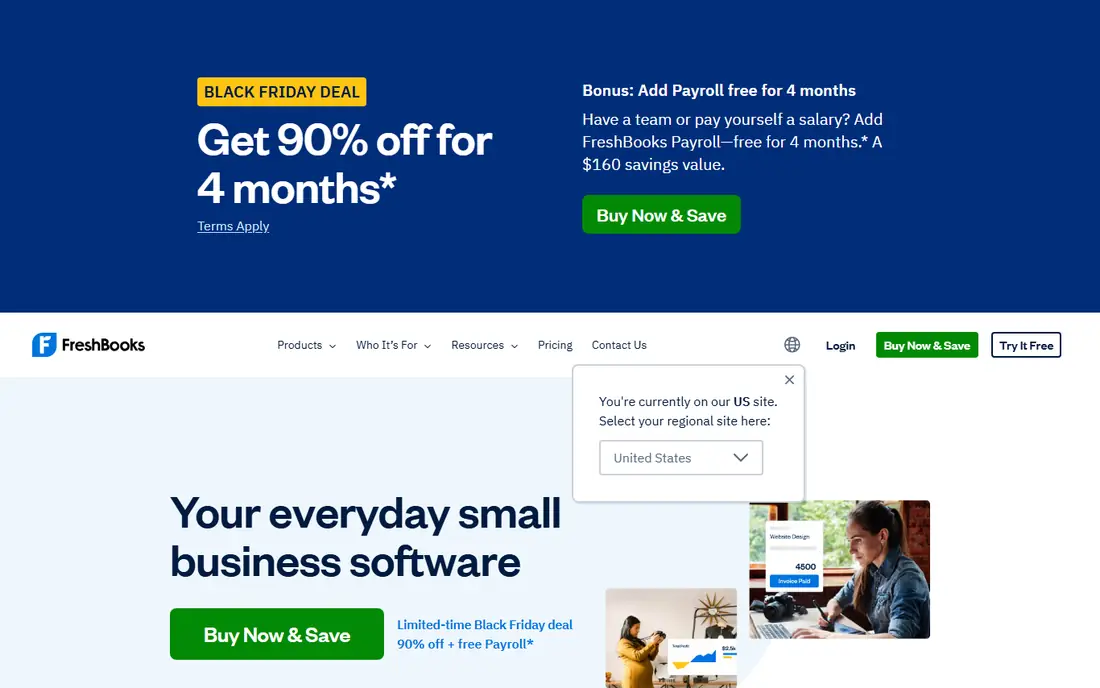
FreshBooks is built around getting paid. Invoices look polished, clients can pay online, and automatic reminders chase late payments without awkward emails. Time tracking, estimates, and expense capture fit naturally into a service workflow, and the mobile app is easy to use on the go.
It is less suited to product businesses. Inventory handling is basic, and accountants who need deep double-entry reports may prefer QuickBooks or Xero. For consultants, designers, agencies, and other service sellers, FreshBooks keeps billing simple and professional.
- Fast, professional invoicing
- Time tracking and client portals
- Simple setup
- Weaker inventory and full double-entry accounting than QuickBooks or Xero
- Costs rise with clients
Wave
Ideal for: Free basic accounting
Wave offers free accounting and invoicing for small businesses, with paid add-ons for payments and payroll. Bank transactions import automatically, invoices are quick to create, and the reports cover the basics a sole trader needs at tax time. For a freelancer starting out, the price is hard to argue with.
The limits show as a business grows. Advanced inventory, project accounting, and multi-user controls are thinner than in paid rivals, and Wave's payroll service is a paid extra. Still, as a free starting point that can handle real books, Wave is a genuine option rather than a trial.
- Free accounting and invoicing
- Simple bank connections
- Easy for non-accountants
- No free payroll in most cases
- Fewer advanced reports
- Support is limited on the free tier
Zoho Books
Ideal for: Value and free tier
Zoho Books offers a free plan for businesses under its revenue and user limits, with paid plans starting at $15 per month billed annually. It covers invoicing, bills, bank reconciliation, inventory, and projects, and it connects with the wider Zoho suite for CRM, expenses, and subscriptions. Automation rules can chase payments and categorize transactions with little manual work.
The main drawback is ecosystem fit. Fewer US accountants use Zoho Books day to day, and payroll sits in a separate Zoho product. A business already using Zoho apps will get the most from it. For a cost-conscious owner who wants full accounting at a low price, it is one of the best value picks here.
- Free plan for small businesses
- Low paid tiers
- Strong automation and Zoho app links
- US payroll needs a separate product
- Accountant familiarity is lower than QuickBooks
Sage
Ideal for: Midsize finance teams
Sage covers a wide range, from small business accounting to Sage Intacct for midsize finance teams. The larger products offer multi-entity accounting, approval workflows, audit trails, and detailed reporting that growing companies need when spreadsheets stop working. Sage's history in accounting means its tax and compliance handling is well tested.
Small businesses should note that Sage's headline products are aimed upmarket, and pricing for Intacct is quote-based. A sole trader will likely find QuickBooks, Xero, or Zoho Books simpler and cheaper. For a company with several entities or strict controls, Sage is a serious contender.
- Deep financial controls
- Strong multi-entity and compliance features
- Long track record
- Pricing is quote-based for larger products
- Setup can be heavy for tiny businesses
FreeAgent
Ideal for: UK freelancers and small firms
FreeAgent is popular with UK freelancers, contractors, and landlords. It shows upcoming tax bills, handles invoicing and expenses, and can submit VAT and Self Assessment returns directly to HMRC. The interface explains tax in plain language, which helps owners who are not accountants.
US readers should be careful: FreeAgent is designed around UK tax, so it is not a natural pick for a US business. We include it because many readers search for accounting comparisons across regions, and because some UK-based owners read US sites. For a US business, pick from the other tools on this list.
- Clear tax timelines
- Direct tax filing in the UK
- Friendly dashboard
- Built mainly for UK tax rules
- Less suited to US businesses
Bench
Ideal for: Done-for-you bookkeeping
Bench is a service, not just software. A dedicated bookkeeper reconciles your accounts each month, prepares year-end financials, and answers questions by message or call. Bookkeeping Light starts at $199 per month, with full bookkeeping at $399 and bookkeeping plus tax at $649. Owners who hate bookkeeping can hand the whole job over.
The cost is the obvious trade-off, and owners who like to see every transaction as it happens may feel one step removed. Bench also works inside your QuickBooks account on its fractional plan if you prefer to keep your own system. For owners who want books done without doing them, Bench is the most complete answer.
- A dedicated bookkeeper does the monthly work
- Tax filing available
- Clean financial dashboard
- Most expensive option here
- Less hands-on control than doing it yourself
How we picked these
We compared official feature pages, pricing pages, and app-store listings for accounting tools available to small businesses in October 2026. We looked for bank reconciliation, invoicing, expense tracking, reporting, and accountant access, and we favored tools with public pricing or a clear free tier. We did not include our own product in this list.
How to choose the right accounting tool
Match the tool to your business shape first. A freelancer with a few clients needs invoicing and expense tracking, not multi-entity consolidation. A shop with stock needs inventory, and a business with staff needs payroll or a clean payroll integration. Write down the three jobs the software must do every month, and reject any tool that misses one of them.
Then check the accountant question. Ask your accountant which platforms they support, since their familiarity saves time at year end. Also test the bank feed with your actual bank, because a feed that fails to sync will create manual work every week. Finally, watch the price over two years, not just the first month, since introductory discounts end and higher tiers add up.
Frequently asked questions
Which accounting software is best for small business?
QuickBooks Online suits most small businesses because of its depth and accountant support, while Xero is a strong alternative with a cleaner interface. Freelancers on a tight budget often do well with Wave or Zoho Books, and service businesses that live on invoices may prefer FreshBooks.
Is there truly free accounting software?
Yes. Wave offers free accounting and invoicing, and Zoho Books has a free plan for small businesses under its limits. Both charge for extras such as payment processing or payroll, so check what is included before relying on the free tier alone.
How does QuickBooks compare with Xero?
Both cover invoicing, bank reconciliation, expenses, and reporting. QuickBooks has deeper US payroll and a larger app marketplace, while Xero offers a cleaner dashboard and unlimited users on higher plans. The better pick often depends on which one your accountant already uses.
Do I still need an accountant if I use accounting software?
Software records transactions, but an accountant helps with tax planning, entity choice, and year-end filing. Many small businesses use software daily and an accountant at quarter or year end, which keeps costs down while catching costly mistakes.
Can I switch accounting software later?
Yes, but plan the move. Export your chart of accounts, open balances, and customer lists, and pick a quiet week for the switch. Most tools offer import help, and some, including Zoho Books, offer free migration from rival platforms.