Best Accounting Software for Yard Service Companies in 2026: 8 Tools Compared

- 1
 QuickBooks OnlineMost yard service firmsVisit
- 2
 XeroCloud accounting fansVisit
- 3
 FreshBooksSimple invoicing firmsVisit
- 4
 WaveFree starter accountingVisit
- 5
 Sage Business Cloud AccountingGrowing firmsVisit
- Job costing separates good yard service accounting from generic bookkeeping, since labor and materials must land on jobs.
- Invoicing speed matters for seasonal cash flow, so check how fast quotes become invoices and payments.
- Payroll links help firms with seasonal crews, since hiring and pay change through the year.
Quick comparison
| Product | Ideal for | Price from | Free version | |
|---|---|---|---|---|
| QuickBooks Online | Most yard service firms | See website | Free trial | Visit |
| Xero | Cloud accounting fans | See website | Free trial | Visit |
| FreshBooks | Simple invoicing firms | See website | Free trial | Visit |
| Wave | Free starter accounting | Free | Yes | Visit |
| Sage Business Cloud Accounting | Growing firms | See website | Free trial | Visit |
 Zoho Books | Zoho ecosystem firms | See website | Free trial | Visit |
 Bench | Done-for-you bookkeeping | See website | No | Visit |
 Patriot Software | Value accounting and payroll | See website | Free trial | Visit |
The best accounting software for yard service companies
Yard service firms need accounting that handles job costing, seasonal crews, and invoicing alongside normal bookkeeping. The tools below cover those needs to different degrees, and we compared them on invoicing, expense tracking, payroll links, and job costing, using their own feature and pricing pages.
QuickBooks Online
Ideal for: Most yard service firms

QuickBooks Online is our pick for most yard service firms because accountants know it, invoicing is strong, and job costing works with setup. Its payroll add-on helps seasonal crews, though total tier costs need watching.
What stands out is invoicing and job costing with wide accountant familiarity The honest catch is tier costs add up, and job costing needs setup Prices and plan details change, so confirm the current offer on the vendor site before you commit.
Ask your accountant which tier fits your job costing needs before signing.
- Invoicing and job costing
- Payroll add-on
- Wide accountant familiarity
- Pricing tiers add up
- Job costing needs setup
Xero
Ideal for: Cloud accounting fans

Xero suits firms that want clean cloud accounting with many integrations. Its invoicing and bank feeds are strong, though job costing is lighter and US payroll runs through partners.
What stands out is clean cloud accounting with wide integrations The honest catch is lighter job costing, and US payroll via partners Before buying, confirm pricing and plan limits on the vendor site, since published details can change.
Choose Xero when integrations and cloud access matter more than deep costing.
- Cloud accounting
- Invoicing
- Bank feeds
- Wide app integrations
- Job costing is lighter than QuickBooks
- US payroll is via partners
FreshBooks
Ideal for: Simple invoicing firms
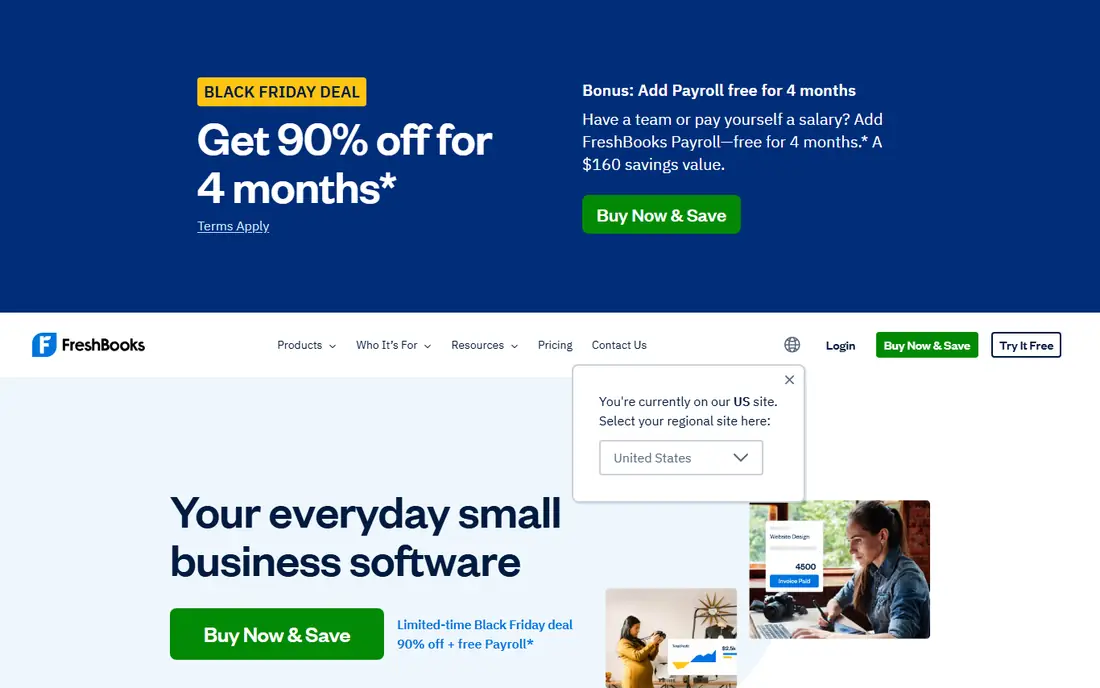
FreshBooks suits small yard firms that mainly need invoicing and expense tracking. Its simplicity helps owners who do bookkeeping themselves, though job costing stays basic.
What stands out is simple invoicing with time and expense tracking The honest catch is basic job costing, and limits for larger firms Check the vendor site for the latest pricing, since plans, tiers, and terms change over time.
Pick FreshBooks when invoicing simplicity beats deep accounting features.
- Simple invoicing and time tracking
- Expense tracking
- Client portal
- Job costing is basic
- Larger firms may outgrow it
Wave
Ideal for: Free starter accounting
Wave is the free pick for new yard firms that need basic accounting and invoicing without a subscription. Its payroll add-on covers some regions, though support is mainly online.
What stands out is free accounting and invoicing for new firms The honest catch is free tier limits, and mainly online support For current pricing, check the vendor site before deciding, since plans and prices change over time.
Use Wave to start, and move up when job costing or payroll needs grow.
- Free accounting and invoicing
- Receipts
- Payroll add-on in some regions
- Free tier limits apply
- Support is mainly online
Sage Business Cloud Accounting
Ideal for: Growing firms
Sage suits growing firms that want accounting with cash flow tools and accountant support. Its invoicing is solid, though job costing needs setup and its US network is smaller.
What stands out is accounting with cash flow tools and accountant support The honest catch is job costing needs setup, and smaller US presence Prices and plan details change, so confirm the current offer on the vendor site before you commit.
Choose Sage when cash flow planning matters and your accountant supports it.
- Invoicing and accounting
- Cash flow tools
- Accountant network
- Job costing needs setup
- US presence is smaller than QuickBooks
Zoho Books
Ideal for: Zoho ecosystem firms
Zoho Books suits firms already using Zoho apps, since accounting links to CRM and other Zoho tools. Its invoicing is strong, though job costing is basic and value drops outside Zoho.
What stands out is accounting linked to the Zoho app ecosystem The honest catch is basic job costing, and best inside Zoho Before buying, confirm pricing and plan limits on the vendor site, since published details can change.
Pick it when Zoho already runs part of your business.
- Accounting and invoicing
- Zoho app integrations
- Client portal
- Job costing is basic
- Best inside the Zoho ecosystem
Bench
Ideal for: Done-for-you bookkeeping
Bench suits owners who want bookkeeping done for them rather than doing it in software. Its team produces monthly reports, though cost is higher than DIY tools and control is lower.
What stands out is bookkeeping done for you with monthly reports The honest catch is higher cost than DIY, and less hands-on control Check the vendor site for the latest pricing, since plans, tiers, and terms change over time.
Choose Bench when time beats cost and you want bookkeeping off your plate.
- Bookkeeping done by a team
- Monthly reports
- Tax support options
- Monthly cost is higher than DIY software
- Less hands-on control
Patriot Software
Ideal for: Value accounting and payroll
Patriot Software is a value pick for firms wanting accounting and payroll from one US provider. Its clear pricing helps budgeting, though job costing is basic.
What stands out is accounting and payroll together at clear prices The honest catch is basic job costing, and a narrower feature range For current pricing, check the vendor site before deciding, since plans and prices change over time.
Pick Patriot when value and combined payroll matter most.
- Accounting and payroll together
- Clear pricing
- US support
- Job costing is basic
- Feature range is narrower than large platforms
How we picked these
We compared official feature pages, pricing pages, app store listings, privacy policies, and public reviews for each option, and we kept only options that exist and work in October 2026 and that truly fit this topic. We favored options with clear pricing, a track record we could check, and honest limits we could state plainly. Where a price or plan could not be confirmed from the vendor itself, we wrote See website rather than guessing.
We also weighed who each option suits best, since the right choice for a large team is often the wrong choice for a small one. That is why the list below mixes well-known leaders with smaller options that do one thing well.
Where prices were not published, we said so rather than estimating. A vendor that hides pricing is not automatically a bad choice, but buyers should ask for a written quote before comparing it with a vendor that publishes prices openly.
Finally, we checked that every website listed is the product's own official homepage and that it loads. A product with a broken or mismatched homepage was not kept on the list, since readers should be able to reach the real vendor from this article without guessing.
How to choose accounting software for yard service work
Start with job costing, since profit depends on knowing what each job really cost. Check whether labor, materials, and equipment can be assigned to jobs without manual spreadsheets.
Next, check invoicing and payment speed. Seasonal firms live on cash flow, so invoices that go out fast and get paid online protect the business through slow months.
Finally, confirm accountant compatibility. A tool your accountant already uses saves time at tax season, and that practical factor often beats a small feature difference.
Before you commit money, compare total cost and read the full terms, not only the headline rate or fee. For insurance and lending, that means limits, exclusions, deductibles, and claim steps. For investment related choices, it means fees, risks, and exit terms. Get quotes from at least three providers on identical terms, and keep written copies of every offer so comparisons stay honest.
A last check is the exit path. Ask how to cancel, what fees apply, and what happens to your data or coverage when you leave. A provider with a clear exit path is usually confident in its service, while a provider that hides exit terms deserves a second look before you commit money.
One more habit helps in every market on this list: read recent customer reviews that mention problems, not only praise. Reviews that describe how a company handled a failure tell you more about service than five-star reviews do. Look for patterns across many reviews rather than one angry or glowing outlier.
Another useful step is to write down your must-have features before you start comparing. Without a short list, it is easy to be swayed by a feature you will never use or a discount that hides a missing essential. A must-have list keeps comparisons honest and makes the final choice easier to defend.
Finally, keep a copy of every quote, term sheet, and confirmation you receive. Written records make it easy to compare offers fairly and to resolve disputes if the delivered service differs from what was promised. A vendor that puts terms in writing is usually a safer choice than one that relies on verbal promises.
It also helps to set a review date after you buy. After a month or two, check whether the product or service still meets your must-have list and whether costs match the quote. Early review makes it easy to fix problems or switch before a full year of cost builds up.
Frequently asked questions
What accounting software suits a yard service company?
QuickBooks Online suits most firms, Xero suits cloud fans, FreshBooks suits simple invoicing, and Wave suits free starters. Bench suits owners wanting done-for-you books.
Do I need job costing?
Yes, for most yard firms. Without it, you cannot tell which job types make money, and pricing stays guesswork.
Can accounting software handle seasonal crews?
Payroll links help, but seasonal hiring still needs planning. Check payroll add-ons and their cost before peak season.
Should my accountant choose the tool?
Ask them, since their familiarity saves time and fees. A tool they know well often beats a slightly better tool they do not use.
Is free accounting enough?
For a new firm with simple needs, yes. As jobs, crews, and costing grow, paid tools usually become worth the cost.