Best Accounting Software for New Businesses

- 1
 QuickBooks OnlineNew businesses that want wide accountant supportVisit
- 2
 XeroNew businesses that want unlimited usersVisit
- 3
 FreshBooksService businesses that invoice clientsVisit
- 4
 WaveNew businesses with no software budgetVisit
- 5
 Zoho BooksNew businesses that want a free plan with room to growVisit
- Wave Starter and Zoho Books Free both cost $0, so a new business can keep real double entry books before it earns steady revenue.
- QuickBooks Online Simple Start costs $38 per month and suits owners who want wide accountant support and a clear path to bigger plans.
- Xero Early costs $27 per month with unlimited users, but it caps invoices at 20 and bills at 5 per month.
- Match the plan to invoice volume, user count, and tax needs first, because moving a ledger later takes time.
Quick comparison
| Product | Ideal for | Price from | Free version | |
|---|---|---|---|---|
| QuickBooks Online | New businesses that want wide accountant support | $38 per month | Yes | Visit |
| Xero | New businesses that want unlimited users | $27 per month | Free trial (30 days) | Visit |
| FreshBooks | Service businesses that invoice clients | $23 per month | Free trial (30 days) | Visit |
| Wave | New businesses with no software budget | $0 per month | Yes | Visit |
| Zoho Books | New businesses that want a free plan with room to grow | $15 per organization/month (billed annually) | Yes | Visit |
 Sage Accounting | New businesses in Ireland or the UK that need VAT handling | €19 per month | Free trial (30 days) | Visit |
 Kashoo | Owners who want one simple flat price | $30 per month | Free trial (14 days) | Visit |
 FreeAgent | Small businesses that want one simple plan | $27 per month | Free trial (30 days) | Visit |
Best Accounting Software for New Businesses
QuickBooks Online
Ideal for: New businesses that want wide accountant support

QuickBooks Online is the most widely used option in this list, and that matters for a new business. The Free plan costs $0 per month, covers 1 user, allows 2 invoices per month, and connects 1 bank account, so a brand new business can start without a subscription. Simple Start costs $38 per month and adds automated bookkeeping, general business reports, and invoicing with online payments. New customers can take 50 percent off for the first 3 months, which brings Simple Start to $19 per month for that period.
The growth path is clear. Essentials costs $85 per month for 3 users, Plus costs $140 per month for 5 users with inventory and project tracking, and Advanced costs $340 per month for 25 users. Simple Start is priced per company, not per user, and the monthly price climbs fast once you need a second user or bill management. Check the user limit on each plan before you sign up, and confirm that your accountant can work in QuickBooks Online, because that support is one of its main strengths.
- Free $0 plan covers basic income and expense tracking
- Large accountant network and many integrations
- Simple Start allows only 1 user
- Price rises after the 50 percent off first 3 months offer ends
Xero
Ideal for: New businesses that want unlimited users
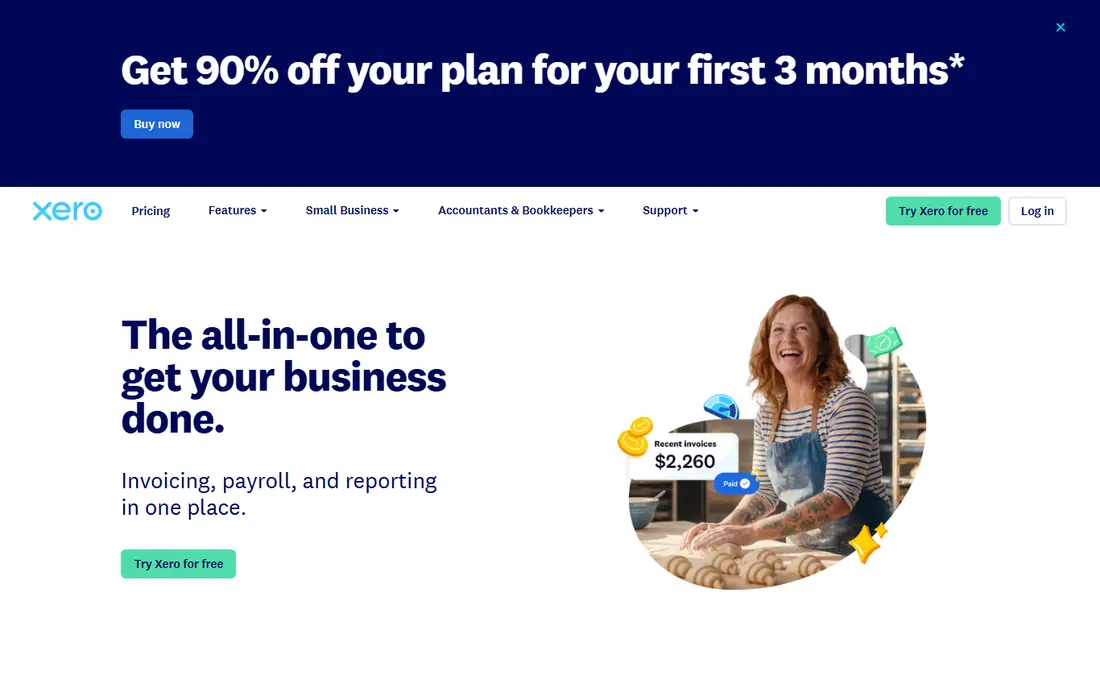
Xero sells three plans in the United States, and every plan includes unlimited users, which is rare at this price. Early costs $27 per month and covers the basics: quotes, 20 invoices per month, 5 bills per month, bank reconciliation, sales tax, and a 30 day cash flow forecast. Growing costs $59 per month and removes the invoice and bill caps while adding dashboards, budgets, and auto reconciliation. Established costs $97 per month and adds multi-currency, project tracking, expense claims, and a 180 day forecast.
The unlimited user policy makes Xero a strong pick for a small team, because cofounders, staff, and an accountant can all log in without extra seat charges. The limit to watch is Early, because 20 invoices a month is easy to pass once sales pick up, and the jump to Growing is more than double the price. Xero has no free plan, only a 30 day trial, and payroll is a separate add-on, so confirm that cost if you plan to hire in year one.
- Unlimited users on every plan
- Clean bank reconciliation and real time reports
- Early caps invoices at 20 and bills at 5 per month
- Multi-currency needs the Established plan at $97 per month
FreshBooks
Ideal for: Service businesses that invoice clients
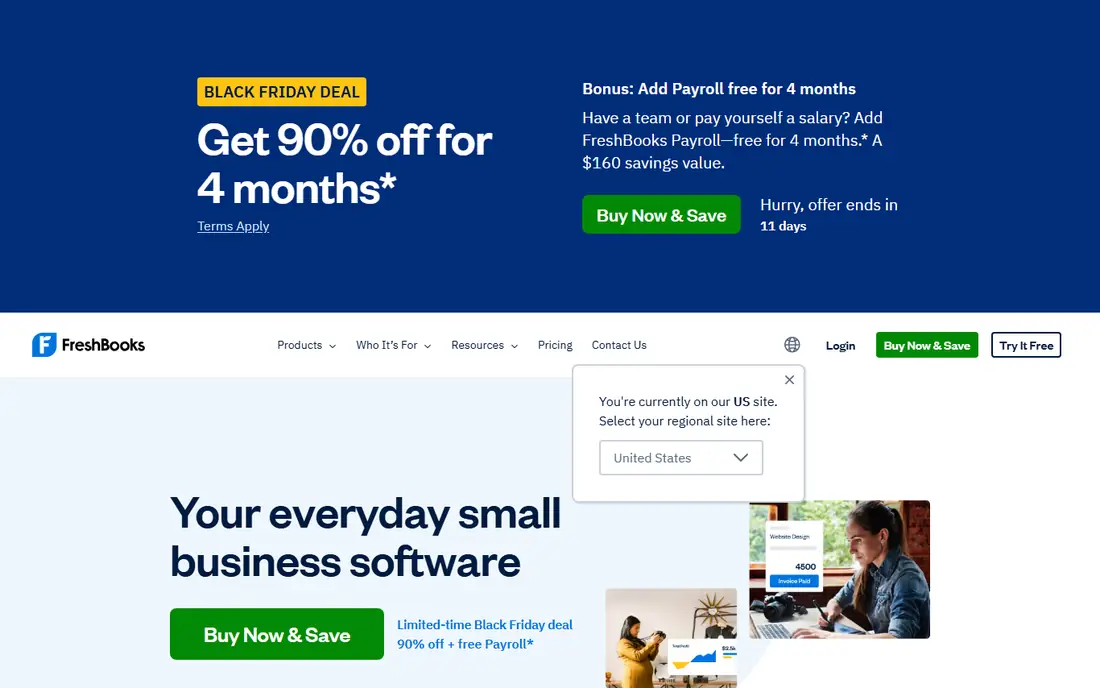
FreshBooks is built around invoicing first and accounting second, which suits freelancers, consultants, and service businesses. Lite costs $23 per month for up to 5 billable clients, Plus costs $43 per month for up to 50 clients, and Premium costs $70 per month for unlimited clients. Every plan includes unlimited invoices, estimates, expense tracking, time tracking, and online payments by card, bank transfer, and digital wallet. FreshBooks was running an 80 percent off offer for 4 months when checked on 12 November 2026, which brings Lite to $4.60 per month for that period.
The client cap is the key limit. A new business with 6 active clients cannot stay on Lite, even if it sends only a few invoices, because the plan counts billable clients rather than invoice volume. Plus adds proposals, retainers, bank reconciliation, and accountant access, so many growing service businesses land there. Team members cost $11 per user per month on every plan, and payroll costs $40 per month plus $6 per user. FreshBooks offers a 30 day money back guarantee, and Select is a custom priced plan for larger teams.
- Simple invoicing with estimates and time tracking
- Every plan includes unlimited invoices
- Lite covers only 5 billable clients
- Extra team members cost $11 per user per month
Wave
Ideal for: New businesses with no software budget
Wave is the only tool in this list with a full accounting plan that costs $0, and the Starter plan is free with no time limit. It includes unlimited estimates, invoices, bills, and bookkeeping records, plus invoicing from the mobile app and cash flow tracking in one dashboard. Wave earns money from optional services, so card payments cost 2.9 percent plus $0.60 per transaction, and payroll is an optional add-on with its own monthly charge. That model works well for a new business that invoices clients and can enter bank transactions by hand.
Pro costs $19 per month, or $190 per year, and adds automatic bank imports, auto merge and categorization, unlimited receipt capture, late payment reminders, and user roles for admin, editor, and viewer. Pro also waives the $0.60 fixed fee on the first 10 card transactions each month. The free plan has real limits: no automatic bank feed, no accountant roles, and no inventory, and Wave payments are available only in the United States and Canada.
- Accounting and invoicing cost nothing on Starter
- Unlimited invoices, estimates, bills, and records
- Starter has no automatic bank import
- No inventory and limited support options
Zoho Books
Ideal for: New businesses that want a free plan with room to grow
Zoho Books gives a new business a free plan and a long ladder of subscription plans, which makes it easy to grow without changing software. The Free plan costs $0 while annual revenue stays under $50,000, and it includes invoicing, expenses, bank reconciliation, 1099 tracking, and more than 50 reports. Standard costs $15 per organization per month when billed annually and adds bank feeds, sales tax tracking, recurring expenses, and 3 users. Professional costs $40 per month when billed annually and adds inventory, multi-currency, projects, and 5 users. Premium costs $60, Elite costs $120, and Ultimate costs $240 per month when billed annually.
The limits are tied to volume, not to time. The Free plan allows 1,000 invoices and 1,000 expenses per year, and Standard allows 5,000 of each, so count your expected invoices before you pick a tier. Extra users cost $2.50 per user per month when billed annually, or $3 on monthly billing. Zoho Books offers a 14 day free trial on its subscription plans, and its prices exclude local taxes.
- Free plan for revenue under $50,000 a year
- Six plan tiers from free to $240 per month
- Free plan allows only 1 user plus 1 accountant
- Free plan caps invoices at 1,000 per year
Sage Accounting
Ideal for: New businesses in Ireland or the UK that need VAT handling
Sage Accounting is aimed at sole traders and small businesses with 1 to 49 employees, and its strongest feature for a new business is tax handling. The Ireland pricing page checked on 12 November 2026 lists prices from €19 per month after a 90 percent discount for the first 6 months, with all prices shown excluding VAT. Accounting Start suits VAT registered sole traders and micro businesses, while the Accounting plan adds photo capture of financial documents, cash flow forecasting, and more features for small teams. Sage lists unlimited users and unlimited transactions among its features, and the software runs in a browser with mobile apps for iOS and Android.
The main caution is region. Sage Accounting is built around Irish and UK tax rules, VAT, and bank feeds for banks such as Allied Irish Bank and Bank of Ireland, so a United States business should look at the other tools in this list instead. Prices exclude VAT, so add tax to the listed price when you budget. Payroll is an optional add-on that syncs with Sage Accounting. Sage offers a 30 day free trial on its plans.
- Built in VAT calculations and bank feeds for main Irish banks
- Clear upgrade path from Start to Accounting
- Prices exclude VAT, so the real monthly cost is higher
- Payroll is an optional add-on, not part of the core plan
Kashoo
Ideal for: Owners who want one simple flat price
Kashoo removes the plan decision entirely. There is one plan at $30 per month, or $324 per year, which works out to $27 per month on annual billing, and every feature is included. That covers invoicing, online payments, bank feeds, expenses, sales tax, multi-currency, and reports, with unlimited users at no extra charge. Accountants, bookkeepers, and employees can join without seat fees, which keeps the bill simple as a team grows. The pricing page lists the price as $30.00 in United States dollars and offers a 14 day free trial with no credit card required.
The trade off for that simplicity is depth. Kashoo has no built in payroll for United States businesses, and its payroll integration serves Canada only, so a business that hires staff will need a separate payroll service. There is no time tracking, and inventory support is basic, so product businesses should look at QuickBooks Online Plus or Zoho Books Professional instead. Each extra business needs its own subscription. For a solo owner or a small service business that wants a plain ledger, Kashoo is easy to understand and easy to budget.
- One plan with every feature included
- Unlimited users at no extra charge
- No built in payroll for United States businesses
- No time tracking or inventory depth
FreeAgent
Ideal for: Small businesses that want one simple plan
FreeAgent sells one plan, which keeps the choice simple for a new business. In the United States it costs $27 per month, or $270 per year when billed annually. New customers get 50 percent off for the first 6 months on monthly billing, which is $13.50 per month, or 50 percent off the first year on annual billing, which is $135. The plan includes sales tax reporting, multi-currency invoicing, and receipt capture for up to 10 files per month, with no contract or setup fees and no credit card required for the 30 day free trial.
The single plan model has limits. There is no free plan, so the monthly charge starts after the trial ends. Smart Capture Unlimited costs $6 per month extra for businesses that scan more than 10 receipts and bills a month. Prices differ by country: in the United Kingdom a limited company pays £33 per month excluding VAT, while a sole trader pays £19 per month, and customers of NatWest, Royal Bank of Scotland, Ulster Bank, or Mettle can use FreeAgent free while they hold an eligible business account.
- One plan with sales tax reporting and multi-currency invoicing
- No contract or setup fees
- No free plan, only a 30 day trial
- Smart Capture beyond 10 files a month costs $6 per month extra
How we chose
We opened each vendor pricing page on 12 November 2026 and compared the starting price, the free plan or trial, user limits, invoice limits, and tax features. Prices here are United States list prices, except Sage Accounting, where the Ireland price in euros is shown because Sage sells by region. Wave Pro at $19 per month is confirmed in the pricing page questions section, and Kashoo at $30 is confirmed on its pricing page. We did not test the software hands on, and we did not use review scores, user counts, or awards to rank the tools. Check every price again on the vendor page before you buy, because vendors change prices and offers often.
What to check before you buy
Use this table to match your team size and budget to a starting pick.
| Team size and budget | Best starting pick | Monthly cost from | | Solo, $0 budget | Wave Starter | $0 | | Solo, under $20 per month | Zoho Books Standard, billed annually | $15 | | Solo or small team, invoicing focus | FreshBooks Lite | $23 | | 1 to 3 people, needs an accountant | QuickBooks Online Simple Start | $38 | | Small team, unlimited users needed | Xero Early | $27 | | Ireland or UK, VAT registered | Sage Accounting | €19 | | Solo owner, one flat price | Kashoo | $30 | | Small business, one simple plan | FreeAgent | $27 |
Check these points before you commit. First, count monthly invoices and compare them with the plan caps: Xero Early allows 20 invoices and 5 bills per month, FreshBooks Lite covers 5 billable clients, and Zoho Books Free allows 1,000 invoices per year. Second, count users, because QuickBooks Online Simple Start allows 1 user while Xero and Kashoo allow unlimited users. Third, confirm tax support for your country, because Sage Accounting is built for Irish and UK tax, while the other tools in this list are built mainly for United States tax. Fourth, check whether payroll is included or an add-on, because none of these tools include full payroll in the starting price. Fifth, confirm the price after any introductory offer ends, because QuickBooks Online, Xero, FreshBooks, and FreeAgent all run first month discounts that expire. Sixth, test the bank feed with your own bank during the trial.
Frequently asked questions
What is the cheapest accounting software for a new business?
Wave Starter costs $0 and includes unlimited invoices, estimates, bills, and bookkeeping records, so it is the cheapest real option in this list. Zoho Books Free also costs $0 while annual revenue stays under $50,000. Both cover the basics, but Wave has no automatic bank import on its free plan, and Zoho Books Free allows only 1 user plus 1 accountant.
Do I need accounting software in my first month?
Yes, in most cases, because clean records from day one make tax time and cash flow checks far easier. A free plan such as Wave Starter or Zoho Books Free is enough at the start, and you can move to a subscription plan once invoices, bills, or users grow past the free limits.
Which plan is best for a solo freelancer?
FreshBooks Lite at $23 per month suits a freelancer with up to 5 clients who sends invoices and tracks time. Wave Starter at $0 suits a freelancer who wants free books and can enter bank transactions by hand. Kashoo at $30 per month suits a freelancer who wants one flat price with unlimited users and no plan decisions to make.
Can I switch accounting software later?
Yes, but a switch takes time, because you need to export your chart of accounts, customers, suppliers, and transaction history, then check that opening balances match in the new system. Sage offers a migration service that moves 2 years of transactions, and most vendors support CSV import. Pick a tool you can grow with for at least a year to avoid a move.
Should I pick a free plan or a free trial?
Pick a free plan if your budget is $0 and your volume fits its limits, because it never expires. Pick a free trial if you need features that sit only on a subscription plan, such as automatic bank imports or multi-currency, and use the trial to test the bank feed, invoicing, and reports. Set a reminder before the trial ends so the first charge is never a surprise.
Sources
- https://quickbooks.intuit.com/pricing/
- https://www.xero.com/us/pricing-plans/
- https://www.freshbooks.com/pricing
- https://www.waveapps.com/pricing
- https://www.zoho.com/us/books/pricing/
- https://www.sage.com/en-ie/sage-business-cloud/accounting/
- https://www.kashoo.com/pricing
- https://www.freeagent.com/us/pricing/