Best Accounting Software With a Dashboard in 2026: 7 Tools Compared

- 1
 QuickBooksAll-round small business accountingVisit
- 2
 XeroCustom dashboards and cash flowVisit
- 3
 FreshBooksInvoicing and simple booksVisit
- 4
 WaveFree basics for small firmsVisit
- 5
 SageScaling finance teamsVisit
- A good accounting dashboard shows cash flow, invoices, expenses, and profit at a glance, without digging through reports.
- QuickBooks, Xero, and Sage suit businesses that want full accounting plus customizable dashboards and reports.
- FreshBooks and Wave suit freelancers and small firms that want simple invoicing, expenses, and clear cash views.
- NetSuite suits larger firms that need dashboards across accounting, inventory, sales, and operations in one system.
- Our pick for most small businesses is a tool whose dashboard you can customize and whose bank feeds update reliably.
Quick comparison
| Product | Ideal for | Price from | Free version | |
|---|---|---|---|---|
| QuickBooks | All-round small business accounting | See website | Free trial | Visit |
| Xero | Custom dashboards and cash flow | See website | Free trial | Visit |
| FreshBooks | Invoicing and simple books | See website | Free trial | Visit |
| Wave | Free basics for small firms | Free | Yes | Visit |
| Sage | Scaling finance teams | See website | Free trial | Visit |
 Zoho Books | Value and automation | See website | Yes | Visit |
 NetSuite | Enterprise finance dashboards | See website | Free trial | Visit |
The best accounting software with a dashboard
A dashboard is the first screen an owner sees each morning, and it should answer simple questions fast: how much cash is on hand, who owes money, which bills are due, and whether profit is tracking to plan. The best accounting dashboards keep those answers current, link each number to detail, and let owners customize what they see. A pretty dashboard that lags behind bank activity or hides detail is worse than a plain one that stays accurate.
We compared official product pages for accounting software used in the US, looking at dashboard clarity, cash flow views, invoicing, bank feeds, reports, and pricing. The list below covers freelancers, small firms, and larger companies, so readers can compare dashboard depth against cost and complexity.
QuickBooks
Ideal for: All-round small business accounting

QuickBooks is the best-known small business accounting platform in the US, and its dashboard gives owners a quick view of income, expenses, invoices, and bank balances, with reports a click away. Its strength is breadth: invoicing, expenses, payroll add-ons, sales tax, and accountant access sit in one system, so the dashboard reflects most of the business rather than one corner of it. That breadth also makes it easy for accountants to pick up a client's books without a new system.
The trade-off is tiering. Dashboard depth, reporting, and user limits vary by plan, so buyers should check what their plan includes before assuming every view is available. Setup also rewards care, especially for firms with multiple users or locations. For most small businesses that want a full accounting system with a solid dashboard, QuickBooks remains the default comparison point.
- Broad accounting, invoicing, payroll, and reporting
- Familiar dashboard for owners and accountants
- Many integrations
- Pricing tiers can confuse
- Advanced reporting needs higher plans
- Setup takes care for multi-user firms
Xero
Ideal for: Custom dashboards and cash flow
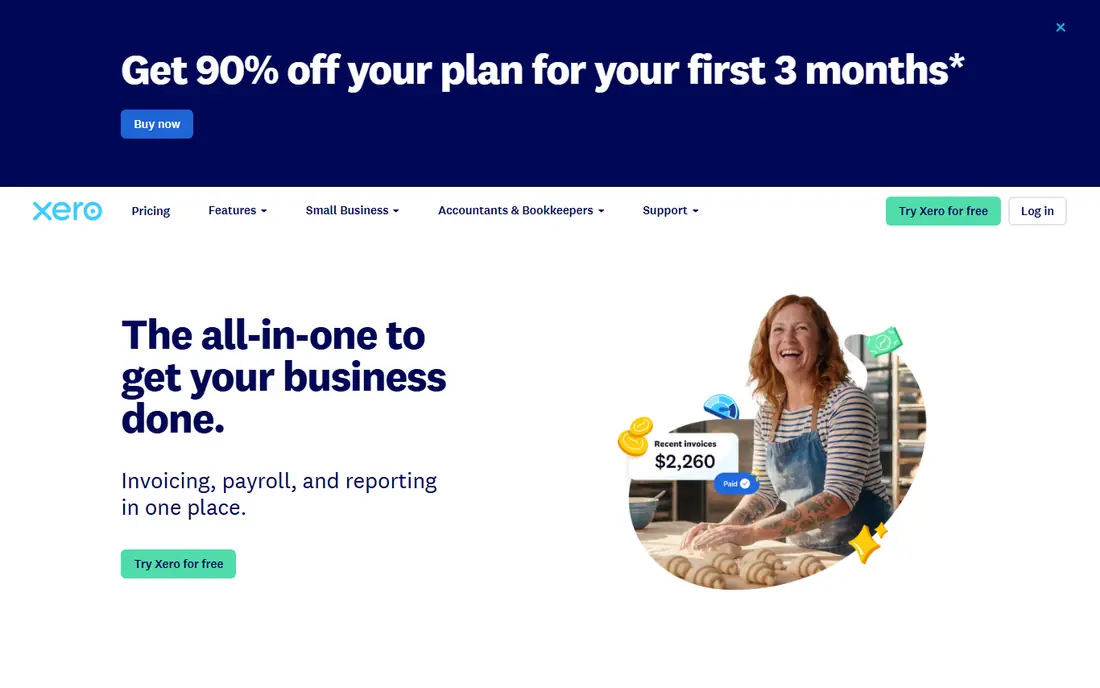
Xero is a strong dashboard pick because its higher plans let owners customize performance dashboards, view cash flow forecasts, and track KPIs with graphs and health scorecards. Its homepage lists basic graphs on the entry plan and customizable dashboards, budgets, and KPI analysis on higher plans, so buyers can match dashboard depth to budget. Bank reconciliation, invoicing, bills, and real-time reports keep the dashboard current as transactions arrive.
The catch is plan gating. The most useful dashboard features sit on higher tiers, and payroll scope varies, so a low-cost plan may feel limited. Xero also suits owners comfortable with cloud accounting and advisor access. For firms that want a clean, customizable cash flow dashboard, Xero is a leading choice.
- Customizable performance dashboards on higher plans
- Cash flow forecasts
- Bank reconciliation and invoicing
- Payroll and features vary by plan
- Pricing rises with tier
- Some advanced views need higher plans
FreshBooks
Ideal for: Invoicing and simple books
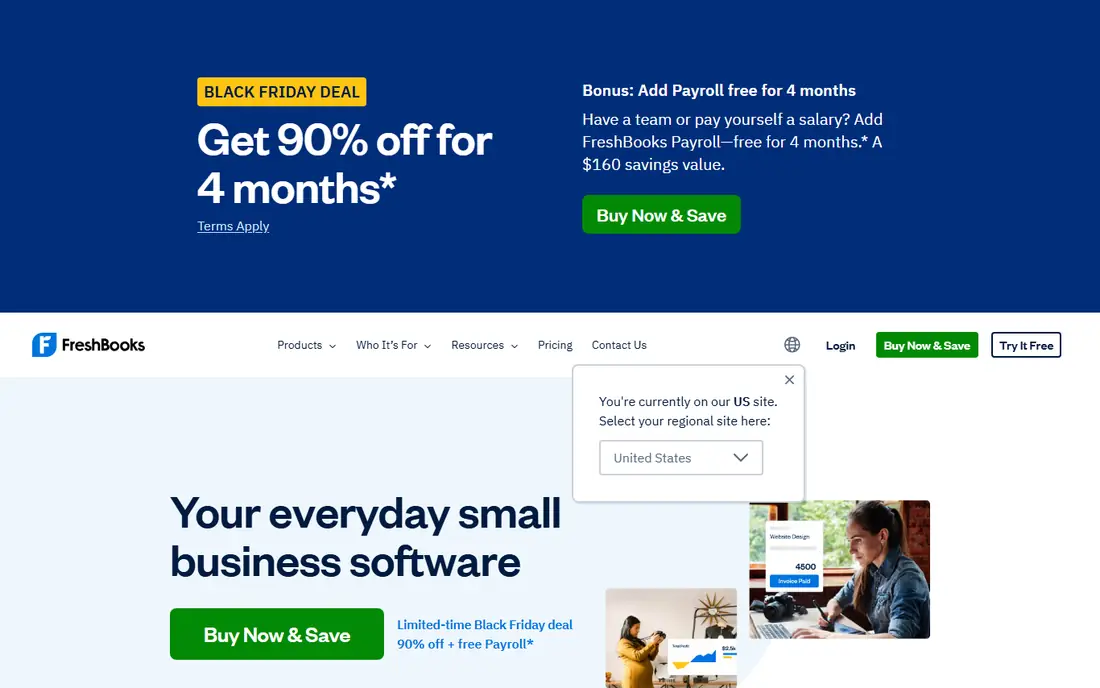
FreshBooks suits service businesses and freelancers who want a clear view of invoicing, expenses, and payments without heavy accounting jargon. Its homepage stresses invoicing, expense tracking, faster payments, and onboarding support, plus an app store with more than 100 integrations. For owners who live on client billing, the dashboard view of outstanding invoices and payments matters more than deep general ledger reporting, and FreshBooks keeps that view front and center.
The limit is accounting depth. Firms with inventory, multi-entity books, or complex reporting needs will find QuickBooks, Xero, or Sage a better fit. Pricing and dashboard scope also vary by plan, so buyers should confirm limits. For small service firms that prize simplicity, FreshBooks is a strong pick.
- Simple invoicing and expense tracking
- Clear interface for non-accountants
- Many app integrations
- Less deep for complex accounting
- Dashboard depth varies by plan
- Larger firms may outgrow it
Wave
Ideal for: Free basics for small firms
Wave offers free web-based accounting, invoicing, and payments for small businesses, with a mobile app for on-the-go invoice and payment checks. Its homepage positions Wave as a single source of truth for business finances, keeping accounting, invoicing, and payments in one unified system with reports and cash flow views. For a freelancer or micro-business, that free starting point makes Wave an easy dashboard to try.
The trade-off is depth and paid extras. Payroll, bookkeeping help, and some features cost extra, and firms with complex accounting will outgrow Wave. Bank connections and feature scope should be checked for your bank and state. For small firms that want a free, clear dashboard for basics, Wave is the best starting point.
- Free accounting and invoicing basics
- Clear cash flow and report views
- Web-based with a mobile app
- Payroll and expert help are paid
- Fewer advanced features than QuickBooks or Xero
- US-focused features vary
Sage
Ideal for: Scaling finance teams
Sage, through Sage Intacct, targets scaling and midsized finance teams with real-time visibility, automated multi-entity accounting, and built-in audit trails and controls. Its homepage stresses AI automation, connected workflows, and dashboards that help finance leaders see performance across entities without waiting for month-end close. For firms that have outgrown small business accounting, Sage offers dashboard depth tied to controls and consolidation.
The catch is scope and cost. Sage Intacct is priced by quote and needs implementation planning, so it is not a light choice for a solo firm. Smaller businesses should compare Xero or QuickBooks first. For growing firms that need multi-entity dashboards and controls, Sage is a strong enterprise pick.
- Real-time visibility and multi-entity accounting
- Automation and audit trails
- Strong fit for growing firms
- Enterprise pricing by quote
- Implementation takes planning
- Overkill for very small firms
Zoho Books
Ideal for: Value and automation
Zoho Books is a cloud accounting tool with invoicing, expenses, bank feeds, and reports, plus a free plan for smaller firms. Its value case is strong for businesses already using Zoho CRM, inventory, or other Zoho apps, since data can flow between apps without extra tools. Automation for recurring invoices, payment reminders, and bank rules helps keep the dashboard current with less manual entry.
The trade-off is ecosystem and accountant fit. Firms whose accountants prefer QuickBooks or Xero may face a learning curve, and the richest dashboard and automation features sit on paid plans. Buyers should confirm bank feed support and plan limits. For value-minded firms, especially Zoho users, Zoho Books is a smart pick.
- Free plan for small firms
- Automation for invoicing and reminders
- Fits well with other Zoho apps
- Accountant familiarity varies
- Advanced features need higher plans
- Dashboard depth varies by plan
NetSuite
Ideal for: Enterprise finance dashboards
NetSuite is an AI cloud ERP that connects ERP and financials with CRM, ecommerce, and more in one suite. Its homepage stresses a single source of truth so dashboards reflect the whole business, not only accounting, with built-in intelligence, workflows, and natural-language search in newer releases. For companies with inventory, orders, and multiple channels, that unified dashboard view is the main advantage over standalone accounting tools.
The catch is enterprise scope. NetSuite pricing is by quote, implementation takes planning, and small firms will find it far heavier than needed. A free product tour and test drive can help buyers judge fit. For larger firms that need finance dashboards tied to operations, NetSuite is a leading choice.
- Dashboards across ERP, finance, CRM, and ecommerce
- Unified source of truth
- Strong fit for complex operations
- Enterprise pricing and implementation
- Heavy for small firms
- Needs admin and training
How we picked these
We compared official product pages for accounting software used in the US, looking at dashboard clarity, cash flow views, invoicing, bank feeds, reports, and pricing. We favored tools with a clear at-a-glance dashboard over tools that only offer reports buried in menus, and we kept a range from free tools to enterprise ERP. We also favored tools with current homepages and active development in 2026.
We did not test these tools on live company books, and we did not review private contracts. Pricing, trial terms, and dashboard features can change, so check the vendor site and trial each tool with your own accounts before buying.
What to check before you choose
Start with the numbers you check every week. List the five figures that matter most, such as cash balance, overdue invoices, bills due, monthly profit, and sales pipeline, then see whether each dashboard shows them on the first screen and links to detail. A dashboard that forces three clicks for each figure will not get used.
Next, test bank feeds and reconciliation. Connect your bank in a trial, import a month of transactions, and check how many match automatically and how clearly the rest are flagged. A dashboard built on stale or unmatched transactions will mislead owners, so feed reliability matters more than chart style.
Finally, check customization and access. Owners should be able to rearrange or hide widgets, accountants need access without extra seats if possible, and reports should export cleanly for tax or lender use. Confirm plan limits for users, companies, and history before committing.
Frequently asked questions
What should an accounting dashboard show?
A good dashboard shows cash balance, income and expenses, overdue invoices, bills due, and profit for the period, with links to detail. Owners should also see bank status and upcoming tax or payroll dates where relevant.
Is free accounting software with a dashboard good enough?
Wave and Zoho Books offer free plans that cover basics well for freelancers and micro-businesses. Firms with payroll, inventory, multi-entity books, or complex reporting usually need a paid plan from QuickBooks, Xero, or Sage.
How often should dashboard figures update?
Bank feeds and invoice status should update daily or in near real time, so the dashboard reflects current cash and receivables. Check feed reliability in a trial, since update speed varies by bank and plan.
Can accountants access these dashboards?
Most tools offer accountant access or collaboration features, but seat limits and permissions vary by plan. Confirm whether your accountant can view and adjust books without buying a full extra seat.
Which accounting dashboard is best for larger firms?
Sage Intacct and NetSuite suit larger firms with multi-entity, inventory, or multi-channel needs, since their dashboards tie finance to operations. Smaller firms usually get better value from QuickBooks or Xero.