Best Accounting Workflow Automation Software in 2026: 8 Options Compared

- 1
 KarbonAccounting firms managing client work and deadlinesVisit
- 2
 FloQastClose management for mid-size and larger accounting teamsVisit
- 3
 BlackLineLarge companies automating reconciliations and closeVisit
- 4
 Vic.aiAccounts payable automation with AI invoice processingVisit
- 5
 BillSmall and mid-size businesses automating payables and receivablesVisit
- Karbon is our broad starting point for best accounting workflow automation software, with accounting firms managing client work and deadlines as its core strength.
- FloQast is a strong alternative when close management for mid-size and larger accounting teams matters more than a general feature set.
- Prices and free plans vary a lot, so check the official pricing page for the exact plan you would buy rather than assuming the headline price applies to you.
- Trials matter most: test setup, sharing, and your daily workflow with real data before committing to a paid plan.
- The best choice is the option that fits your team size and budget without forcing you to change how you work.
Quick comparison
| Product | Ideal for | Price from | Free version | |
|---|---|---|---|---|
| Karbon | Accounting firms managing client work and deadlines | See website | Free trial | Visit |
| FloQast | Close management for mid-size and larger accounting teams | See website | No | Visit |
| BlackLine | Large companies automating reconciliations and close | See website | No | Visit |
| Vic.ai | Accounts payable automation with AI invoice processing | See website | No | Visit |
| Bill | Small and mid-size businesses automating payables and receivables | See website | Free trial | Visit |
 Tipalti | Companies paying suppliers and partners at scale | See website | No | Visit |
 AvidXchange | Mid-market accounts payable automation | See website | No | Visit |
 Dext | Bookkeepers and accountants capturing receipts and invoices | See website | Free trial | Visit |
The best accounting workflow automation software
Month-end work still breaks down when tasks live in spreadsheets, email, and chat at once. We compared official feature pages, pricing pages, and public documentation for tools that assign work, track close tasks, and cut manual data entry for accounting teams.
Karbon
Ideal for: Accounting firms managing client work and deadlines
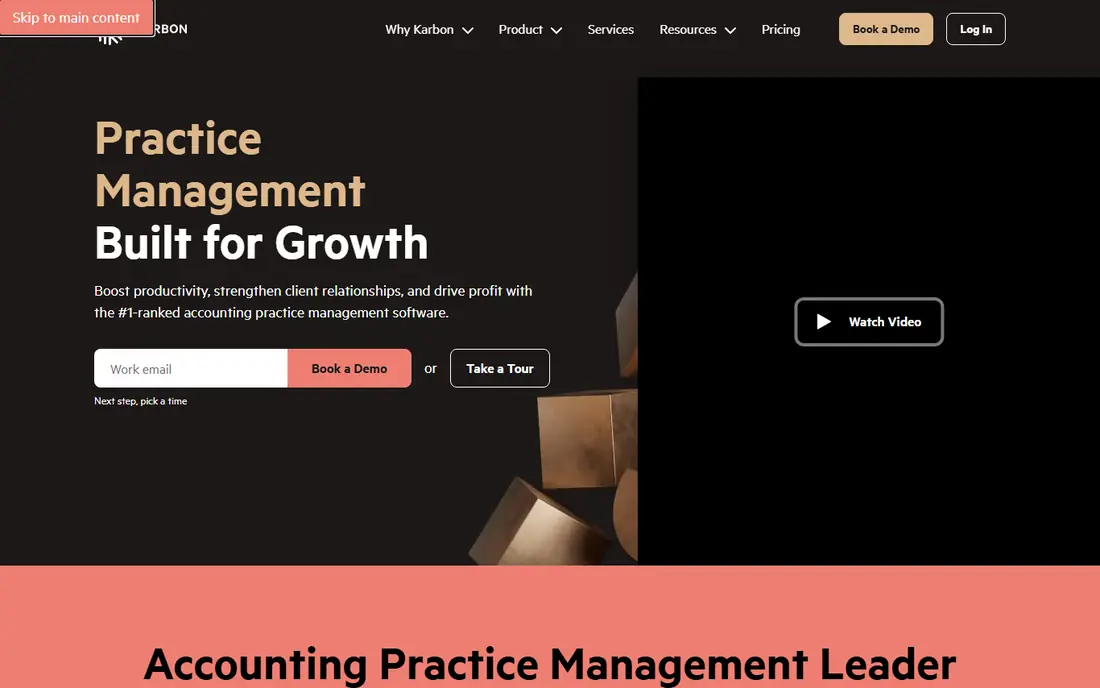
Karbon is a strong pick for accounting firms managing client work and deadlines. Karbon suits an accounting firm that juggles many clients, deadlines, and staff at once. Its strength is firm-wide visibility, since managers can see who owns each job and where it stalls..
Check pricing on the official site before you commit, since tiers change. The price above is see website and the free plan status is free trial. Use a trial to test setup, sharing, and exports on your real workflow.
The catch is adoption, so standardise templates before rolling it out to every client. Karbon earns its place here because it fits the daily work and budget for its audience, even with that trade-off.
- Client work, tasks, and communication in one place
- Workflow templates
- Visibility across a firm
- Priced per user for firms
- Solo bookkeepers may find it more than they need
FloQast
Ideal for: Close management for mid-size and larger accounting teams
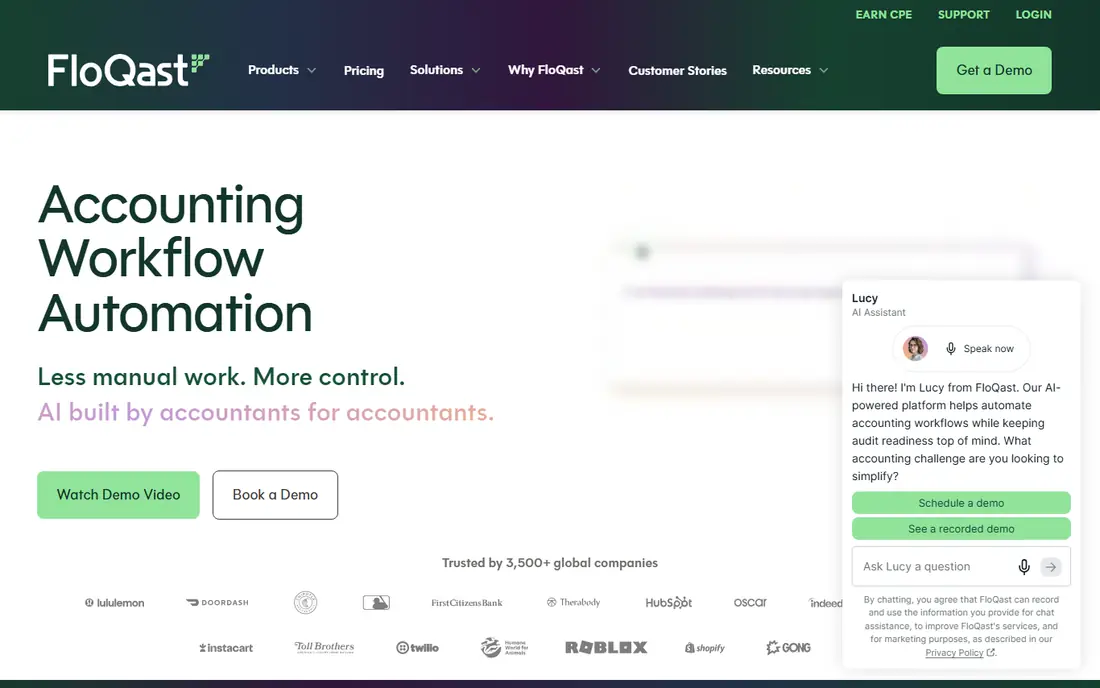
For close management for mid-size and larger accounting teams, FloQast deserves a close look. FloQast suits a team that runs a formal month-end close with many reconciliations and reviewers. Its strength is close control, since checklists, balances, and sign-offs stay linked..
Check pricing on the official site before you commit, since tiers change. The price above is see website and the free plan status is no. Use a trial to test setup, sharing, and exports on your real workflow.
The catch is cost and setup, so confirm it fits your close size before buying. FloQast earns its place here because it fits the daily work and budget for its audience, even with that trade-off.
- Close checklists tied to reconciliations
- Task ownership
- Status visibility for managers
- Enterprise pricing
- Smaller teams may not need this depth
BlackLine
Ideal for: Large companies automating reconciliations and close
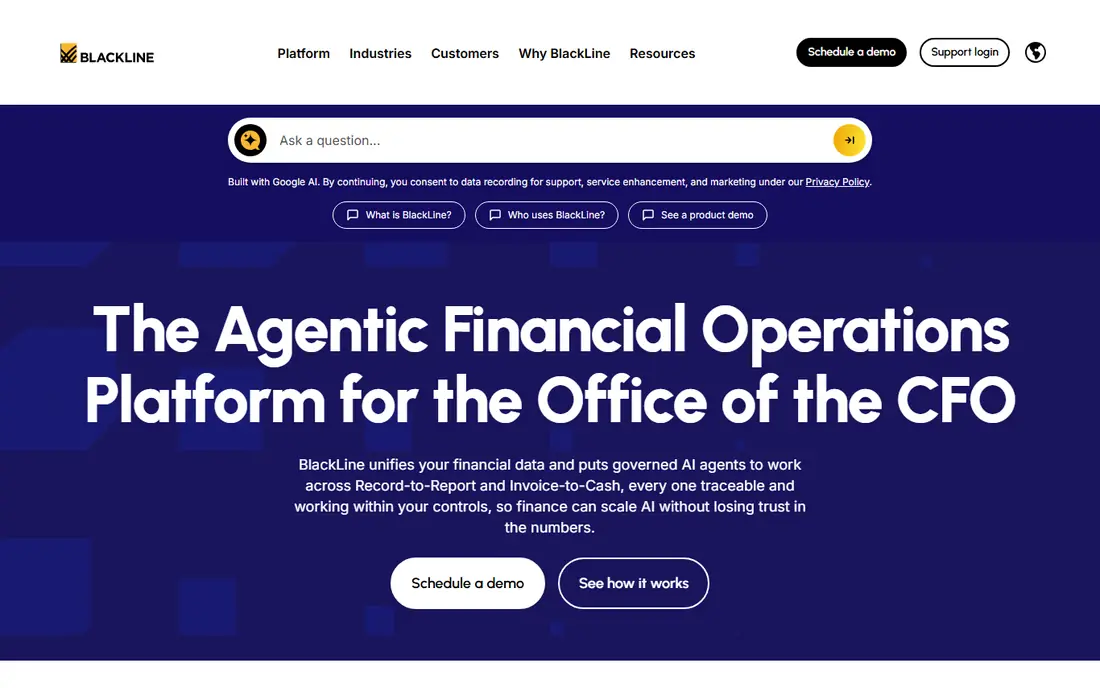
BlackLine stands out for large companies automating reconciliations and close. BlackLine suits a larger finance team that needs controls and automation across many accounts. Its strength is reconciliation depth, since high-volume accounts can be matched and reviewed in a structured way..
Check pricing on the official site before you commit, since tiers change. The price above is see website and the free plan status is no. Use a trial to test setup, sharing, and exports on your real workflow.
The catch is scale, so smaller teams should check whether a lighter tool covers their close. BlackLine earns its place here because it fits the daily work and budget for its audience, even with that trade-off.
- Account reconciliation automation
- Close task management
- Controls for larger finance teams
- Enterprise scope and pricing
- Implementation takes planning
Vic.ai
Ideal for: Accounts payable automation with AI invoice processing
If your priority is accounts payable automation with ai invoice processing, start with Vic.ai. Vic.ai suits a team buried in supplier invoices that wants capture and approval handled in one flow. Its strength is invoice processing, since coding and routing can be partly automated..
Check pricing on the official site before you commit, since tiers change. The price above is see website and the free plan status is no. Use a trial to test setup, sharing, and exports on your real workflow.
The catch is data quality, so test it on your real invoices, not clean samples, during evaluation. Vic.ai earns its place here because it fits the daily work and budget for its audience, even with that trade-off.
- Invoice capture and coding support
- Approval workflows
- Accounting system connections
- Pricing is quoted
- Results depend on invoice quality and setup
Bill
Ideal for: Small and mid-size businesses automating payables and receivables
Bill is a strong pick for small and mid-size businesses automating payables and receivables. Bill suits a business that still pays suppliers by manual steps and wants approvals in one place. Its strength is payment workflow, since bills can move from approval to payment without retyping details..
Check pricing on the official site before you commit, since tiers change. The price above is see website and the free plan status is free trial. Use a trial to test setup, sharing, and exports on your real workflow.
The catch is fees, so read the pricing page for your payment mix before you commit. Bill earns its place here because it fits the daily work and budget for its audience, even with that trade-off.
- Bill pay and invoicing workflows
- Approval controls
- Accounting software sync
- Fees vary by plan and payment method
- Some features need higher tiers
Tipalti
Ideal for: Companies paying suppliers and partners at scale
For companies paying suppliers and partners at scale, Tipalti deserves a close look. Tipalti suits a company with many suppliers, partners, or global payments to manage. Its strength is payment scale, since supplier onboarding, tax forms, and payments can sit in one flow..
Check pricing on the official site before you commit, since tiers change. The price above is see website and the free plan status is no. Use a trial to test setup, sharing, and exports on your real workflow.
The catch is scope, so confirm your supplier count and payment countries justify it. Tipalti earns its place here because it fits the daily work and budget for its audience, even with that trade-off.
- Global supplier payments
- Tax form handling
- Approval workflows
- Built for scale, so small businesses may find it heavier than needed
AvidXchange
Ideal for: Mid-market accounts payable automation
AvidXchange stands out for mid-market accounts payable automation. AvidXchange suits a mid-market team that wants paper invoices and checks replaced by an approval flow. Its strength is payables coverage, since capture, approval, and payment stay connected..
Check pricing on the official site before you commit, since tiers change. The price above is see website and the free plan status is no. Use a trial to test setup, sharing, and exports on your real workflow.
The catch is onboarding, so allow time to bring suppliers and approvers into the system. AvidXchange earns its place here because it fits the daily work and budget for its audience, even with that trade-off.
- Invoice capture and approval
- Payment options for suppliers
- Accounting system links
- Quoted pricing
- Onboarding takes time for larger supplier lists
Dext
Ideal for: Bookkeepers and accountants capturing receipts and invoices
If your priority is bookkeepers and accountants capturing receipts and invoices, start with Dext. Dext suits a bookkeeper who spends too much time typing receipt and invoice details. Its strength is capture, since documents can be photographed or forwarded and turned into bookkeeping data..
Check pricing on the official site before you commit, since tiers change. The price above is see website and the free plan status is free trial. Use a trial to test setup, sharing, and exports on your real workflow.
The catch is accuracy checks, so review extracted figures before they reach the books. Dext earns its place here because it fits the daily work and budget for its audience, even with that trade-off.
- Receipt and invoice capture
- Data extraction
- Accounting software publishing
- Per-user pricing
- Extraction accuracy varies with document quality
How we picked these
We compared official feature pages, pricing pages, app-store listings, privacy policies, and public reviews for each option, and we kept only products that exist and work in October 2026 and truly fit the topic. Where we could not verify a price from the vendor site, we wrote See website rather than guessing a figure. We did not claim hands-on testing that did not happen, and we weighed each product on fit, pricing clarity, and honest trade-offs rather than marketing claims alone.
How to pick workflow software for an accounting team
Start with the job, not the feature list. Write down the three tasks you will do most often, the number of people who will use the tool, and the systems it must connect to. Then check pricing for that exact team size, including add-ons and renewal terms, and test the tool with real data during a trial. Pay attention to exports and cancellation, since a tool should not lock your data away. Finally, check support hours and onboarding help, because a good tool with slow support can still slow your team down.
Check fit during a trial
Use the trial for real work, not just a demo. Invite the people who will use the tool daily, test the hardest workflow first, and note where it feels slow or confusing. If the trial does not cover your main workflow, ask for a demo with your own data before buying.
Check total cost
Add licence fees, add-ons, implementation, and any per-use charges together. A low starting price can grow quickly with seats or volume, while a higher plan may include features you would otherwise buy separately. Compare total cost over a year, not just the first month.
Frequently asked questions
What is best accounting workflow automation software?
best accounting workflow automation software covers tools that help with this task, and the right choice depends on your team size, budget, and daily workflow. Start with the problem you need to solve, then compare the options in this guide against that problem. A tool that looks strong in general may still miss the one feature you use most.
How much does best accounting workflow automation software cost?
Prices vary widely, and several options on this list use quoted pricing, so check the official pricing page for the plan you would actually buy. Free plans and trials can cover small teams, while larger teams usually pay per user or by usage. Always separate licence fees from add-ons, implementation, and payment fees.
Is there a free option for best accounting workflow automation software?
Yes, several options in this guide offer a free plan or a free trial, and the comparison table shows which ones do. Free tiers work well for testing, but they often limit users, volume, or advanced features. Use the free tier to test your real workflow before paying.
How do I choose between these options for best accounting workflow automation software?
List your must-have features, your budget, and the tools you already use, then shortlist two or three options and trial them on real work. Check integration, support, and export options, since switching later costs time. The buying guide below gives a checklist to use during trials.
Which option is best for most people for best accounting workflow automation software?
For most people, Karbon and FloQast are sensible starting points, because they cover the core job well and are widely used. That said, the best pick still depends on your budget and workflow, so use the comparison table and the product write-ups to match an option to your situation.