7 Best Affordable Contract Management Software Options for 2026
- 1
 SummizeIn-house legal teams that want CLM inside the tools they already useVisit
- 2
 PandaDocSales-led teams where contracts start as proposals and quotesVisit
- 3
 ContractWorksTeams wanting straightforward CLM with an unlimited-user modelVisit
- 4
 ContractSafeSmall teams that want a flat-priced, unlimited-user contract repository with AI searchVisit
- 5
 ConcordTeams that draft, negotiate and sign in one browser-based editorVisit
- The list opens with Summize, aimed at in-house legal teams that want CLM inside the tools they already use.
- What to know about PandaDoc first: sales-document focus, not a full CLM, per-seat costs scale with team size.
- Just one of the 7 tools, PandaDoc, has a free plan.
- The cheapest monthly starting price in the list is $19/user/month, offered by PandaDoc.
Direct answer
Summize comes first here, mainly for in-house legal teams that want CLM inside the tools they already use. For a different need, PandaDoc covers sales-led teams where contracts start as proposals and quotes and ContractWorks covers teams wanting straightforward CLM with an unlimited-user model. The full list of 7 tools follows, with prices and free plan facts.
Quick comparison
| Product | Ideal for | Price from | Free version | |
|---|---|---|---|---|
| Summize | In-house legal teams that want CLM inside the tools they already use | See website (quote-based) | Free trial | Visit |
| PandaDoc | Sales-led teams where contracts start as proposals and quotes | From $19/user/month (see website) | Yes | Visit |
| ContractWorks | Teams wanting straightforward CLM with an unlimited-user model | About $700/month reported (see website) | Free trial | Visit |
| ContractSafe | Small teams that want a flat-priced, unlimited-user contract repository with AI search | From $450/month, unlimited users (see website) | Free trial | Visit |
| Concord | Teams that draft, negotiate and sign in one browser-based editor | From $499/month for 5 users (see website) | Free trial | Visit |
 SpotDraft | Teams that want AI contract review embedded in Microsoft Word | See website (quote-based) | Free trial | Visit |
 Contractbook | SMBs wanting end-to-end contracting with unlimited e-signatures | See website (quote-based) | Free trial | Visit |
The 7 tools in detail
Short on time? The summary and table above give the quick view of 7 tools for affordable contract management software, and the profiles that follow give the detail behind each entry.
Summize
Ideal for: In-house legal teams that want CLM inside the tools they already use
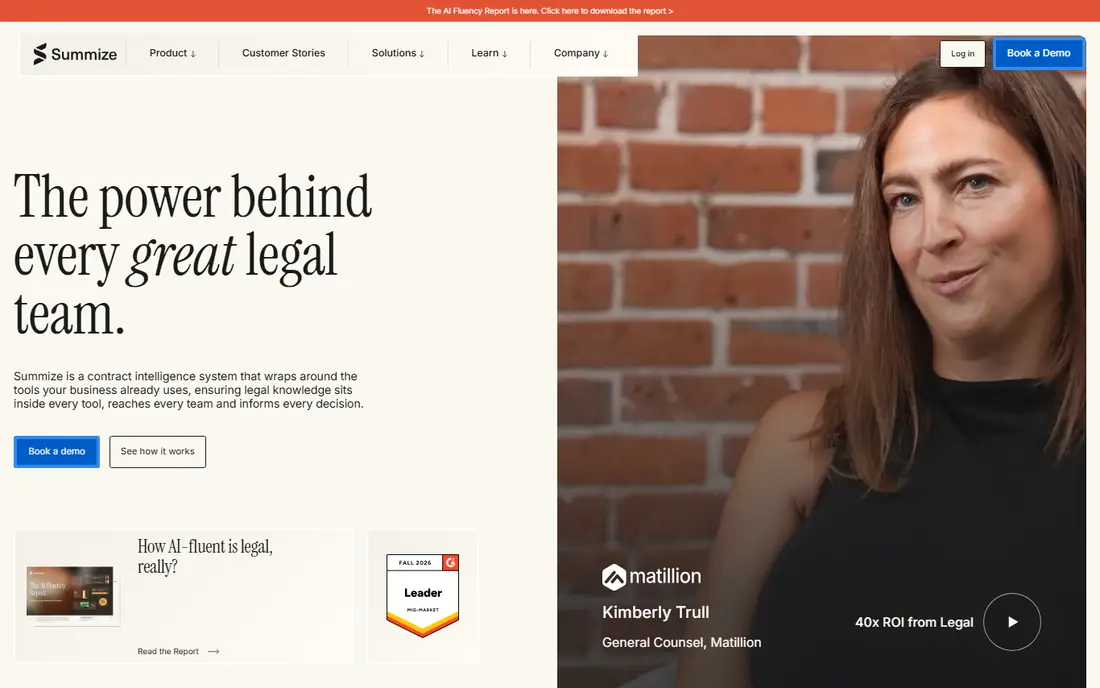
For in-house legal teams that want CLM inside the tools they already use, Summize is a natural candidate. AI summaries provide legal teams fast answers on contract positions without opening the repository.
Downsides: Quote-only pricing.
It is lighter as a standalone system of record than ContractSafe or Concord. Pricing for Summize is not stated here, so ask the vendor for current figures. As for free access: Free trial.
- Quick user adoption
- AI contract summaries
- Lighter standalone product than repository tools
PandaDoc
Ideal for: Sales-led teams where contracts start as proposals and quotes
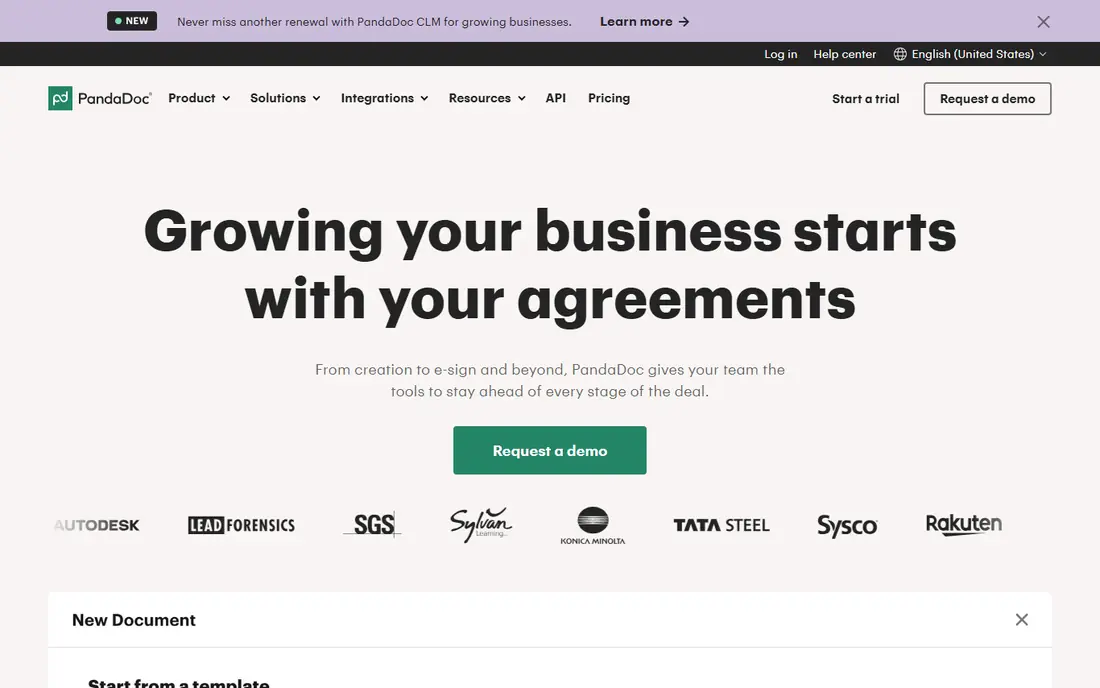
PandaDoc was built for sales-led teams where contracts start as proposals and quotes. PandaDoc is the low-cost entry point that sales teams adopt without being told. Proposals, quotes and contracts flow in one document workflow with e-signature built in, and the CRM integrations keep everything attached to the deal.
At $19 per user a month, the budget conversation is simple. It is not a contract lifecycle system: repository, obligation tracking and advanced workflows are thinner than the CLM-first tools. In practice, for sales-driven organizations where the contract is the end of the sales process, that focus is exactly right. PandaDoc pricing: From $19/user/month. PandaDoc includes a free tier.
Where PandaDoc stands out: beautiful document creation.
Points against: not a full CLM.
- Proposal-to-contract flow
- Lowest entry price on this list
- Per-seat costs scale with team size
ContractWorks
Ideal for: Teams wanting straightforward CLM with an unlimited-user model
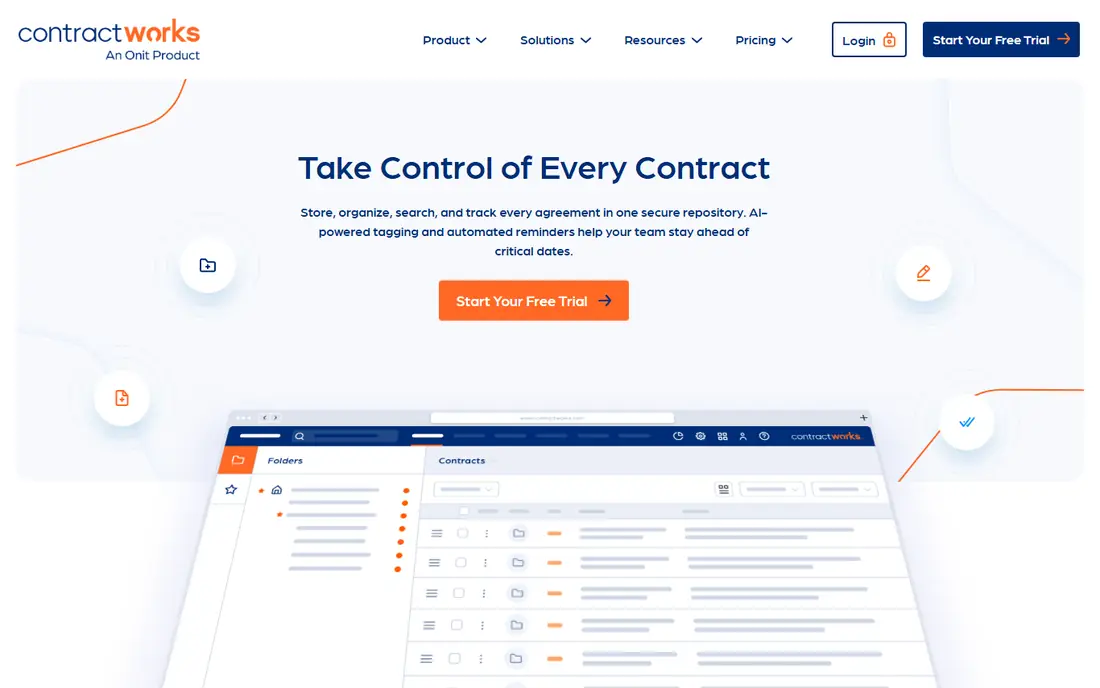
ContractWorks works best for teams wanting straightforward CLM with an unlimited-user model. Teams that want contract management without a project get live rapidly.
As for the details, ContractWorks keeps the model straightforward: one flat-ish price, unlimited users. The core repository, search and reminder features every small legal team needs. ContractWorks pricing: About $700/month reported. Free options: Free trial.
Downsides: Pricing not published, restricted workflow automation.
Upsides: Unlimited users.
- Straightforward repository and alerts
- Fast to deploy
- Entry-level AI compared with newer tools
ContractSafe
Ideal for: Small teams that want a flat-priced, unlimited-user contract repository with AI search
Choose ContractSafe for small teams that want a flat-priced, unlimited-user contract repository with AI search. OCR across every scanned PDF plus renewal alerts means the one person managing contracts is no longer the single point of failure. Also, for the classic 5-to-50-person company drowning in shared-drive contracts, it is the most straightforward upgrade.
Where it falls short: no per-seat choice for tiny teams.
The pricing model favors teams with plenty of users and moderate contract volume. Very small teams with few contracts may find per-seat tools less expensive. Starting cost for ContractSafe: From $450/month, unlimited users. As for free access: Free trial.
- Unlimited users on every plan
- AI extraction and contract chat included
- Less workflow depth than enterprise CLM
Concord
Ideal for: Teams that draft, negotiate and sign in one browser-based editor
Pick Concord if this describes you: teams that draft, negotiate and sign in one browser-based editor. Concord collapses the contract workflow into one editor: draft, redline, approve and sign without switching tools. In practice, price it at your real headcount, not the five-seat starter.
Unlimited e-signatures remove the per-envelope anxiety, and implementation is genuinely quick. Also, teams that produce as plenty of contracts as they file get the most value. Concord cost at the entry level: From $499/month for 5 users. Trial and free access: Free trial.
What works well: fast implementation. Drawbacks to consider: Per-seat pricing climbs with headcount.
- Unlimited e-signatures
- Decent collaboration tools
- Quote-free but still $500+/month entry
SpotDraft
Ideal for: Teams that want AI contract review embedded in Microsoft Word
SpotDraft makes the most sense for teams that want AI contract review embedded in Microsoft Word. Teams that live in Word should evaluate it against Concord's browser editor and pick the workflow their users prefer. In daily use, SpotDraft meets lawyers and business users where they already work: Microsoft Word.
Downsides: Quote-only pricing.
Worth adding: non-legal teams can self-serve standard contracts without waiting on legal review. As for the details, AI review, playbooks and approvals layer onto the familiar editor rather than demanding a new system. Check the vendor site for SpotDraft pricing; none is listed in this comparison. On free options: Free trial.
- AI deeply embedded in Word workflows
- Modern UX
- Less repository depth than specialists, newer vendor
Contractbook
Ideal for: SMBs wanting end-to-end contracting with unlimited e-signatures
Choose Contractbook for SMBs wanting end-to-end contracting with unlimited e-signatures. Pricing needs a conversation, which is friction for budget buyers.
What Contractbook does well: End-to-end draft-to-sign workflow.
Where it is weaker: less advanced than enterprise CLM. Beyond that, Contractbook includes the full contracting flow for small and mid-sized companies with a clean, modern interface. Check the vendor site for Contractbook pricing; none is listed in this comparison. As for free access: Free trial.
- Well suited to European SMBs
- Clean interface
- Quote-only pricing, smaller US presence
Affordable Contract Management Software: more detail
Budget-friendly contract management lives in a different world: hundreds of dollars per month, published pricing you can actually compare. Setup measured in days rather than quarters. On top of that, the trade is depth.
That trade is correct for most small and mid-sized firms. A missed auto-renewal costs more than any software subscription, and a searchable repository beats a shared drive on day one.
How we chose
Pricing pages, product documentation and feature lists were the main sources, and every entry carries at least one honest drawback. Figures are shown as the vendors publish them. Billing terms, seat minimums and add-ons can change the real cost. The sequence is a judgement call: typical use case first, then pricing transparency, then free access. Use the profiles to check fit.
A buyer's checklist
- Ask Summize, SpotDraft and Contractbook for a written quote, since no starting price is shown.
- Test the free plan from PandaDoc against your real workload before relying on it.
- Take the trial from Summize, ContractWorks, ContractSafe and others and push a live task through it before you pay.
- Before choosing Summize, weigh its main limit: quote-only pricing, lighter standalone system than repository tools, best for legal-led teams.
- Check how data leaves ContractSafe: formats, limits and whether exports are available on every plan.
- Test the integrations you rely on with SpotDraft before committing; some connectors sit on upper tiers.
Frequently asked questions
Is Summize the right pick for everyone comparing affordable contract management software?
No single tool suits every team. Summize comes first because it fits in-house legal teams that want CLM inside the tools they already use, while PandaDoc suits sales-led teams where contracts start as proposals and quotes and ContractWorks suits teams wanting simple CLM with an unlimited-user model. Match the tool to your own size, budget and workflow before deciding.
Which options for affordable contract management software have a free plan?
PandaDoc is the only tool in this list with a free plan. Free plans usually cap users, projects or features, so check the limits on the vendor page. Several others offer a trial instead.
Can I try these options before paying?
Often, yes. PandaDoc has a free plan and Summize, ContractWorks, ContractSafe and others offer a free trial. Use your own data and a real task during the test, and check what the free tier or trial limits before you rely on it.
What is the cheapest option for affordable contract management software in this list?
On published monthly entry prices, PandaDoc is the lowest here at $19/user/month. Entry price is only part of the cost, because seats, add-ons and billing terms can change the total.