6 After School Attendance Software Options Ranked for 2026

- 1
 BrightwheelChildcare and after-school programs that want billing, messaging, and learning in one appVisit
- 2
 KidCheckPrograms where pickup security and guardian authorisation matter mostVisit
- 3
 SawyerSession-based after-school classes with attendance tied to the lesson planVisit
- 4
 EZChildTrackPrograms that require billing and attendance working togetherVisit
- 5
 ClasscardActivity-based after-school academies with scheduling, fees, and attendance in one placeVisit
- Top of the list is Brightwheel, which targets childcare and after-school programs that want billing, messaging, and learning in one app.
- OneTap is the only tool of the 6 with a free plan.
- KidCheck is the lowest-priced starter here at $25 per month.
- Sawyer comes with a trade-off: no published price, and the product is built around classes and camps, so drop-in programs without fixed sessions get less value from it.
- For after-school programs that want quick QR check-in with a defensible record, OneTap is worth a look.
Direct answer
For childcare and after-school programs that want billing, messaging, and learning in one app, Brightwheel is where this list starts. KidCheck is the stronger choice for programs where pickup security and guardian authorisation matter most, while Sawyer suits session-based after-school classes with attendance tied to the lesson plan. All 6 tools are compared below on price, free plan and limits.
Quick comparison
| Product | Ideal for | Price from | Free version | |
|---|---|---|---|---|
| Brightwheel | Childcare and after-school programs that want billing, messaging, and learning in one app | Quote | No | Visit |
| KidCheck | Programs where pickup security and guardian authorisation matter most | $25 a month | No | Visit |
| Sawyer | Session-based after-school classes with attendance tied to the lesson plan | Quote | No | Visit |
| EZChildTrack | Programs that require billing and attendance working together | Quote | No | Visit |
| Classcard | Activity-based after-school academies with scheduling, fees, and attendance in one place | $99 per month | No | Visit |
 OneTap | After-school programs that want quick QR check-in with a defensible record | $49.99 a month, billed annually | Yes | Visit |
Tool-by-tool breakdown
Ainotely put together this guide to after school attendance software for readers who want a clear shortlist without reading every vendor page. It compares 6 tools on starting price, free plans, who each one suits and where each one falls short.
Brightwheel
Ideal for: Childcare and after-school programs that want billing, messaging, and learning in one app
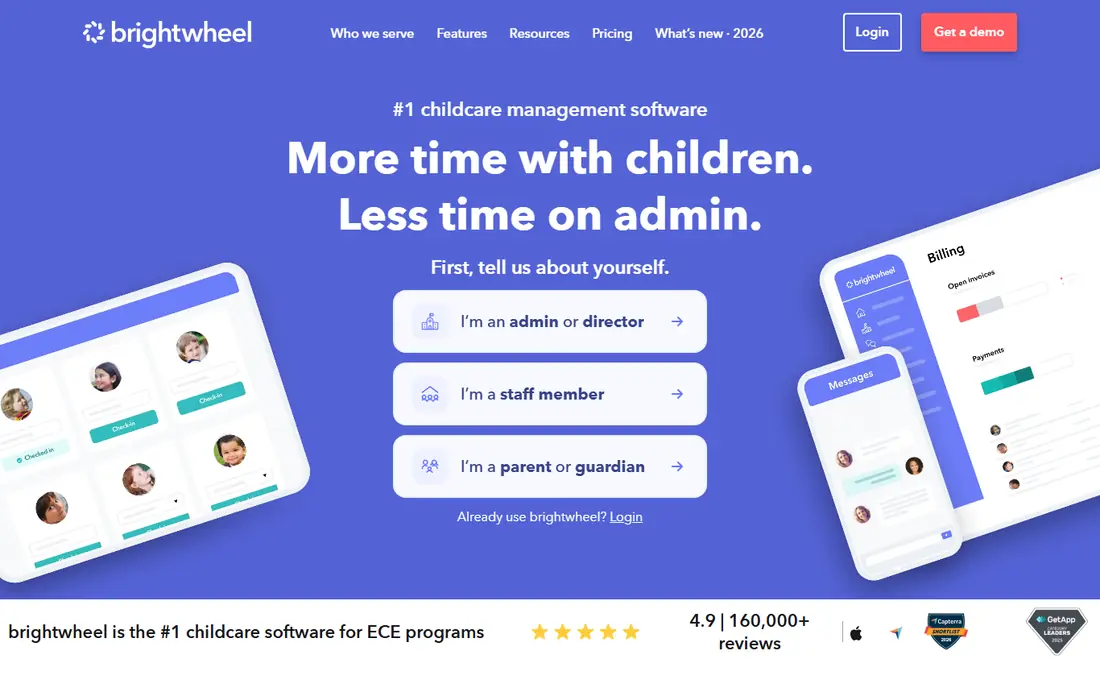
Brightwheel works best for childcare and after-school programs that want billing, messaging, and learning in one app. Brightwheel is an all-in-one childcare management system used by thousands of early childhood programs.
Trade-offs to know: No published price.
It spans the after-school day as part of the same system. Pricing for Brightwheel is quote based, so budget talks start with the vendor. Brightwheel does not include a free plan.
- Digital check-in with health checks and ratio tracking
- Solid parent communication
- The system is designed for licensed childcare centres first, so after-school-only programs pay for features they may never use
KidCheck
Ideal for: Programs where pickup security and guardian authorisation matter most
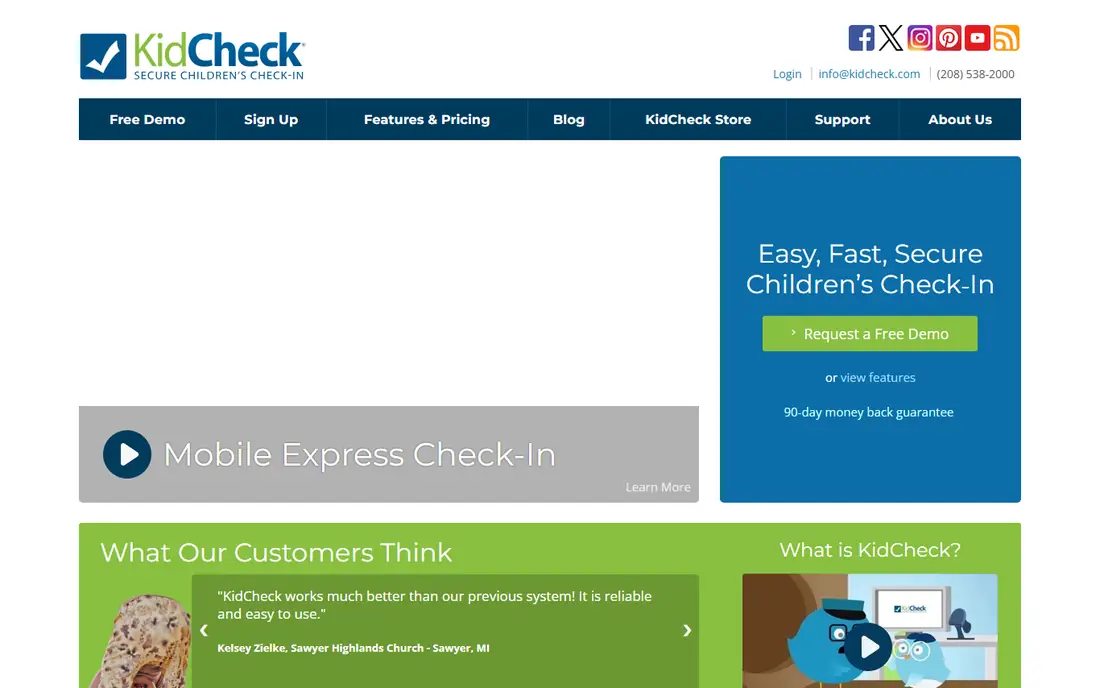
Think of KidCheck for programs where pickup security and guardian authorisation matter most. KidCheck is a secure children check-in system used by churches, schools, and after-school programs to make sure children only leave with an authorised guardian.
It supplies mobile express check-in, roster check-in, volunteer scheduling, and communication tools, with a 90-day money-back guarantee and live personal support six days a week, including Sunday mornings. Price to start with KidCheck: $25 per month. KidCheck has no free tier.
What to check first: The system was designed for churches and ministries first, so after-school programs may need to adapt its language and workflows.
- Volunteer scheduling
- Live support six days a week including Sunday mornings
- There is no free plan
Sawyer
Ideal for: Session-based after-school classes with attendance tied to the lesson plan
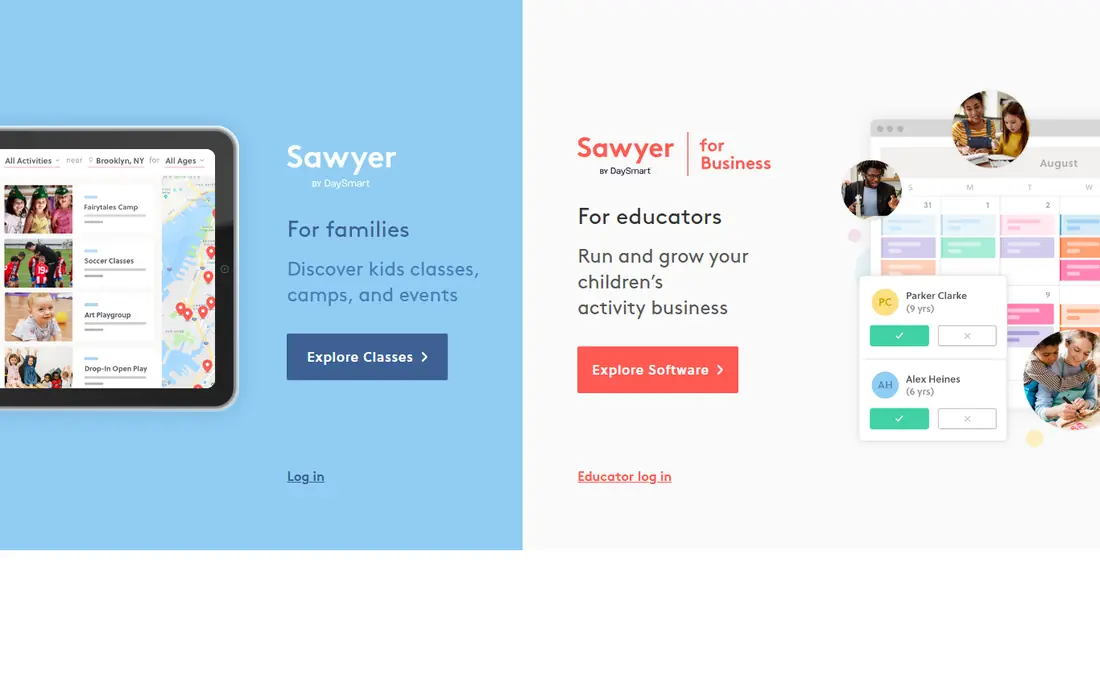
In short, Sawyer is for session-based after-school classes with attendance tied to the lesson plan. Registration, scheduling, payments, and messaging run in the same system, and attendance changes stay linked to the student record for audit-friendly exports.
Limits to weigh: the product is built around classes and camps, so drop-in programs without fixed sessions get less value from it.
Each session log links attendance and guardian communication to the specific activity plan for that day, which provides staff and parents a clear record of what happened and who was there. Sawyer sells by quote instead of a published price. No free plan comes with Sawyer.
- Solid fit for enrichment and activity providers
- Session-level attendance linked to the day learning plan
- No published price
EZChildTrack
Ideal for: Programs that require billing and attendance working together
EZChildTrack was built for programs that require billing and attendance working together. EZChildTrack is a web-based childcare and after-school management system that merges attendance with automatic billing, parent portal, and site access in one place.
The main drawbacks: the interface is older and less refined than newer cloud systems.
The system posts tuition, late fees, and late checkout charges automatically and deals with subsidy and payment plans, which removes the retyping that causes billing errors. Pricing for EZChildTrack is quote based, so budget talks start with the vendor. EZChildTrack has no permanent free option.
- Touch-less attendance with PIN and badges
- Grant reporting through EZReports for 21st CCLC programs
- No published price, so budgeting needs a sales conversation
Classcard
Ideal for: Activity-based after-school academies with scheduling, fees, and attendance in one place
Classcard is designed for activity-based after-school academies with scheduling, fees, and attendance in one place. Classcard is a class management system for activity-based companies and programs, including dance schools, martial arts academies, music schools, and after-school activity programs. In practice, attendance is built into the core workflow instead of added as a feature: instructors mark registers digitally, coordinators see in live who is in which activity, and memberships reconcile sessions attended against fees automatically.
On top of that, pricing opens at $99 per month with unlimited staff and students on every plan. A branded progressive web app is included at no additional cost. Classcard pricing: $99 per month. Classcard has no free tier.
Where it is weaker: The $99 starting price is higher than attendance-only apps.
- Calendar and attendance in the core workflow
- Automatic reminders that cut no-shows
- The system is designed for class providers, so pure drop-in programs may not use its booking depth
OneTap
Ideal for: After-school programs that want quick QR check-in with a defensible record
OneTap was built for after-school programs that want fast QR check-in with a defensible record. Premium plans start at $49.99 per month billed annually for 250 profiles, and the free Individual plan handles 20 profiles forever. From a buyer's view, OneTap suits small and mid-sized programs moving off paper registers.
The main drawbacks: parent payments must run a second tool alongside it.
As for the details, the check-in QR refreshes every 20 seconds. So a screenshot passed to a friend expires before it can be used, and checkout can capture a signature with a timestamp. OneTap pricing: $49.99 per month, billed yearly. You can start on OneTap without paying.
- Exports to Excel, CSV
- Proof of presence with location, time, photo, signature
- It is attendance only, so programs that also need billing, enrolment
Pricing patterns for after school attendance software
KidCheck begins at $25 per month. Classcard begins at $99 per month. From a buyer's view, when you compare, ask whether the price is per child, per site, or flat, and whether billing, messaging, and reporting are included or charged as extras.
More on after school attendance software
After school attendance software should record who arrived, when they arrived, who picked them up, and when they left, with a timestamp that cannot be edited after the fact. In practice, beyond that, handy tools link attendance to the enrolment roster, flag children who miss consecutive sessions, and export the record by child, date range, or site in Excel, CSV, or PDF.
Worth knowing about after school attendance software
A standalone attendance app is enough when your only problem is the paper register: who arrived, who left. A clean export at the end of the month. A full program product earns its cost when you also deal with enrolment, online registration, parent payments, scheduling, and grant reporting, since keeping those in separate tools produces retyping and mismatched records.
Beyond that, school-based programs running multiple sites, billing families, and reporting to funders typically need the product. If you are unsure, start with the attendance problem and add modules only when a second job is plainly suffering.
How the list was put together
The comparison looks at four things: starting price, free access, how well the feature set matches after school attendance software, and the main limit of each tool. Treat prices as a snapshot: vendors change plans often, so check the vendor site for the figure that applies today. The sequence is a judgement call: typical use case first, then pricing transparency, then free access. Use the profiles to check fit.
What to confirm before you sign up
- Get a written quote from Brightwheel, Sawyer and EZChildTrack; the list shows no starting price for them.
- Look at the free plan from OneTap closely: its caps decide whether it is usable for real work.
- Before choosing Brightwheel, weigh its main limit: no published price, and the system is aimed at licensed childcare centres first, so after-school-only programs pay for features they may never use.
- Ask Brightwheel how an export works before you move any records in; an easy exit lowers the risk.
- Look at the help docs and support options for EZChildTrack before you commit.
Frequently asked questions
Do these tools publish their prices?
Not all of them. Brightwheel, Sawyer and EZChildTrack publish no starting price, so expect a quote request for those. The rest, KidCheck included, show a starting price, though seats and billing terms still change the final cost.
How are the tools for after school attendance software ordered?
The order follows typical fit for after school attendance software, with Brightwheel first and OneTap last, then price clarity and free access. It is editorial judgement, not a score, so another team could rank the tools differently.
What is the best free after school attendance software?
The first pick on this list is Brightwheel, because it suits childcare and after-school programs that want billing, messaging, and learning in one app. KidCheck is better for programs where pickup security and guardian authorisation matter most, and Sawyer for session-based after-school classes with attendance tied to the lesson plan. Check price and limits against your own needs before choosing.
What is the cheapest option for after school attendance software in this list?
On published monthly entry prices, KidCheck is the lowest here at $25 per month. Entry price is only part of the cost, because seats, add-ons and billing terms can change the total.
Can I try these options before paying?
Often, yes. OneTap has a free plan. Use your own data and a real task during the test, and check what the free tier or trial limits before you rely on it.