Best Agentic Analytics Platforms for Data Analytics in 2026: 8 Platforms Compared

- 1
 ThoughtSpotAI-assisted business intelligenceVisit
- 2
 SigmaAI analytics on cloud warehousesVisit
- 3
 DomoAgentic business platformVisit
- 4
 TableauAI agents in established BIVisit
- 5
 Microsoft Power BIAI agents for Microsoft teamsVisit
- Agentic analytics means AI agents that can query data, build analyses, and surface insights with less manual dashboard work from analysts.
- ThoughtSpot and Sigma lead on AI-assisted business intelligence, while Hex and Mode suit teams that want agents inside a deeper analysis workflow.
- Power BI and Tableau add AI agents to established BI platforms, which suits companies already invested in those ecosystems.
- Agent outputs still need verification, since an agent can query the wrong table or misread a metric and present the result confidently.
- Our pick for most teams is ThoughtSpot, with Power BI as the pick for Microsoft-centric organizations.
Quick comparison
| Product | Ideal for | Price from | Free version | |
|---|---|---|---|---|
| ThoughtSpot | AI-assisted business intelligence | See website | Free trial | Visit |
| Sigma | AI analytics on cloud warehouses | See website | Free trial | Visit |
| Domo | Agentic business platform | See website | Free trial | Visit |
| Tableau | AI agents in established BI | See website | Free trial | Visit |
| Microsoft Power BI | AI agents for Microsoft teams | See website | Free trial | Visit |
 Looker | Governed AI analytics | See website | Free trial | Visit |
 Hex | AI-assisted notebook analysis | See website | Free trial | Visit |
 Mode | AI-assisted SQL analysis | See website | Free trial | Visit |
The best agentic analytics platforms for data analytics
Agentic analytics is the newest layer on business intelligence: instead of only building dashboards, analysts and business users ask questions and let AI agents query, analyze, and explain data. The platforms below were compared on agent capability, data governance, ease of use for non-technical users, and how well each one fits existing data stacks.
ThoughtSpot
Ideal for: AI-assisted business intelligence
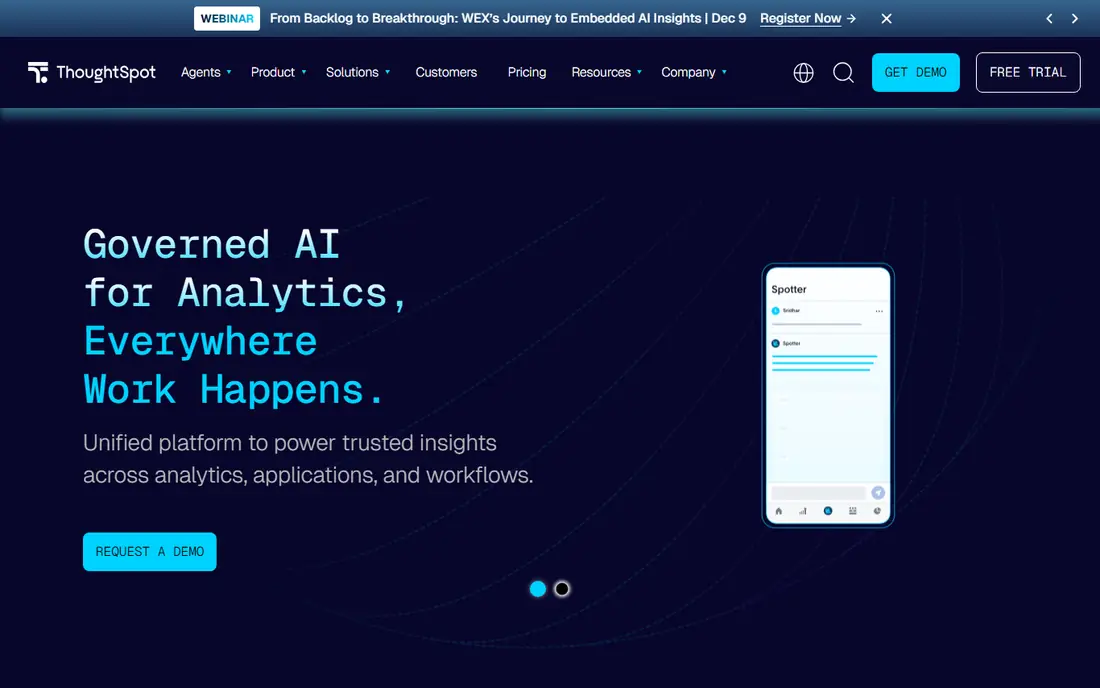
ThoughtSpot lets business users search data in plain language and get charts and answers from live warehouse data, and its AI features extend that into guided analysis. An agent can suggest follow-up questions, explain a change in a metric, and help a user explore without writing SQL. That self-serve strength is why it appeals to companies tired of dashboard backlogs.
The catch is data modeling: ThoughtSpot works best when the underlying data is clean and well modeled, which requires data team effort up front. Pricing is also enterprise-oriented. For organizations ready to invest in that foundation, it is one of the strongest agentic BI options.
- Natural language search over live data
- AI analyst features
- Strong business user adoption
- Needs a well-modeled data source
- Pricing is enterprise-oriented
Sigma
Ideal for: AI analytics on cloud warehouses
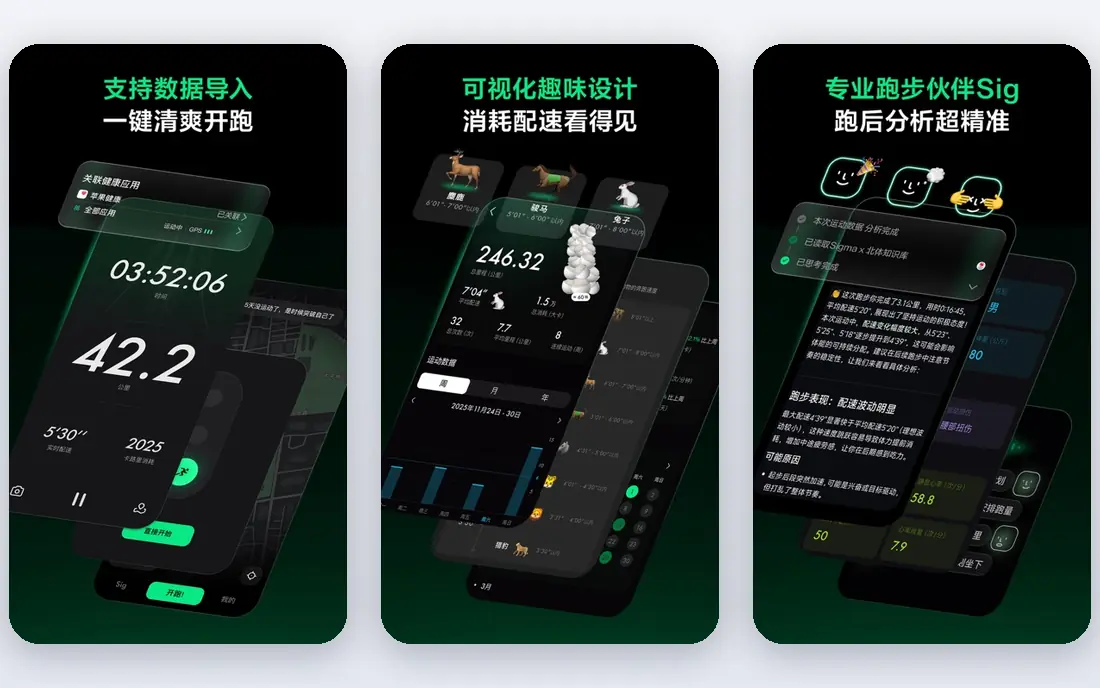
Sigma gives analysts and business users a spreadsheet-like interface that queries cloud warehouses directly, without extracting data into a separate BI store. Its AI features help users build analyses, write formulas, and explore data conversationally, while the familiar spreadsheet view lowers the learning curve. Teams already on Snowflake, BigQuery, or Databricks benefit most.
Sigma assumes a cloud warehouse exists, so teams without one need to build that first. Its pricing is also aimed at companies, not casual users. For warehouse-centered teams that want AI help inside a familiar interface, Sigma is a strong choice.
- Spreadsheet-like interface on warehouse data
- AI features for analysis
- No data extracts needed
- Best with cloud warehouses
- Less suited to teams without a warehouse
Domo
Ideal for: Agentic business platform
Domo positions itself as a business platform that combines BI, AI agents, apps, and automation, with many connectors to business systems. Its agents can monitor metrics, surface anomalies, and help users explore data, while its app features let teams build data tools beyond dashboards. Companies that want one platform for reporting, alerting, and lightweight apps often consider it.
That breadth adds complexity, and pricing is handled through sales, which makes comparison harder. For organizations that want agentic analytics inside a wider business platform rather than a standalone BI tool, Domo is worth evaluating.
- Broad business platform with AI agents
- Many connectors
- Dashboards plus apps and automation
- Broad scope can feel complex
- Pricing is quote-based
Tableau
Ideal for: AI agents in established BI
Tableau, part of Salesforce, remains a leader in data visualization, and its AI agent features add conversational analysis and automated insight to that foundation. Analysts can build rich dashboards, and business users can ask questions and get guided answers. Its large community and training resources help teams learn and solve problems.
Tableau is expensive and complex for smaller teams, and its AI capabilities vary by plan and product tier. Companies already using Tableau or Salesforce get the most value, since agents build on an existing investment. For visualization quality plus AI assistance, it remains a top-tier option.
- Leading visualization quality
- AI agent features
- Large user community
- Cost and complexity for smaller teams
- AI features vary by plan
Microsoft Power BI
Ideal for: AI agents for Microsoft teams
Microsoft Power BI brings AI assistance through Copilot and related features, letting users ask questions, generate reports, and summarize data inside a familiar Microsoft environment. Its integration with Excel, Teams, and Azure makes it natural for organizations already running on Microsoft tools, and its entry pricing is lower than many enterprise BI rivals.
Its strengths are clearest inside that ecosystem, and the most capable AI features sit on higher tiers. Teams outside Microsoft may prefer a platform-neutral option. For Microsoft-centric companies, Power BI plus Copilot is the most practical agentic analytics route.
- Strong Microsoft integration
- Copilot AI features
- Low entry cost for Microsoft users
- Best inside the Microsoft ecosystem
- Advanced AI features need higher tiers
Looker
Ideal for: Governed AI analytics
Looker, part of Google Cloud, is built around a semantic modeling layer that defines metrics once so every report and agent query uses the same definitions. That governance matters for agentic analytics: an agent querying governed metrics is far less likely to produce a misleading number than one guessing at raw tables. Its Gemini AI features add conversational analysis on top of that foundation.
Building the model takes data team effort, and Looker's pricing and product tiers vary. For organizations that care about metric consistency and already use Google Cloud, Looker offers one of the most trustworthy foundations for AI-assisted analysis.
- Strong semantic modeling and governance
- Gemini AI features
- Google Cloud integration
- Modeling requires data team effort
- Pricing and tiers vary
Hex
Ideal for: AI-assisted notebook analysis
Hex combines notebooks, apps, and AI assistance for data teams that work in code and SQL. Its AI agent can help write queries, build analyses, and turn a notebook into a shareable app, which suits data scientists and analysts who want agent help without giving up control. The workflow from exploration to a published app is a genuine strength.
Hex assumes technical users, so it is not the best self-serve tool for non-technical business users. Teams with a data science or analytics engineering culture will get the most from it, while business-only teams may prefer ThoughtSpot or Sigma.
- Notebook plus app workflow
- AI agent for analysis
- Good for data science teams
- Needs technical users
- Less suited to pure business-user self-serve
Mode
Ideal for: AI-assisted SQL analysis
Mode is a SQL-first analytics platform where analysts write queries, build notebooks, and publish dashboards, with AI features that help generate and explain SQL. That analyst-centered design suits teams that live in SQL and want agent help for faster querying and clearer explanations, plus collaboration features for sharing work.
Business users without SQL skills will still need analyst support, so Mode is not a pure self-serve tool. For analyst teams that want AI assistance inside a SQL workflow rather than a separate chatbot, Mode is a practical and focused choice.
- SQL-first analysis with AI help
- Notebook and dashboard mix
- Good analyst collaboration
- SQL-centric, so business users need analyst support
- Smaller vendor than BI leaders
How we picked these
We compared official feature pages, product documentation, and pricing pages for analytics platforms with agentic or AI-assisted features, focusing on what agents can actually do, how governed the underlying data is, and who the tool serves. We favored platforms with real agent features in production and included both business-user BI tools and analyst-focused platforms.
What to check before you adopt one
Test agents on your own data and metrics, not on vendor demos. Ask the same business question in several ways and check whether the agent returns consistent, correct answers, and whether it shows its query logic. Inconsistent or unexplained answers are a warning sign, no matter how polished the demo looked.
Check governance: who can access which data through the agent, and whether metric definitions are centralized. Also review how the platform handles data privacy, since agents may send queries or context to AI models. Finally, keep a human review step for any agent output that reaches executives or customers.
It also pays to think about total cost, not just the headline price. Many services charge extra for additional users, higher usage, premium support, or features that turn out to be essential once you start using the product seriously. Add those extras to your comparison before deciding, and check whether discounts for annual billing are worth the commitment. A second cost is time: the hours your team spends learning, configuring, and maintaining a tool are real, even when they do not appear on an invoice. A slightly more expensive option that saves ten hours a month is often the cheaper choice in practice. Weigh both kinds of cost together, and pick the option whose full price, in money and time, you are comfortable paying for at least a year.
Frequently asked questions
What is agentic analytics?
It is analytics where AI agents can query data, run analyses, monitor metrics, and explain results, often from a plain-language question, rather than requiring a human to build every dashboard and query by hand.
Can AI agents replace data analysts?
No, not reliably. Agents speed up routine querying and exploration, but analysts are still needed to model data, define metrics, check results, and interpret findings in business context. The best setup pairs agents with analyst oversight.
How do I trust an AI agent's numbers?
Check the query it ran, the tables it used, and the metric definitions behind the result. Governed platforms like Looker reduce risk by centralizing definitions, but a human check remains essential for important numbers.
Which agentic analytics tool is best for non-technical users?
ThoughtSpot and Sigma are strongest for business users, thanks to natural language search and familiar interfaces. Power BI is also strong for teams already in the Microsoft ecosystem.
Do agentic analytics tools need a data warehouse?
Most work best with one, since agents query structured, modeled data. Sigma and ThoughtSpot assume a warehouse or well-modeled source, while Hex and Mode can work with database connections more flexibly.
How do I avoid picking the wrong option for best agentic analytics platform data analytics?
Avoid deciding on price or popularity alone, since the cheapest option can cost more in workarounds and the most popular option may be built for a different kind of user. Instead, test your top choices against your real workload, check the total cost including add-ons, and read recent user reviews for complaints that keep repeating. A pattern of complaints about support, billing, or reliability is a warning worth taking seriously before you commit.