6 Best AI Agent Platforms for Business Automation Options for 2026

- 1
 Relevance AICustom auditable agentsVisit
- 2
 DifyLow-code agent studioVisit
- 3
 LindyNo-code business agentsVisit
- 4
 Microsoft Copilot StudioMicrosoft 365 teamsVisit
- 5
 Zapier AgentsAgents on Zapier integrationsVisit
- Relevance AI takes the first slot, best suited to custom auditable agents.
- For the cheapest start, look at Make: $9 per month.
- Make is the one to check for automation with AI steps.
- Relevance AI comes with a trade-off: higher levels cost more for scale.
- 5 of 6 tools offer a free plan: Relevance AI, Dify, Lindy, Zapier Agents, Make.
Direct answer
If you need custom auditable agents, Relevance AI is the first tool to look at here. Alternatives: Dify for low-code agent studio, and Lindy for no-code business agents. Details, prices and limits for the rest of the 6 tools are below.
Quick comparison
| Product | Ideal for | Price from | Free version | |
|---|---|---|---|---|
| Relevance AI | Custom auditable agents | $19 a month | Yes | Visit |
| Dify | Low-code agent studio | $59 a month | Yes | Visit |
| Lindy | No-code business agents | $49.99 per month | Yes | Visit |
| Microsoft Copilot Studio | Microsoft 365 teams | See website | No | Visit |
| Zapier Agents | Agents on Zapier integrations | $33.33 a month | Yes | Visit |
 Make | Automation with AI steps | $9 a month | Yes | Visit |
The best AI agent platforms for business automation
If you are comparing AI agent platforms for business automation, this page covers 6 tools in one place: what each is best for, what it costs to start, whether it has a free plan, and the main limit to know about.
Relevance AI
Ideal for: Custom auditable agents
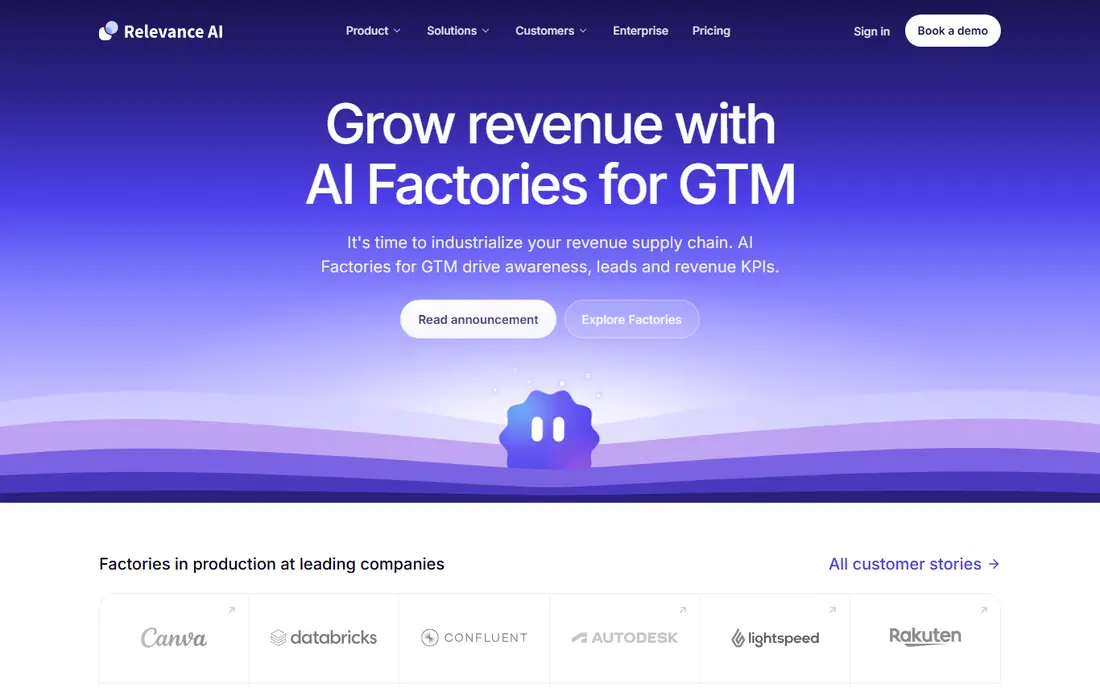
Relevance AI makes the most sense for custom auditable agents. Relevance AI fits operations teams that want custom agents they can check.
You build an agent from tools and steps, run it on leads, support tickets, or documents, and review what it did. Starting cost for Relevance AI: $19 per month. Free access exists with Relevance AI.
Honest limits: Higher levels cost more for scale.
- Build agents from blocks
- Audit trail for steps and tools
- Ramp-up time for advanced setups
Dify
Ideal for: Low-code agent studio
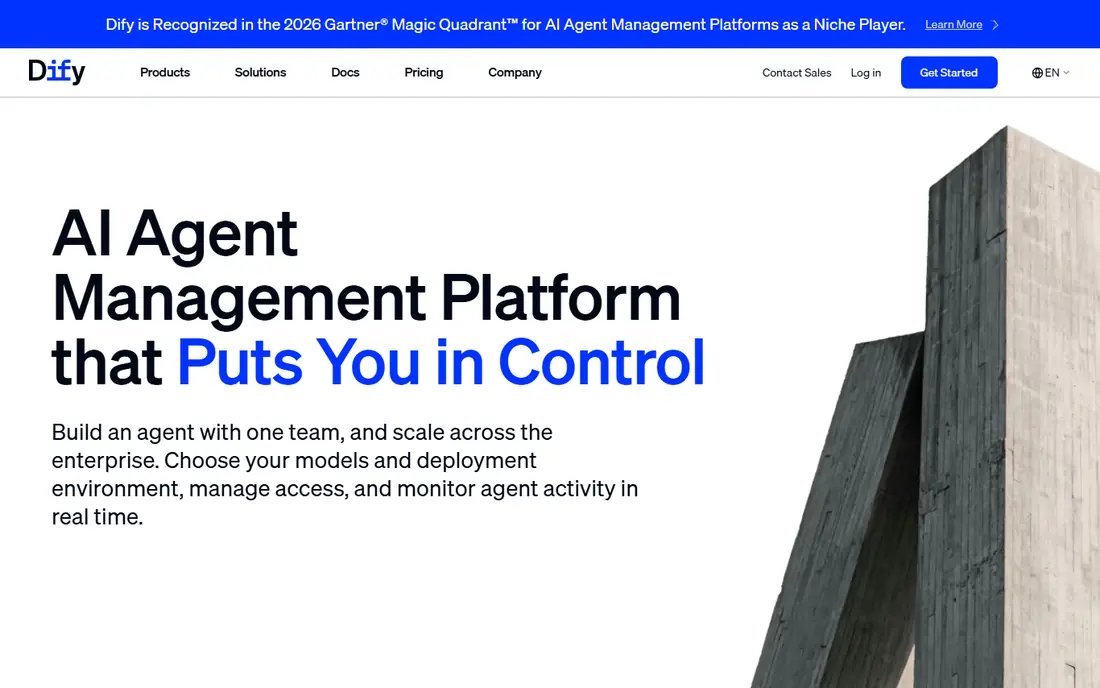
Think of Dify for low-code agent studio. The tool also assumes some technical comfort with prompts, data sources, and workflows. Beyond that, for product teams building customer facing agents, Dify is adaptable.
Where it falls short: Setup and model costs need planning.
The open source core can be self-hosted at no cost, whereas the cloud professional plan starts near $59 per workspace a month. That mix appeals to teams that want control over models and data without writing a full framework from scratch. Cloud pricing is higher than some rivals, and you still have to plan for model usage costs on top of the system fee. For a small business that wants a ready template, Lindy will be quicker. Dify starts at: $59 per month. Dify has a free plan.
- Visual agent and app builder
- Open source core with self-hosting
- Higher cloud entry price
Lindy
Ideal for: No-code business agents
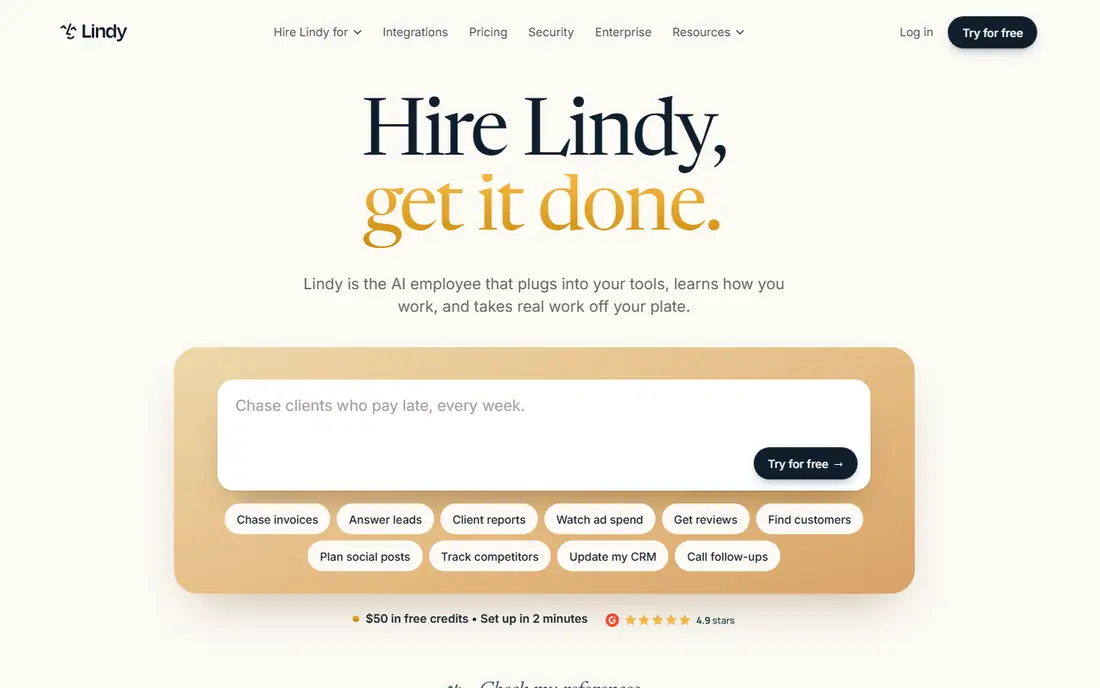
Lindy is a good fit for no-code business agents. If your goal is a working agent this week, without hiring help, Lindy is my pick for most small teams. The agent can draft replies, book meetings, and update records, which includes a large share of repetitive office work.
Worth adding: the cost is the primary watch item, since the premium plan starts near $50 per user a month and team use adds up quick. Beyond that, you can start from a template for lead qualification, inbox triage, meeting scheduling, or follow-up, then adjust the steps in plain language. Very custom workflows with many branches may also feel constrained next to a code based tool. Price to start with Lindy: $49.99 per month. Lindy offers a free plan.
Points against: Complicated custom logic can hit limits.
- No-code builder
- Takes care of email, scheduling, leads
- Per user pricing layers on up
Microsoft Copilot Studio
Ideal for: Microsoft 365 teams
In short, Microsoft Copilot Studio is for Microsoft 365 teams. Setup also benefits from an admin who understands Microsoft permissions. In practice, if not, pick a more neutral product.
Worth adding: credit based pricing can be hard to forecast, and a team outside Microsoft will not get the same value. Microsoft Copilot Studio lets teams build agents that work inside Microsoft 365, Teams, SharePoint, and related business apps. Governance and admin controls are more solid here than in plenty of startup tools. Microsoft Copilot Studio shows no starting price here, so confirm the cost on the vendor site. Microsoft Copilot Studio has no permanent free option.
Where it falls short: Pricing is complicated.
- Credit based pricing
- Deep Microsoft 365 and Teams integration
- Best value only inside the Microsoft ecosystem
Zapier Agents
Ideal for: Agents on Zapier integrations
In short, Zapier Agents is for Agents on Zapier integrations. Zapier Agents lets you build an agent that can act across the apps Zapier already links, from email and calendars to CRMs and spreadsheets. If your business already uses Zapier, the ramp-up time is short, and the free level lets you test a small agent before paying.
Downsides: premium agent plans cost more than entry-level Zapier.
As for the details, the agent can trigger on a schedule or an event, then perform multi-step work. For everyday use, for teams with no Zapier history, a dedicated agent builder may be more straightforward. Price to start with Zapier Agents: $33.33 per month. You can start on Zapier Agents without paying.
- Free level for small use
- Works across thousands of Zapier apps
- Agent autonomy needs careful limits
Make
Ideal for: Automation with AI steps
Where Make fits: automation with AI steps. Usage is also metered, so high volume workflows need a higher plan. For everyday use, Make is best known for visual automation, and its AI modules let you add language model steps to existing workflows.
That makes it a practical choice if you already link apps for invoicing, CRM updates, or notifications and you want an AI step to draft, classify, or summarize inside that flow. More specifically, the free plan and low entry price make testing cheap. Make starts at: $9 per month. Make offers a free plan.
Where it falls short: Agent features are workflow based, not completely autonomous.
- Plenty of app integrations
- Visual scenario builder
- Usage limits need watching
What AI agent platforms for business automation costs
Start with one task and one limit. Pick a job that is repetitive, low risk, and simple to check, for example drafting follow-up emails or qualifying inbound leads, and need human approval before the agent sends anything external. Compare total cost, not only the headline price.
How we chose
Selection started from tools commonly considered for AI agent platforms for business automation, then narrowed to 6 that have clear pricing information or a clear quote process. Prices and plan limits come from vendor pages and can change, so confirm them on the vendor site before you buy. Tools are placed by general fit for AI agent platforms for business automation, with price clarity and free access as tie-breakers. A different team can reasonably rank them differently.
Things to verify first
- Confirm the entry price on the vendor page. For Microsoft Copilot Studio that means a quote rather than a fixed price.
- Read the fine print on the free plans from Relevance AI, Dify, Lindy and others; seat, project and feature caps differ.
- Read the limits listed for Relevance AI first: higher levels cost more for scale.
- Check the integration list for Zapier Agents against the tools you run today, and note which ones need a higher plan.
- Total up the real monthly cost of Lindy, including add-ons, extra users and usage-based fees.
Frequently asked questions
What is the difference between automation and an AI agent?
Automation follows fixed steps you design, whereas an agent can choose steps, use tools, and adapt to new inputs within limits you set.
What is the best AI agent system for a small business?
The first pick on this list is Relevance AI, because it suits custom auditable agents. Dify is better for low-code agent studio, and Lindy for no-code business agents. Check price and limits against your own needs before choosing.
How are the tools for AI agent platforms for business automation ordered?
Relevance AI sits first and Make last because the order follows typical fit for AI agent platforms for business automation, then price clarity and free access. It is a judgement call, so read each profile for fit and limits.
Which options for AI agent platforms for business automation have a free plan?
Relevance AI, Dify, Lindy, Zapier Agents and Make offer a free plan in this list. Free plans usually cap users, projects or features, so check the limits on the vendor page.
Are AI agents safe for customer data?
Check the vendor security and retention policies, avoid giving an agent wide inbox or payment access at first, and review its actions during a pilot.
Do these tools publish their prices?
Not all of them. Microsoft Copilot Studio publishes no starting price, so expect a quote request for it. The rest, Relevance AI included, show a starting price, though seats and billing terms still change the final cost.