Best AI Animation Tool in 2026: 7 Tools Compared

- Runway is our pick for creators who want cinematic control and professional editing tools in one platform.
- Pika offers the best value for fast social clips and playful effects, with a generous credit allowance for its price.
- Kaiber suits music-driven visuals, with audio-reactive styles that general video tools do not match.
- Luma Dream Machine and Kling compete on realistic motion, while PixVerse wins on speed for short social content.
- Credit systems differ widely, so compare cost per finished clip, not just the monthly subscription price.
Quick comparison
| Product | Ideal for | Price from | Free version | |
|---|---|---|---|---|
 Runway | Cinematic animation | $12 per month | Yes | Visit |
 Pika | Social clips and effects | $8 per month | Yes | Visit |
 Kaiber | Music visuals | $5 per month | Free trial | Visit |
 Luma Dream Machine | Realistic motion | $9.99 per month | Yes | Visit |
 Kling | Long coherent shots | See website | Yes | Visit |
 PixVerse | Fast social animation | See website | Yes | Visit |
 Hailuo | Physics-heavy scenes | See website | Yes | Visit |
The best AI animation tool
AI animation tools turn text, images or music into moving visuals, but they are not interchangeable. Some aim for film-quality shots, others for social effects, and others for music videos. The list below separates them by job, and the pricing notes focus on credit systems, since that is where the real cost hides.
Runway
Ideal for: Cinematic animation
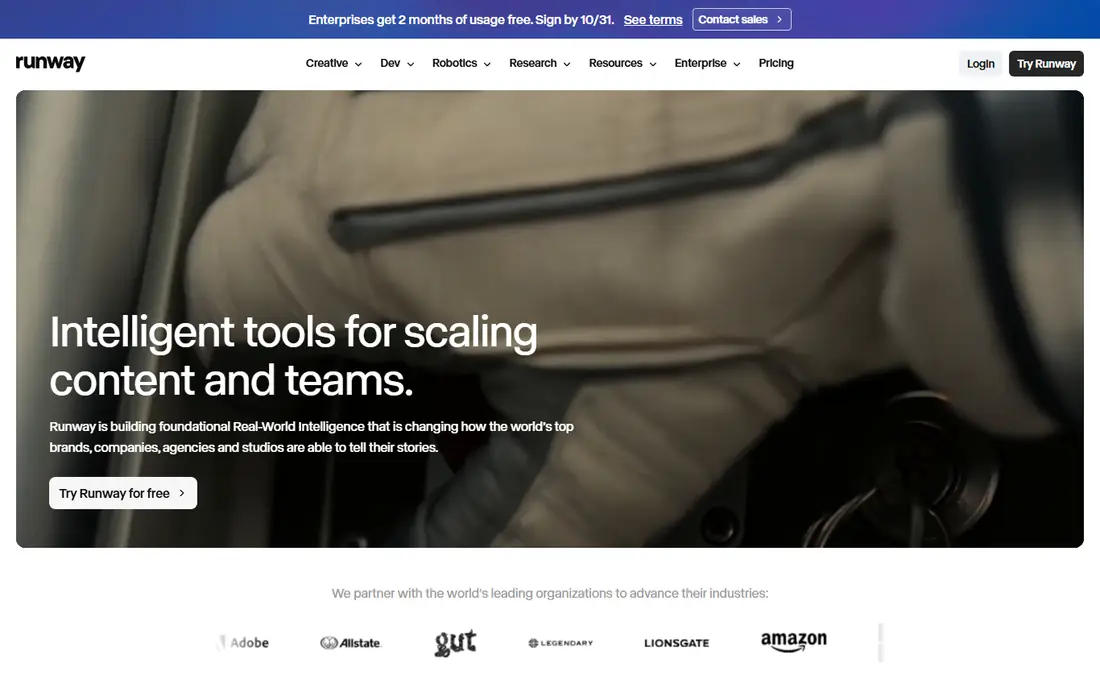
Runway is our pick for creators who care about the look of the final clip. Its models produce coherent, cinematic motion with good camera control, and the platform includes editing tools that let you refine, extend or restyle footage after generation. For ads, music videos and short films, that combination of generation and editing is hard to match.
The catch is credits. The entry plan includes a set monthly allowance, and ambitious projects burn through it quickly, pushing costs up. The free plan offers a one-time credit amount for testing, not an ongoing monthly allowance. If quality matters more than volume, Runway justifies the spend.
- Strong text-to-video and image-to-video quality
- Editing tools for post-generation work
- No watermark on paid plans
- Credits run out fast on heavy use
- Free plan is a one-time credit allowance, not monthly
Pika
Ideal for: Social clips and effects
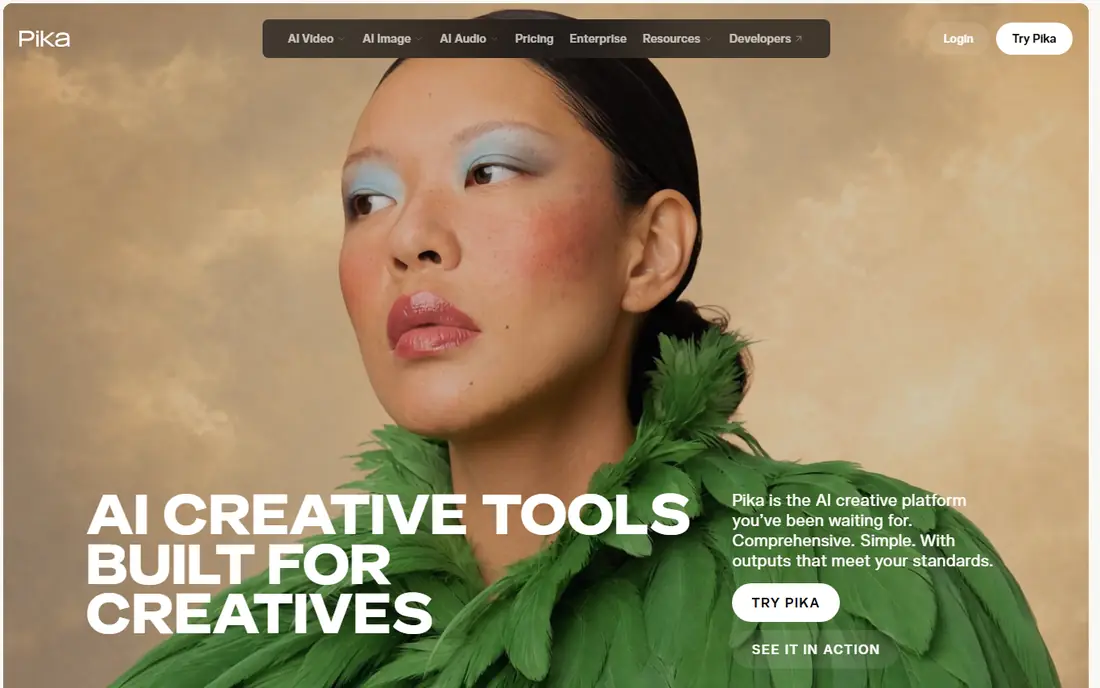
Pika is the value pick for social creators. Its entry plan costs less than Runway while offering a generous monthly credit amount, and its effects tools produce the kind of eye-catching transformations that perform well in short feeds. Text-to-video and image-to-video both work quickly, which suits creators who publish often.
Realism is the trade-off. For cinematic or photoreal work, Runway and Luma produce more convincing motion. Pika wins when speed, price and shareable effects matter more than film-grade polish, which describes a large share of social animation work.
- Low entry price with a solid monthly credit allowance
- Playful effects for social content
- Fast generation for short clips
- Less cinematic realism than Runway
- Effects can feel gimmicky for serious projects
Kaiber
Ideal for: Music visuals

Kaiber is the specialist for music-driven animation. Its beat-sync approach makes visuals pulse and shift with a track in ways general video tools do not attempt, which is why musicians and DJs keep returning to it for videos and live visuals. The entry price is the lowest on this list, which makes experimentation cheap.
Photorealism is not its strength, and stylized output can lock into a look that is hard to override. For a music video, a lyric visual or a set backdrop, Kaiber is the natural choice. For a realistic scene, pick a general video generator instead.
- Audio-reactive visuals that move with music
- Stylized looks for music videos and DJ sets
- Low entry price
- Less reliable for photoreal output
- Credit costs rise with upscaling and longer clips
Luma Dream Machine
Ideal for: Realistic motion
Luma Dream Machine earns its place on motion quality. Water, cloth and everyday movement look more natural here than on many rivals, which makes it useful for realistic scenes, product concepts and pre-visualization. Animation teams use it for storyboards because the motion reads convincingly even in short clips.
The free tier is for testing, with limits on commercial use, and watermark rules vary by plan, so read the current terms before publishing client work. For creators whose main need is believable motion rather than stylized effects, Luma is a strong second tool alongside Runway.
- Strong realistic motion and physics feel
- Good for storyboards and concept visuals
- Free tier for testing
- Free tier limits commercial use and adds watermarks on lower plans
- Higher tiers cost more
Kling
Ideal for: Long coherent shots
Kling stands out for longer, more coherent generations, where many rivals break down after a few seconds. Characters and scenes hold together better across a shot, which matters for storytelling rather than single flashy clips. Its free tier offers daily credits, making it one of the most generous tools to test over time.
Plan names and prices vary by where you buy, so confirm the current offer on the official site before budgeting. For creators building short stories or longer sequences, Kling is worth testing alongside Runway, since coherence over time is its real advantage.
- Long, coherent shots with stable characters and scenes
- Generous free credit allowance
- Competitive pricing for heavy use
- Interface and plan details vary by region and platform
- Newer tool with changing features
PixVerse
Ideal for: Fast social animation
PixVerse is built for speed. Short social clips render quickly, anime and stylized effects look good, and the free tier lets you test styles before paying. Creators who publish daily will appreciate how little waiting sits between an idea and a finished clip.
The credit system means costs depend on how much you generate, and realistic output lags the leaders. PixVerse fits a high-volume social workflow where speed and style matter more than cinematic realism, and it pairs well with a more serious tool for hero shots.
- Very fast rendering for social clips
- Strong anime and stylized effects
- Free tier for trying styles
- Credit-based pricing makes heavy use hard to predict
- Realism is below Runway and Luma
Hailuo
Ideal for: Physics-heavy scenes
Hailuo, from MiniMax, has gained attention for extreme physics simulation, handling fast action and complex motion scenes that trip up other models. Native high-definition output means clips need less upscaling, and the tool suits creators chasing dramatic, shareable action shots.
It is less mature as a full editing platform than Runway, and plan details vary depending on where you access it. For physics-heavy scenes and action content, Hailuo is a genuine contender. For a complete production workflow, pair it with an editor rather than relying on it alone.
- Strong physics simulation for complex motion
- Native high-definition output
- Good for viral and action-style clips
- Pricing and plan details vary by platform
- Less mature editing toolset than Runway
How we picked these
We compared official feature pages, pricing pages and public reviews for AI animation and video tools that are actively available in October 2026. We kept tools that generate animation from text, images or music, and we checked free tiers and credit systems as vendors describe them. Prices shown are entry prices from vendor or recent vendor-checked sources, and where pricing varies by platform we say so. We did not claim hands-on testing, and we did not rank tools on user counts.
How to choose the right animation tool
Start with the output you need, not the model name. A music video needs Kaiber, a social effect needs Pika or PixVerse, and a cinematic shot needs Runway or Luma. Test the same prompt across two or three free tiers before paying, since style and motion quality differ more between tools than marketing pages suggest.
Then do the credit math. Divide the monthly price by the credits included, then by the credits a typical clip costs, to get a rough cost per finished clip. That number matters more than the subscription price, and it changes fast with resolution and length. Finally, check commercial use terms on the plan you will actually buy, since free tiers often restrict commercial work or add watermarks.
A sensible test for any AI animation tool is to generate the same short prompt three times and compare consistency of character, style and motion across the results. Consistency matters more than a single impressive clip, because client work needs repeatable results rather than lucky outputs. Also check export resolution, frame rate options, commercial use terms and credit costs per second of finished video, since those details decide whether a tool fits a real production budget.
Frequently asked questions
What is the best AI animation tool for beginners?
Pika or PixVerse are the easiest starts, with low prices, fast generation and free tiers for testing. Runway suits beginners who want higher quality and are willing to learn a deeper toolset. Start free, test the same idea in two tools, and pick the one whose output you like most.
Can AI animation tools make full videos?
They make short clips, usually a few seconds to tens of seconds each, which you then edit together in a video editor. No tool on this list reliably produces a finished long-form video from a single prompt. Plan for generation plus editing as two separate steps.
How much does AI animation cost per month?
Entry plans on this list run from about $5 to $12 per month, with higher tiers for heavy use. Credit systems mean the real cost depends on clip length, resolution and volume, so compare cost per finished clip rather than subscription price alone.
Do free plans allow commercial use?
Usually with limits. Free tiers often add watermarks, cap resolution or restrict commercial use, and terms vary by tool and plan. Check the current terms on the vendor site before using free-tier output for client or paid work.
Which AI animation tool is best for music videos?
Kaiber is the specialist, with audio-reactive visuals built for music. Runway suits cinematic music video shots, and Pika suits quick social cuts from a track. Many musicians use Kaiber for the core visuals and an editor for the final cut.