Best AI answering services in 2026: 8 Options Compared

- 1
 Smith.aiAI plus human answering for firmsVisit
- 2
 Rubyvirtual reception with AI toolsVisit
- 3
 AnswerConnect24/7 answering with AIVisit
- 4
 Davinci Virtualvirtual answering and officesVisit
- 5
 Abby Connectlive answering for small firmsVisit
- Our pick for most readers is Smith.ai, because it covers AI plus human answering for firms with a clear pricing page and a broad set of core features.
- Ruby is the strongest choice when virtual reception with AI tools matters most, while AnswerConnect suits buyers who want a simpler setup.
- Prices and free plans vary widely across this list, so check the official pricing page for the plan you need rather than trusting a summary.
- The best option depends on the one or two tasks you will do every week, not on the longest feature list or the largest brand name.
- We compared official feature pages, pricing pages, app store listings, privacy policies and public reviews for each option below.
We compared eight options for best ai answering services by reading official feature pages, pricing pages, app store listings and privacy policies, and by checking public reviews for recurring strengths and complaints. The list below mixes well-known leaders with smaller options that do specific jobs well. Prices change, so treat every price here as a starting point and confirm it on the vendor site before you buy. AI answering services handle caller data, so check privacy, call recording rules and human handover before you sign up.
Quick comparison
| Product | Ideal for | Price from | Free version | |
|---|---|---|---|---|
| Smith.ai | AI plus human answering for firms | See website | Free trial | Visit |
| Ruby | virtual reception with AI tools | See website | Free trial | Visit |
| AnswerConnect | 24/7 answering with AI | See website | Free trial | Visit |
| Davinci Virtual | virtual answering and offices | See website | No | Visit |
| Abby Connect | live answering for small firms | See website | Free trial | Visit |
 PATLive | answering for many industries | See website | Free trial | Visit |
 VoiceNation | answering with live agents | See website | Free trial | Visit |
 AnswerForce | answering with overflow support | See website | Free trial | Visit |
The best ai answering services
Here are the eight options we would shortlist for best ai answering services, in an order that balances breadth, value and ease of use. Start with the first two or three, try one with a real task, and only then decide.
Smith.ai
Ideal for: AI plus human answering for firms
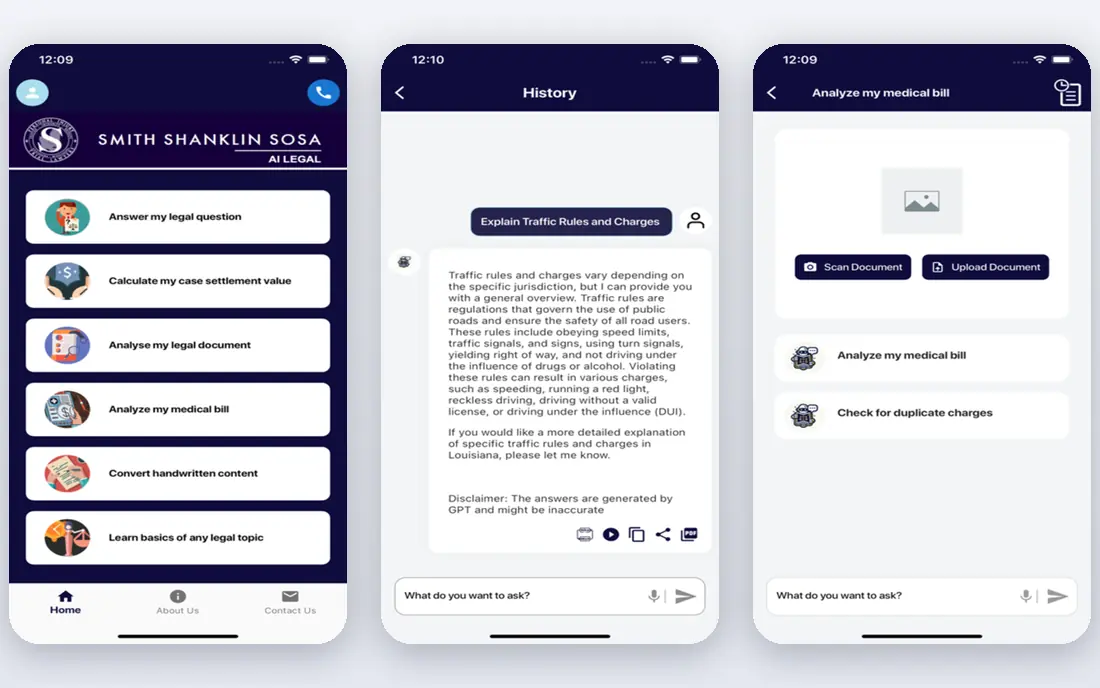
Smith.ai pairs AI answering with human receptionists, with intake tools built for law and service firms. That focus makes it a natural fit for AI plus human answering for firms. In daily use, the parts that matter most are easy to find, and the setup steps are clearly laid out on the official site.
On pricing, the listing shows See website with a free plan status of Free trial. Check the official pricing page before you commit, since plans and limits change, and the plan that looks cheapest can cost more once add-ons are included. The main trade-off to weigh is pricing by plan, which matters more for some users than for others.
- AI with human backup
- Intake for law firms
- CRM links
- Pricing by plan
- Human time costs extra
Ruby
Ideal for: virtual reception with AI tools
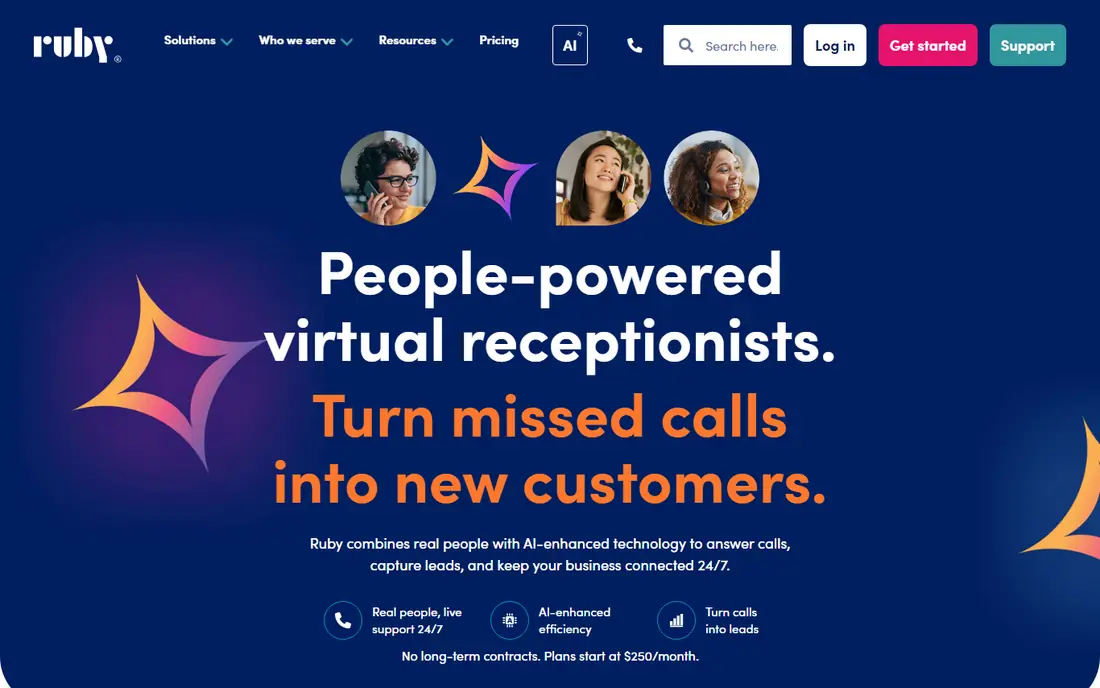
Ruby offers virtual receptionists with AI tools, taking messages and booking appointments for small firms. For teams and readers focused on virtual reception with AI tools, this one earns its place through breadth rather than novelty. The core tools cover the main jobs well, and the documentation helps new users get started without guesswork.
Pricing is listed as See website, and the free plan status is Free trial. We suggest a short trial with a real task from your own work, not a demo task, because that is when limits and awkward steps show up. Keep an eye on pricing by plan, since it is the most common complaint in public reviews.
- Live receptionists plus AI
- Message taking
- Scheduling
- Pricing by plan
- Full service cost
AnswerConnect
Ideal for: 24/7 answering with AI
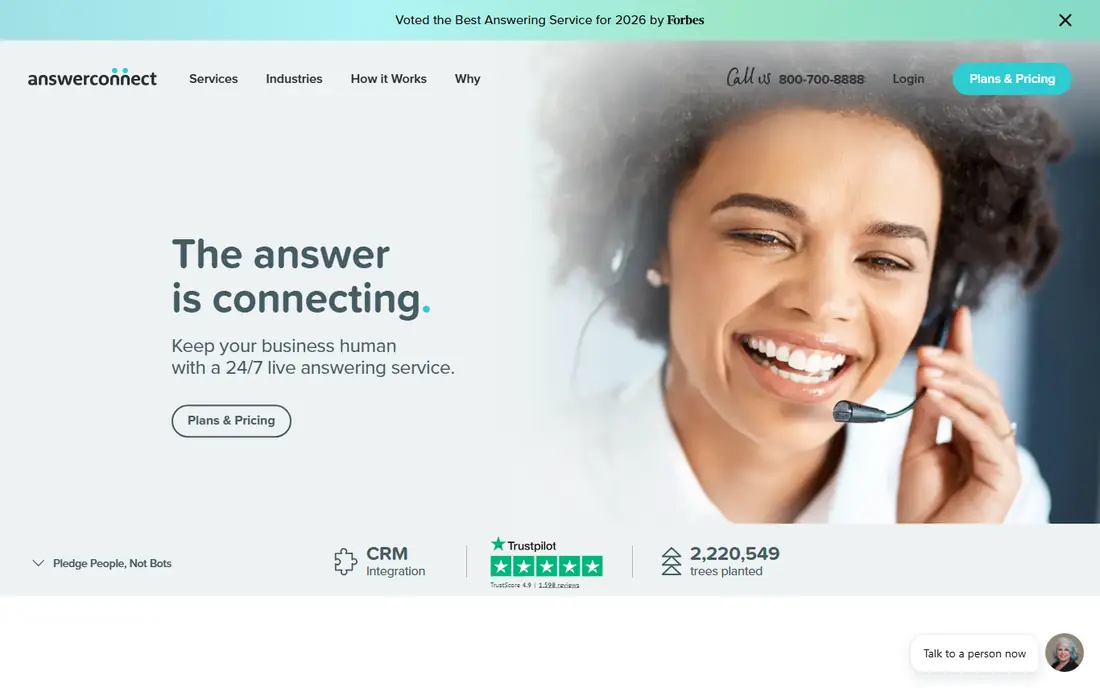
AnswerConnect answers calls around the clock, with message delivery and appointment booking for firms. If 24/7 answering with AI is your main need, start here. The product covers the expected ground, adds a few thoughtful touches, and keeps its settings in places that are simple to reach.
The starting price is See website and the free plan status is Free trial. That combination suits buyers who want to test first, but read the plan limits closely, especially around seats, storage or usage caps. The catch here is pricing by plan, so confirm it does not block the work you do most often.
- 24/7 answering
- Message delivery
- Appointment booking
- Pricing by plan
- Service quality varies by team
Davinci Virtual
Ideal for: virtual answering and offices
Davinci Virtual pairs call answering with virtual office services, for firms that want a business address too. Readers who care most about virtual answering and offices will find plenty to like. It handles the central tasks with care, and its help pages and guides answer the common questions in plain language.
With a starting price of See website and a free plan status of No, this is easy to try before paying. Compare it on the two or three features you will use every week, rather than on a long feature list. Note that pricing by plan may be a reason to pick a different option on this list.
- Answering plus virtual offices
- Message handling
- Many sites
- Pricing by plan
- Office upsell
Abby Connect
Ideal for: live answering for small firms
Abby Connect gives small firms live receptionists who take messages and book appointments. That focus makes it a natural fit for live answering for small firms. In daily use, the parts that matter most are easy to find, and the setup steps are clearly laid out on the official site.
On pricing, the listing shows See website with a free plan status of Free trial. Check the official pricing page before you commit, since plans and limits change, and the plan that looks cheapest can cost more once add-ons are included. The main trade-off to weigh is pricing by plan, which matters more for some users than for others.
- Live receptionists
- Message and scheduling
- Small firm focus
- Pricing by plan
- AI features vary
PATLive
Ideal for: answering for many industries
PATLive answers calls for many industries, with scripts and message delivery shaped to each sector. For teams and readers focused on answering for many industries, this one earns its place through breadth rather than novelty. The core tools cover the main jobs well, and the documentation helps new users get started without guesswork.
Pricing is listed as See website, and the free plan status is Free trial. We suggest a short trial with a real task from your own work, not a demo task, because that is when limits and awkward steps show up. Keep an eye on pricing by plan, since it is the most common complaint in public reviews.
- Industry specific answering
- Message delivery
- Scheduling
- Pricing by plan
- Setup takes time
VoiceNation
Ideal for: answering with live agents
VoiceNation offers live agent answering for small businesses, with message delivery and scheduling. If answering with live agents is your main need, start here. The product covers the expected ground, adds a few thoughtful touches, and keeps its settings in places that are simple to reach.
The starting price is See website and the free plan status is Free trial. That combination suits buyers who want to test first, but read the plan limits closely, especially around seats, storage or usage caps. The catch here is pricing by plan, so confirm it does not block the work you do most often.
- Live agents
- Message delivery
- Small business focus
- Pricing by plan
- AI scope varies
AnswerForce
Ideal for: answering with overflow support
AnswerForce handles overflow calls when your team is busy, with message handling and appointment booking. Readers who care most about answering with overflow support will find plenty to like. It handles the central tasks with care, and its help pages and guides answer the common questions in plain language.
With a starting price of See website and a free plan status of Free trial, this is easy to try before paying. Compare it on the two or three features you will use every week, rather than on a long feature list. Note that pricing by plan may be a reason to pick a different option on this list.
- Overflow answering
- Message handling
- Appointment booking
- Pricing by plan
- Quality varies by plan
How we picked these
We started from the topic itself, best ai answering services, and kept only products that exist and work in October 2026 and truly fit that topic. For each one we read the official feature page, the pricing page, the app store listing where one exists, and the privacy policy, then checked public reviews for patterns rather than single comments. Options with a dead homepage, a vague pricing page or a poor fit were left out.
We did not claim hands-on testing we did not do, and we did not invent prices, ratings, awards or user counts. Where a price could not be verified from the vendor site, the listing says See website. That is a deliberate choice: a guessed price helps no one, and the vendor page is the only source that stays current.
Choosing an AI answering service
Start by writing down the two tasks you will do most often, then score each option on those tasks alone. A product that wins on your daily work beats one that wins on a feature you will never open. Next, check the total cost, including seats, storage, usage limits and any paid add-ons, and read the cancellation terms before you pay for a year in advance.
Try the free plan or trial with real data and a real deadline, and ask support one genuine question so you learn how help works before you need it urgently. Check privacy and data handling too, especially who can see your data, how long it is kept, and whether you can export it and leave. Finally, pick the option your whole team or household will actually use, because the best tool on paper is of little use if no one opens it.
Frequently asked questions
What is the best option for best ai answering services?
For most readers, Smith.ai is a sound starting point because it covers AI plus human answering for firms with clear pricing. That said, the right pick depends on your budget, your team size and the specific tasks you do most often, so shortlist two options and trial both.
Is there a free option worth trying?
Several options on this list offer a free plan or a free trial, and the table above shows the status for each one. Free plans usually limit seats, storage or usage, so check those limits against your real workload before relying on one.
How much should I expect to pay?
Prices vary by plan, seats and usage, and several vendors on this list do not publish a single price, which is why some listings say See website. Compare the plan that covers your actual needs, not the cheapest headline price, and check renewal terms.
What should I check before I commit?
Confirm pricing, plan limits, privacy terms, export options and support hours on the official site. Run a short trial with a real task, and read recent public reviews for recurring problems rather than one-off praise or complaints.
Can I switch later if I pick the wrong one?
In most cases yes, but switching costs time, especially if your data is hard to export. Before you commit, confirm you can export your data in a usable form, and keep a copy of anything important outside the product.