Best AI App Builders for Designers Who Cannot Code

- Framer at $10 a month and Webflow at $15 a month are the cheapest entry points, and both suit design-led websites and landing pages.
- Bravo Studio is the most direct route from a Figma file to a native app, with store publishing from $22 a month.
- Bubble gives the deepest app logic, with Starter at $32 a month on annual billing and a free plan for building.
- Adalo and FlutterFlow cover true native apps, while Glide and Softr turn spreadsheets and data into internal tools fast.
- Every tool here has a free tier, yet none publishes a finished app free, so check the publish rules first.
Quick comparison
| Product | Ideal for | Price from | Free version | |
|---|---|---|---|---|
 Bubble | Complex web and mobile apps with deep logic | $32 per month (billed annually) | Yes | Visit |
 Adalo | Native iOS and Android apps from one design | $65 per month | Yes | Visit |
 Glide | Internal apps built from spreadsheets and prompts | $25 per month | Yes | Visit |
 Softr | Client portals and apps built on Airtable or Sheets | $19 per month (billed annually) | Yes | Visit |
 Bravo Studio | Turning Figma designs into native apps | $22 per month (billed monthly) | Yes | Visit |
 FlutterFlow | Visual apps with Flutter code you can export | $39 per month | Yes | Visit |
 Framer | Design led websites and landing pages | $10 per month (billed annually) | Yes | Visit |
 Webflow | Design led websites with a real CMS | $15 per month (billed annually) | Yes | Visit |
Best AI App Builders for Designers Who Cannot Code
Bubble
Ideal for: Complex web and mobile apps with deep logic
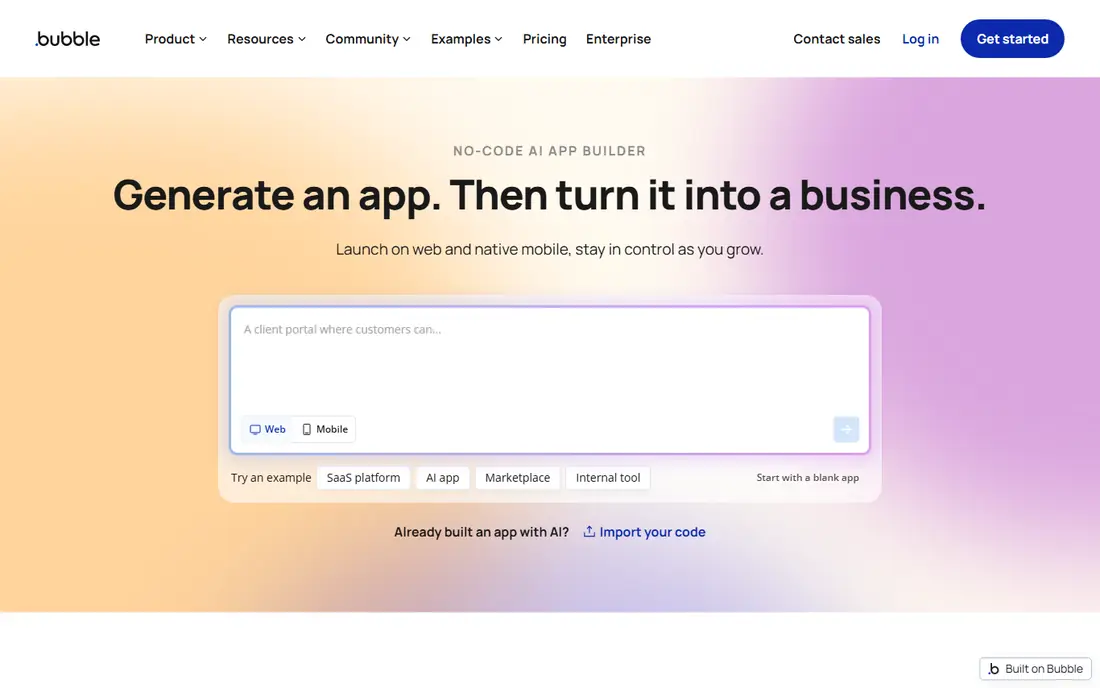
Bubble is the most capable visual builder in this list for designers who want a real product rather than a prototype. You draw the interface, define the database with tables and fields, and set up workflows with plain language rules. The AI agent can draft a first version from a short description.
The free plan includes 50,000 workload units a month and 500 AI credits a month for building and testing. Starter, the first plan that allows a live site, costs $32 a month on annual billing for a web only app, or $39 a month on monthly billing, and a 14-day trial is available. Workload units measure the server work your app performs, so a busy app can need a higher tier or extra units.
- Visual editor covers database, logic and design in one place
- AI agent drafts pages and workflows from a prompt
- Free plan cannot publish a live site, and workload units can add usage costs as traffic grows
Adalo
Ideal for: Native iOS and Android apps from one design
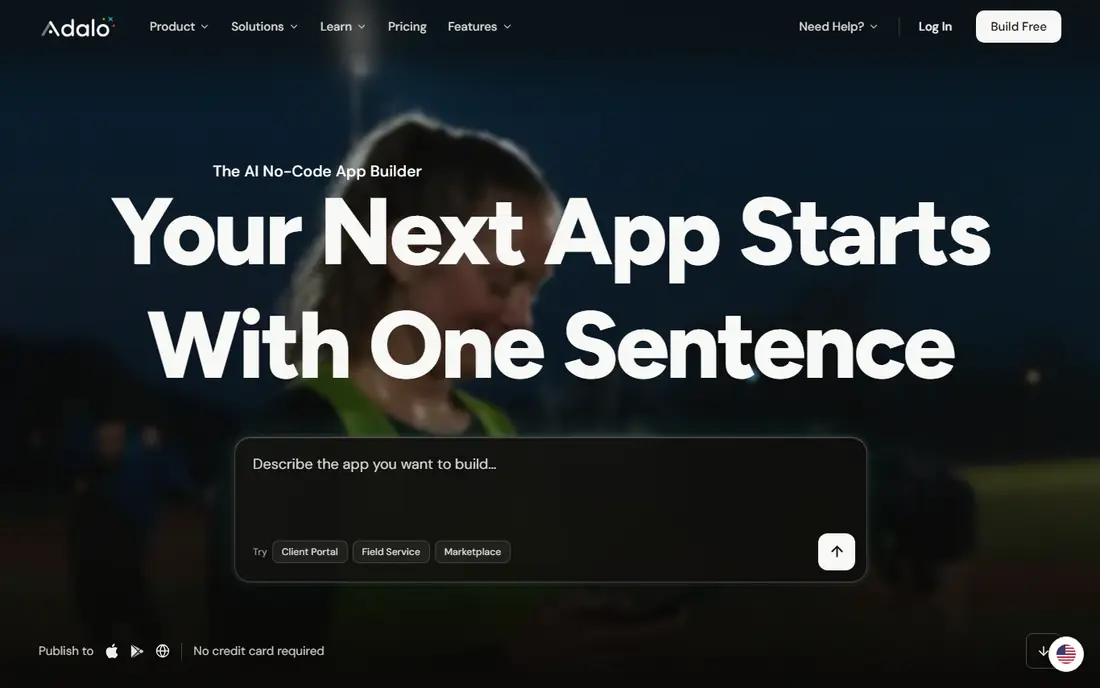
Adalo suits designers who want a native app in the stores without managing three separate builds. You design screens on a single visual canvas, connect them to a built-in relational database, and preview the result on a device. Ada, the built-in AI assistant, builds screens and flows from natural language prompts.
The free plan is free forever and includes unlimited test apps, 500 records per app and 5 AI prompts a month. The Builder plan costs $65 a month, or $624 a year, and adds store publishing for 2 apps, 5 app editors, custom domains and one instant update a month. Business costs $200 a month and adds 5 published apps, 10 editors, unlimited instant updates and external databases. Apple charges $99 a year for a developer account and Google charges a one-time $25 fee, and those store fees sit outside the Adalo subscription.
- One canvas publishes to web, iOS and Android
- Flat pricing with no usage metering on subscription plans
- Free plan caps records at 500 per app and allows no store publishing, and localization and analytics cost extra on Builder
Glide
Ideal for: Internal apps built from spreadsheets and prompts

Glide is the fastest route in this list from a spreadsheet to a tool your team can use. You upload a sheet, paste a prompt or drop in a file, and the GlideOS agent builds the screens, data and logic around it.
Glide now sells two products. GlideOS is the current AI builder, and Glide Classic is the original spreadsheet builder. They have separate subscriptions and no tool moves an app between them, so pick the product that matches your starting point. The GlideOS free plan includes 10 projects and 2 team members yet allows no published apps. Basic costs $25 a month and adds 2 published apps and 100 credits a month. Plus costs $50 a month with 5 published apps and 250 credits. Pro starts at $125 a month with unlimited published apps and workflows. Annual plans are listed as coming soon.
- Turns a spreadsheet, prompt, PDF or screenshot into a working app in minutes
- Clean layouts that suit field and office teams
- Free plan allows no published apps, and GlideOS and Glide Classic are separate products with no migration tool between them
Softr
Ideal for: Client portals and apps built on Airtable or Sheets
Softr suits designers who already keep their content in Airtable or Google Sheets and want a polished front end on top of it. You pick blocks for lists, tables, calendars and forms, connect them to your data, and set who can see each part with role based permissions. The AI Co-Builder can draft a full app from a description.
The free plan includes unlimited apps, 5 app users, 5,000 records per workspace and 5 AI credits. Basic costs $19 a month on annual billing, or $25 a month on monthly billing, with 5 team users and 5 client users plus 50,000 records. Pro costs $99 a month on annual billing and Business costs $329. Softr's own docs list Basic at $19 a month on annual billing, while one older pricing page on the same site shows $49 a month, so confirm the figure at checkout before you buy.
- Connects to Airtable, Google Sheets and other data sources with no code
- User permissions and logins are built in
- Free plan caps app users at 5 and records at 5,000 per workspace, and Softr branding stays on the app below the Professional plan
Bravo Studio
Ideal for: Turning Figma designs into native apps
Bravo Studio is built for designers who already work in Figma and want the app to match the design file exactly. You connect your Figma frames, bind each layer to data and actions, and Bravo turns the design into a native app with transitions, animations and native navigation. Bravo MCP, currently in beta, builds from inside an AI chat tool and returns React Native code that you own.
The free Starter plan includes unlimited projects, up to 15 screens per app, basic API connections and preview on your phone, yet it allows no App Store builds. The Solo plan costs $22 a month on monthly billing and adds up to 30 screens per app, unlimited native app builds, every integration including Stripe, OAuth and Firebase, and advanced data binding. Bravo has no built-in database, so budget for Firebase, Supabase or a similar backend on top of the subscription.
- Publishes real native iOS and Android apps from a Figma file
- Bravo MCP builds with AI inside tools such as Claude and ChatGPT
- No built-in backend, so you still need Firebase or a similar service, and the free plan allows no App Store builds
FlutterFlow
Ideal for: Visual apps with Flutter code you can export
FlutterFlow suits designers who want visual building plus an exit route in the form of real code. You lay out screens with drag and drop, wire up logic in a visual builder, and download the Flutter source or push it to GitHub when you need a developer to take over.
The free plan includes 2 projects, 1 editor and 5 AI generation requests for the life of the account, yet it allows no code download or store deployment. Basic costs $39 a month and adds unlimited projects, code and APK download, one-click store deployment, a custom domain, 50 AI requests a month and 100 Lite credits. Pro costs $80 a month for the first seat and $55 for the second, with GitHub sync. Max costs $150 for the first seat and $85 each for seats 2 to 5, with Figma frame import and automated tests.
- Exports Flutter code and deploys to the stores with one click
- Visual logic builder covers states, APIs and push alerts
- No built-in backend, so Firebase or Supabase bills separately, and AI generation requests are metered at 50 a month on Basic
Framer
Ideal for: Design led websites and landing pages
Framer is the closest thing in this list to designing in Figma and publishing the result as a live site. The canvas supports frames, stacks, effects and breakpoints, and AI agents can draft page structure, copy, visuals and CMS collections from a prompt or a selected layer.
The free plan costs $0 and includes 500 AI credits to try, a Framer domain, 1 GB of bandwidth and 10 CMS collections. Basic costs $10 a month on annual billing, or $15 a month on monthly billing, and adds a custom domain, 30 pages, 2 CMS collections, 50 GB of bandwidth and 1,000 AI credits a month. Pro costs $30 a month on annual billing, or $45 a month on monthly billing, and adds 150 pages, 10 collections, 100 GB of bandwidth, 3,000 AI credits a month, staging, redirects and branching.
- Canvas feels close to Figma, with AI agents that draft pages, copy and layouts
- Generous free tier for trying ideas
- Built for websites rather than native mobile apps, and Basic caps pages at 30 with no staging, redirects or branching
Webflow
Ideal for: Design led websites with a real CMS
Webflow suits designers who want pixel level control over a marketing site or a content site without handing the design to a developer. You build with a visual canvas, manage structured content in the CMS, and publish to Webflow hosting with a custom domain.
The free Starter site plan includes a webflow.io domain, 2 static pages, a limited CMS with 50 items and 1 GB of bandwidth. Basic costs $15 a month on annual billing, or $25 a month on monthly billing, and adds a custom domain, 300 static pages and 10 GB of bandwidth, yet it has no CMS. Premium costs $25 a month on annual billing, or $39 a month on monthly billing, and adds the full CMS with 20,000 items across 40 collections plus 50 GB of bandwidth. Workspace plans bill separately from site plans, and code export needs a Core Workspace plan from $19 a month on annual billing.
- Full visual control over layout, CMS and hosting in one place
- AI drafts whole sites from a prompt
- Site and Workspace plans bill separately, and code export needs a Core Workspace plan on top of the site plan
How we chose
We compared the vendor pricing pages and plan docs for each tool, read on 12 November 2026, and checked the free tier, the first plan that allows publishing, and the limits that affect a designer most. We picked tools that let a designer build without writing code and that publish to the web or the app stores. No hands-on testing was done for this guide. Prices are starting prices in US dollars before tax, and vendors can change them, so confirm the current figure on the pricing page before you buy.
What to check before you buy
Most free tiers here allow building and testing yet block publishing, store builds or custom domains, so treat the free plan as a trial of the editor rather than a launch plan. Check whether the price is per site, per project or per seat. Bubble bills per project, Framer and Webflow bill per site, and FlutterFlow bills per editor, so the same headline price can mean a very different bill when you add a second site or a teammate. Check the backend. Bravo Studio and FlutterFlow have no built-in database, so add Firebase or Supabase to your budget. Check AI limits. Glide, Framer and FlutterFlow meter AI work with credits or requests, and running out can slow a project. Apple charges $99 a year and Google charges a one-time $25 fee, and those sit outside every subscription in this list. If you may leave later, confirm that you can take your code or design with you, and confirm which plan removes vendor branding.
| Monthly budget | Best pick | Why it fits | | $0 | Framer, Webflow, Bubble, Adalo, Glide, Softr, Bravo Studio and FlutterFlow free tiers | Every tool here lets you build and test free, yet none publishes a finished app free | | $10 to $25 | Framer Basic $10, Webflow Basic $15, Softr Basic $19, Bravo Solo $22, Glide Basic $25 | Covers a live site or a first store app at the lowest monthly cost | | $26 to $40 | Bubble Starter $32, FlutterFlow Basic $39 | Adds deeper app logic or code export for a real product | | $41 to $70 | Adalo Builder $65 | Adds true native publishing to iOS and Android from one canvas | | Over $70 | FlutterFlow Pro $80 for the first seat, Softr Pro $99, Bubble Growth $119 | Adds team seats, more apps and higher usage limits |
Frequently asked questions
Can I build a real app with no coding experience?
Yes. Each tool in this guide uses a visual canvas or an AI prompt instead of code, and the free tiers let you test the editor before you commit. Bubble, Adalo and Glide cover the full app, including data and logic, while Framer and Webflow cover websites. Visual logic still takes time to learn.
Which builder is best for a Figma-first workflow?
Bravo Studio is the clearest pick, since it turns Figma frames into native iOS and Android apps and keeps the design as the source of truth. FlutterFlow also imports Figma frames on its Max plan, and Framer feels close to Figma for websites. Start with Bravo Studio and test one screen end to end.
Do I need a separate backend or database?
It depends on the tool. Bubble, Adalo, Glide and Softr include a built-in database, so you can start without another service. Bravo Studio and FlutterFlow have no built-in backend, so you connect Firebase, Supabase or a similar service and that service bills separately. Check the docs for your pick before you build.
What does it cost to publish to the App Store?
The builder subscription is only part of the cost. Apple charges $99 a year for a developer account and Google charges a one-time $25 fee to register, and those fees apply no matter which builder you use. On top of that, you need a plan that allows store publishing, such as Adalo Builder at $65 a month, Bravo Solo at $22 a month or FlutterFlow Basic at $39 a month.
Can I export my code or leave the platform later?
FlutterFlow lets you download Flutter code from the Basic plan, and Bravo Studio returns React Native code through Bravo MCP or its done-for-you build service. Bubble, Adalo, Glide and Softr keep your app inside their platform, so leaving means rebuilding elsewhere. Framer and Webflow allow code export on some plans, with Webflow needing a Core Workspace plan. Check export rules before you build.
Which tool is best for a simple portfolio or client site?
Framer Basic at $10 a month on annual billing is the cheapest route to a live site with a custom domain, and its canvas will feel familiar if you design in Figma. Webflow Basic at $15 a month is a strong second choice when you need more pages, and Premium at $25 a month adds a CMS for case studies or a blog. Pick Framer for speed and Webflow for structured content.
Sources
- https://bubble.io/support/en/articles/10845711-pricing-and-plans
- https://www.adalo.com/pricing
- https://www.glideapps.com/pricing
- https://docs.softr.io/workspace-and-billing/pricing-and-plans
- https://www.bravostudio.app/pricing/
- https://docs.flutterflow.io/accounts-billing/plan-comparison/
- https://www.framer.com/pricing
- https://webflow.com/pricing