Shortlist: 6 Best AI App Design Generators for 2026

- 1
 Magic PatternsTeams that create UI inside an existing design systemVisit
- 2
 v0 by VercelDevelopers who want working UI code, not mockupsVisit
- 3
 RelumeAI sitemaps and wireframes that export to Figma and WebflowVisit
- 4
 Google StitchFree, high-quality AI UI explorationVisit
- 5
 FramerGenerating and publishing real websites with AIVisit
- Magic Patterns sits first on this list: teams that produce UI inside an existing design system.
- Framer has the lowest monthly starting price in this list: $5/month.
- The main caution on v0 by Vercel: Token-based credits make costs unpredictable.
- 6 out of 6 tools include a free plan, among them Magic Patterns, v0 by Vercel, Relume and Google Stitch.
- Uizard is the one to check for non-designers who require clickable prototypes quick.
Direct answer
If you need teams that produce UI inside an existing design system, Magic Patterns is the first tool to look at here. Look at v0 by Vercel for developers who want working UI code, not mockups, and at Relume for AI sitemaps and wireframes that export to Figma and Webflow.
Quick comparison
| Product | Ideal for | Price from | Free version | |
|---|---|---|---|---|
| Magic Patterns | Teams that create UI inside an existing design system | $20/seat/month (Starter) | Yes | Visit |
| v0 by Vercel | Developers who want working UI code, not mockups | $20/month (Premium) | Yes | Visit |
| Relume | AI sitemaps and wireframes that export to Figma and Webflow | $18/month (Starter) | Yes | Visit |
| Google Stitch | Free, high-quality AI UI exploration | $0 (free beta) | Yes | Visit |
| Framer | Generating and publishing real websites with AI | $5/month (Mini, per site, billed yearly) | Yes | Visit |
 Uizard | Non-designers who require clickable prototypes quick | $12/month (Pro, billed annually) | Yes | Visit |
Tool-by-tool breakdown
Ainotely compared 6 tools for AI app design generator. The goal is a practical shortlist: published prices, free plan facts, best-fit use cases and honest limits for every entry.
Magic Patterns
Ideal for: Teams that create UI inside an existing design system
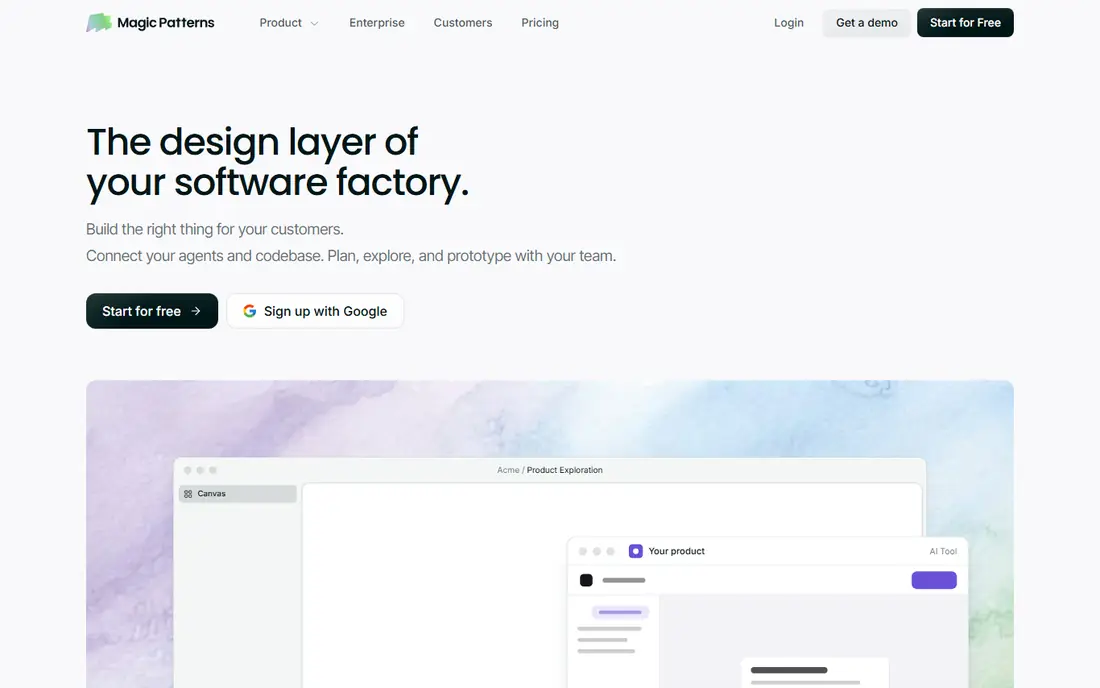
Magic Patterns serves teams that produce UI inside an existing design system. Magic Patterns solves the generic-output problem that plagues AI design tools. It links to your design system, so generated screens use your components, your tokens and your brand rather than stock layouts.
Watch-outs: Smaller community than Uizard.
Worth adding: exports include React and Vue, and the conversational editing keeps iteration inside the tool. The trade-off is that Magic Patterns assumes design maturity. As for the details, for product teams with established systems who want AI speed without brand drift, it is the right category of tool; for everyone else, start less expensive. As for the details, the Starter plan runs $20 per seat a month, with a free level for evaluation. Price to start with Magic Patterns: $20/seat/month. Magic Patterns includes a free tier.
- Syncs with your design system
- Exports React and Vue
- Best value needs an existing design system
v0 by Vercel
Ideal for: Developers who want working UI code, not mockups

v0 by Vercel works best for developers who want working UI code, not mockups. Rather than generating pictures of interfaces, it produces working React, Next.js and Tailwind code you can deploy to Vercel in one click. Pricing is credit-based: Free comes with $5 of monthly credits, Premium costs $20 a month with $20 in credits, Team $30 per user.
Downsides: Token-based credits make costs unpredictable.
That metering is the primary complaint. Also, for frontend developers in the Vercel ecosystem who want AI that writes shippable UI, v0 is unmatched. For everyone else, the mockup tools above are more practical. Costs are genuinely hard to predict since they rely on prompt length, model choice and iteration count. And v0 speaks only React and Tailwind, no Vue, no Angular, no plain HTML shops. v0 by Vercel pricing: $20/month. Free access exists with v0 by Vercel.
- Figma imports on premium plans
- Creates production-ready React and Next.js code
- React and Tailwind only
Relume
Ideal for: AI sitemaps and wireframes that export to Figma and Webflow
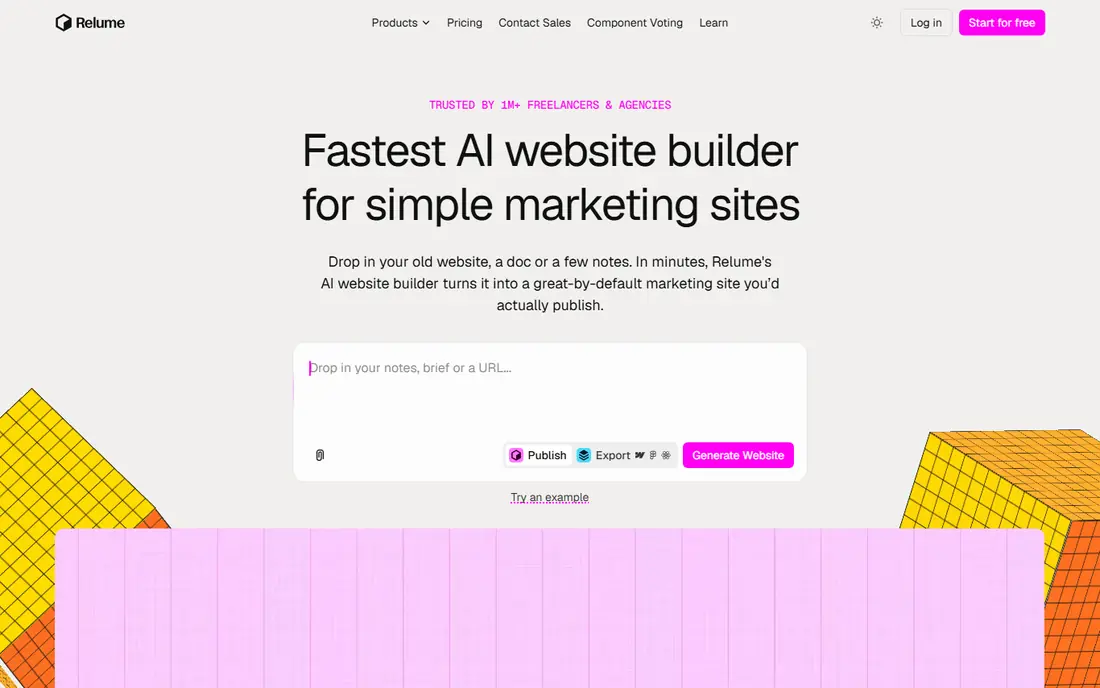
Choose Relume for AI sitemaps and wireframes that export to Figma and Webflow. Relume takes a planning-first approach. Beyond that, describe your website and it generates a complete sitemap and wireframes assembled from a library of over 1,000 human-designed components, with AI-written copy placeholders.
Drawbacks to consider: not a finished site; Pricing is split across confusing meters.
For designers and agencies working in the Webflow ecosystem, Relume compresses days of planning into minutes. The free plan spans 1 project and 1 page. Starter begins at $18 a month, with Pro at $40 and separate meters for AI usage and hosting. And the output is a structure to build from, not a finished website, so small business owners expecting a site will be disappointed. Everything exports to Figma or Webflow, where the real build happens. On cost, Relume starts like this: $18/month. Relume has a free plan.
- Clean Webflow export
- 1,000+ human-designed components
- Output is structure
Google Stitch
Ideal for: Free, high-quality AI UI exploration
Google Stitch is designed for free, high-quality AI UI exploration. Stitch is Google's AI-native design tool, and right now it is free. The price is the story: around 550 generations per month at no cost makes it the most ample free choice in this category by far.
In daily use, the 2026 updates added an infinite canvas, multi-screen generation, voice interaction and a MCP server connecting Stitch to coding assistants. The risk is equally clear. Starting cost for Google Stitch: $0. Google Stitch has a free plan.
The main drawbacks: Needs a Google account.
- Fully free with ample monthly generations
- Gemini-powered quality
- Occasional instability
Framer
Ideal for: Generating and publishing real websites with AI
For generating and publishing real websites with AI, Framer is a natural candidate. AI features work across every level, so you never pay additional for the AI itself.
Downsides: not a mobile app prototyper; Per-site pricing brings up for agencies.
Reasons to shortlist it: AI creates complete, refined.
Framer cost at the entry level: $5/month. A free plan is available with Framer.
- SEO and hosting included
- Ample free level
- Hosted on Framer's infrastructure
Uizard
Ideal for: Non-designers who require clickable prototypes quick
Choose Uizard for non-designers who require clickable prototypes quick. Uizard's Autodesigner turns a text description into a complete multi-screen prototype with navigation, components and layout, no design skills required. On top of that, for product managers and founders who require to put a rough idea on screen before a meeting, nothing is quicker.
The main drawbacks: Acquired by Miro; roadmap tied to it.
Worth adding: photograph a hand-drawn wireframe and it becomes a digital prototype; import a screenshot and edit it as components. From a buyer's view, the free plan is genuinely limited at 3 generations per month, enough to evaluate, not to work. And the speed includes a sameness: without careful prompting, Uizard outputs look like Uizard outputs. Note that Miro acquired Uizard in 2024, so its future is tied to Miro's product planning. Entry price for Uizard: $12/month. Uizard has a free plan.
- React and CSS developer handoff
- Text
- Free plan lets only 3 AI generations per month
What went into this list
The comparison looks at four things: starting price, free access, how well the feature set matches AI app design generator, and the main limit of each tool. Seat minimums, billing terms and add-ons can move the real cost, so the starting prices here are a guide and not a quote. Tools are placed by general fit for AI app design generator, with price clarity and free access as tie-breakers. A different team can reasonably rank them differently.
What to check before you buy
- Prices are a starting point; Framer shows $5/month to start, so verify what your seat count would cost.
- Look at free plan limits closely: Magic Patterns, v0 by Vercel, Relume and others have one, and the caps decide whether it is usable for real work.
- Read the limits listed for Magic Patterns first: higher entry price.
- Read the plan comparison for Framer carefully; key features often start on a higher tier.
- Verify that exporting from Magic Patterns is possible on your plan and covers all your records.
Frequently asked questions
Do these tools publish their prices?
Yes. Every tool from Magic Patterns to Uizard shows a starting price, though seats, add-ons and billing terms still change the final cost.
Is Magic Patterns the right pick for everyone comparing AI app design generator?
No single tool suits every team. Magic Patterns comes first because it fits teams that generate UI inside an existing design system, while v0 by Vercel suits developers who want working UI code, not mockups and Relume suits AI sitemaps and wireframes that export to Figma and Webflow. Match the tool to your own size, budget and workflow before deciding.
What is the best free AI app design generator?
The first pick on this list is Magic Patterns, because it suits teams that generate UI inside an existing design system. v0 by Vercel is better for developers who want working UI code, not mockups, and Relume for AI sitemaps and wireframes that export to Figma and Webflow. Check price and limits against your own needs before choosing.
What happened to Galileo AI?
Google acquired Galileo AI in 2025 and relaunched it as Google Stitch, powered by Gemini and free in beta. Stitch continues its mission of prompt-to-UI generation with far more ample free usage than Galileo ever offered.
What is the cheapest option for AI app design generator in this list?
On published monthly entry prices, Framer is the lowest here at $5/month. Entry price is only part of the cost, because seats, add-ons and billing terms can change the total.
Which options for AI app design generator have a free plan?
On this list, 6 of 6 tools include a free plan, among them Magic Patterns, v0 by Vercel, Relume and Google Stitch. Caps on seats, usage or features are common, so test the free plan against your real workload.