Best AI App to Make Videos for Free in 2026: 8 Apps Compared

- CapCut is the best free starting point for social videos, with AI editing, templates, subtitles and exports in one app.
- Runway and Pika suit AI-generated clips from text or images, for creators who want original footage rather than stock.
- Pictory and InVideo suit turning scripts, articles and ideas into finished videos with voices, captions and scenes.
- Kapwing and Clipchamp suit browser-based editing with AI help, including subtitles, voiceovers and templates.
- Canva suits quick marketing and social videos, where design templates matter more than advanced video generation.
- Free plans usually limit credits, exports or resolution, so check watermarks and export limits before you plan a series.
Quick comparison
| Product | Ideal for | Price from | Free version | |
|---|---|---|---|---|
 CapCut | Free social video editing | Free | Yes | Visit |
 Runway | AI-generated video clips | See website | Yes | Visit |
 Pika | Creative AI video and sound | See website | Yes | Visit |
 Pictory | Script to video | See website | Free trial (300 credits) | Visit |
 InVideo | AI video editor with agents | See website | Yes | Visit |
 Kapwing | Browser video creation | Free | Yes | Visit |
 Clipchamp | Free browser editor | Free | Yes | Visit |
 Canva | Template-based social videos | Free | Yes | Visit |
The best ai apps to make videos for free
Free AI video apps fall into two groups: generators that create clips from a prompt, and editors that turn your footage or script into a finished video with AI help. We compared official homepages and pricing pages for the apps below, checking what is free, what needs credits, and what each app does best. "Free" rarely means unlimited, so we note the limits that matter.
CapCut
Ideal for: Free social video editing
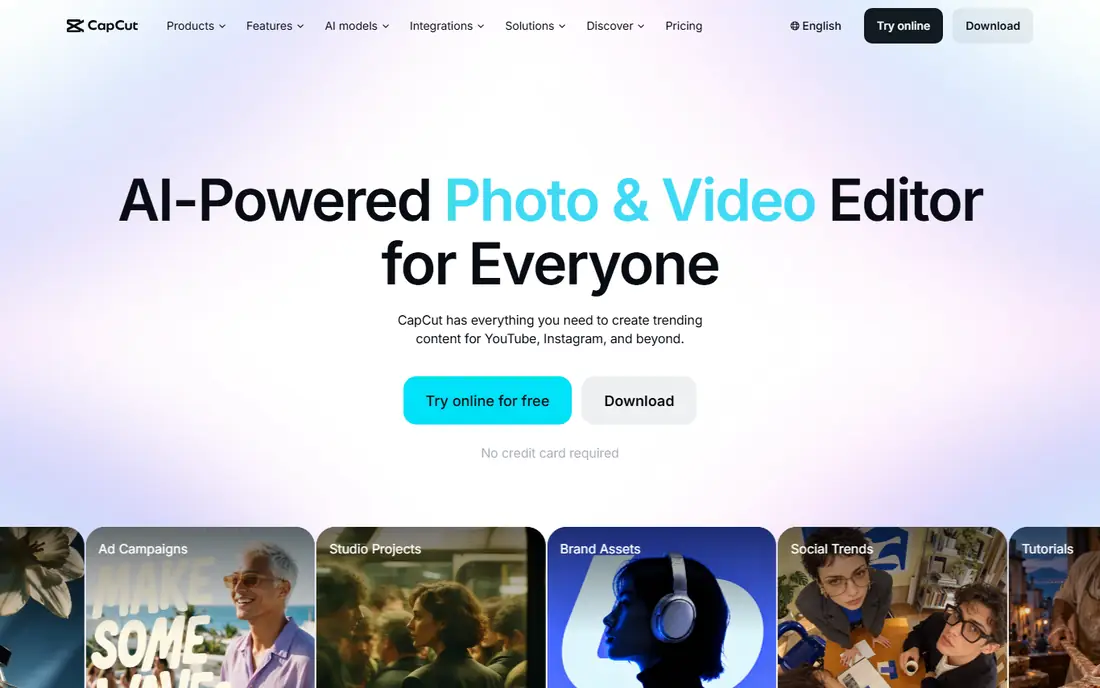
CapCut is an AI-powered photo and video editor for everyone, with a free online version that needs no credit card. Its homepage highlights an AI video generator that turns text, images or keyframes into video, plus auto subtitles, background removal, text to speech and templates for Reels and TikTok. For social creators, that combination covers nearly the whole workflow.
The honest catch is that the deepest AI features and some premium assets sit behind paid plans. Still, the free editor handles cutting, trimming, transitions, subtitles and HD export, which is more than many paid tools offered a few years ago. If you make short social videos, start here.
- Free online editor with no card required
- AI video generator, subtitles, text to speech and templates
- Exports in HD
- Best AI features may need a paid plan
- Some templates and effects are premium
Runway
Ideal for: AI-generated video clips
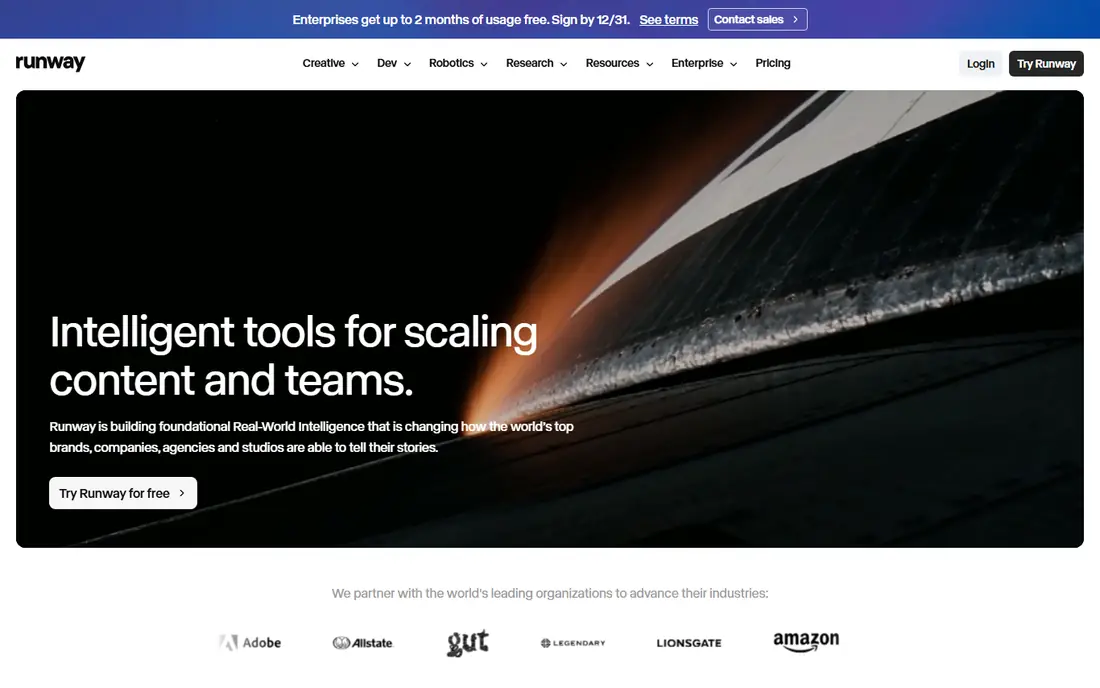
Runway is a creative platform built on AI models that understand and generate media, with a suite for generating and editing video, images and audio in the cloud. Its homepage notes it is used by many millions of creatives, with a free try option. For filmmakers and creators who want original AI footage, Runway's models are among the most capable available.
The limit is credits. Free use lets you test, but serious projects need a paid plan, and generating many variations burns credits fast. Use the free tier to learn prompting and to test whether AI footage fits your style, then pay only when a project needs volume.
- Leading AI video models in a full creative suite
- Image, video and audio tools in one workspace
- Free trial to test
- Free credits are limited
- Best results need practice with prompts and settings
Pika
Ideal for: Creative AI video and sound
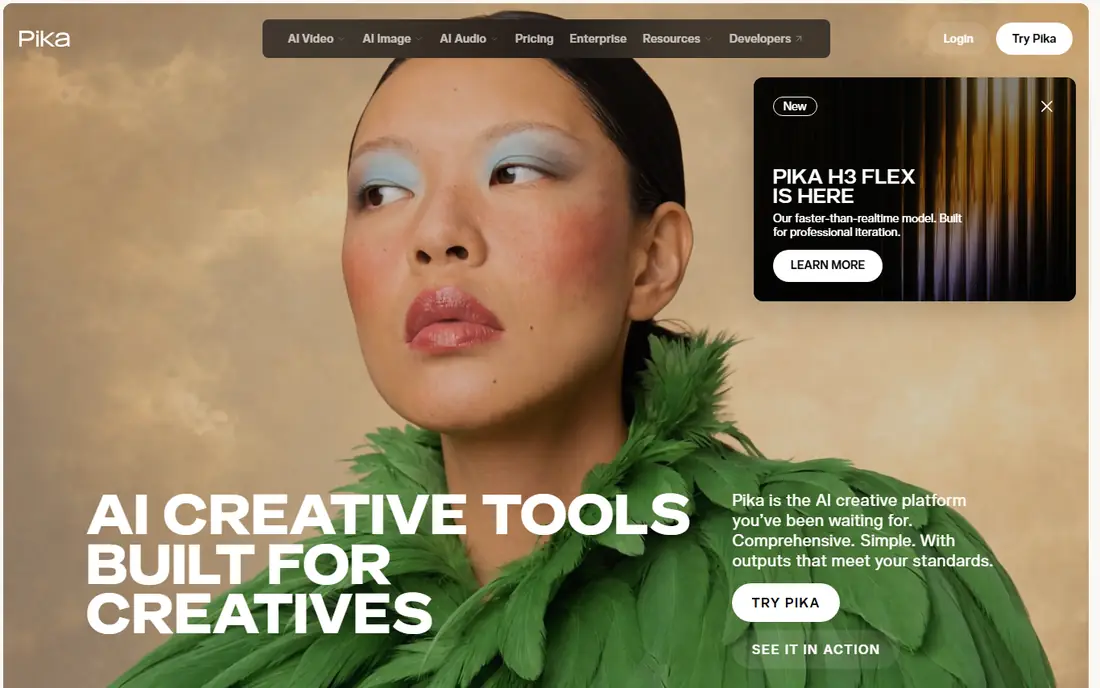
Pika is an AI creative platform for video, image and sound, bringing many generation models together with focused creative apps on top. Its homepage notes a plugin inside ChatGPT as well, with many creative apps and models available without leaving a conversation. That breadth suits creators who experiment across media types.
The catch is the same as Runway: free generations are limited, and quality depends on prompting. Pika's strength is its range of models and apps in one account, so you can compare styles without juggling subscriptions. Test a few models on the same prompt to find the look you like.
- Video, image and sound creation in one place
- Many leading models underneath
- Creative apps built for specific jobs
- Platform changed recently, so older guides may be outdated
- Free use is limited
Pictory
Ideal for: Script to video
Pictory is an AI video agent and generator that creates professional videos in minutes from a description, script, article, URL, PowerPoint, images or audio. Its homepage offers 300 credits with a free trial and no credit card required. The agent plans the script and scenes, and you review and refine before generating the final video.
The honest limit is that Pictory is trial-based rather than free forever, and videos built from stock visuals need your own footage or brand kit to feel unique. For marketers, teachers and teams turning written content into video regularly, Pictory's workflow saves hours, and the trial is generous enough to judge it properly.
- Turns text, scripts, URLs, slides and audio into video
- AI agent plans script and scenes
- Free trial with 300 credits and no card
- No permanent free plan, only a trial
- Stock-based videos can feel generic without custom visuals
InVideo
Ideal for: AI video editor with agents
InVideo describes itself as an agentic video editor, where AI agents handle parts of the work while you stay creative. Its homepage highlights multiplayer editing with live cursors, storyboarding from any script, script writing help and a timeline editor, plus custom agents for roles such as cinematographer and music designer. That agent approach suits creators who want help without losing control.
The catch is credits and plan tiers, which shape how many generations and which models you can use. Start free to learn the editor, and check the current plan details before committing to a series. For creators who make videos weekly, InVideo's agents can cut the time from idea to draft sharply.
- AI agents help with scripting, storyboarding and timeline editing
- Multiplayer collaboration
- Many image and video models
- Credit system across plans
- Free tier limits models and features
Kapwing
Ideal for: Browser video creation
Kapwing lets you tell a story through video without recording, using AI to build a project with layers, timing and sound from a simple prompt. Its homepage notes it powers many millions of creators, with tools for marketers, educators and internal communications teams. Templates, quick exports and collaboration are built in.
The free plan's limits are the usual ones: exports, resolution and AI usage are capped. For short social videos, school projects and team updates, Kapwing's browser workflow is fast and easy. For long or complex edits, a desktop editor may still be better, but Kapwing is an excellent free starting point.
- Create from a simple prompt without recording
- Templates and collaboration
- Used by many millions of creators
- Free plan has export and feature limits
- Heavy projects suit a desktop editor better
Clipchamp
Ideal for: Free browser editor
Clipchamp is Microsoft's online video editor, letting you record, edit and share HD videos in the browser with AI tools and no expertise required. Its homepage highlights natural AI voiceovers, smart subtitles in many languages, screen and webcam recording, and royalty-free stock assets. Free exports in HD come without watermarks, which is a genuine advantage.
The limit is that Clipchamp is an editor with AI help, not a leading AI footage generator. If you have footage or a script and need a polished video fast, it shines. If you need original AI-generated scenes, pair it with Runway or Pika for clips, then finish in Clipchamp.
- Free browser editor from Microsoft
- AI voiceovers and subtitles in many languages
- Stock assets and HD exports without watermarks
- Premium features need a Microsoft 365 subscription
- AI generation is lighter than Runway or Pika
Canva
Ideal for: Template-based social videos
Canva's video tools sit inside its design platform, so you start from a template, add text, music and clips, and export for each social platform. Its free plan covers a lot of everyday marketing and social video work, and its brand tools keep colors and fonts consistent. For a small business that needs a promo video today, Canva is often the fastest route.
The trade-off is depth. Canva will not generate cinematic AI footage like Runway, nor turn a long script into scenes like Pictory. It wins on speed and design polish for template-based videos. Use it when the message matters more than original footage, and use a generator when the footage itself is the point.
- Huge template library for social and marketing video
- Easy text, music and brand tools
- Free plan is genuinely useful
- Video generation is simpler than dedicated AI video apps
- Best features need a paid plan
How we picked these
We compared official homepages and pricing pages, favoring apps that are actively maintained, work in a browser or on a phone, and offer a real free plan or trial without a card. We covered generators, editors and template tools, because "make videos for free" means different jobs for different creators. One well-known script-to-video tool was dropped from our first draft because its homepage could not be fetched and confirmed, and we only list apps whose official sites we verified.
How to make good videos for free
Start with a short script, even for a 30-second video. Write the hook first, then one idea per scene, then the call to action. Free tools work best with clear direction: a vague prompt gives generic video, while a specific script gives the AI something to build scenes around.
Next, use stock and templates wisely. Free plans often include stock footage, music and templates, which raise production value fast. Replace at least one scene with your own footage, photo or voice, so the video does not look like every other video from the same tool. Your own material is what makes a template feel original.
Finally, watch the export settings. Check resolution, aspect ratio and watermarks before you publish, since free plans differ on all three. Make vertical versions for short-form platforms and horizontal versions for YouTube, and keep your project files so you can re-export when you upgrade. A video made free today can still look professional if the script, pacing and sound are right.
Frequently asked questions
What is the best free app to make AI videos?
CapCut is the best free all-rounder for social videos, while Runway and Pika lead for AI-generated clips. Pictory suits script-to-video work, and Clipchamp suits free browser editing. Pick based on whether you need generated footage, editing help or templates.
Can I make AI videos for free without a watermark?
Some free plans, such as Clipchamp's, export HD video without watermarks, while others add watermarks or limit resolution on free exports. Always check the export preview before publishing, and compare plans if watermarks matter for your brand.
How do I make a video with AI from text?
Tools such as Pictory and InVideo turn a script or idea into scenes with visuals, voiceover and captions. Write a clear script, pick a voice and aspect ratio, review the scenes, and refine before exporting. For original footage from a prompt, use Runway or Pika instead.
What is the best free AI tool to make videos for YouTube?
CapCut and Clipchamp suit YouTube editing with free exports, while Pictory suits turning articles and scripts into YouTube videos. For cinematic AI clips to include in a YouTube video, Runway and Pika offer free trials to test.
Do free AI video apps limit how many videos I can make?
Yes, usually through credits, monthly generations or export limits. CapCut and Clipchamp offer broader free editing, while generator tools such as Runway, Pika and Pictory ration generations. Check the current free tier details on each pricing page before starting a series.
Can I use AI generated videos commercially?
It depends on the tool's terms and plan. Many tools allow commercial use of outputs, but free plans may restrict it or add watermarks. Read the license terms of the tool you use, especially for client work and advertising, before publishing.