8 AI Art Generation Tools Ranked for 2026

- 1
 ChatGPTSimple all-in-one image generationVisit
- 2
 Adobe FireflyCommercial-safe art inside Adobe workflowsVisit
- 3
 Stable DiffusionOpen-weight art with local controlVisit
- 4
 MidjourneyArtistic and cinematic AI artVisit
- 5
 Google GeminiPhotorealistic art inside Google appsVisit
- ChatGPT sits first on this list: simple all-in-one image generation.
- 7 out of 8 tools include a free plan, among them ChatGPT, Adobe Firefly, Stable Diffusion and Google Gemini.
- For game and design assets at scale, Leonardo AI is worth a look.
- One limit worth knowing about Adobe Firefly: some advanced features need a Creative Cloud or Firefly plan.
- Starting prices begin at $10 per month with Midjourney.
Direct answer
ChatGPT is the first pick on this list for simple all-in-one image generation. Adobe Firefly is better for commercial-safe art inside Adobe workflows, and Stable Diffusion is better for open-weight art with local control. The other 5 tools in the list cover narrower or pricier cases.
Quick comparison
| Product | Ideal for | Price from | Free version | |
|---|---|---|---|---|
| ChatGPT | Simple all-in-one image generation | $20 a month (Plus) | Yes | Visit |
| Adobe Firefly | Commercial-safe art inside Adobe workflows | See website | Yes | Visit |
| Stable Diffusion | Open-weight art with local control | Free (model weights, licence terms apply) | Yes | Visit |
| Midjourney | Artistic and cinematic AI art | $10 per month | No | Visit |
| Google Gemini | Photorealistic art inside Google apps | $20 per month (Google AI Pro, where applicable) | Yes | Visit |
 FLUX | Photorealistic art and production workflows | See website (API pay-as-you-go; some open weights free) | Yes | Visit |
 Recraft | Logos, vectors, and brand sets | See website | Yes | Visit |
 Leonardo AI | Game and design assets at scale | See website | Yes | Visit |
AI Art Generation Tools profiles
Ainotely put together this guide to AI art generation tools for readers who want a clear shortlist without reading every vendor page. It compares 8 tools on starting price, free plans, who each one suits and where each one falls short.
ChatGPT
Ideal for: Simple all-in-one image generation
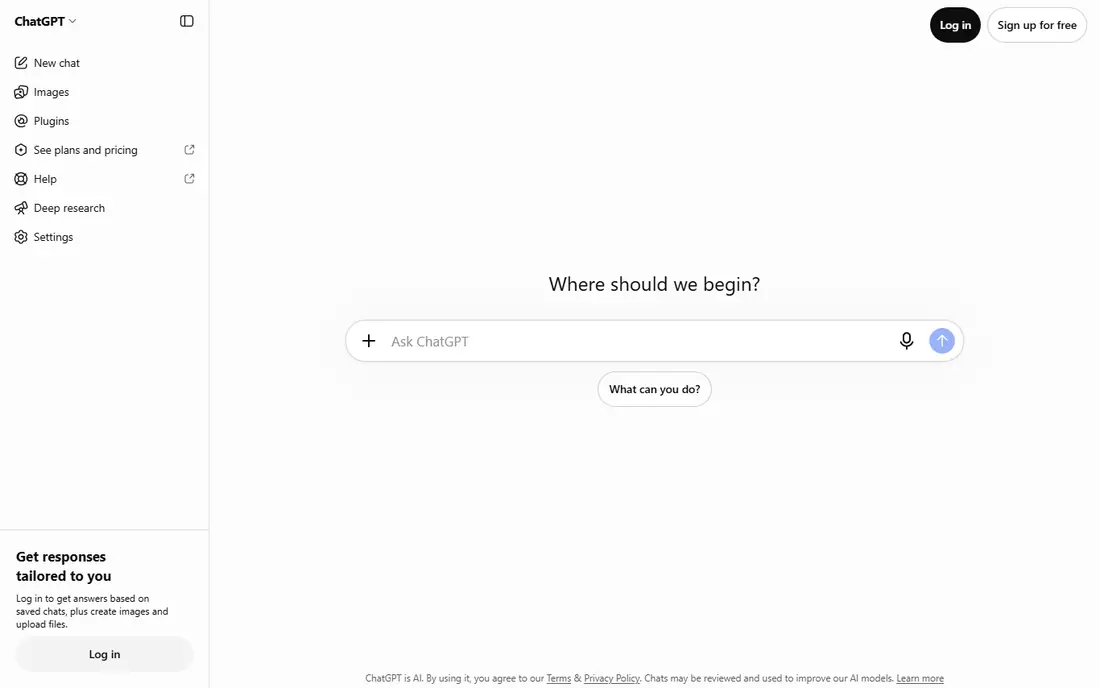
Pick ChatGPT if this describes you: simple all-in-one image generation. Free access is restricted, and heavy use needs a premium plan.
Beyond that, for ChatGPT, the limits on the entry plan matter as much as the headline features, so check seats, caps, and export rules before you pay. On top of that, for general-purpose art, social visuals, and fast concept checks, its balance of ease and accuracy is hard to beat. Price to start with ChatGPT: $20 per month. A free plan is available with ChatGPT.
- Chat-based refinement
- GPT image generation, editing
- Free access is restricted and high-volume work needs a premium plan
Adobe Firefly
Ideal for: Commercial-safe art inside Adobe workflows
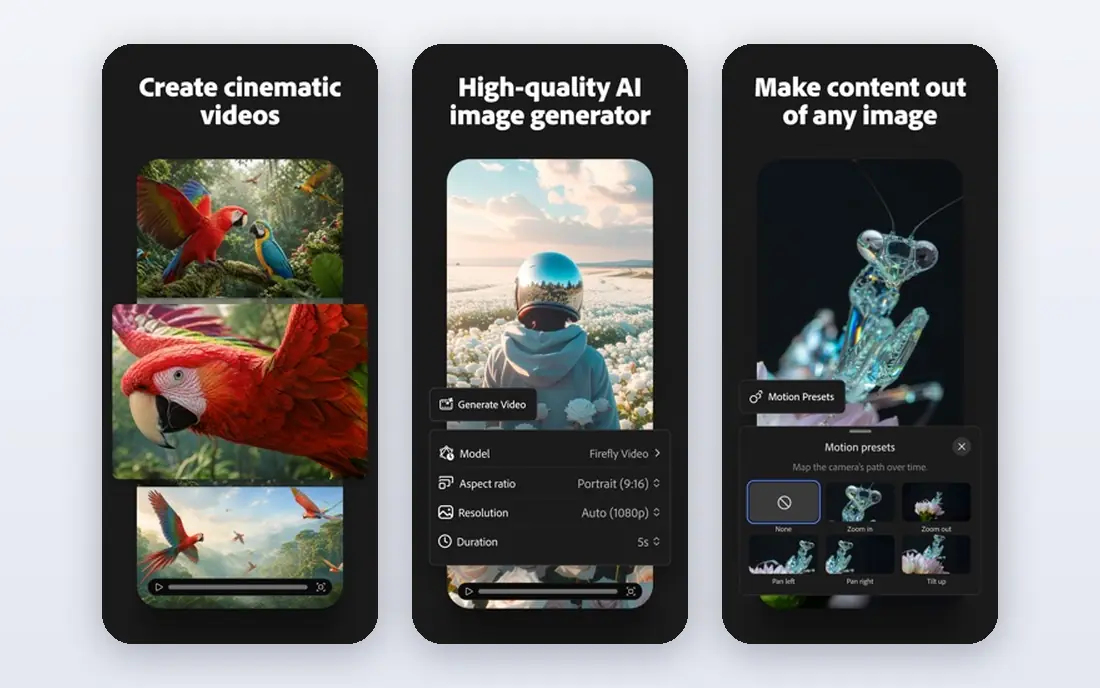
Adobe Firefly is a good fit for commercial-safe art inside Adobe workflows. Beyond that, in my shortlist, Adobe Firefly earns its place for one clear job, and pairing it with a complementary tool typically beats buying a bigger plan you will not use.
Some features need a premium plan, and its artistic range differs from Midjourney. Adobe Firefly does not show a starting price in this comparison, so check the vendor site for current pricing. Free access exists with Adobe Firefly.
- Brand-safe training focus
- Photoshop integration
- Some advanced features need a Creative Cloud or Firefly plan
Stable Diffusion
Ideal for: Open-weight art with local control
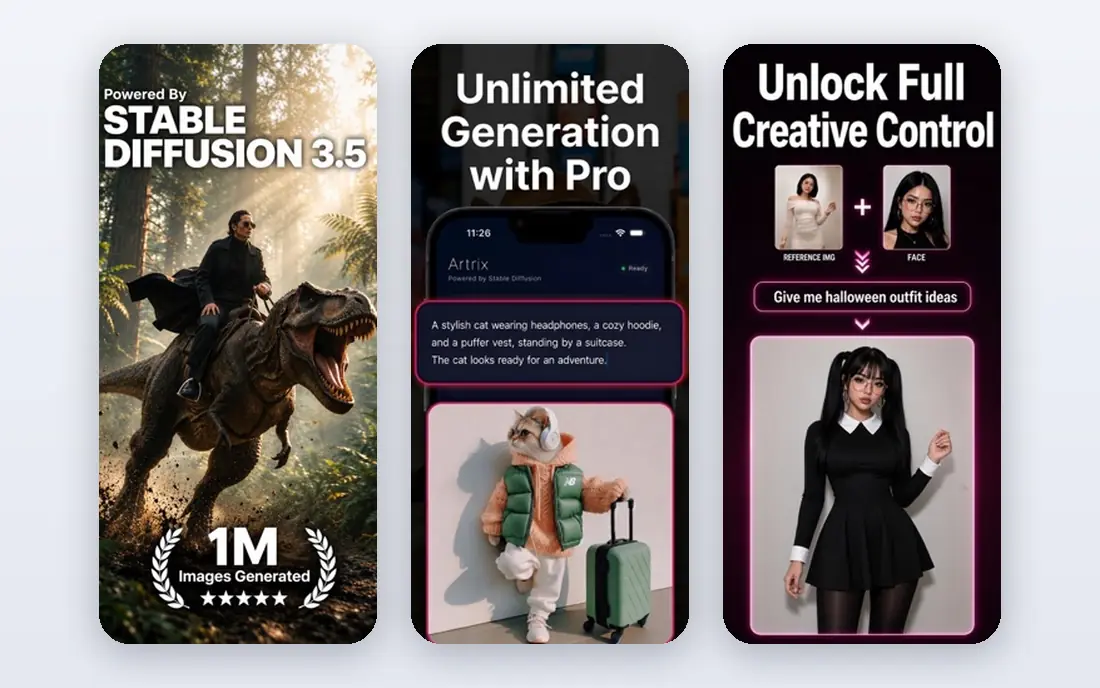
Stable Diffusion works best for open-weight art with local control. When Stable Diffusion looks close to a rival, pick the one whose daily workflow feels more straightforward, since the tool you actually open will beat the richer tool you avoid.
Worth adding: for an artist who values privacy and custom workflows, the setup is worth it. Stable Diffusion pricing: Free. You can start on Stable Diffusion without paying.
- LoRA support
- Local generation, fine-tuning, ControlNet
- Needs a front end and a capable graphics card for local use
Midjourney
Ideal for: Artistic and cinematic AI art
Pick Midjourney if this describes you: artistic and cinematic AI art. Its images commonly look refined and cinematic with less prompt effort, which fits concept art, mood boards, and editorial illustration. It is weaker at exact text and literal prompt following than some rivals, and there is no free level to test it first.
Worth adding: if Midjourney suits your budget and workflow, start with a trial and judge it on replies or results, not on the feature list alone. From a buyer's view, if look and mood matter most, that trade is worth it. Entry price for Midjourney: $10 per month. Midjourney has no free tier.
- Solid style control, variations
- A full web app
- Weaker at exact text and literal prompt following
Google Gemini
Ideal for: Photorealistic art inside Google apps
Think of Google Gemini for Photorealistic art inside Google apps. Google Gemini, with Imagen models, fits photorealistic art inside a Google workflow.
Beyond that, free access is capped, and fuller features sit behind premium plans. On cost, Google Gemini starts like this: $20 per month. You can start on Google Gemini without paying.
- Photo-style generation
- Gemini integration
- Free access is capped and full features sit behind premium plans
FLUX
Ideal for: Photorealistic art and production workflows
FLUX is a good fit for Photorealistic art and production workflows. FLUX stands out for photorealistic art and production workflows, with solid prompt following and reference choices. Used through an API or a local front end, it is a capable modern alternative to older open models.
Where it shines: Solid realism.
Licence terms vary by version, so check the model for commercial use. As for the details, if FLUX suits your budget and workflow, start with a trial and judge it on replies or results, not on the feature list alone. This comparison lists no price for FLUX; ask the vendor. Free access exists with FLUX.
- Reference-based workflows
- Prompt following
- Licence terms vary by model version
Recraft
Ideal for: Logos, vectors, and brand sets
Recraft targets Logos, vectors, and brand sets. Recraft focuses on the design end of AI art: logos, vectors, and consistent brand sets.
From a buyer's view, when Recraft looks close to a rival, pick the one whose daily workflow feels more straightforward, since the tool you actually open will beat the richer tool you avoid. Recraft does not show a starting price in this comparison, so check the vendor site for current pricing. Free access exists with Recraft.
- Brand sets
- Logo-friendly generation
- Less suited to photorealistic art than FLUX or Midjourney
Leonardo AI
Ideal for: Game and design assets at scale
Think of Leonardo AI for game and design assets at scale. In my shortlist, Leonardo AI earns its place for one clear job, and pairing it with a complementary tool typically beats buying a bigger plan you will not use.
This comparison lists no price for Leonardo AI; ask the vendor. Free access exists with Leonardo AI.
- Character consistency tools
- Game assets
- Pricing and credit limits need checking for heavy use
How to choose AI art generation tools
Start with the output, not the model name. If you need client-safe commercial art, test Firefly. If you need local control, test Stable Diffusion or FLUX through ComfyUI.
Then check rights and output format before client work. Free levels commonly limit commercial use, and vector work needs a tool like Recraft instead of a raster-only generator.
How we built this list
Ainotely used vendor pricing pages and product documentation as the base, then compared plans, free access and documented limits for 8 tools. Where a vendor does not publish a price, the entry says quote. Where a price depends on seats or billing term, the entry says so. Order on the page follows fit for the typical buyer first, then price transparency and free access. Your own requirements should decide the final pick.
Pre-purchase checklist
- Confirm the entry price on the vendor page. For Adobe Firefly, FLUX, Recraft and Leonardo AI that means a quote rather than a fixed price.
- Check what the free option really includes: ChatGPT, Adobe Firefly, Stable Diffusion and others offer a free plan, and usage caps differ.
- Read the limits listed for ChatGPT first: free access is restricted and high-volume work needs a premium plan.
- Ask Adobe Firefly whether prices are locked for the first term and what happens at renewal.
- Price Midjourney for your actual team size; headline prices rarely include add-ons or overage.
Frequently asked questions
Is ChatGPT the right pick for everyone comparing AI art generation tools?
No single tool suits every team. ChatGPT comes first because it fits easy all-in-one image generation, while Adobe Firefly suits commercial-safe art inside Adobe workflows and Stable Diffusion suits open-weight art with local control. Match the tool to your own size, budget and workflow before deciding.
What is the cheapest option for AI art generation tools in this list?
On published monthly entry prices, Midjourney is the lowest here at $10 per month. Entry price is only part of the cost, because seats, add-ons and billing terms can change the total.
Can I use AI art for client work?
Commonly yes, but check the tool and plan terms first. Adobe Firefly is positioned for commercial use, whereas free levels elsewhere may limit rights.
How are the tools for AI art generation tools ordered?
ChatGPT sits first and Leonardo AI last because the order follows typical fit for AI art generation tools, then price clarity and free access. It is a judgement call, so read each profile for fit and limits.
Which AI art tool is best for beginners?
This list starts with ChatGPT, which fits simple all-in-one image generation. For other needs, Adobe Firefly is aimed at commercial-safe art inside Adobe workflows, and Stable Diffusion at open-weight art with local control. Check each tool's price and main limit first.
Can I try these options before paying?
Often, yes. ChatGPT, Adobe Firefly, Stable Diffusion and others have a free plan. Use your own data and a real task during the test, and check what the free tier or trial limits before you rely on it.