Best AI Automation Tools to Boost Productivity

- Make is the cheapest way to start with serious volume, at $12 a month for 10,000 credits, with a free plan of 1,000 credits.
- Zapier connects to more than 9,000 apps, with a free plan of 100 tasks a month and Professional from $19.99 a month.
- n8n charges only when a workflow runs from start to finish, with cloud Starter at 20 euros a month billed annually and a free self-hosted edition.
- Lindy is the most expensive per seat at $49.99 a user a month, but it works as an AI teammate in Slack rather than a workflow builder.
- Activepieces Plus costs a flat $20 a month for 10,000 credits, and its free plan needs no card.
Quick comparison
| Product | Ideal for | Price from | Free version | |
|---|---|---|---|---|
 Zapier | Widest app library and easiest start | $19.99 per month | Yes | Visit |
 Make | Cheapest volume for visual workflows | $12 per month | Yes | Visit |
 n8n | Technical teams that want code control | €20 per month (billed annually) | Yes | Visit |
 Bardeen | Browser automation for sales teams | $10 per month | Yes | Visit |
 Lindy | AI teammate in Slack | $49.99 per user/month | Yes | Visit |
 Gumloop | AI-heavy batch workflows | $37 per month | Yes | Visit |
 Activepieces | Flat price with open source option | $20 per month | Yes | Visit |
 Power Automate | Microsoft 365 teams that need RPA | $15 per user/month (billed annually) | Yes | Visit |
The best AI automation tools to boost productivity
Zapier
Ideal for: Widest app library and easiest start
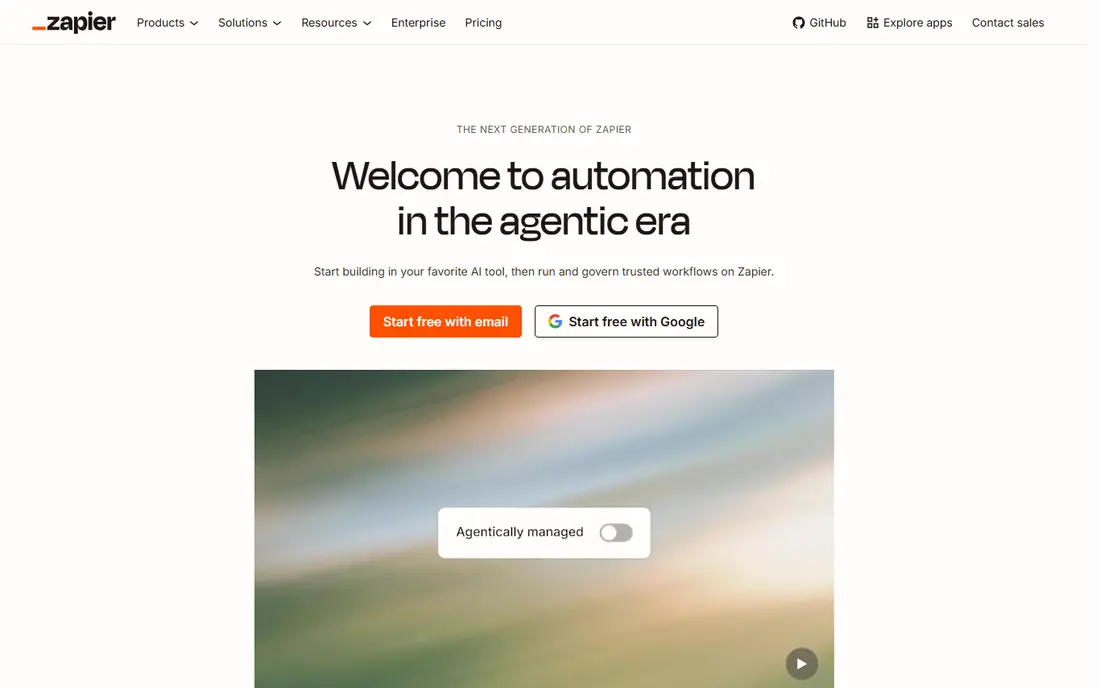
Zapier is the best-known automation tool, and its pricing page lists a free plan at $0 a month with 100 tasks, unlimited Zaps, Tables and Forms, and a 14-day trial of Professional with no credit card required. Professional starts from $19.99 a month and adds multi-step Zaps, unlimited premium apps, webhooks and AI fields. Team starts from $69 a month for up to 25 users.
Zapier fits a team that wants the fastest path from idea to working automation, with an app library of more than 9,000 apps and an editor that needs no code. The limit is the task model: a Zap with five steps uses five tasks per run, so a busy workflow can burn a monthly allowance in days, and the free plan only allows two-step Zaps.
- Connects to more than 9,000 apps
- Free plan includes 100 tasks a month, unlimited Zaps, Tables and Forms
- Task-based pricing means multi-step Zaps and AI steps burn tasks fast, and the free plan allows only two-step Zaps
Make
Ideal for: Cheapest volume for visual workflows

Make builds automations as visual scenarios, and its pricing page lists a free plan at $0 a month with 1,000 credits, 3,500 plus apps, routers and filters, and a 15-minute minimum interval between runs. Core costs $12 a month for 10,000 credits and adds unlimited active scenarios, scheduling down to the minute and access to the Make API. Make also ships Maia, an AI agent builder, and an MCP server.
Make fits a team that wants to see the whole workflow on one canvas and pay by the action. The limit is the credit model: a scenario with 20 modules uses 20 credits per run, so a workflow that runs 500 times a day uses 10,000 credits a day. The free plan also caps at 2 active scenarios with a 15-minute minimum interval.
- Core costs $12 a month for 10,000 credits, the cheapest volume in this guide
- Visual builder with routers, filters and 3,500 plus apps
- Each module action costs one credit, so long scenarios burn credits fast, and the free plan allows only 2 active scenarios
n8n
Ideal for: Technical teams that want code control
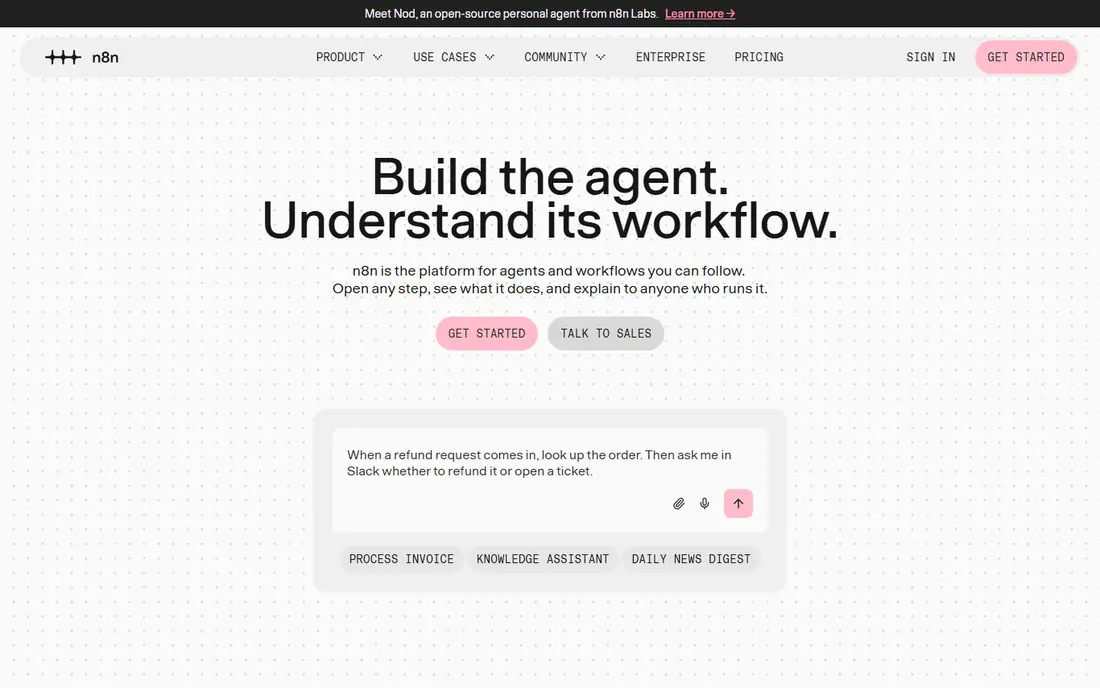
n8n is a workflow automation tool, and its pricing page lists cloud Starter at 20 euros a month billed annually, Pro at 50 euros a month and Business at 667 euros a month, with a free trial. Starter includes 2,500 executions a month, and n8n charges per completed execution rather than per step or per user, so if a workflow does not run, you do not pay. A free self-hosted Community Edition is available on GitHub.
n8n fits a technical team that wants to mix no-code nodes with real JavaScript, connect AI models, and self-host. The limit is that the cloud prices are in euros, so a US team pays a conversion cost, and Starter is built for one user, so a team moves to Pro quickly. Self-hosting is free but needs a server, updates and backups.
- You pay only when a workflow runs from start to finish
- Free self-hosted Community Edition with full source code
- Prices are in euros, so US buyers pay conversion, and the cloud Starter plan is built for one user
Bardeen
Ideal for: Browser automation for sales teams
Bardeen is an AI agent that works in the browser, built to automate go-to-market work such as lead sourcing, enrichment and scraping. Its pricing page lists a Basic plan at $10 a month billed monthly, with premium scrapers, enrichment and teams on the higher plans, and an Enterprise plan for custom work. Every account gets 100 credits for free, spent per row: scraping 1 credit, web search 1 credit, enrichment 3 credits, and AI tools 1 credit.
Bardeen fits a sales or operations team that lives in the browser and wants to turn a list of companies into enriched leads without writing code. The limit is credit burn: enriching 1,000 leads costs 3,000 credits on top of the scraping cost, so a heavy list can exhaust a monthly allowance in one job. The product is built for go-to-market work rather than general automation.
- Basic plan at $10 a month billed monthly
- 100 credits free for every account, with no time limit on the free credits
- Enrichment costs 3 credits per row, so list work burns credits fast, and the Premium plan price is not shown on the pricing page
Lindy
Ideal for: AI teammate in Slack
Lindy is an AI teammate that works in Slack, and its pricing page lists a free plan at $0 with $50 in credits, no credit card required, with the free credits lasting 7 days. Team costs $49.99 a month per user for 5,000 credits each, and Enterprise is custom priced. Lindy includes scheduled routines, 40 plus skills, meeting recording and notes, inbox management, draft replies, and approvals for any action with outside impact. Everyday asks use 2 to 250 credits, deep work 250 to 1,000, and big builds 1,000 to 2,500.
Lindy fits a team that wants to hand whole jobs to an AI teammate, such as triaging a support queue, drafting replies in your voice, or turning a week of calls into a proposal, rather than building workflows step by step. The limit is seat pricing: every active user in the workspace is billed, so a 10-person team spends about $500 a month before top-ups, and monthly credits do not roll over. The free credits last only 7 days, so the trial window is short.
- Free plan with $50 in credits and no credit card required
- 40 plus skills, 3,000 plus integrations and MCP support
- Every active user is billed $49.99 a month, so a 10-person workspace costs about $500 a month, and monthly credits do not roll over
Gumloop
Ideal for: AI-heavy batch workflows
Gumloop is a no-code canvas for building AI agents and workflows, and its pricing page lists Pro at $37 a month with 20,000 credits. Credits are the currency: each credit costs $0.005, a standard AI call costs around 2 credits, an advanced AI call around 20 credits, and enrichment nodes 60 credits each. Gumloop adds an 8 percent orchestration fee on the full list cost of a task, rising to 16 percent if you bring your own API keys, and unused credits do not roll over. The free plan costs $0 a month with 5,000 credits, 1 seat and 2 concurrent runs, according to third-party pricing guides.
Gumloop fits a team that runs AI-heavy batch work, such as researching lists of companies, enriching contacts, or generating reports from many sources. The limit is forecasting: the same workflow can cost a different number of credits depending on the model and the tools it calls, and a single 100-contact enrichment run costs more than 6,000 credits, which already exceeds the free tier. Pro overage bills at $0.005 per credit.
- Pro costs $37 a month for 20,000 credits with unlimited seats
- Free plan with 5,000 credits a month
- Credit costs vary by model and tool call, so the bill is hard to forecast, and unused credits do not roll over
Activepieces
Ideal for: Flat price with open source option
Activepieces is an open source automation platform, and its pricing page lists a free plan at $0 forever with 1,000 credits a month, unlimited flows, up to 5 users, chat to automation, flows, agents, tables, and MCP and API access, with no card required. Plus costs a flat $20 a month for 10,000 credits, then $0.007 per credit over that, with bring-your-own AI keys. Team costs a flat $200 a month for 50,000 credits, 25 users and SSO, and Ultimate is custom priced. Self-hosting is available on every plan.
Activepieces fits a team that wants a flat monthly price, open source code, and the option to self-host, because Plus is $20 a month for up to 5 users. The limit is AI pricing: a run is one credit however many steps it has, but AI steps sit on top, with a fast model step at 2 credits, a smart model step at 10 credits and a frontier model step at 20 credits. Human support on Free and Plus is community only, with email support starting on Team.
- Free plan forever with 1,000 credits a month and no card
- Plus costs a flat $20 a month for 10,000 credits
- AI steps cost extra credits, with a frontier model step costing 20 credits, and human support on Free and Plus is community only
Power Automate
Ideal for: Microsoft 365 teams that need RPA
Power Automate is Microsoft's automation tool for Microsoft 365 teams, and its pricing page lists Premium at $15 per user a month billed annually, with cloud flows, premium and custom connectors, one attended desktop flow, process mining, 250 MB of Dataverse database capacity and 2 GB of file capacity, and 40,000 actions per user per day. Process costs $150 per bot a month for unattended automation. Microsoft 365 licenses include Power Automate for standard connectors such as Outlook, SharePoint and Teams. The $15 figure is corroborated by pricing guides citing Microsoft's page, since the page loads prices with JavaScript.
Power Automate fits a team that already lives in Microsoft 365 and needs desktop automation, because attended desktop flows can drive legacy Windows apps that have no API. The limit is licensing: an automated or scheduled flow needs Premium for the owner only, but an instant flow needs Premium for every person who runs it. AI steps also need Copilot Credits now, because the 5,000 AI Builder credits that came with Premium ended on 1 November 2026.
- Premium at $15 per user a month billed annually, with cloud flows, attended desktop flows and process mining
- Included with Microsoft 365 for standard connectors
- Licensing depends on who triggers each flow, and AI steps now need Copilot Credits after the seeded AI Builder credits ended on 1 November 2026
How we chose
We compared vendor pricing pages, product pages and documentation for all eight tools on 11 November 2026, using the published starting price where a vendor shows one. Two figures need a note: Power Automate Premium at $15 a user a month is corroborated by pricing guides citing Microsoft's page, since that page loads prices with JavaScript, and Gumloop's free tier of 5,000 credits a month comes from third-party pricing guides, since the vendor page shows only the Pro plan in its main text. We compared app library size, AI agents, credit or task pricing, free plan limits, code support and team features. We did not run hands-on tests, so feature claims here come from vendor documentation.
What to check before you buy
Check how the tool charges first. Zapier charges per task, Make and Activepieces charge per credit, n8n charges per completed execution, and Lindy and Power Automate charge per user, so the cheapest headline price is not always the cheapest bill for your workload. Ask how many tasks, credits or executions your busiest workflow uses per run, then multiply by how often it runs. Check the free plan limits too, because a plan that caps at 100 tasks or 2 active scenarios will run out fast.
Check the AI features next. Confirm whether AI steps cost extra, whether you can bring your own model keys, and whether the tool acts on its own or only follows fixed steps. Then run a real workflow on the free plan, and measure how long it takes to build, how often it fails, and what it costs per run.
| Team size and budget | Best fit | Why | Watch out | | Solo, under $25 a month | Make Core, Activepieces Plus | $12 and $20 a month with 10,000 credits each | Make free plan allows only 2 active scenarios | | Small team, $25 to $100 a month | Zapier Professional, Gumloop Pro | Widest app library, or AI-heavy batch work at $37 | Zapier task burn on multi-step Zaps, Gumloop credit burn on enrichment | | Technical team, any budget | n8n, Activepieces | Code control and self-hosting, with free editions | n8n prices in euros, Activepieces AI steps cost extra credits | | Sales team, under $25 a month | Bardeen Basic | $10 a month for browser automation and enrichment | Enrichment costs 3 credits per row | | Microsoft 365 team | Power Automate Premium | $15 per user a month, with desktop RPA included | Instant flows need Premium for every user who runs them | | Team that wants an AI teammate | Lindy Team | $49.99 per user a month for 5,000 credits each | Every active user is billed, and credits do not roll over |
Frequently asked questions
What is an AI automation tool?
An AI automation tool connects your apps and uses AI to do repetitive work for you, such as moving data between systems, drafting replies, enriching leads, or triaging a queue. Some tools follow fixed steps you build, like Zapier and Make, while others act as AI agents that plan and carry out whole jobs, like Lindy and Gumloop.
Which AI automation tool is cheapest?
Make Core is the cheapest way to start with serious volume, at $12 a month for 10,000 credits. Bardeen Basic at $10 a month buys credits for scraping and enrichment, not workflow runs. Zapier Professional starts at $19.99 a month, and Activepieces Plus is a flat $20 a month. The cheapest bill depends on how many actions your workflows use, so count actions first.
Do I need to know how to code?
No. Zapier, Make, Bardeen, Gumloop and Lindy are all built for non-technical users, with visual editors or chat-based building. n8n and Activepieces also work without code, but they reward technical users with JavaScript steps, custom nodes and self-hosting. Power Automate has a visual designer too, though desktop flows can need technical help.
What is the difference between Zapier and Make?
Zapier charges per task and connects to more than 9,000 apps, with the simplest editor and the fastest start. Make charges per credit and shows the whole workflow on one visual canvas, with routers, filters and branching. Zapier suits simple app-to-app flows, while Make suits complex workflows. Make Core at $12 a month also buys more volume than Zapier Professional at $19.99.
Can AI agents run automations on their own?
Yes, on the agent tools in this guide. Lindy works as an AI teammate in Slack that takes on jobs such as triage, drafting and meeting follow-up, and Gumloop builds agents that run multi-step work across your tools. Make ships Maia, an agent builder, and n8n and Activepieces support AI steps and agent workflows. Fixed-step tools need you to define the steps, while agents plan the steps themselves.