How to Pick AI Avatar Generator App: 5 Tools Compared

- This list starts with HeadshotPro, which is built for professional headshots with edit credits.
- PFPMaker comes with a trade-off: free tools are entry-level compared to full editors.
- Wonder AI fits artistic AI portraits from text prompts.
- PFPMaker, Fotor, Wonder AI: these are the 3 tools out of 5 that offer a free plan.
- For Lensa and Wonder AI, you have to request a quote because no starting price is shown.
Direct answer
HeadshotPro leads the list, best for professional headshots with edit credits. PFPMaker fits free profile pictures with AI polish; Lensa fits viral-style magic avatars and trending looks. The full list of 5 tools follows, with prices and free plan facts.
Quick comparison
| Product | Ideal for | Price from | Free version | |
|---|---|---|---|---|
 HeadshotPro | Professional headshots with edit credits | From $29 one-time | No | Visit |
 PFPMaker | Free profile pictures with AI polish | Free | Yes | Visit |
 Lensa | Viral-style magic avatars and trending looks | See website | Free trial | Visit |
 Fotor | Free AI avatars inside a complete photo editor | Free | Yes | Visit |
 Wonder AI | Artistic AI portraits from text prompts | See website | Yes | Visit |
Every option for AI avatar generator app explained
Ainotely compared 5 tools for AI avatar generator app. The goal is a practical shortlist: published prices, free plan facts, best-fit use cases and honest limits for every entry.
HeadshotPro
Ideal for: Professional headshots with edit credits
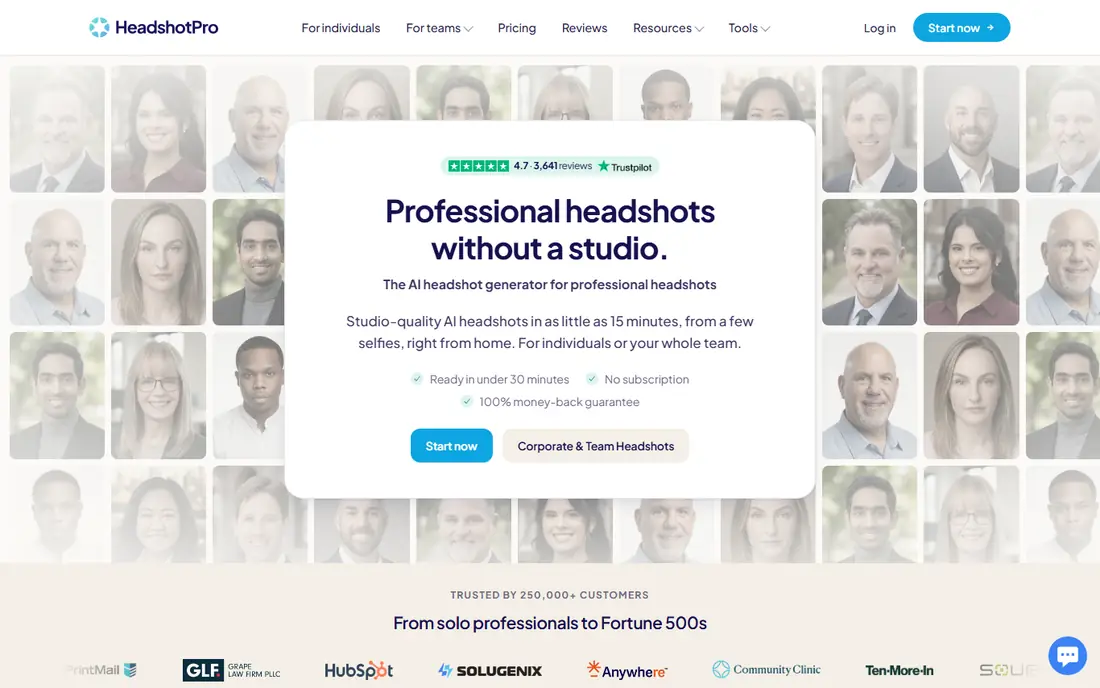
Where HeadshotPro fits: professional headshots with edit credits. Individual packages run from $29 to $59 one-time, delivering 30 to 70 headshots in under 30 minutes.
For teams, credit-based pricing with volume discounts makes company-wide headshots straightforward. The starting price for HeadshotPro: From $29 one-time. HeadshotPro has no free tier.
Drawbacks to consider: No free level.
- Packages from $29 with no subscription
- Edit credits let you swap outfits and backdrops after generation
- Generation quality relies on the selfies you upload
PFPMaker
Ideal for: Free profile pictures with AI polish
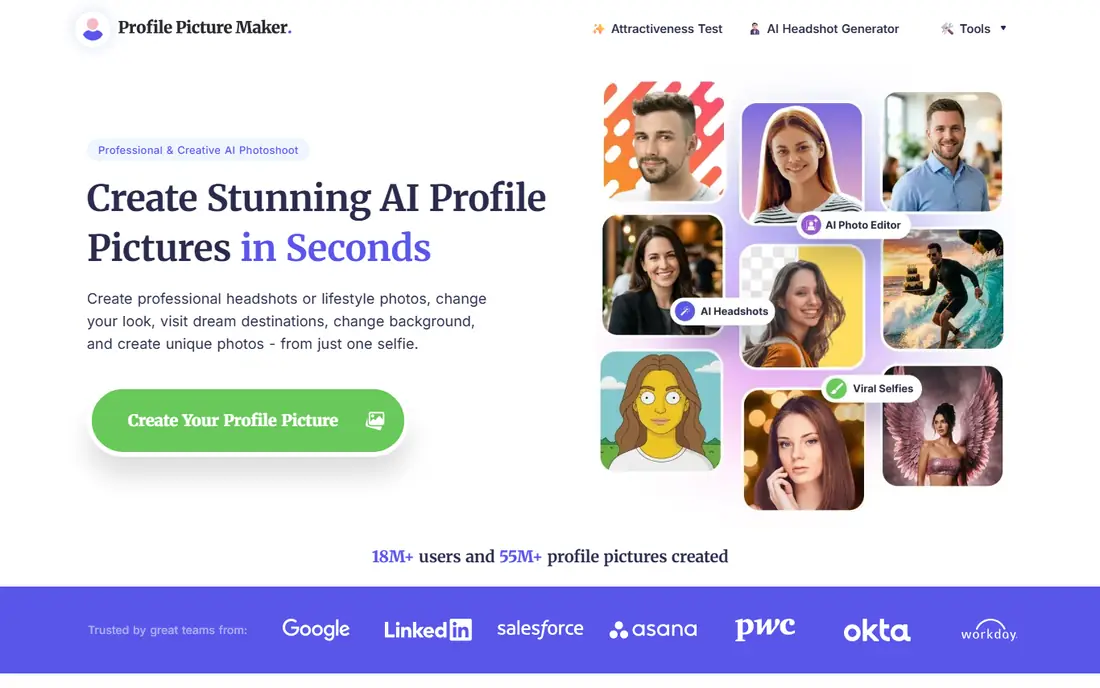
PFPMaker is built with free profile pictures with AI polish in mind. PFPMaker started as a free profile picture maker: remove the background, add a new one, add borders and text, done. That classic toolkit is still free forever with no credits needed.
What to check first: AI headshot packs are premium.
The free level takes care of the basics well, and the premium AI choices compete with the headshot specialists. If you want a free, no-signup polish for your profile picture, start here. PFPMaker starts at: Free. PFPMaker has a free plan.
- AI headshots from one selfie with 515 plus outfit and background choices
- Classic profile picture tools are free forever
- Free tools are entry-level compared to full editors
Lensa
Ideal for: Viral-style magic avatars and trending looks
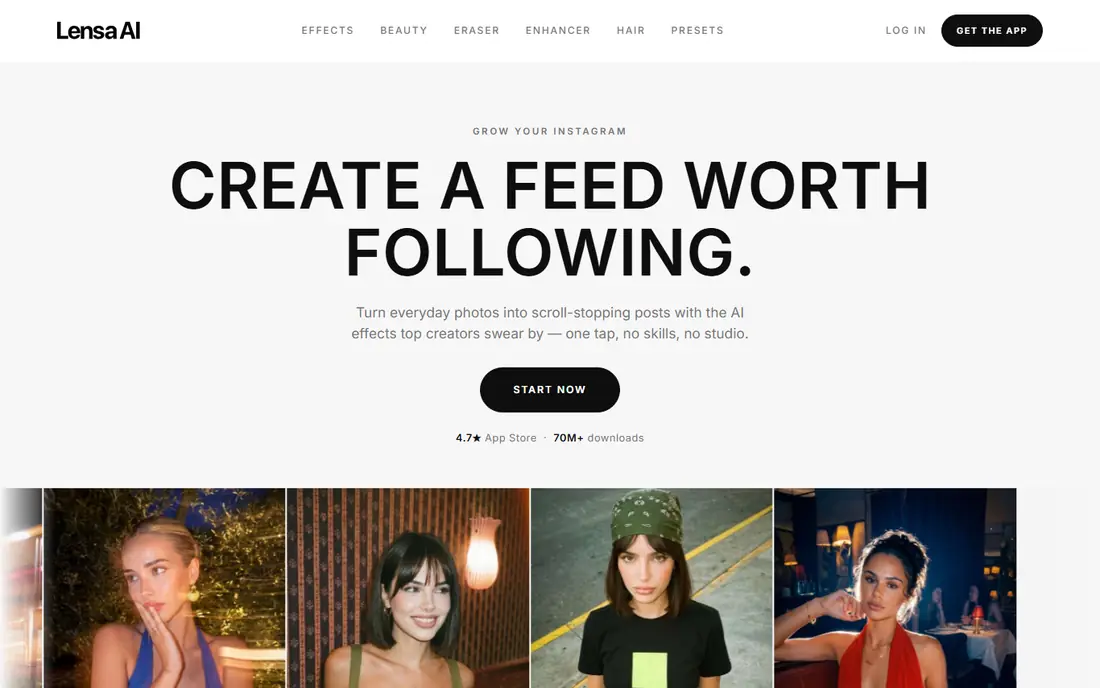
Lensa is designed for viral-style magic avatars and trending looks. Upload selfies and get stylized AI portraits in dozens of trending looks, from Golden Hour glam to Y2K digicam aesthetics. In practice, the business model is the catch.
More specifically, the subscription opens the editor, but the widely used Magic Avatars packs are normally premium separately, which surprises new users. Still, with 70 million plus downloads and coverage from the New York Times to Forbes, it remains the default first stop for anyone who wants a fun, shareable AI avatar quick. Lensa shows no starting price here, so confirm the cost on the vendor site. Free options: Free trial.
Downsides: Avatar generation packs cost additional on top of the subscription. Upsides: makeup and backgrounds.
- Huge range of trendy avatar styles and effects
- 70M plus downloads with a 4.7 App Store rating
- Subscription model
Fotor
Ideal for: Free AI avatars inside a complete photo editor
For free AI avatars inside a complete photo editor, Fotor is a natural candidate. Fotor is a full online photo editor that happens to contain a solid AI avatar generator.
If you need one free tool that does avatars plus everyday photo editing, Fotor handles both without asking for a card. Fotor pricing: Free. You can start on Fotor without paying.
Downsides: Avatar styles are more straightforward than dedicated avatar apps.
- Works on web
- Desktop and mobile
- Advanced features need Fotor Pro
Wonder AI
Ideal for: Artistic AI portraits from text prompts
Wonder AI works best for artistic AI portraits from text prompts. Wonder is an AI art generator that works from text prompts instead of selfies, with over 40 art styles. With 36 million plus users, it is one of the biggest AI art apps.
It will not produce a LinkedIn headshot that looks like you, since it does not train on your face. But for a striking, original avatar that nobody else has, Wonder's style range is hard to match. Describe the portrait you want and it produces it, which makes it a strong match for artistic avatars, gaming personas and creative profile pictures where likeness matters less than style. This comparison lists no price for Wonder AI; ask the vendor. Free access exists with Wonder AI.
What to check first: Style-first, so professional headshots are not its strength.
- 36M plus users
- Text-to-image generation needs no selfies
- Less face-accurate than selfie-trained tools
What went into this list
The comparison looks at four things: starting price, free access, how well the feature set matches AI avatar generator app, and the main limit of each tool. Seat minimums, billing terms and add-ons can move the real cost, so the starting prices here are a guide and not a quote. Order on the page follows fit for the typical buyer first, then price transparency and free access. Your own requirements should decide the final pick.
What to check before you buy
- Get a written quote from Lensa and Wonder AI; the list shows no starting price for them.
- Read the fine print on the free plans from PFPMaker, Fotor and Wonder AI; seat, project and feature caps differ.
- Take the trial from Lensa and push a live task through it before you pay.
- Before choosing HeadshotPro, weigh its main limit: no free level.
- A short pilot of Lensa with your real workflow tells you more than a feature table.
- Test the integrations you rely on with HeadshotPro before committing; some connectors sit on upper tiers.
Frequently asked questions
How are the tools for AI avatar generator app ordered?
HeadshotPro sits first and Wonder AI last because the order follows typical fit for AI avatar generator app, then price clarity and free access. It is a judgement call, so read each profile for fit and limits.
Which options for AI avatar generator app have a free plan?
PFPMaker, Fotor and Wonder AI offer a free plan in this list. Free plans usually cap users, projects or features, so check the limits on the vendor page. One other tool offers a trial instead.
Do these tools publish their prices?
Not all of them. Lensa and Wonder AI publish no starting price, so expect a quote request for those. The rest, HeadshotPro included, show a starting price, though seats and billing terms still change the final cost.
How numerous selfies do I need for decent results?
Most headshot tools ask for 10 to 20 selfies with varied angles, lighting and expressions, and no sunglasses, filters or group photos.
Can I try these tools before paying?
Often, yes. PFPMaker, Fotor and Wonder AI have a free plan and Lensa offers a free trial. Use your own data and a real task during the test, and check what the free tier or trial limits before you rely on it.