7 Best AI Avatar Software for Video Generation Options for 2026

- D-ID sits first on this list: developers and live conversational avatars.
- What to know about Colossyan first: higher starting price than most rivals, most solid features sit behind Enterprise.
- Vidnoz fits free-first avatar video creation.
- For the cheapest start, look at D-ID: From $5.90 per month.
- Free plans exist at 5 of 7 tools (Colossyan, Synthesys, Synthesia, VEED, Vidnoz).
Direct answer
D-ID leads the list, best for developers and live conversational avatars. For a different need, Colossyan covers structured corporate learning content and Synthesys covers budget voiceover and avatar bundles. The other 4 tools in the list cover narrower or pricier cases.
Quick comparison
| Product | Ideal for | Price from | Free version | |
|---|---|---|---|---|
 D-ID | Developers and live conversational avatars | From $5.90 a month (billed yearly) | Free trial (14 days) | Visit |
 Colossyan | Structured corporate learning content | From $59 a month (billed yearly) | Yes | Visit |
 Synthesys | Budget voiceover and avatar bundles | From $20 a month | Yes | Visit |
 Synthesia | Enterprise training video libraries | From $29 a month ($18 per month billed annually) | Yes | Visit |
 Elai | Learning and development teams | From $23 per user a month | Free trial | Visit |
 VEED | Creators who also need a real video editor | From $19 per month (around $12 a month billed yearly) | Yes | Visit |
 Vidnoz | Free-first avatar video creation | From $26.99 per month ($19.99 per month billed yearly) | Yes | Visit |
Tool-by-tool breakdown
Short on time? The summary and table above give the quick view of 7 tools for AI avatar software for video generation, and the profiles that follow give the detail behind each entry.
D-ID
Ideal for: Developers and live conversational avatars
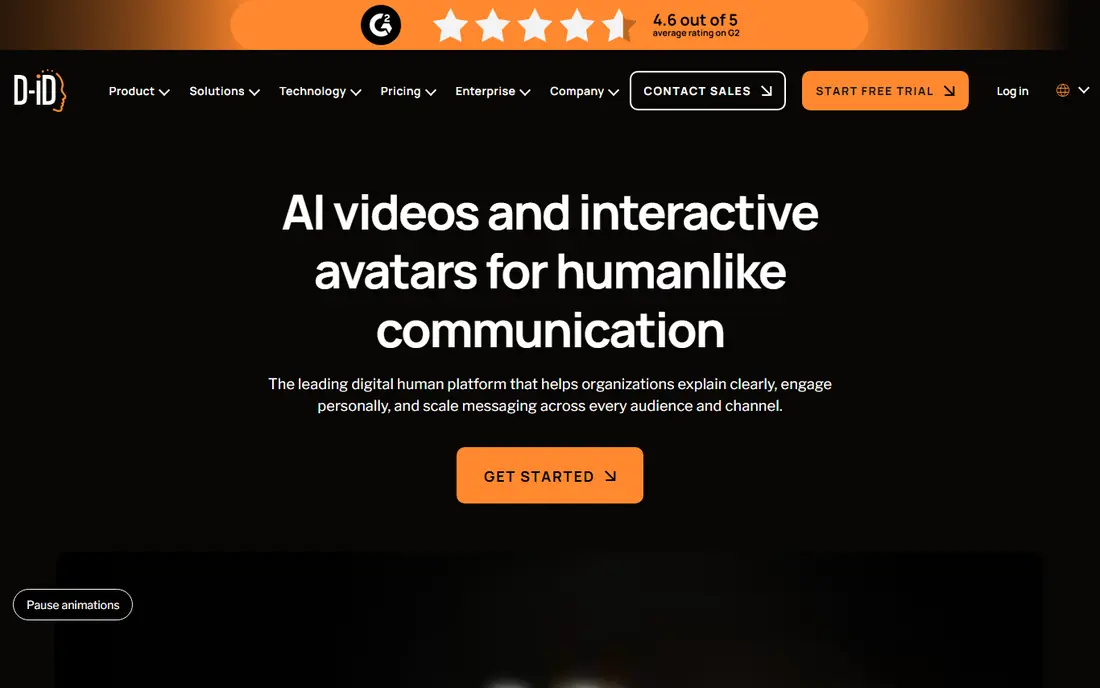
For developers and live conversational avatars, D-ID is a natural candidate. D-ID comes at avatars from a different angle. As for the details, the Creative Reality Studio spans the classic script-to-video path.
Where it is weaker: Entry Lite level excludes premium presenters and displays a watermark.
The developer API is among the best documented in the space. This is the pick if your use case is interactive or embedded, not refined marketing spots. Worth adding: whereas rivals focus on the studio, D-ID built its strength in digital humans that converse in live, deployable as embeddable agents for customer service, sales, and support. Starting cost for D-ID: From $5.90 per month. On free options: Free trial (14 days).
- One of the lowest entry prices in the category
- Very good API for embedding avatars in apps
- Video length capped at 5 minutes
Colossyan
Ideal for: Structured corporate learning content

Colossyan makes the most sense for structured corporate learning content. An AI agent drafts everything from a document, PDF, deck, or prompt, and you approve each scene before anything renders. That control-focused workflow is exactly what regulated training teams want.
More specifically, the honest trade-off is price. Beyond that, at $59 per month billed yearly for the Professional tier, it costs more than the alternatives above, and features like custom avatar creation live on Enterprise. On cost, Colossyan starts like this: From $59 per month. You can start on Colossyan without paying.
Points against: most solid features sit behind Enterprise.
- Goes beyond videos into full courses with quizzes and SCORM export
- Localize into 100+ languages
- Higher starting price than most rivals
Synthesys
Ideal for: Budget voiceover and avatar bundles

Synthesys serves budget voiceover and avatar bundles. Every plan contains full commercial rights, which is worth more than it sounds: some tools restrict premium-media use to higher levels.
Limits to weigh: Avatar realism trails the top-tier tools.
It suits creators who require volume and versatility on a budget. Price to start with Synthesys: From $20 per month. Synthesys offers a free plan.
- 1,000+ avatars
- Merges AI voices and video in one cheap subscription
- Promotional discount pricing can move around
Synthesia
Ideal for: Enterprise training video libraries
Synthesia serves enterprise training video libraries. More than two million users and most of the Fortune 100 run training libraries through it, which displays in the polish: the workflow from a document or PowerPoint to a finished, on-brand video takes minutes, and translation into 140+ languages manages terminology consistently with glossary controls. The pricing ladder is the primary thing to watch.
Where it falls short: The premium entry level limits monthly video minutes.
A new Sessions product adds interactive avatar roleplays and conversational surveys for coaching use cases. Beyond that, the $29 Starter level is budget-friendly, but serious volume lives on Creator and Enterprise plans, and studio-quality custom avatars are a premium add-on. This is the tool for organizations that will produce hundreds of training videos per year and need compliance checkboxes ticked, not the cheapest path to a one-off talking-head clip. The starting price for Synthesia: From $29 per month. A free plan is available with Synthesia.
Strengths: Huge avatar library.
- New interactive Sessions for roleplay practice
- 140+ languages
- Custom avatars cost additional on top
Elai
Ideal for: Learning and development teams
Elai makes the most sense for learning and development teams. Elai is a straightforward choice for L&D teams that require plenty of avatar video without enterprise overhead. Voice cloning includes 28 languages, and the product supports avatar dialogs, where two presenters hold a conversation for scenario-based training.
One thing buyers should know: Elai was acquired by Panopto in October 2024 and now sits inside Panopto's video learning system, which brings long-term backing but means the product roadmap follows Panopto's enterprise learning focus. For everyday use, the standout tools are the converters: upload a PowerPoint or paste a blog URL and get back a narrated, presenter-led video in minutes. Starting cost for Elai: From $23 per user per month. On free options: Free trial.
The main drawbacks: smaller brand recognition than the category leaders.
- Personalized video campaigns at scale
- PPTX-to-video and article-to-video converters
- Only a free trial instead of a permanent free level
VEED
Ideal for: Creators who also need a real video editor
Choose VEED for creators who also need a real video editor. VEED is first a video editor, and avatars are one feature inside it.
Points against: AI avatar minutes are restricted on lower levels.
That changes the workflow: your AI presenter reads the script, then you cut the result, add subtitles, dub it into 50+ languages, brand it, and resize it for every product without leaving the browser. Also, if avatars are a small part of a larger editing workload, VEED wins on convenience. What you pay to start with VEED: From $19 per month. VEED has a free plan.
- Capable brand kit and collaboration tools
- Full browser-based editor with AI avatars, dubbing
- Credit allowances for AI features can run out before renewal
Vidnoz
Ideal for: Free-first avatar video creation
Choose Vidnoz for free-first avatar video creation. The permanent free plan contains nearly two thousand avatars, thousands of voices.
Where it is weaker: free exports carry a watermark.
A large template library, with daily video allowances, which is more than most rivals offer at no cost. From a buyer's view, the main limit is the credit system, where different features consume credits at different rates and unused credits do not roll over. On cost, Vidnoz starts like this: From $26.99 per month. You can start on Vidnoz without paying.
- Huge template library
- Ample permanent free plan with 1,900+ avatars
- Credit system layers on pricing complexity
What went into this list
Pricing pages, product documentation and feature lists were the main sources, and every entry carries at least one honest drawback. Figures are shown as the vendors publish them. Billing terms, seat minimums and add-ons can change the real cost. Order on the page follows fit for the typical buyer first, then price transparency and free access. Your own requirements should decide the final pick.
Questions to settle before buying
- Confirm the entry price on the vendor page: D-ID starts at $5.90 per month, but seat counts and billing terms change the total.
- Look at free plan limits closely: Colossyan, Synthesys, Synthesia and others have one, and the caps decide whether it is usable for real work.
- Take the trial from D-ID and Elai and push a live task through it before you pay.
- Read the limits listed for D-ID first: entry Lite level excludes premium presenters and presents a watermark, video length capped at 5 minutes.
- Check the integration list for Synthesys against the tools you run today, and note which ones need a higher plan.
- Ask Elai which support channels and response times come with the plan you would buy.
Frequently asked questions
Can I use AI avatar videos for commercial purposes?
Normally yes on premium plans, and Synthesys bundles full commercial rights on every plan. Always check the specific plan's license terms, since some tools restrict premium-media distribution to higher levels.
How are the tools for AI avatar software for video generation ordered?
D-ID sits first and Vidnoz last because the order follows typical fit for AI avatar software for video generation, then price clarity and free access. It is a judgement call, so read each profile for fit and limits.
Which options for AI avatar software for video generation have a free plan?
Colossyan, Synthesys, Synthesia, VEED and Vidnoz offer a free plan in this list. Free plans usually cap users, projects or features, so check the limits on the vendor page. Several others offer a trial instead.
How much does AI avatar software cost?
Entry plans run from about $6 to $29 per month, with most capable tools between $49 and $89 per month for team use. Multiple tools offer free plans or trials, though free output typically carries a watermark or limits video length.
Do these tools publish their prices?
Yes. Every tool from D-ID to Vidnoz shows a starting price, though seats, add-ons and billing terms still change the final cost.
Do I need video editing skills to use these tools?
No. That is the point of the category. Every tool above is browser-based and works from typed scripts, with most offering templates so you can go from idea to finished video in minutes.