Best AI Chat Apps in 2026: 8 Apps Compared

- 1
 ChatGPTEveryday chat and broad tasksVisit
- 2
 ClaudeLong writing and careful analysisVisit
- 3
 GeminiGoogle users and researchVisit
- 4
 Microsoft CopilotMicrosoft 365 usersVisit
- 5
 PerplexityCited research answersVisit
- ChatGPT and Claude lead for most people, with ChatGPT stronger on breadth and Claude stronger on long, careful writing.
- Gemini suits Google Workspace users, while Copilot fits people already working inside Microsoft 365.
- Perplexity is the better pick when you need cited answers, and DeepSeek is worth trying for a low-cost option.
- Free tiers are genuinely useful here, so test two or three apps on real tasks before paying for any of them.
Quick comparison
| Product | Ideal for | Price from | Free version | |
|---|---|---|---|---|
| ChatGPT | Everyday chat and broad tasks | Free | Yes | Visit |
| Claude | Long writing and careful analysis | Free | Yes | Visit |
| Gemini | Google users and research | Free | Yes | Visit |
| Microsoft Copilot | Microsoft 365 users | Free | Yes | Visit |
| Perplexity | Cited research answers | Free | Yes | Visit |
 Meta AI | Social and casual chat | Free | Yes | Visit |
 DeepSeek | Low-cost capable chat | Free | Yes | Visit |
 Grok | Real-time and social topics | Free | Yes | Visit |
The best ai chat app
We compared the chat apps people actually use every day, on writing help, research, coding support and plain everyday questions. All eight work now, and all have a free tier or trial, so there is no need to pay before you know which style you prefer. Our pick for most people is ChatGPT for its breadth, with Claude close behind for long-form work.
ChatGPT
Ideal for: Everyday chat and broad tasks
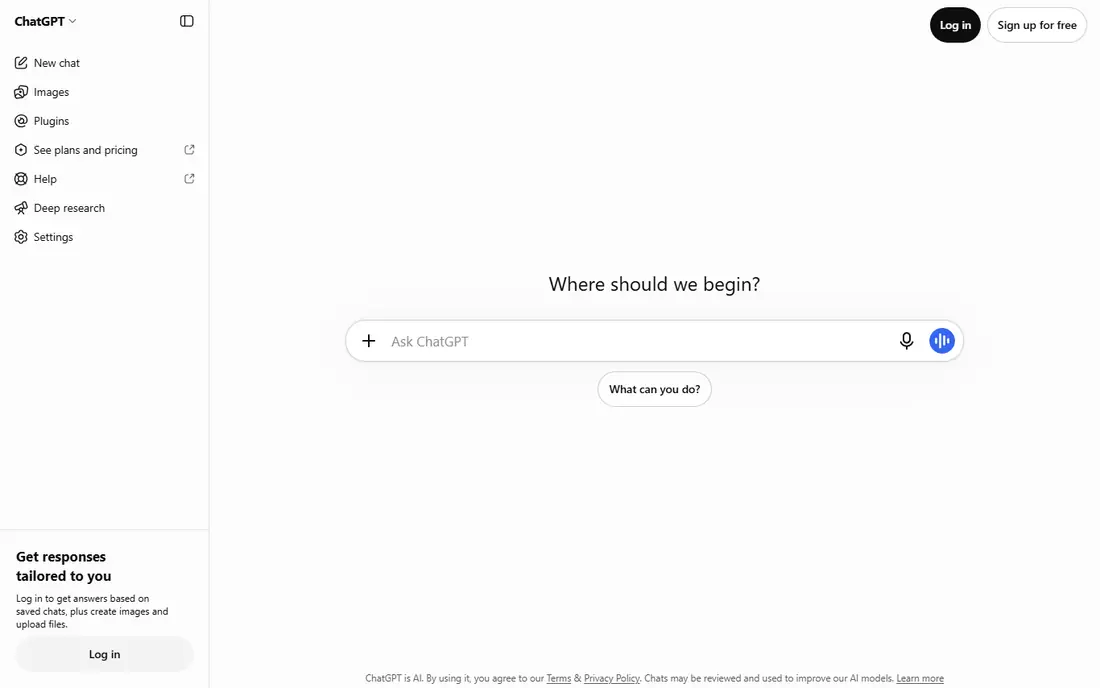
ChatGPT is the default choice for a reason. It handles writing, brainstorming, coding help, image generation and everyday questions in one place, and the free tier covers a surprising amount of daily use. The paid tier raises limits and opens newer models, which matters if you use it for hours a day. As with every chat app, check important facts rather than trusting an answer outright.
For most readers, the deciding question with ChatGPT is fit rather than raw feature count. Check the plan limits that matter to you, such as seats, usage caps and what happens when a trial ends, before you commit to a paid tier. If the free tier or trial covers your core task, use it for a full week of real work before paying, and keep an eye on renewal terms and cancellation steps. That short test usually tells you more than any feature list, and it keeps the choice grounded in how you actually work day to day.
- Very broad abilities
- Voice and image input
- Large app ecosystem
- Advanced models and higher limits need a paid plan
- Answers need checking
Claude
Ideal for: Long writing and careful analysis
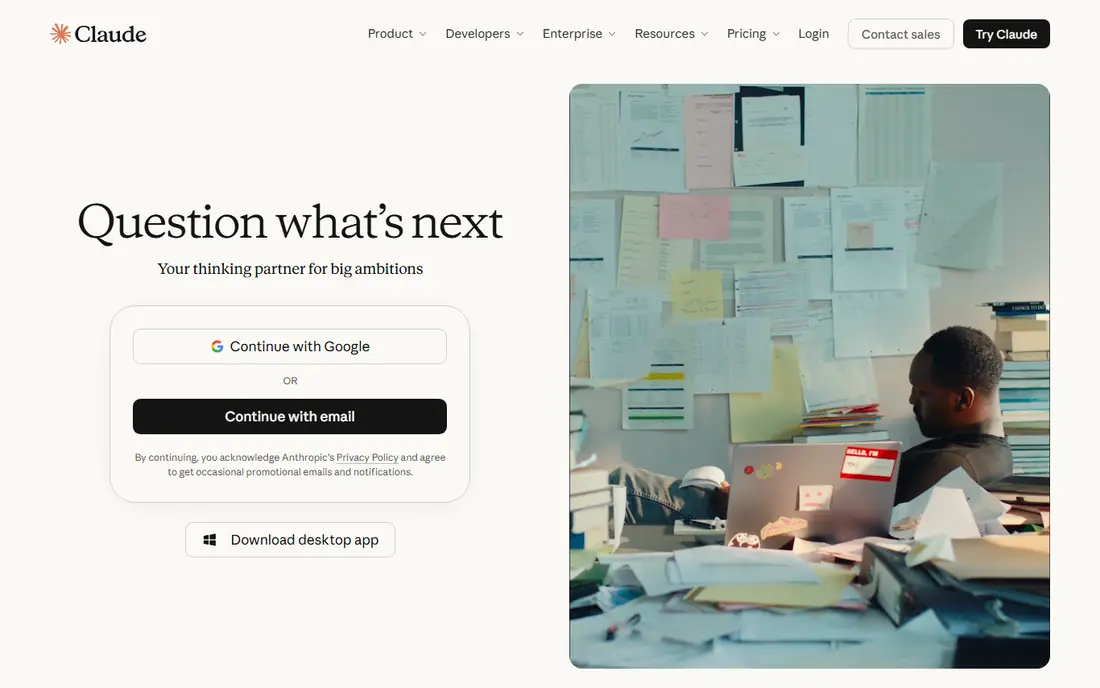
Claude shines on long documents. You can feed it a report, a draft or a set of notes and ask for a summary, a rewrite or a structured critique, and the results read cleanly. Projects let you keep context across sessions, which helps with ongoing work. Peak-time limits on the free tier can frustrate heavy users, so serious users often pay.
For most readers, the deciding question with Claude is fit rather than raw feature count. Check the plan limits that matter to you, such as seats, usage caps and what happens when a trial ends, before you commit to a paid tier. If the free tier or trial covers your core task, use it for a full week of real work before paying, and keep an eye on renewal terms and cancellation steps. That short test usually tells you more than any feature list, and it keeps the choice grounded in how you actually work day to day.
- Strong long-document handling
- Clear, careful writing style
- Projects for ongoing work
- Free tier limits are tighter at peak times
- Fewer built-in app integrations
Gemini
Ideal for: Google users and research

Gemini makes most sense if you already live in Google products. It connects with Search, Docs and Gmail in ways that save copying and pasting, and it handles text, images and voice in one conversation. The free tier is generous for everyday use, while the paid tier adds higher limits and deeper Workspace features.
For most readers, the deciding question with Gemini is fit rather than raw feature count. Check the plan limits that matter to you, such as seats, usage caps and what happens when a trial ends, before you commit to a paid tier. If the free tier or trial covers your core task, use it for a full week of real work before paying, and keep an eye on renewal terms and cancellation steps. That short test usually tells you more than any feature list, and it keeps the choice grounded in how you actually work day to day.
- Deep Google Search and Workspace links
- Strong multimodal input
- Generous free tier
- Some advanced features need a paid plan
- Answers vary by topic
Microsoft Copilot
Ideal for: Microsoft 365 users
Copilot is the natural pick for Microsoft households and offices. It sits inside Windows, Edge and Microsoft 365 apps, so you can draft, summarise and search without switching tools. The free version covers everyday chat well, while the full Microsoft 365 version adds document-aware help that is genuinely time-saving for office work.
For most readers, the deciding question with Microsoft Copilot is fit rather than raw feature count. Check the plan limits that matter to you, such as seats, usage caps and what happens when a trial ends, before you commit to a paid tier. If the free tier or trial covers your core task, use it for a full week of real work before paying, and keep an eye on renewal terms and cancellation steps. That short test usually tells you more than any feature list, and it keeps the choice grounded in how you actually work day to day.
- Built into Windows, Edge and Microsoft 365
- Web-grounded answers
- Image generation
- Best value needs a Microsoft 365 subscription
- Chat style is more formal
Perplexity
Ideal for: Cited research answers
Perplexity is built for questions where the source matters. Answers come with citations you can open and check, which makes it far more useful for research than a chat app that answers from memory alone. It is less playful for fiction or brainstorming, but for news, facts and comparisons it is the tool we reach for first.
For most readers, the deciding question with Perplexity is fit rather than raw feature count. Check the plan limits that matter to you, such as seats, usage caps and what happens when a trial ends, before you commit to a paid tier. If the free tier or trial covers your core task, use it for a full week of real work before paying, and keep an eye on renewal terms and cancellation steps. That short test usually tells you more than any feature list, and it keeps the choice grounded in how you actually work day to day.
- Cites sources for most answers
- Fast web research
- Follow-up questions keep context
- Less suited to open-ended creative writing
- Pro search limits on free tier
Meta AI
Ideal for: Social and casual chat
Meta AI wins on convenience, because it lives inside apps many people already open daily. You can ask questions, generate images and get quick help without installing anything new. It is less suited to long professional documents or deep research, and users who care about privacy should review the data controls before relying on it heavily.
For most readers, the deciding question with Meta AI is fit rather than raw feature count. Check the plan limits that matter to you, such as seats, usage caps and what happens when a trial ends, before you commit to a paid tier. If the free tier or trial covers your core task, use it for a full week of real work before paying, and keep an eye on renewal terms and cancellation steps. That short test usually tells you more than any feature list, and it keeps the choice grounded in how you actually work day to day.
- Free to use
- Built into WhatsApp, Instagram and Facebook
- Image generation
- Less depth for long professional work
- Privacy controls need attention
DeepSeek
Ideal for: Low-cost capable chat
DeepSeek surprised many people by offering capable reasoning and coding help at a very low cost, with a free chat tier. The interface is plain and focused, which some users prefer to feature-heavy rivals. The ecosystem of apps and integrations is smaller, so it suits users who mainly want a strong chat window rather than a full platform.
For most readers, the deciding question with DeepSeek is fit rather than raw feature count. Check the plan limits that matter to you, such as seats, usage caps and what happens when a trial ends, before you commit to a paid tier. If the free tier or trial covers your core task, use it for a full week of real work before paying, and keep an eye on renewal terms and cancellation steps. That short test usually tells you more than any feature list, and it keeps the choice grounded in how you actually work day to day.
- Strong reasoning for a free service
- Low-cost API
- Clean chat interface
- Smaller app ecosystem
- Availability and limits can vary
Grok
Ideal for: Real-time and social topics
Grok leans into real-time discussion, drawing on current posts and news in a way that suits fast-moving topics. Its tone is bolder and more casual than Claude or Copilot, which some users enjoy and others do not. Image generation is included, while the most capable models and higher limits sit behind a paid tier.
For most readers, the deciding question with Grok is fit rather than raw feature count. Check the plan limits that matter to you, such as seats, usage caps and what happens when a trial ends, before you commit to a paid tier. If the free tier or trial covers your core task, use it for a full week of real work before paying, and keep an eye on renewal terms and cancellation steps. That short test usually tells you more than any feature list, and it keeps the choice grounded in how you actually work day to day.
- Strong on current events and social discussion
- Image generation
- Bold tone
- Tone is not for everyone
- Some features need a paid tier
How we picked these
We compared official feature pages, pricing pages, app store listings, privacy policies and public reviews for each option below. We kept only products that exist and work now, that fit the topic directly, and whose official homepage we could confirm. Where a price was not published clearly, we wrote See website rather than guessing, and we favoured options with a free tier or trial where one exists.
Choosing the right chat app for your work
Start with the task, not the brand. For cited research, Perplexity beats a general chat app. For long documents, Claude has the edge. For everything in one place, ChatGPT is hard to beat. Matching the tool to the task matters more than chasing the newest model name.
Test with your real work for a week. Give each candidate the same five tasks, such as drafting an email, summarising an article, planning a trip and explaining a concept, then compare the results. That test reveals more than any benchmark, because it reflects your prompts and your standards.
Keep privacy in mind. Avoid pasting passwords, client data, medical details or unpublished work into any chat app unless you understand its data policy and have a business plan with appropriate controls. For sensitive work, check whether the provider offers data controls or a business tier before you proceed.
Frequently asked questions
What is the best AI chat app overall?
For most people, ChatGPT offers the broadest mix of writing, coding, image and everyday help, with a useful free tier. Claude is a strong alternative for long writing, and Gemini suits Google users, so the best pick depends on how you work.
Is there a good free AI chat app?
Yes. ChatGPT, Claude, Gemini, Copilot, Perplexity, Meta AI, DeepSeek and Grok all offer free tiers that cover everyday questions and writing help. Paid plans mainly raise limits and open newer models, so start free and upgrade only when you hit a limit.
Which AI chat app is best for research?
Perplexity leads for research because it cites sources you can open and check. Gemini also draws on web search effectively, while ChatGPT and Claude are better for synthesising material you supply yourself.
Can AI chat apps replace search engines?
Not fully. Chat apps are excellent for explanations, drafts and synthesis, but they can be wrong with confidence. For facts that matter, verify against the original source, and use a cited tool such as Perplexity when accuracy is the priority.
Are AI chat conversations private?
Providers handle chat data differently, and free tiers often use conversations to improve models unless you change a setting. Avoid sharing sensitive personal or business data, and review the privacy policy and data controls of the app you choose.